#How is a gradient trail effect created?
10 messages · Page 1 of 1 (latest)
 sharp cairn
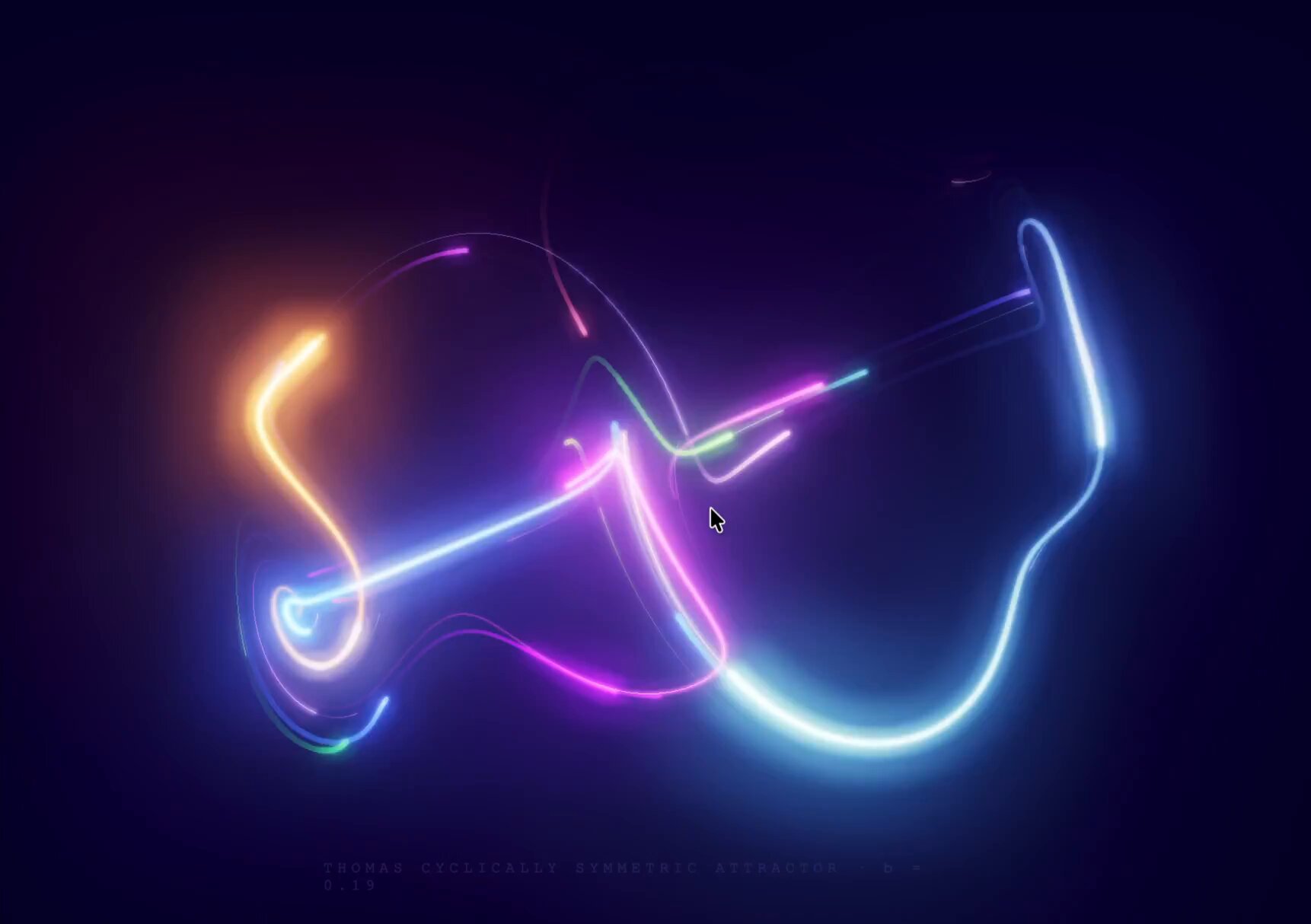

 gaunt jackal
You can probably use a Line type, or a "Ribbon" or lots of individual particles... or a virtual ribbon made of instanced quads... Quite a few ways to create that effect.
Also it looks like there is some heavy bloom post processing which always makes things look awesome. 😄
sharp cairn
The particle version, I wrote https://yufengjie97.github.io/three-demo/three/thomas-attractor/, It doesn't seem as effective as when he uses the ribbon, and what puzzles me is how he constructs the ribbon and how the animation is handled.
gaunt jackal
sharp cairn
The particle version, I wrote https://yufengjie97.github.io/three-demo/three/tho...
very nice.
sharp cairn
I suspect he constructed the entire geometry in JavaScript using vec3 v = sin(p.yzx) - bFactor * p;, then applied a shader to the geometry's material to achieve this effect.
gaunt jackal
I made this simple fireworks using ribbons + bloom: https://manthrax.github.io/atos/index.html
sharp cairn
Is this a particle system constructed using GPGPU? Are each particle and its trail implemented within the same particle shader material? Is the trail direction adjusted based on velocity? Am I correct in my assumptions?
gaunt jackal
The particles are all simulated on the cpu, and output a triangle strip (ribbon).
sharp cairn
My CPU manages 60fps simulating this many particles per frame? I might have underestimated my CPU, LOL.
gaunt jackal
I have some other particle system examples that are gpgpu.. but none that use ribbons.
For a ribbon, you would treat each edge along the ribbon as the same particle, but at time + edge index.