

9 messages · Page 1 of 1 (latest)
 bitter roost
I have my site in a wrapper with:
.site-wrapper {
    min-height: 100vh;
    display: flex;
    flex-direction: column;
}
this makes it so the nav is always on top, body mid and footer at the very bottom of the viewport, however, its giving an undesired problem by making a page with a large image non-reponsive (SCREENSHOT 1).
If I remove the display flex the responsiveness comes back (SCREENSHOT 2), how can I fix this issue?
 tepid oracle
Are you saying you only ever want the page to be the height of the viewport? Try setting the body to 100dvh and then using min-height: 100% on your container here. I honestly would just be fiddling around to see how everything worked here so I am not certain that will work.
You may not even need a min height on this one if the body is set.
bitter roost
tepid oracle
Are you saying you only ever want the page to be the height of the viewport? Try...
I just want the footer to be at the bottom of the viewport, not the content
to be specific: i dont want the footer directly below the sign in/out form.
 tepid oracle
bitter roost
I just want the footer to be at the bottom of the viewport, not the content
tepid oracle
bitter roost
I just want the footer to be at the bottom of the viewport, not the content
Justify content space between will push it to the bottom. Or you could use the flex basis and flex grow properties on the children to make them expand to fill the space as you see fit.
 visual cloak
@bitter roost Here's a little demo of what you are wanting to achieve https://scrimba.com/scrim/cQrgQ8A3?pl=pgqMeW5Cw
The key is to give the main content container the "flex-grow: 1" property so that it takes up all the remaining space
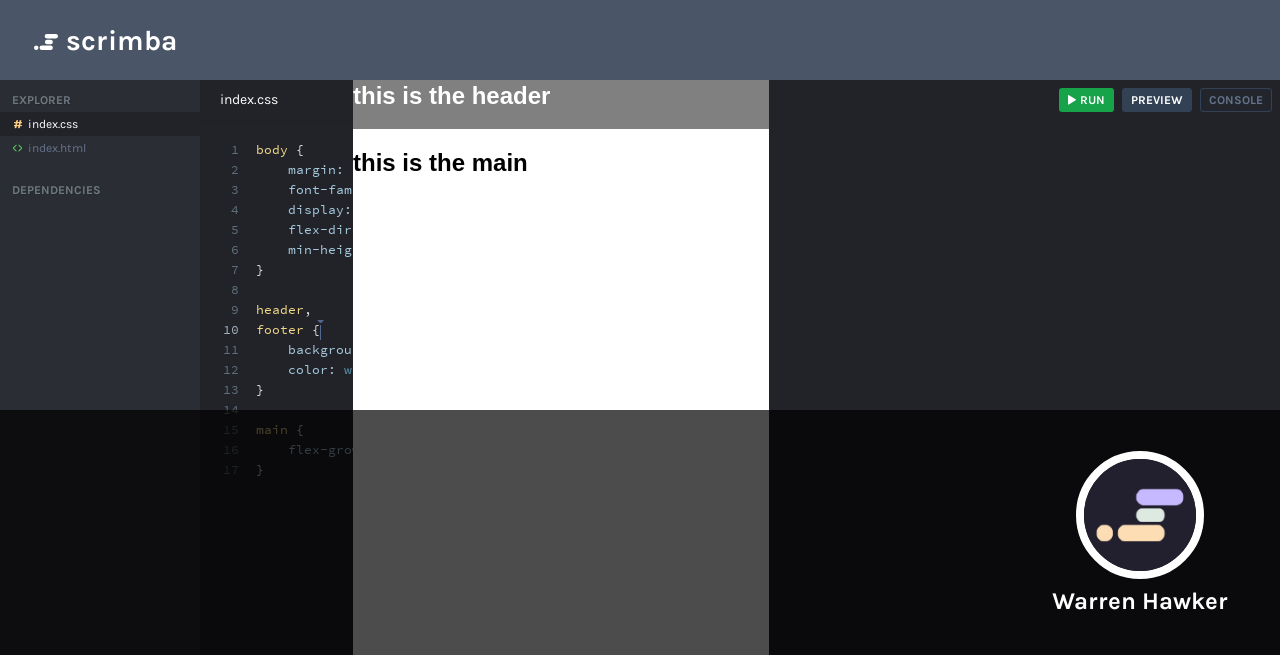
Learn to code with interactive scrims. Our courses and tutorials will teach you React, Vue, Angular, JavaScript, HTML, CSS, and more. Scrimba is the fun and easy way to learn web development.
bitter roost
visual cloak
<@456226577798135808> Here's a little demo of what you are wanting to achieve ht...
got it fixed ty.
visual cloak
👍