

#Error When Trying To "Export avatar bundle" using VSF SDK
1 messages · Page 1 of 1 (latest)
 glass rampart
 grand coral
Hmm you would need to convert vrc physbone too springbones
glass rampart
I forgot to put the console print out of the error
"VRC.SDK3.Dynamics.PhysBone.Components.VRCPhysBone",

UnityEngine.Debug:LogError (object)
VSeeFace.AvatarCheck:CheckAvatar (UnityEngine.GameObject,string&) (at Assets/_Shadedoes3D/Awtter VTube 3.0.6c/7) Process/VSF SDK/AvatarCheck.cs:295)
VSeeFace.ExportAvatar:ExportAvatarBundle () (at Assets/_Shadedoes3D/Awtter VTube 3.0.6c/7) Process/VSF SDK/Editor/BasicExporter.cs:18)```Check how the spring bones are set up on the vrm avatar, it’s on an object at the root of the avatar
glass rampart
grand coral
Check how the spring bones are set up on the vrm avatar, it’s on an object at th...
What am I looking for? I'm not experienced with VRM
Oh, I think it's the hairstyle DLC's bones being physbones
Or not
grand coral
Objects can’t have physbones since it’s not a vrchat upload
It has to use something called springbones which is similar
If you go to the vrm avatars and expand it, can you screenshot? There should be an object called secondary or something. That’s where the springbones are
glass rampart
grand coral
Objects can’t have physbones since it’s not a vrchat upload
I mean that the hairstyle DLC is currently using "dynamics" and the bones have the component "VRC Phys Bone"
glass rampart
grand coral
If you go to the vrm avatars and expand it, can you screenshot? There should be...
The secondary has spring bones for "ears whiskers", "collar", and "tail"
 grand coral
You would need to create one for the hair in a similar manner, and remove the physbone component
glass rampart
I've done that now, but I'm now getting a different error upon trying to export. When I press export it gives me an error saying that it can't export because the file I'm actively trying to export doesn't exist
Console print out
System.IO.File.Move (System.String sourceFileName, System.String destFileName) (at <eae584ce26bc40229c1b1aa476bfa589>:0)
VSeeFace.ExportAvatar.ExportAvatarBundle () (at Assets/_Shadedoes3D/Awtter VTube 3.0.6c/7) Process/VSF SDK/Editor/BasicExporter.cs:57)```Keep in mind that Awtter VRM 3.0.vsfavatar is the file I am trying to create by exporting, yet it's saying it can't export because that file doesn't exist
grand coral
are there any other errors in the console after clearing?
 obsidian drift
You could try exporting to a different path as it might not have permission to write a file I guess
glass rampart
grand coral
are there any other errors in the console after clearing?
No
glass rampart
obsidian drift
You could try exporting to a different path as it might not have permission to w...
This did not work
obsidian drift
glass rampart
Console print out
```FileNotFoundException: C:/Users/-/AppData/Local/Temp/Defau...
Also if you go to the path mentioned in the error, is there anything you see?
 glass rampart
grand coral
is there a vrm component on the avatar still?
glass rampart
grand coral
is there a vrm component on the avatar still?
Yes, there is
grand coral
I started a new unity hub 2019.4.31f1 project, imported the vtuber package, and it compiled, so something happened to your side and we need to figure out. Was it just a hair model added to the project ?
glass rampart
Yes, and then I used Poiyomi shaders because I wanted parts of the model to be reflective, which you can't get with VRM MToon to my knowledge
glass rampart
I'm thinking that I'll just make a new project and start over because I think something in my project has gone horribly wrong and there's no telling what it is or how to fix it
grand coral
Yhea was my next suggestion, make a fresh project and import, get export, then one by one make changes
glass rampart
That's what I'm doing right now. I'm trying to remember how I fixed the dlc hair not being attached to the head before. Feel free to help with this as well, I cannot for the life of me remember how to do it for some reason
glass rampart
Okay, I fixed everything and it's how I want it now.
Process went as follows:
- Start over with a new Awtt VTuber project
- Selected the Arkit Vseeface avatar instead of the VRM avatar
- Did all of the basic texture stuff
- Added hair DLC and followed this video tutorial to get it attached to the model properly https://youtu.be/0wxpUsqxpAY
- Changed dynamic bones to spring bones
- Exported using VSF SDK
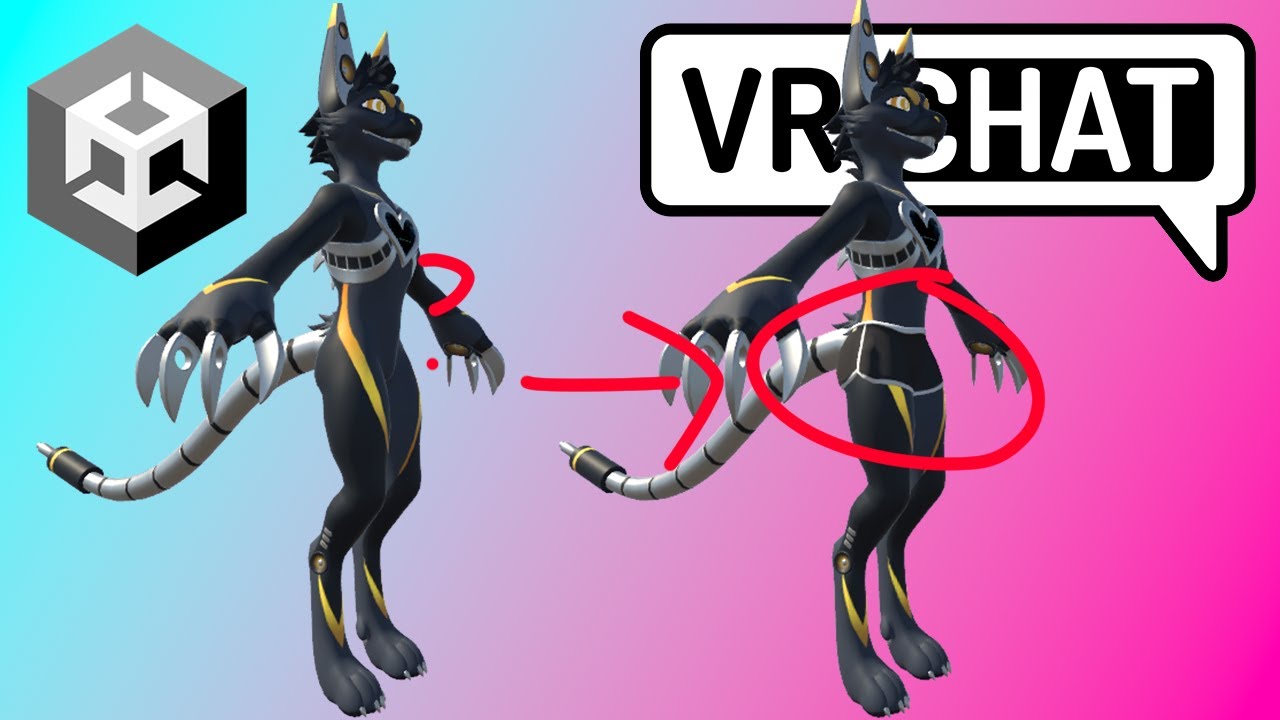
This Tutorial Will Show The Unity Process To Adding Clothing To Your Avatar!
If You Want To Toggle It Follow This Tutorial: https://youtu.be/089HQiyn6-E
Ampwave Avatar: https://jinapark.gumroad.com/l/JinsAmpwave
Hot Pants Asset: https://su5h1.gumroad.com/l/qrkhu
Join...