5 messages · Page 1 of 1 (latest)
 bold relic
The tutorials i saw dont show that they do with the exported file, they say you put it in the model's folder but it doesn't seem to work for me (not showing an option for the animation in vtube studio). this also happens with the icon. I'm a bit confused on whether i put it in the wrong place, or if i have to make its own folder, so if someone could help that'd be great.
 pure aurora
hello there @bold relic !
i used to wonder about the same thing so i hope i can help you with this matter
first of all most animations are usually done by the riggers through Live2D Cubism
but there is one way you can make your own short animation without having to animate anything using that program
by these simple steps go to the Camera Icon > scroll down till you find Record Live2D Animation
from there you can record your own movement and once you're done, you may name the animation and be able to find it at the Idle Animation menu


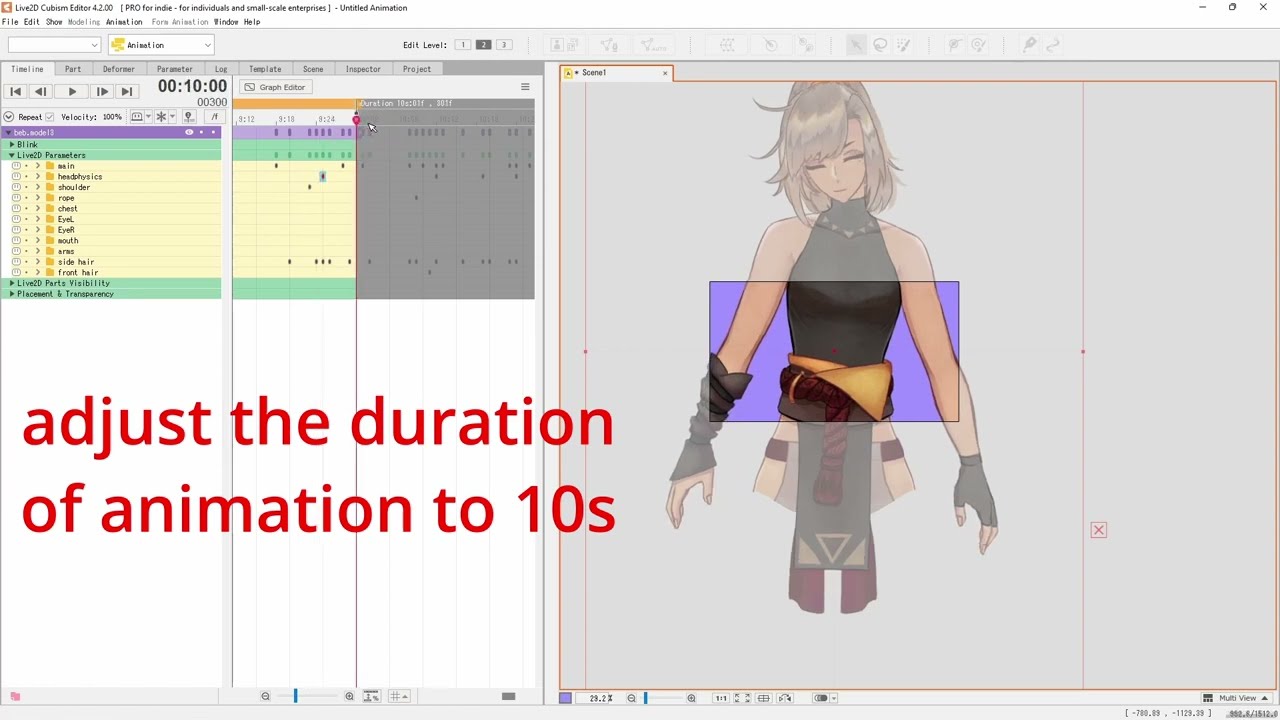
here's a bonus youtube video that may help you if you want to use cubism to edit the animation !
https://www.youtube.com/watch?v=nUkJ8SpZGKM&ab_channel=Alkanimate
bold relic
Thank you so much!!
pure aurora
bold relic
Thank you so much!!
you're very welcome !