#Random Questions About Building A Server

25 messages · Page 1 of 1 (latest)

warm sable
#

ok my goal would be to learn how to build a server. mostly for 3.5" drives. i've heard good things about raid 10, but i've never used raid with mismatched drives. i've done raid 0 with dual drives but those were both same model drives. if you know what a velociraptor drive is you're older than ssds.

to learn more about this i went down the rabbit hole with a rasberry pi 5. i figured the low power cost would be great. i didn't realize the thing couldn't natively power drives by itself without a power supply, on top of the one cord plugged into the pi. less great. rapidly sounding like a spaghetti mess. for now i'm torn between researching more into pi drive cage hats but none seem built for 3.5". plenty of 2.5" drive hats for the pi i could use if i had spare 2.5's lying around. i don't. needs a 3.5" sled.

curunir recommended a celeron processor on a normal axi/itx board instead of the hand sized mini pc/pi platforms. i know about server stacks. not trying to build a book shelf server lol, but i don't know too much about tower sized servers.

up to this point i've been focusing on hardware. so lets jump to software. i know i'll need internet connection and likely for home use access it via the router. while i understand the general concepts i duno how to accomplish that. like what program would let me set that up, how do i do it without exposing the server to anyone that wanders by? how would i set it up to allow access remotely? my understanding is the server would need an ip address i could access but also some kinda software running to give me a gui i could interact with said server.

i have a decent amount of experience troubleshooting hardware issues and software troubleshooting in windows. on linux i'm still learning. i imagine i'll need a few years to be wizzing around the terminal. i do have an old cm storm trooper full size tower i could use for this build. so i have the case and drives if i go the tower route. duno about the power supply, cpu, mobo.

#

@fleet summit

fleet summit
warm sable
shadow musk
#

In today's episode of Veronica Explains, I'm going to demonstrate the very basics of OpenSSH. We'll talk about the client, the server, key-based authentication, and creating a well constructed config file for managing your connections.

All music recorded by me, on Linux, of course!

Chapters:
00:00 Intro
02:47 Is OpenSSH installed?
03:45 Confi...

▶ Play video

You might not even like rsync. Yeah it's old. Yeah it's slow. But if you're working with Linux you're going to need to know it.

In this video I walk through my favorite everyday flags for rsync.

Support the channel:
https://patreon.com/VeronicaExplains
https://ko-fi.com/VeronicaExplains
https://thestopbits.bandcamp.com

Here's a companion blog...

▶ Play video
fleet summit
#

Yes, for an actual server, those are basic tools you need to get used to.

warm sable
warm sable
shadow musk
#

Looks like you want a NAS. I would check out OpenMediaVault if you want an OS to turn an old computer into a NAS (it's based on vanilla Debian).

If you need a quick primer on how networking works, I recommend checking out Chapters 9 and 10 of the book "How Linux Works".

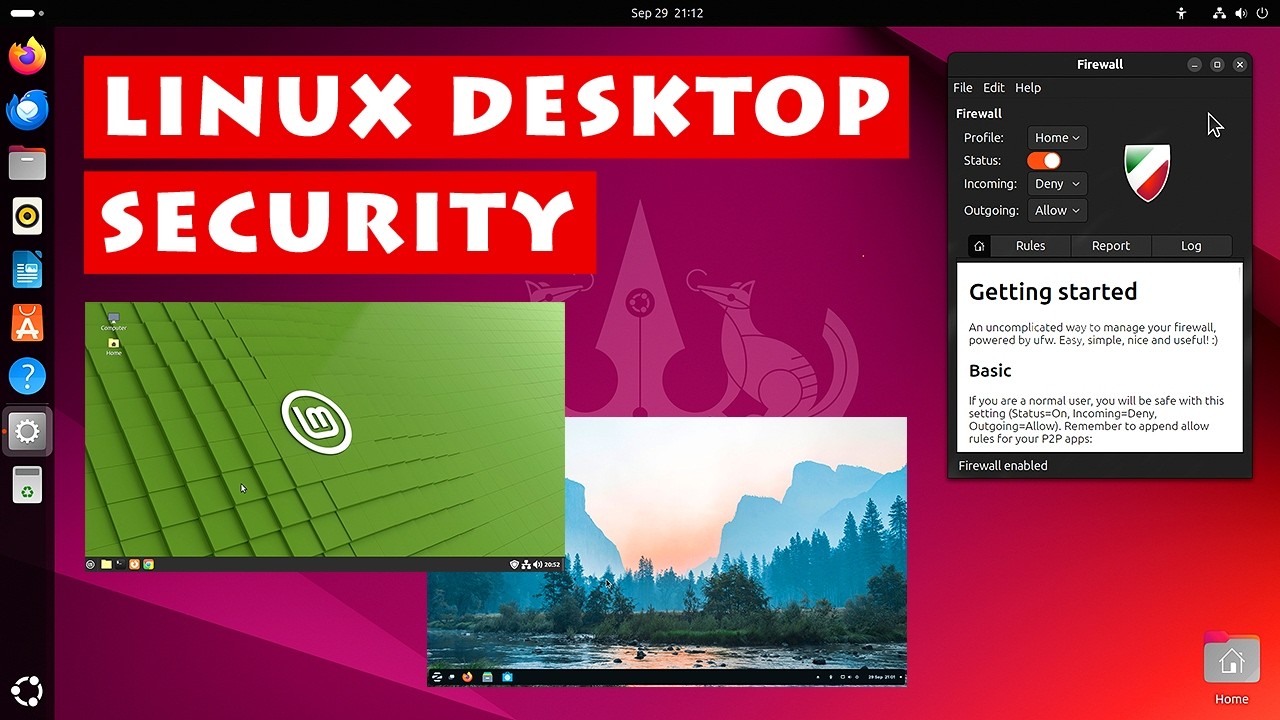
You should set up a firewall on your server (and on all of your computers) if you haven't already:
https://www.youtube.com/watch?v=IqXK8zUfDtA

If you want to set up SSH and your firewall to only allow clients on your local network to SSH into your server, check out the top two answers here:
https://askubuntu.com/questions/115940/how-can-i-setup-ssh-so-that-it-is-restricted-to-my-local-network

How to keep your Linux PC secure, by automating updates, turning on a firewall, running appropriate antivirus and wider antimalware software, user account control, and appropriate user behaviour.

The article I mention on Linux malware is here: https://linuxsecurity.com/features/rising-malware-threats-to-linux-understanding-risks-and-defenses

A...

▶ Play video
fleet summit
warm sable
fleet summit
#

Things like individual S-ATA backplates and such.

warm sable
#

finding the case, or the sleds is what stopped the project for so long. i can find the all in one built system, but not individual parts outside of 3d print etsy kinda shops. the prices were a bit much for custom order stuff like that.

warm sable
shadow musk
#

Take your time learning this; it's definitely takes more than an afternoon to understand everything

dusky apex
#

you will opt to install SSH services in its setup ofc

#

plain Debian standard in debian.org is essentially no desktop environment, but you may add one anyway in its installer, such as lxqt, or lxde

#

see some reviews about this.

#

I heard in some cases, a computer with no monitor attached, and acting as a server, needs some kind of hardware plug called an hdmi or DP dummy plug

shadow musk
#

Yes, I would recommend plain Debian for use as a server

warm sable
dusky apex
#

see YT : joe collins - all about SSH