#Steam help.
80 messages · Page 1 of 1 (latest)
 mental edge
 serene hound
You are bottlenecked by whatever transfer speed is the lowest in the chain, and it's probably that drive, if I understood you correctly.
You are literally downloading games into that drive, yes?
serene hound
Ok so I would instead recommend you download them elsewhere temporarily (ideally an SSD drive)
mental edge
don't have a SSD on me..
here's the spec sheet. https://storage-asset.msi.com/excelSku/us/desktop/Codex R2 A13NUC7-217US.pdf
serene hound
Hold up what's that spec for?
mental edge
i already replaced DDR 5 to 32 GB DDR5
serene hound
You have an all-in-one?
mental edge
serene hound
Hold up what's that spec for?
premade box below me
serene hound
ok
mental edge
Also the graphics card have been updated to 5060 TI
serene hound
It says you should have a 1TB M2 NVMe Gen4 drive, isn't that an SSD?
 serene hound
it doesn't matterrrrr lol
just set up a steam library for downloading in that NVMe for faster download
serene hound
mental edge
it doesn't have 1TB
serene hound
mental edge
the top one is built in.
yes, that's what I mean it doesn't have 1TB of space
as per your spec sheet
mental edge
this is before data stuff.
serene hound
well anyway the point here is
mental edge
 serene hound
if you download into an HDD drive it is gonna download as fast as the HDD can handle
HDD are literally mechanical cylindric drives
even with an USB-C connector it can't read nor write as fast as your standard SSD
mental edge
So uh.
serene hound
so you're bottlenecked by that
serene hound
I told you to try downloading into the SSD
mental edge
i don't have a SSD rn
serene hound
that means using your /home directory to set up a steam library
or whatever outside of the HDD
mental edge
already did.
serene hound
and then you can move over from /home to the HDD without re-downloading the files
serene hound
that's a good question, honestly don't know
serene hound
mental edge
With the SSD's up in price, um
yes it's a terrible time to upgrade your PC components
not much you can do if you don't got the cash, maybe try second-hand market
I would really recommend you grab an SSD however possible, ideally not USB
SATA SSDs are good, you don't have to rely only on NVMe
serene hound
mental edge
i don't think my motherboard has that space left.
it's the case you have to worry about
your spec sheet says you have 6 expansion slots for SATA
mental edge
it's a big case.
serene hound
and it's the case that gives you the SATA connector wiring parafernalia
so dw about the motherboard
serene hound
idk what you mean by that last sentence and I did answer your problems regarding steam downloading speeds, it's a hardware bottleneck issue
mental edge
the screenshot system
serene hound
if the question you originally asked is answered please open another ticket
serene hound
it's just an interface, like HDMI, VGA, USB
look up a video you'll be able to see and understand
 serene hound
this video covers all the basics in no time
https://www.youtube.com/watch?v=NjfRYfN4jfM
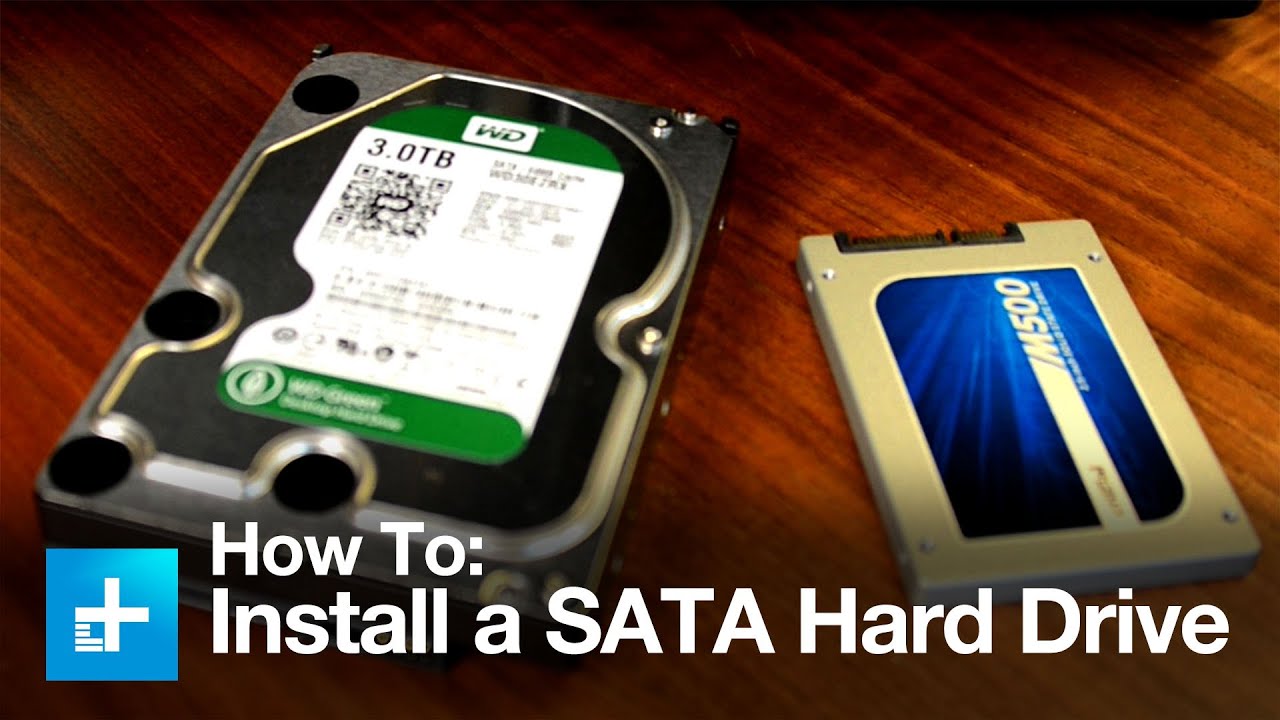
Adding a new hard drive to your existing system is an easy way to store more data on your computer. And the installation process is fairly simple.
When it comes to modern hard drives, you won’t have a lot of different choices, and chances are you won’t end up buying an incompatible drive. If you’re installing an SSD, you’ll want to go f...
serene hound
any SATA SSD drive should be fine
if possible try to get a brand you're already familiar with
mental edge
i see a SSD but thqat's USB 3.2
serene hound
no good, USB =/= SATA
mental edge
yeah
serene hound
I'm sure you'll find some, hope this was of help to you, please make another ticket/thread in #1170387230448177152 if you still have doubts about what to buy or how to install it
mental edge
not USB right?
serene hound
this isn't as much linux-related as generally computer-related
mental edge
ah