#deleted
174 messages · Page 1 of 1 (latest)
 unkempt portal
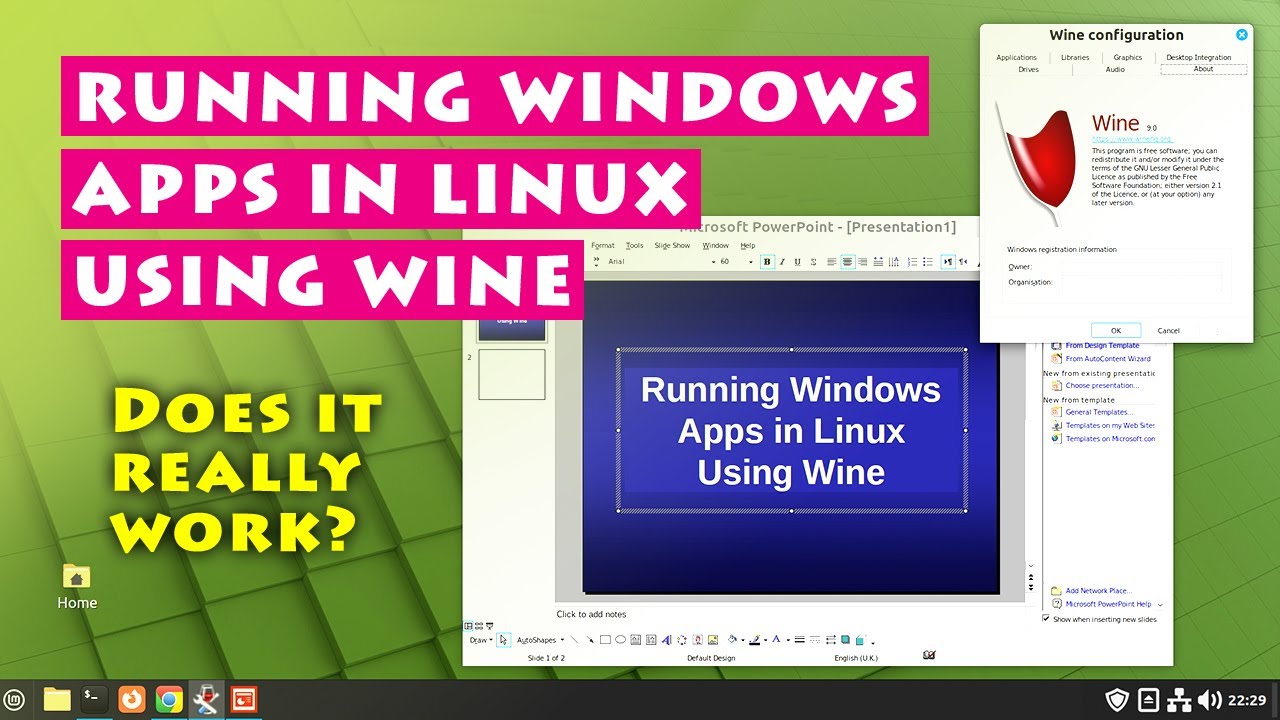
Wine & related software provides an alternative to a virtual machine if you need to run Windows software in Linux. This video provides a practical introduction to Wine, as well as discussing Winetricks, Crossover, Bottles, PlayOnLinux, Lutris and Proton, and application compatibility.
Related websites are as follows:
WINE: https://www.winehq.o...
try alternate things
 idle relic
I reccomend trying installing the game with Heroic Games Launcher instead of Lutris, Lutris is known to fail at installing certain games due of umu-launcher, and using wine-ge, which is borked and deprecated, while Heroic brings Proton-GE, which is more appropriated for gaming, and lets you bring your own installer/.exe like Lutris, so prefer that
If you prefer an little Lutris-like tool for general software/an few games, there's Bottles, both Heroic and Bottles are on the Software Center
Yeah, Linux is an adventure that you will have lots of experiences, be it succeses, or deep into the failures
These are just elitists, Linux has its own plera of people, some will be really nice folks like Stunner and Mr. Bones, Curunir, or the most abominations of the basements dwellers
I am just a geek, not an full time Linux (maybe I am since I like messing with how my OS works), and you will get right into the burst of flame that you need, and right into the game
It took me 1 year to learn everything that I know
Arch/GNU elitists, not generalizing, but I fear them
Anyways, if you pick the right distro like Mint/Zorin and PopOS, you will have no problem
Both have enough guides, and has the motherland of Ubuntu to even have more assist
Just don't fall for the "Go back to Windows, <insert insult>", sometimes the answer was just hidden in somewhere, and it was just 1 click of distance
Anyways, tell me when you have tried Bottles/Heroic
Mint/Zorin/PopOS uses apparmor/uncomplicated firewall (security related stuff), if you ask xD
But every distro is secure by default
If you enable the firewall, it's more secure than a default Windows install
You can add a custom game
It's just that their main focus are these game circle, but you can add a custom installer
People back then installed Affinity on Heroic/Bottles before it became an AppImage
It will install in the background, just don't close it before it is installed
And I reccomend installing Bottles just incase
idle relic
Then how you expect the thing to open if it cannot find the installer
Well, I think the best option is pure Wine
https://gitlab.winehq.org/wine/wine/-/wikis/Debian-Ubuntu
Get the one for Ubuntu 24.04 as that`s what Mint uses as a base

Yeah, Wine from the app store is 1 or 2 major verions behind
There`s lots of improvements from Wine 9 to 10
Fuck, well I have to sleep now
@unkempt portal If you can later assist when you are avaliable
idle relic
Hey, do you really really need that software?
And remember, Linux =/= Windows, better to find alternatives or trying to run it with Wine or Proton
And Mint is not the only distro, there is Zorin which has Windows App "Compatibility"
What it does exactly?
If you cannot even get the installer on a locked zip file, then how you expect Wine, Heroic, to even open it?
Maybe the libraries of Python were all there, and including the installer
It's like asking for an impossible miracle
Not even Windows can execute a file with the libraries which is locked
The rating on winedb is Silver, but let me try something
Final Fantasy XI online, right?
So, you have trying running with Ashita right?
You should never reinstall or delete Python
It's already there's no need for removing

Today I posted a guide on how to get #ffxi running with Ashita v4 on #linux within VMWare using Kubuntu + Flatpak/Lutris/Winetricks. (Thanks to Casey (wintersolstice8) for their assistance with setting things up!) You can find this guide here: https://t.co/RW6B3Gz5zL
 X
·
X
·
Yeah, can't blame you
Alright, forget Lutris
Install Wine, from the software center, and equip yourself with winetricks incase
Preferably 9.0
Yes you can
You just need to add the game executable in the library, then run it with Proton
Winehq I sent you last night?
Is your Steam Flatpak or Native?
Then try to open the game executable/installer with the wine app
It will appear when you right click the executable and "open with"
Hmm, is the game synced with your account?
Sorry, I don't understand of this universe
https://docs.windower.net/linux/ Check this
Do you have winetricks?
Alright, install dotnet462, gdiplus, corefonts
You probably have it installed already
Where did you installed the executable?
I am asking if they are sabotaging the linux builds
Execute it with wine
Install Lutris on your system.
Refer to the Lutris documentation for the best way to do this for your system.
Configure Lutris to use the most recent version of Wine.
(Currently Wine-GE-Proton8-26)
Resuming
Install Lutris, and make it use this Wine-GE version
It's already embedded
What are these python errors?
You said you messed with Python
Okay, listen
Get Lutris through Flatpak, your is probably native version, and you fucked up with some system component
Lutris in Flatpak has everything embedded as component and is contained in another folder, far away from your system
And not only that, the native version of Lutris has been unupdated for 2 years, while the flatpak version had updates from a few months or days ago
Even if that does not work, blame Windower/Ashita devs for doing a shitty port of their software, and not even guarantee that their software works at least through Proton/Wine/Lutris
idle relic
idle relic
Even if that does not work, blame Windower/Ashita devs for doing a shitty port o...
Because I suspect the development leaders said "Fuck Linux, let's actually bug the software to whoever install through Wine"
The vanilla game runs okay, right?
Do not need to tell me
Every support, and every page of the game told me to use Lutris, yet it failed
So don't you think the devs are in bad faith with linux support?
Nope, developers are hard as fuck to deal with them
They think they are "the best", and that "Linux is just an niche thing"
Honestly I would avoid them and play the vanilla game
If the developer leader actually had time to block Linux users or clearly tell Linux users to fuck off or says that Linux is just an niche, I do not even buy their software or game, for me they will starve
Hm, do you have an second computer/laptop?
Not the FFXI devs, just the windower and ashita devs
Fuck...
- FFXIClient (FFXI Lua Scripts)
Do you know this?
It runs native on Linux, allows Lua scripts
Since Ashita and Windower are just Lua scripts right?
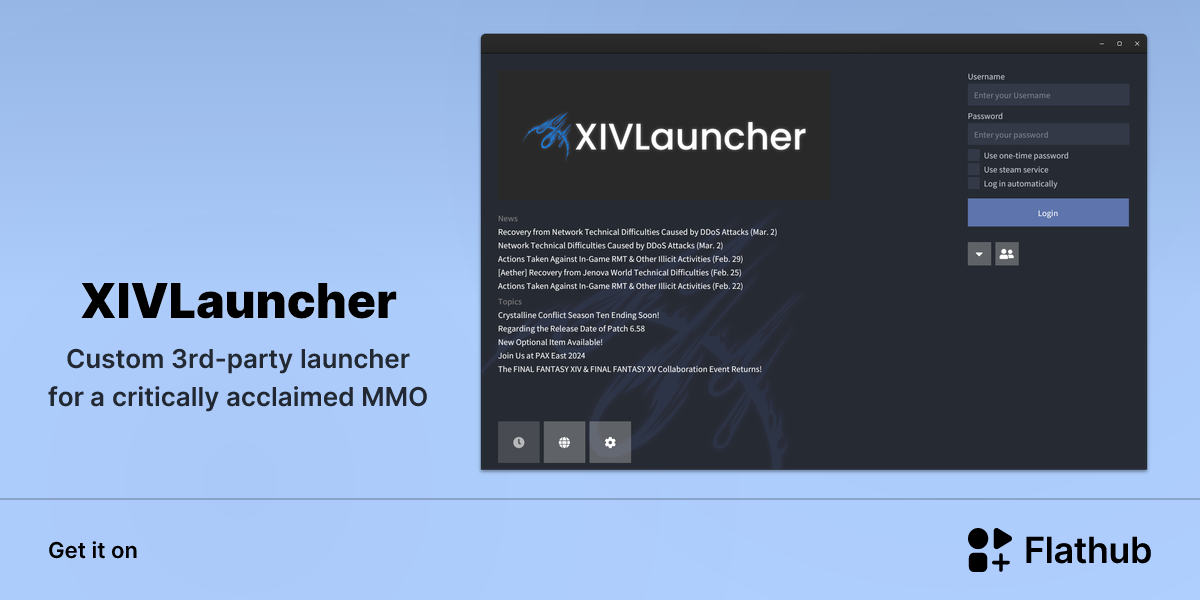
Custom 3rd-party launcher for a critically acclaimed MMO
@icy adder Here ya go
Let me try to find it
I remember there was an FF11 thing
Alright @elder cobalt What's stopping you from putting the non-windows game executable?
idle relic
idle relic
Alright <@562964117087059983> What's stopping you from putting the non-windows g...
Click on the + and browse for the file, it will pick Nemo/The File Explorer, then search for it, and confirm

Certainly! Adding a non-Steam game to your Steam library is straightforward. Here are the steps:
Open Steam: Launch the Steam application on your computer.
Navigate to the Games Menu: Click on Games at the top of the window.
Add a Non-Steam Game to My Library:
You can either:
Click Add a Non-Steam Game to My Library directly.
Click Add a Game...
Let me see if it's a Steam problem
Could you handle me the .exe?
lmfao
I am installing Steam rn
Alright, wait for me to install it
I will record for you
Okay, this happened with me
@icy adder I managed to open with Heroic
Wine 10-20
Let's see if it actually opens
@icy adder It did open
Just a black screen
Now Windower
@icy adder It does works on Heroic

Now I wonder how it actually install
Okay, time to unupgrade dotnet to 4.5
Alright, here's the tip, dotnet48
Winetricks
Have it installed, and select the default prefix
Now we wait

No, don't need
And the dll is named "dotnet48"
You need to install winetricks from software center, I am sure it is there
It is in alphanetical order, it's somewhere in d
And you need to click on "install dlls or fonts from Windows"
Installling now 4.8 now
Show me the screen before you clicked that
Select the default wineprefix
We will use the default one for Heroic, keep for that
And then install an dll
And there will be the dotnet48
@icy adder The quest is almost finished

I installed dotnet48 on default wineprefix, then made the executable on heroic link to the .wine in the user's folder which is hidden with Ctrl + H
Alright, do you need both Windower and Ashita, or is one enough?
idle relic
Yeah, just keep going
Yeah, just keep going
@icy adder Why do you always fuck up your installations?
Do you still have Wine from Winehq installed?
https://heroicgameslauncher.com/downloads Install the appimage from here
Run it, then run it from there
Did you actually ran the commands it told you for Ubuntu 24.04?
If so, then run it with Wine, no need for Heroic
Because all I did was just run native Wine with Heroic
Find the exe of Windower after installing dotnet48, and then just run it with open with
Yeah
So, did it worked?
@icy adder Also for fuck sake, do not spend 1/4 of your life on a game
'-'
Fuck this, I ran out of option
Just don't do it for the future, and I ran out of options
Mint does not work with Wine that well, tried it with GTA SA
While Wine on games that I played like GTA SA, GTA VC, run well on Zorin and Arch-based, even Ubuntu
But Mint, on the same settings, give this same error
ZorinOS is the same base as Ubuntu, and it's an pretty Mint, and has pre-installed installer for Wine 10
Like I say, Wine is an duct tape solution
Proton is more complete for this, but only for gaming
Honestly, I ran out of options, and I cannot find anyone who can take over
An tip, if you still wish Linux, ZorinOS is an better option for Wine applications
And is the same size the ISO for Mint, 3 GB
And is easy as Mint in some aspects
Yeah, no test will be perfect
I started with ZorinOS when I first started
It was better due of the time I got it
Try ZorinOS first, and the first thing you will do is installing Windows App Support, and install Winetricks, and then do the dotnet48 stuff, then I am sure it will run
Cosmic/PopOS is not that great imo
idle relic
idle relic
Try ZorinOS first, and the first thing you will do is installing Windows App Sup...
Because when Mint did fail to run Wine apps, it run on ZorinOS
If you want Arch, but easy, go for CachyOS
Yeah, but CachyOS is a more perfect canditate
And has recent Wine and also works mostly
idle relic
idle relic
Yeah, but CachyOS is a more perfect canditate
Well, not perfect
My two best distro for you are
CachyOS (with KDE, don't aim for other DEs)
ZorinOS 18 Core
Thanks
Good luck in the future endeavour
If you need help in set up your system or a second round after you get one of those distros, don't hesitate to call me
Yeah, call me when you draw another distro
I will answer as soon as I can
See ya soon, and good luck
Stay safe