#Cant switch back
272 messages · Page 1 of 1 (latest)
 buoyant bolt
yes

 compact chasm
i see it but what else
shows the flash drive is msdos/mbr partitioning (should be maybe put to GPT style) but show the main HDD
@buoyant bolt
 compact chasm
ok so main drive is GPT.
pop back into Linux but also before you do that, run a checksum on the windows ISO from ventoy
see the download place wherever u got the windows iso initially
it should offer a checksum to compare, and mention which algorithm the checksum is formulated as
buoyant bolt
how do i do that
buoyant bolt
from where i fownloaded windows?
this one
compact chasm
once u get the sum and know what algorithm, take a photo of the sum
buoyant bolt
sum??
compact chasm
then run ventoy up, and do as this shows: (for the windows ISO)
the checksum or hash value of the ISO yes. it should be provided
buoyant bolt
so i need to restart my pc and get in to ventoy
compact chasm
compact chasm
once u get the sum and know what algorithm, take a photo of the sum
get a photo of this from the MS website, so u know what ur comparing to after ventoy runs its check.
the official hash, and the calculated hash must match
buoyant bolt
im calc the MD5 sum now its a lil slow
compact chasm
moreover, u may need to redo ventoy in GPT mode
and even moreover, you may need to doa thing in it to leave space, to put special drivers

u have to clear first.
then redo all over. using options as pictured
 buoyant bolt
its a 14gb usb is that enough
compact chasm
i'm not saying you WILL need drivers, but you certainly may
in which case, leave about 3 GB unallocated at end of drive when re-prepping ventoy on the stick.
then format that 3 GB in the DISKS app to FAT filesystem
u can research ahead of time if ur pc mobo has a thing called RST or needs RST drivers for windows to be able to install.
 compact chasm
now compare it
buoyant bolt
how
compact chasm
i said go on the site n find it
buoyant bolt
ight
compact chasm
it may not even have been md5
buoyant bolt
im doing SHA256 rn
they dont match
the md5sum

I found this link Windows 11, version 23H2 (en-US, x64, ISO) : Microsoft : Free Download, Borrow, and Streaming : Internet Archive for win 11 23h2 iso file,
I want to know if it is safe and official,
@compact chasm
compact chasm
clear your ventoy
buoyant bolt
all the steps again?
buoyant bolt
im still calculayiong SHA
compact chasm
leave the 3 gigs space in the end via its ptn config
compact chasm
buoyant bolt
im still calculayiong SHA
let it finish i guess.
buoyant bolt
ight
compact chasm
compact chasm
.
buoyant bolt
i installed ventoy on the usb again
compact chasm
open it in the Disks app in Mint and show full pic
buoyant bolt
look what i got now
 buoyant bolt
 compact chasm
do u have a second usb stick in case u need to put drivers on it?
buoyant bolt
nope
compact chasm
compact chasm
.
buoyant bolt
1TB stick is litt in my pc and the usb too
buoyant bolt
like this?
 compact chasm
compact chasm
compact chasm
final product to look something much like this ^ and say GUID PARTITION TABLE in the DISKS app
 compact chasm
did it wrong, AGAIN
compact chasm
i said go to the damn partition options first
buoyant bolt
i damn did
compact chasm
compact chasm
.
buoyant bolt
GPT
buoyant bolt
HOW
compact chasm
partion config i said
buoyant bolt
 compact chasm
leave the 3 gigs space in the end via its ptn config
compact chasm
compact chasm
leave the 3 gigs space in the end via its ptn config
.
run up the ventoy program
compact chasm
show pic when it's done , in the DISKS app
 compact chasm
click 'free space' and the +
buoyant bolt
yeah
 compact chasm
now do inxi -M in terminal
buoyant bolt
Machine:
Type: Desktop System: Micro (HK) Tech product: Venus series v: Version 1.0
serial: <superuser required>
Mobo: Shenzhen Meigao Equipment model: F7BFC v: Version 1.0
serial: <superuser required> UEFI: American Megatrends LLC. v: 1.20
date: 03/06/2024
compact chasm
find ur model/mobo and see if research shows u need to have special drivers for Windows 11 to install onto it
in addition, go to your userhome downloads folder in Mint
presuming that's where u saved the Windows ISO
buoyant bolt
yup
buoyant bolt
sha256sum: Windows: No such file or directory
compact chasm
did u press tab?
compact chasm
or else fill in the whole filename in exact lettercase by hand
buoyant bolt
the name of the file is
Win11_25H2_English_x64.iso
compact chasm
oh so then sha256sum Win and press tab
compact chasm
did u cd to Downloads?
buoyant bolt
yup
ayoub@Ayoubs-PC:~/Downloads$ sha256sum Win
sha256sum: Win: No such file or directory
compact chasm
do ls
buoyant bolt
gparted-live-1.7.0-8-amd64.iso ventoy-1.1.07-linux.tar.gz
st-setup-1.8.17r2.exe Win11_25H2_English_x64.iso
ventoy-1.1.07 xclicker_1.5.1_amd64.deb
compact chasm
type the whole name then
buoyant bolt
d141f6030fed50f75e2b03e1eb2e53646c4b21e5386047cb860af5223f102a32 Win11_25H2_English_x64.iso
buoyant bolt
it compares
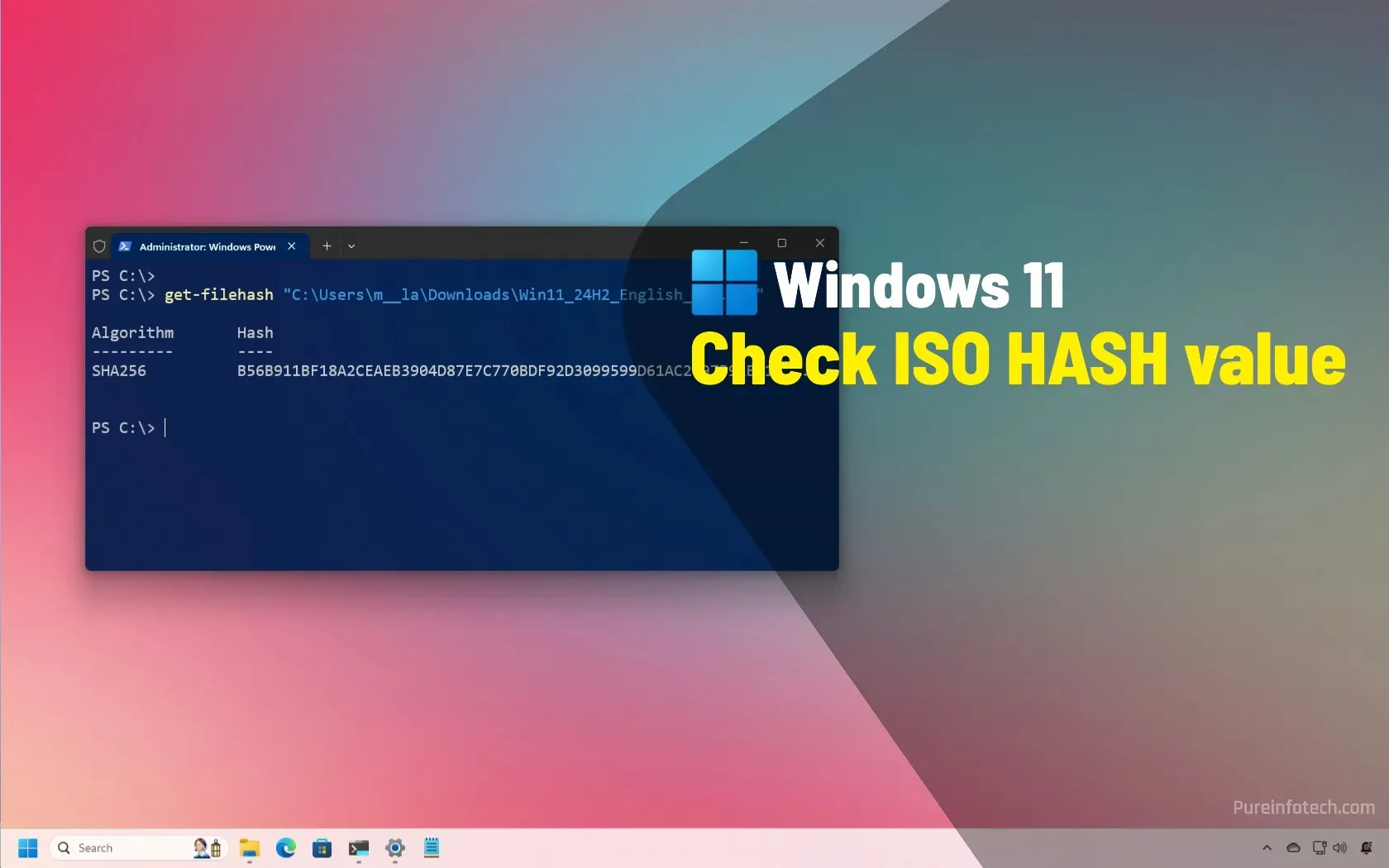
To check the Windows 11 ISO file hash to verify its authenticity, use the Get-FileHash command and compare result with these values.
its the English one
@compact chasm
compact chasm
it matches?
buoyant bolt
yup
compact chasm
the official listing to the sha256sum u just calculated in terminal?
compact chasm
then copy and paste it onto ventoy
and let it rest a full minute once it's done copying over.
compact chasm
drag n drop the ISO onto ventoy to copy it
buoyant bolt
u mean drag the iso file in to the ventoy usb
compact chasm
yes
compact chasm
the ventoy ptn
compact chasm
compact chasm
see ^
compact chasm
buoyant bolt
https://pureinfotech.com/verify-windows-11-iso-powershell/
this only works if u have powershell and are working FROM Windows.
compact chasm
did the terminal give a result?
did the website of microsoft show a hash?
did the two match?
buoyant bolt
it both matches
compact chasm
if yes, then dont think about it
buoyant bolt
yes
compact chasm
after windows copies over, also put linux Mint ISO on the same ventoy partition
in case u screw everything up, u can still use Mint
compact chasm
well, see if Windows boots
buoyant bolt
alright
compact chasm
are you booting the USB as a UEFI device?
it should say it in the boot options of ur BIOS, as well as in the lower-left corner of first Ventoy screen.
buoyant bolt
i did
compact chasm
buoyant bolt
i did
test if the Mint live ISO boots fully to a desktop
if it does, use gparted from it to make a new guid partition table on the nvme
then boot windows installer
buoyant bolt
why is it that hard to switch back
compact chasm
u think windows makes it easy?
compact chasm
compact chasm
test if the Mint live ISO boots fully to a desktop
check
compact chasm
may just need to wipe a certain specific folder, and old backup microsoft stuff
buoyant bolt
so we are long not done?
compact chasm
yep
compact chasm
#1420498286912999434 message
verify mint iso
if it doesnt match, delete and recopy the iso
buoyant bolt
the sha256sum again
buoyant bolt
yh
compact chasm
who knows if it wrote well to the usb
buoyant bolt
so u want me to test both
compact chasm
that's why ventoy has that tool
buoyant bolt
only that sha or md5 too
buoyant bolt
ight BRB
buoyant bolt
finally done
compact chasm
my guess is neither the windows one, nor the mint one match the official respective hashes
buoyant bolt
yup..
buoyant bolt
ggs
compact chasm
u could try recopying
buoyant bolt
one last question
if i factory reset the pc bc someone wants to buy it it still got linux on it?
compact chasm
after verifying the mint one saved on ur nvme downloads folder is proper
compact chasm
buoyant bolt
if i factory reset the pc bc someone wants to buy it it still got linux on it?
u can but make sure u have tools at hand
buoyant bolt
i got the minisforum6950
compact chasm
in case u screw up so hard, u can at least put Mint fully back onto it
buoyant bolt
but if i factory reset the pc linux is gone too right
compact chasm
u were able to boot gparted-live right?
buoyant bolt
yes
buoyant bolt
u mean checksum ?
compact chasm
and if it passes,
recopy it to ventoy
and let it rest a FULL minute
after copying
and never remove the usb unless it's powered down
buoyant bolt
what is powered down?
compact chasm
the pc
buoyant bolt
oh why
compact chasm
or safe-eject only
buoyant bolt
why?
