#Trying to install mint on MacBook Pro 2007
50 messages · Page 1 of 1 (latest)
 gray cosmos
continuation of discussion here: #⛑triage message
 hollow hollow
gray cosmos
continuation of discussion here: https://discord.com/channels/628978428019736619...
hollow hollow
gray cosmos
continuation of discussion here: https://discord.com/channels/628978428019736619...
ty
gray cosmos
unless that mac is so ancient it needs a master-boot-record boot medium
if it can burn a CD, get a blank cd-r or cd-rw, and put something like gparted-live ISO on it,
with a program like Nero express on Windows.
make sure that app is set to make a bootable disc, not a data disc when burning from an ISO
or puppy linux , the small edition based on Focal Fossa (an older ubuntu codename) www.puppylinux.com
F96-CE Distro page
Clicking Download on that page above takes u to a Mega site (mega upload - a file hosting place)

get the F96-CE_4.iso
538 MB. will easily fit on a CD-r
or from puppylinux.com, get the slackware version instead of fossa version.
S15Pup64 22.12
leads to sourceforge: S15Pup64-22.12-250901.iso (441.5 MB)
hollow hollow
In case you're wondering, I used Terminal on my current M1 mac to burn the current cinnamon distro.
hollow hollow
gray cosmos
leads to sourceforge: S15Pup64-22.12-250901.iso (441.5 MB)
And do I install mint from there onto the SSD?
gray cosmos
um no
Mint will in all likelihood run slower than molasses on that old ass computer
the point was just testing if puppy linux would even boot off a CD
or make a bootable stick with Ventoy. need a windows computer to do that. and make it GPT . default is mbr in ventoy's option menu
then slap something LIGHTWEIGHT on it.
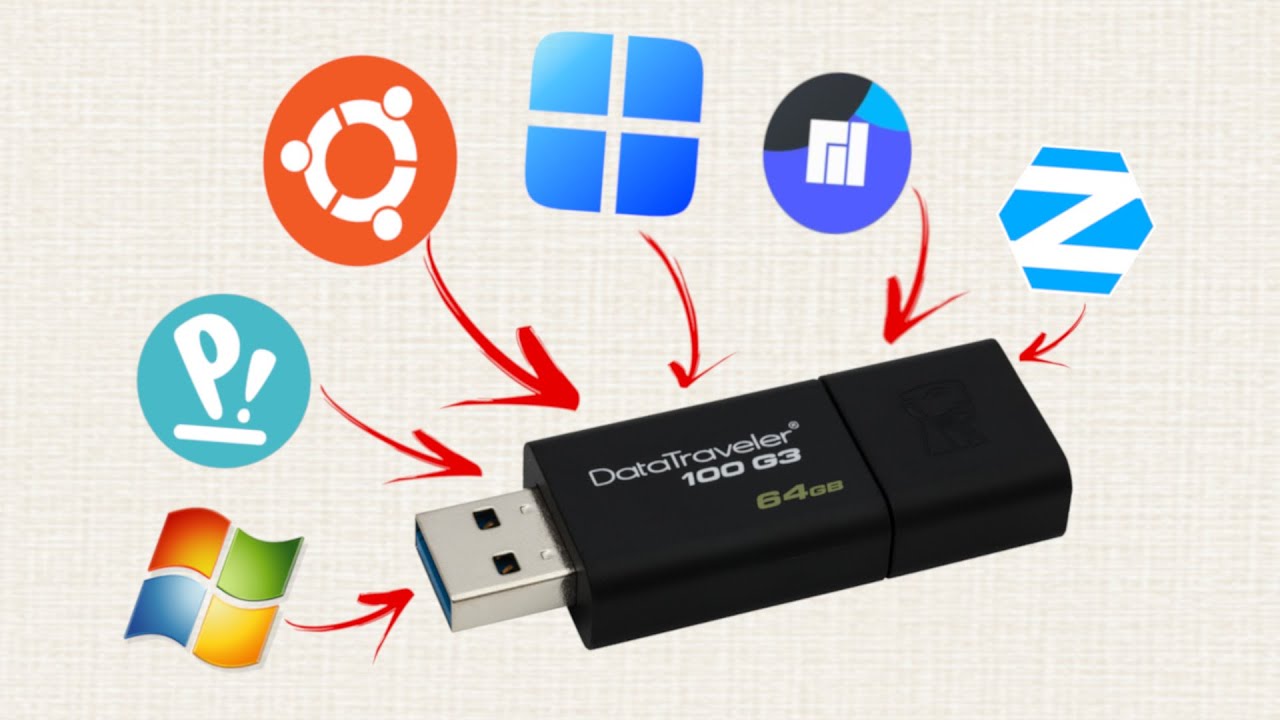
The first 1000 people to use the link will get a 1 month free trial of Skillshare Premium Membership: https://skl.sh/techhut08211 Ventoy can can add multiple operating systems on a single USB drive!
Ventoy is an open source tool to create bootable USB drive for ISO and other formats. With ventoy, you don't need to format the disk over and over,...
lightweight and FAST distros geared for ~20 yr old hardware would be Antix Linux, Puppy linux (2 flavours just mentioned) , perhaps MX Fluxbox linux, Void, Debian LXDE
oh and Damn Small Linux.. which is somewhat influenced by antix stylings in recent incarnation
hollow hollow
I'm attempting to burn the isos
hollow hollow
gray cosmos
get the F96-CE_4.iso
This doesn't make a bootable CD or DVD
hollow hollow
Okay, I tried the bootable USB on a newer mac book, and it just worked. Idk why it's not working on the older one.
I really want it to work on the older one
hollow hollow
The newer laptop brings up the logo fairly quick
 restive peak
hollow hollow
Okay, I tried the bootable USB on a newer mac book, and it just worked. Idk why ...
restive peak
hollow hollow
Okay, I tried the bootable USB on a newer mac book, and it just worked. Idk why ...
Hello
Maybe I can assist if you are still having issues with your Mint install on your 07 MacBook
Older Macbooks I've found to be finicky if any os is installed via USB. Wich is why it is recommended to install it via Burned DVD.
Linux Mint Cinnamon 22.1 works very well for this (Possibly 22.2) however you may need an external USB device for installing wifi drivers with as it doesn't read the wifi out of the box during installation.
After you successfully burned the iso ( practically any program should do. I recommend Imgburn. I also suggest burning the iso slowest speed for disc longevity) pop the disc in your 07 MacBook, hold the options button on boot up, and click the 'Windows' disc that pops up. Not Efi.
It may take a minute for the Cinnamon desktop to load on the 07 so I'd get coffee or something. Alternatively xfce should boot faster if you don't mind the older looking less flashy desktop.
When your desktop fully loads, check to see if your wifi device is recognized. If it is proceed from there with the installation. After everything is installed, reboot. Wait for the desktop to load with the live disk, and then proceed to Driver Manager to see if the MacBooks built in wifi is working properly. Let us know if all is working well.
Hope this helps 🙏
hollow hollow
restive peak
Hello
Maybe I can assist if you are still having issues with your Mint install...
Yeah, I’ve tried it already. Though maybe there’s a slim chance that the optical drive itself is the problem since I tried installing windows on it via bootcamp at my brother’s request.
And it spat out the disc after about a minute while the newer laptop accepted the disc
restive peak
hollow hollow
Yeah, I’ve tried it already. Though maybe there’s a slim chance that the optical...
I see. In that case an external DVD reader via USB may also work. Long as you click the 'Windows' option in boot up
hollow hollow
restive peak
I see. In that case an external DVD reader via USB may also work. Long as you cl...
I’ll have to see if I have one of those. May be a while before I show results tho. I’m a bit burnt out from everything
restive peak
I gotcha man.
Linux can be frustrating at first but the rewards is worth it when the work is said and done.
Wish you luck and please let us know your results when you are ready 🙂
hollow hollow
Oh great... now the computer won't turn on at all. No startup chime, but the light on the side turns on
And now it works again...?
Aaaaand it booted to blind mode again...
restive peak
In order to best assist you I'd need to ask specifics.
Was this before or after you attempted to reinstall Linux Mint with an External DVD drive?
hollow hollow
restive peak
In order to best assist you I'd need to ask specifics.
Was this before or afte...
During, actually. I tried to boot into the live install environment, but it boots me into blind mode. I've looked up a bunch of solutions like insmod or whatever, and nothing worked
restive peak
From what I gather the issue maybe driver related.
We can do some trial and error that should garentee a fully functioning Mint setup.
First tell me how well did it work when you had windows on it? What version of Windows and for how long?
restive peak
Linux Mint is an elegant, easy to use, up to date and comfortable desktop operating system.
hollow hollow
restive peak
From what I gather the issue maybe driver related.
We can do some trial and err...
I couldn't get windows to install onto the 2007 MacBook pro.
restive peak
hollow hollow
I couldn't get windows to install onto the 2007 MacBook pro.
Apologies. I may have mis read your earlier message about your Macbook spitting out the disc when you attempted to install Windows.
Still Give the Mint XFCE image a try :). With an external dvd drive. Incase your internal indeed has issues.
Let us know if the desktop boots up at least.
It's not as sleek as cinnamon but it should get the job done.
I myself am switching from cinnamon to xfce on my non pro 07 MacBook wich I took out of storage so I can work with you better on your journey of breathing new life into your laptop
hollow hollow
restive peak
Apologies. I may have mis read your earlier message about your Macbook spitting ...
I’ll try that next. At least once I figure out how to get it working again because I’m now stuck at a black screen with no startup chime