#im so tired of my goddamn thing not supporting vulkan and no dx want to dual boot with windows
17 messages · Page 1 of 1 (latest)
 spiral pulsar
 turbid gulch
https://www.youtube.com/watch?v=6Mev24M-Bs8 << Techhut, Setup Ventoy from Linux
use that as a solid guide to make a bootable live ISO that actually will work to load the Windows ISO (installer) up.
you'll need a USB drive which is at least 8 GB. (About 6 to hold Windows, and another 600 MB or so to hold a bootable tool called gparted-live )
- you can use gparted-live as a mini OS and partitioner to SHRINK any ample space of linux partition on the main drive. this MUST be done from a live environment, not regular gparted.
after shrinking (Windows will need at bare minimum 50 gigs), then exit from gparted-live environment, reboot to ventoy usb and pick the Winstaller iso and boot it.
Windows ISOs can be found at download.microsoft.com
Ventoy from www.ventoy.net or its official github
gparted-live from gparted.org
spiral pulsar
@turbid gulch hi stunner
I have heard that windows can mess up with your linux partition if you dual boot them
Is that right?
turbid gulch
yes.
and u can fix it.
or do dual-drive dual boot. installing each OS in total drive isolation from one another.
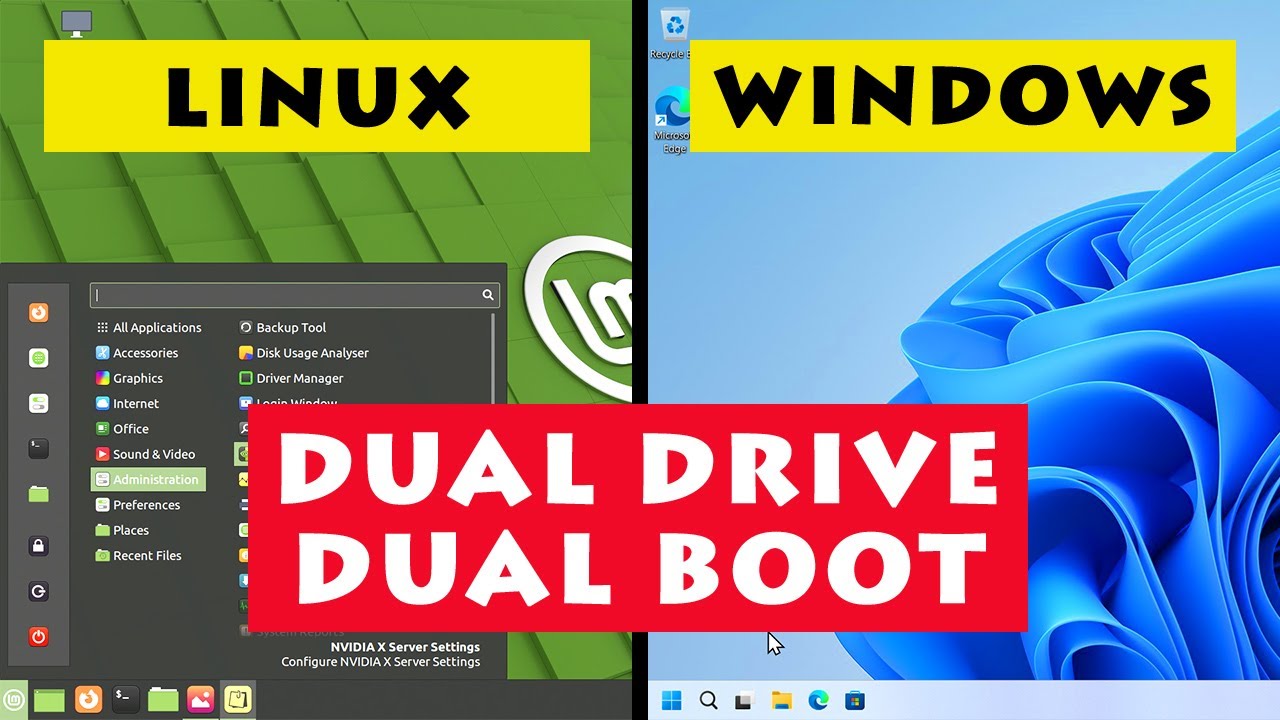
How to set up a dual drive dual boot, with Windows on one drive, Linux on the other, and the BIOS boot menu used to select between them. Video also demonstrates a single drive dual boot setup.
The Linux distro shown in this video is Linux Mint 21, which I cover in a video here:
https://www.youtube.com/watch?v=s74cta1cpRY
And I have a tutorial ...
#1193345280733622272 message < How To Turn Off Fast Startup In Windows 11 or 10 (needed for dualboot with Linux)