#Unable to download Ungoogled chromium on linux mint xfce, from software manager or the web
26 messages · Page 1 of 1 (latest)
 edgy barn
open System Monitor from the start menu.
Make sure it is showing the Resources tab. Look near bottom to see network traffic (download graph)
if it appears to be heavily downloading in the graph, then just wait.
@signal escarp
oh wait ur on xfce
FFS.
install btop then watch your net traffic from that
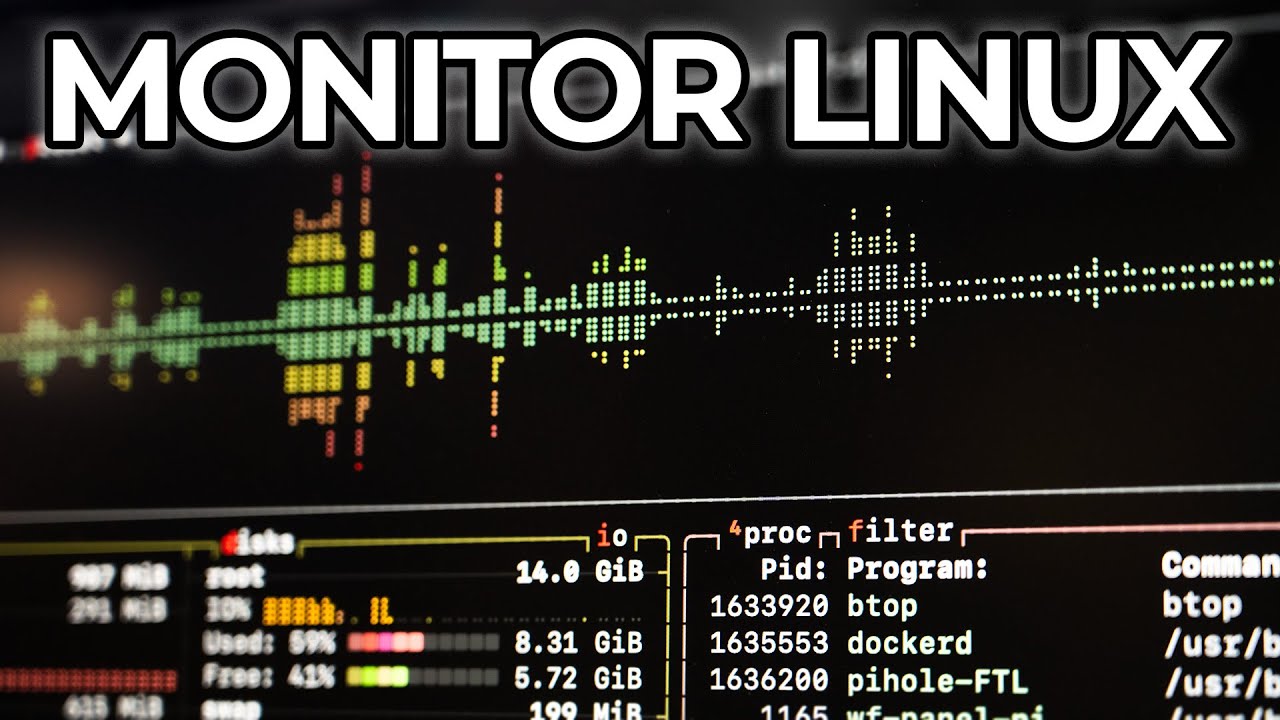
Dig deeper into Linux performance with these 'top' 10 tools!
I also wrote this up on my blog, if you prefer to read instead of watch :)
https://www.jeffgeerling.com/blog/2025/top-10-ways-monitor-linux-console
And here are links to docs or setup guides for each of the tools:
- top: https://linux.die.net/man/1/top
- s-tui: https://amanusk....
note that Flatpaks (things shown in software manager coming from Flathub) are HUGE, so take a long time to download.
thus with btop, as shown in video at timestamp, u can watch n see what's going on with net.
 signal escarp
edgy barn
note that Flatpaks (things shown in software manager coming from Flathub) are HU...
signal escarp
edgy barn
note that Flatpaks (things shown in software manager coming from Flathub) are HU...
the thing is it doesnt ever load to the download button
eventually it just tells me to try again
and ive tried downloading manually but was unable to do it
signal escarp

 modest dome
do flatpak install flathub io.github.ungoogled_software.ungoogled_chromium in the terminal
signal escarp
its just stuck on looking for matches
signal escarp
Unable to load summary from remote flathub: While fetching https://dl.flathub.org/repo/summary.idx: [28] Timeout was reached
 tidal sphinx
Verify if you have internet connectivity.
signal escarp
tidal sphinx
Verify if you have internet connectivity.
i do i had connection i had yt running
tidal sphinx
Try to search it in terminal. Maybe the name changed flatpak search chromium
signal escarp
but what i want is ungoogled chromium
not chromium
and also it seems that anything other than flatpack works
when i download with system package it works fine
modest dome
does connecting to the flathub website work?