
#How do I customize the menu?
63 messages · Page 1 of 1 (latest)
 potent zodiac
 desert socket
potent zodiac
Hello! I have recently installed a windows xp theme on cinnamon, however the lef...
desert socket
potent zodiac
Hello! I have recently installed a windows xp theme on cinnamon, however the lef...
Thats probably an issue with the custom theme itself
you can try changing the size of the menu itself by dragging it from the edge (don't think it will fix it though)
or install the cinnamenu applet
potent zodiac
desert socket
Thats probably an issue with the custom theme itself
Prolly, I used a tutorial from like 4 years ago
potent zodiac
desert socket
you can try changing the size of the menu itself by dragging it from the edge (d...
Didn't work
potent zodiac
desert socket
or install the cinnamenu applet
Installed that and other applet that looks like the windows menu
desert socket
potent zodiac
Prolly, I used a tutorial from like 4 years ago
Is it the chicago98 theme (oh wait its not, my bad)
desert socket
potent zodiac
Installed that and other applet that looks like the windows menu
Did that fix it?
potent zodiac
desert socket
Did that fix it?
Both look good, however the issue is that both look like this

Those are the ones at the right
How do I make them have the green button from the left?
potent zodiac
desert socket
Is it the chicago98 theme (oh wait its not, my bad)
It's this one
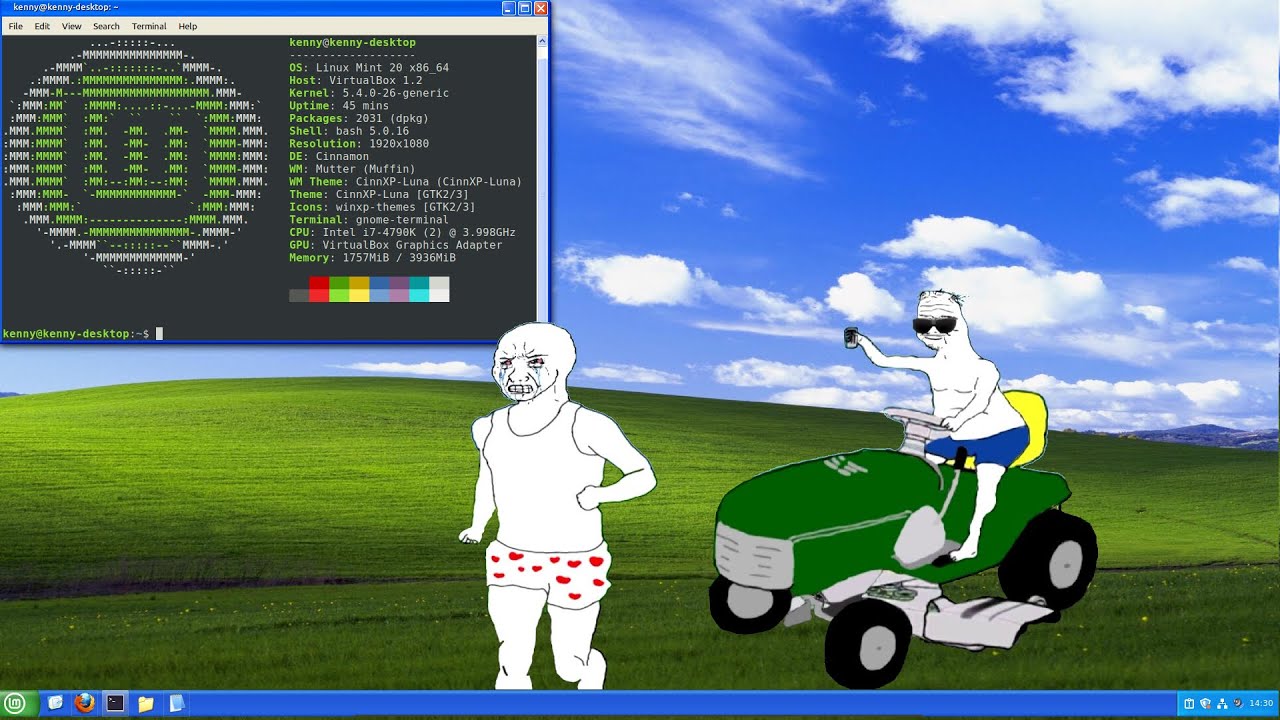
In this video I show you how to install CinnXP and the Boomerrang XP theme in for Linux mint cinnamon (a theme that will make your desktop look like Windows XP)
Install dependencies
apt-get install build-essential
apt-get install git
apt-get install libglib2.0-dev
git clone https://github.com/sass/sassc.git
git clone https://git...
desert socket
Right click the original menu button and remove it
potent zodiac
desert socket
Go to panel edit mode, drag it to the left
How do I open that?
desert socket
potent zodiac
How do I open that?
Right clicl your panel in an empty space
and toggle panel edit mode
You can then drag your new menu applet to the very left
right click the old menu and press: Remove 'Menu'
After youre done you can disable panel edit mode
potent zodiac
Oh I see
desert socket
to change the menu icon, right click the cinnamenu applet and change the settings as you like there
potent zodiac
Yep did that it worked
desert socket
Great
potent zodiac
I think StarkMenu looks better
 potent zodiac
desert socket
Great
potent zodiac
desert socket
Great
Btw was the option of changing the themes for the windows bars removed?
desert socket
potent zodiac
Btw was the option of changing the themes for the windows bars removed?
Yeah a long time ago unfortunately
I noticed it after LM 19 (I think)
potent zodiac
Sad, so that's why the bars part didn't work
desert socket
potent zodiac
I think StarkMenu looks better
You can remove the extra menu indicators if you want
desert socket
potent zodiac
Sad, so that's why the bars part didn't work
You can change the theme of the Applications section
potent zodiac
desert socket
You can remove the extra menu indicators if you want
Yep did it, is there any way to remove the white line at the separator too?
desert socket
potent zodiac
Yep did it, is there any way to remove the white line at the separator too?
I think you can right click and remove it
If you wanna change the titlebar theme you have to select a theme from the "Applications" section
potent zodiac
desert socket
You can change the theme of the Applications section
U mean the themes for the nemo file and setting?
desert socket
 potent zodiac
desert socket
potent zodiac
desert socket
Did that
desert socket
So did that fix the titlebar?
potent zodiac
desert socket
So did that fix the titlebar?
It only changed the color to like a light green
desert socket
Oh
potent zodiac
but didn't change the title bar
I think it's bcs this theme was for a previous version
desert socket
Not sure about that one then sorry, maybe its a problem with the theme yeah
potent zodiac
yep
desert socket
You can try another winXP theme
potent zodiac
desert socket
You can try another winXP theme
But wasn't the option for the titles bar removed?
desert socket
potent zodiac
But wasn't the option for the titles bar removed?
But the title bar will automatically change with the theme set for Applications
they just removed the setting to make it independent from the applications section
so its most likely a theme issue


Heres an example
potent zodiac
Uhm, then I will check how to change the title bars
desert socket
The titlebar will automatically change when you change the application theme
they just removed the setting to mix an application theme with a different title bar
potent zodiac
I see, if I update the de in the future, it's possible that the theme could have some bugs btw?
desert socket
Probably? My current theme is kinda outdated and some sections are missing some consistency
its not too bad though
potent zodiac
Fairnuff
potent zodiac
desert socket
Probably? My current theme is kinda outdated and some sections are missing some ...
It worked
Thxs man
desert socket
potent zodiac
It worked
Ohh nice