#issue with steam on mint
1078 messages · Page 2 of 2 (latest)
 dusk olive
 lavish geode
im gonna play modded mc on my pc while this chuggs away
dusk olive
all is good but that absolutely wrecked me why this wouldnt resize.. anyway, carry on.
lavish geode
dusk olive
all is good but that absolutely wrecked me why this wouldnt resize.. anyway, car...
thanks
alright so now im gonna run the things
dusk olive
yeh. dont forget to tell ur friend to never remove the SD card or even "unmount" it in the file manager or wherever, unless the computer is OFF.
as in fully OFF. not sleeping.
lavish geode
Yea, ill make sure to tell him that
i gotta do a lesson with him anyways
"This is called the touchpad..."
jk he's not THAT stupid
dusk olive
then if they want, they can buy like a 100 Gig or 64 Gig flash drive, and u can put ventoy on it, and use in the ventoy installer OPTIONS: (gpt ofc, plus in the other partition options leave space at end of drive )
and leave like 55 GB space if it's a 64 GB drive
lavish geode
yea
dusk olive
once ventoy etches out, then u can format that space it left with ext4. and they can use THAT as their timeshift save area (and u can move the couple timeshift saves over to that area from your own 16 GB stick)
then slap the mint iso on the main exFAT ventoy part, and it's all wrapped up.
then u can wipe ur own stick clean or do whatever
lavish geode
i see
dusk olive
dusk olive
then if they want, they can buy like a 100 Gig or 64 Gig flash drive, and u can ...
this feature of leaving space is outstanding, so a live boot can still access other stuff on its own drive.
lavish geode
sudo apt install abiword
sudo apt remove libreoffice
sudo apt clean && sudo apt autoclean && sudo apt autoremove
just saving this for when i need it
dusk olive
 lavish geode
im currently running
sudo apt update
lavish geode
dusk olive
i didnt even think about how its kind of like actually physical
that's fucking crazy to me that we made rocks think for us bruh
dusk olive
yeh well raw materials plus 100 years of electronice and lithography science.
lavish geode
its mental though
like you get what i mean
so now i assume i can install steam
ill ping you if software manager doesnt work
nvm it did praise god
lavish geode
dusk olive
yeh well raw materials plus 100 years of electronice and lithography science.
so real quick theoretically if i install steam itll just install it to the sd card?
and should i install it through software manager or flatpak
dusk olive
not sure. u can research it in depth online where steam flatpak goes. but u will need to direct it to your home folder for the library place.
S.M. may offer it as FP if it has the flathub badge in the dropdown picker of the sources for the particular app
seeing as native screwed u last time, try FP one
lavish geode
how do i do that again
dusk olive
type steam in S.M. search
lavish geode
i found it in S.M.
dusk olive
if it shows flathub, just click install.
lavish geode
 dusk olive
click each one and read the details deeply.
if neither are FP, then do that command very wrote way up earlier.
lavish geode
uhhhh
lavish geode
dusk olive
click each one and read the details deeply.
"The actual Steam installation and all Steam games will be installed into the home directory of each user who runs the installer script"
dusk olive
look for SOURCE in around the details and size
lavish geode
"Because Steam requires 32-bit libraries, before installing this package it will be necessary to run, as root:
dpkg --add-architecture i386; apt update"
dusk olive
if the size is gigabytes big, then it extremely likely is flatpak
lavish geode
 dusk olive
see at the top right under the green button. that tells u everything
check the other one.
dusk olive
ok switch to plan b
lavish geode
so then just install via flatpak with the one command?
dusk olive
yeah u can corroborate what he wrote if it's effective, by google. "install flatpak steam on linux"
lavish geode
so just the command is
dusk olive
wait
lavish geode
flatpak install flathub com.valvesoftware.Steam
lavish geode
found steam
dusk olive
whichever one is right ^^
lavish geode
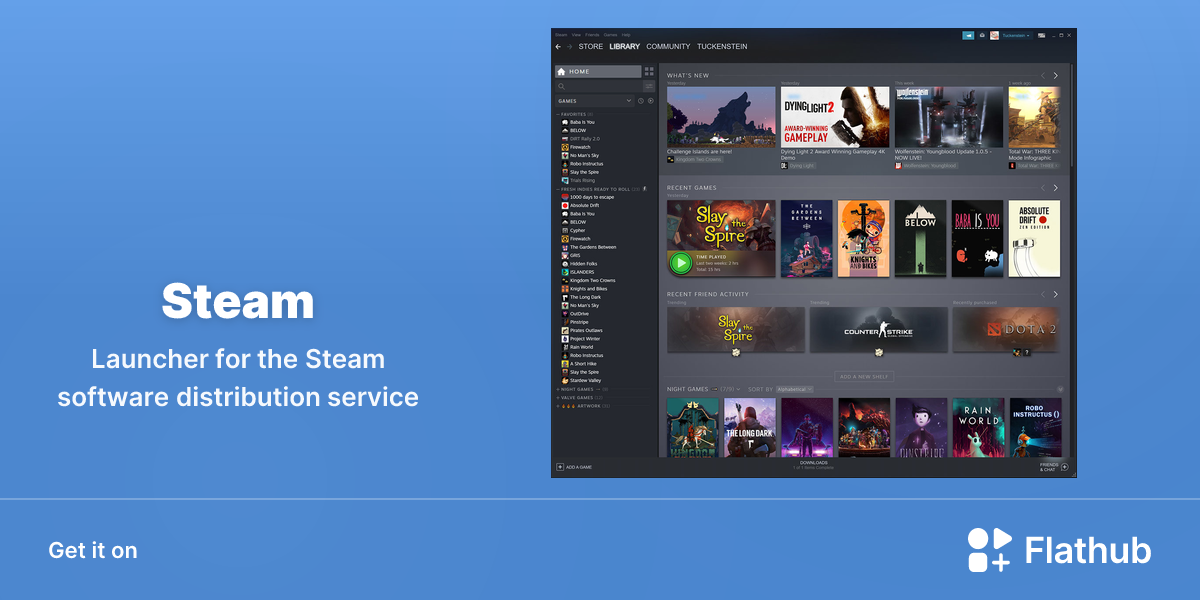
Flathub - Apps for Linux
Launcher for the Steam software distribution service
dusk olive
u see steam on flathub website
yeah it gives u a .ref file to d/l
i think u can double click the reference file n S.M. should do the rest.
lavish geode
so should i download it off this website
because it says i can also just use "flatpak install flathub com.valvesoftware.Steam" on the website
dusk olive
or learn the command way, shrug make sure to always read stuff n gather what it's about to do before u approve it
lavish geode
ok
dusk olive
k then do the command.
lavish geode
ill install later gotta go eat
dusk olive
btw on desktop, u can r-click, "create launcher to URL" and put this one address in, and give it a nice icon maybe as a treat and helpful resource.
. probably go with the flathub command since it sounds more thorough
dusk olive
SOLVED (Did full OS reinstallation, opting to use alternate disk (large SD card) for home partition for greater storage, and opting for Flatpak Steam on Chromebook with very small internal storage.)
 odd kestrel
dusk olive
**SOLVED** (Did full OS reinstallation, opting to use alternate disk (large SD ...
odd kestrel
dusk olive
**SOLVED** (Did full OS reinstallation, opting to use alternate disk (large SD ...
is it solved tho? the guy gave up it seems
dusk olive
X Files theme music