#Linux Mint just stays on this screen after selecting Mint 64 bit.
28 messages · Page 1 of 1 (latest)
 crimson mauve
 static summit
elaborate
I followed a YouTube video exactly.
this means nothing. please elaborate
missing required info
 latent oyster
crimson mauve
is this a blank hard drive set up attempt with Mint?
latent oyster
crimson mauve
is this a blank hard drive set up attempt with Mint?
Correct
crimson mauve
latent oyster
Correct
look over ur BIOS settings, turn off Secure Boot, Fast Boot, RST, if any such things found.
which YT vid or method u make the live medium with?
latent oyster
static summit
> I followed a YouTube video exactly.
this means nothing. please elaborate
I followed this video. I used Rufus to create a usb Bootable of Mint.
When I used the usb, it only worked in Compatibility Mode.
After installing Mint, I've only been able to log on of I went to recovery mode.
When I boot, it just stays stuck on mobo splash screen, despite originally being able to boot in Compatibility mode
https://youtu.be/B97KkFDv86s?si=YnMyNhFVpFALFLd0
@crimson mauve
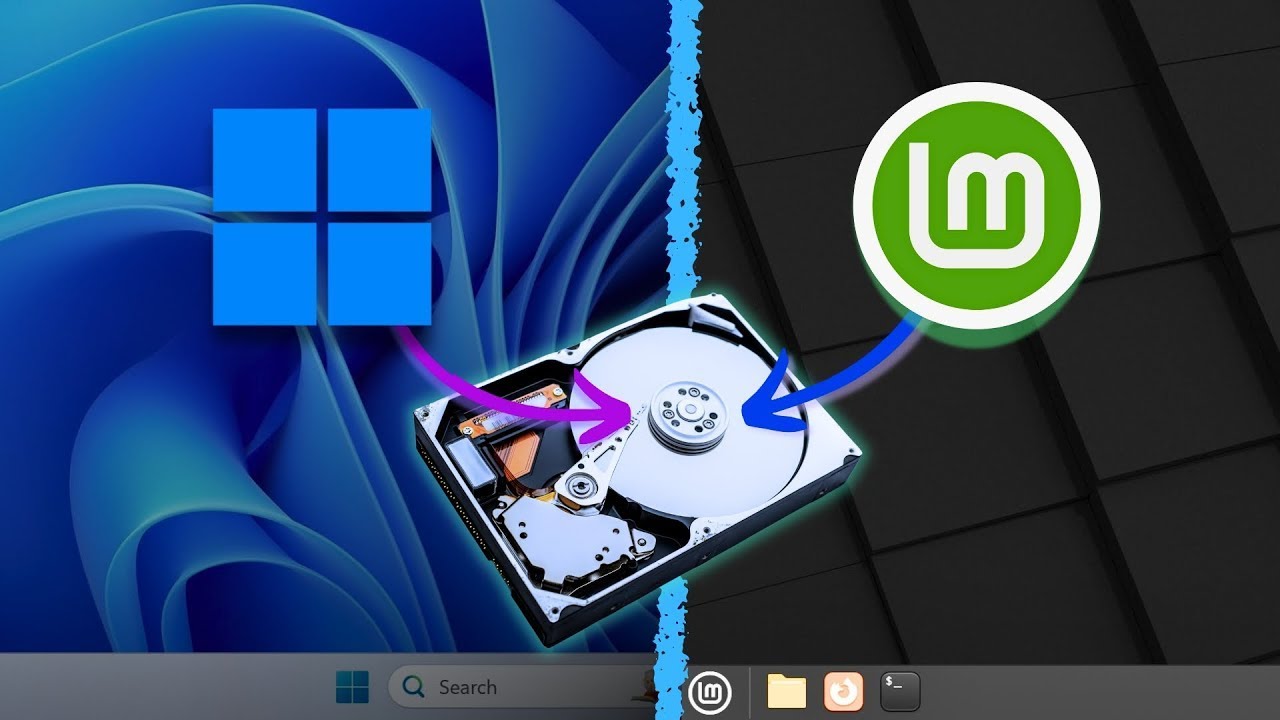
Ever wanted to enjoy the best of both worlds by dual booting Windows 11 and Linux Mint on your computer? Whether you're a developer, a gamer, or just someone who loves experimenting with different operating systems, this tutorial is for you!
In this video, we dive into how to set up a dual-boot system with Windows 11 and Linux Mint.
*Brand New...
latent oyster
crimson mauve
so now just Mint, no Windows?
My windows works fine
crimson mauve
same machine?
latent oyster
crimson mauve
same machine?
Yes
crimson mauve
2 internal disks?
latent oyster
I have 3 ssds
crimson mauve
linux on its very own?
latent oyster
There's nothing else on the drive I believe
crimson mauve
release date of the motherboard/pc?
crimson mauve
if 20 months or newer, install the Mint cinnamon edge iso for better experience
and turn off Fast Startup in Windows if u havent
static summit
latent oyster
I followed this video. I used Rufus to create a usb Bootable of Mint.
When I us...
what video
nvm
just use ventoy
latent oyster
crimson mauve
if 20 months or newer, install the Mint cinnamon edge iso for better experience
Omg I figured it out. I found a form with the solution on a linux website.
I was using a 5.0 kernel.
I updated it to the current 6.0 kernel and it all works now
static summit
latent oyster
Omg I figured it out. I found a form with the solution on a linux website.
I wa...
your system is too new for mint 21
latent oyster
static summit
your system is too new for mint 21
Oh. I had no idea. That's weird.