#tar.gz executable file installation
51 messages · Page 1 of 1 (latest)
 strong stag
system info etc
distro
give context of what youre doing
that tells me nothing so far
 molten frost
can you upload the tar.gz file here? Or is it too big?
where did you install it from?
 plucky sundial
Ah
molten frost
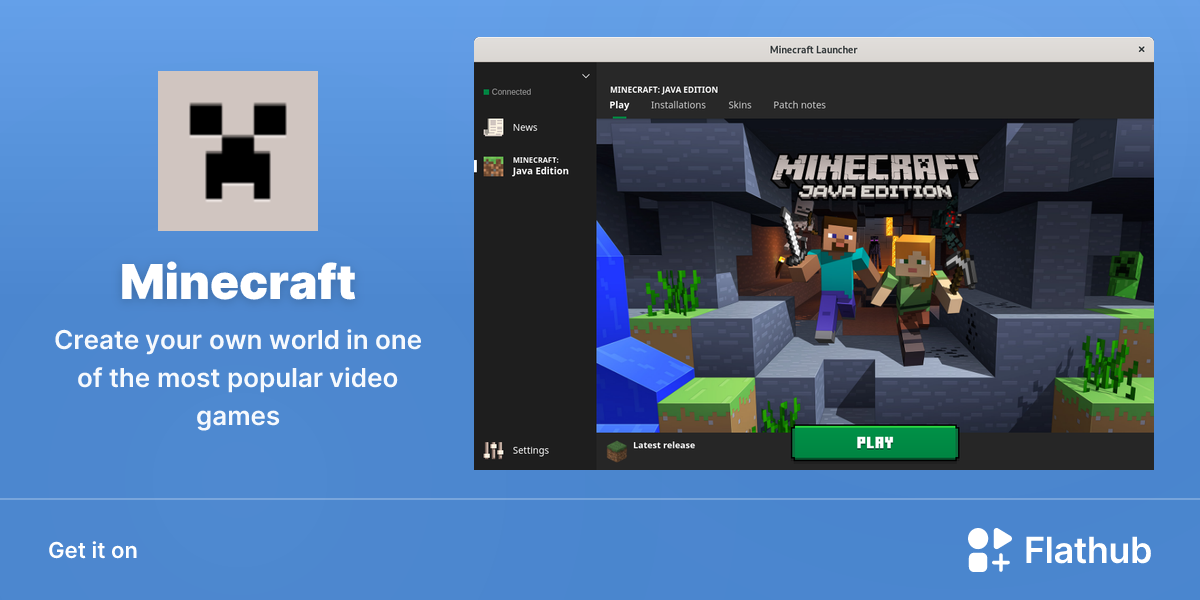
Flathub - Apps for Linux
Create your own world in one of the most popular video games
strong stag

Fedora Discussion
There’s no official installer from Mojang / Microsoft. You have to log into your account on the MineCraft website and go to your downloads and there’s a Linux download. That’s the jar file.
all fedora users tell to use flatpak
molten frost
I'll take care of this one, Lune
strong stag
molten frost
I'll take care of this one, Lune
I mean, using source code should always be the last resort
molten frost
This is not source code, it's just a single binary
plucky sundial
Hey, in his defence compiling this way is pretty fun
strong stag
still, last resort
always prefer package managers over source
even if source is a bin
molten frost
plucky sundial
Hey, in his defence compiling this way is pretty fun
there is nothing to compile here
plucky sundial
I think he wants the binary to show up in his menu/app launcher
Can't he just create a simple shortcut?
molten frost
of course they can, that's what desktop entries are for
plucky sundial
Then whats the problem?
strong stag
plucky sundial
I think he wants the binary to show up in his menu/app launcher
for that you just make a .desktop
plucky sundial
As stated by her, the binary runs. She just needs to create a launch shortcut
molten frost
none, I said I would help. I'll take care of this one
plucky sundial
molten frost
none, I said I would help. I'll take care of this one
Oh alright
I'll you to it then
strong stag
I would just use the flatpak, set perms with flatseal and enjoy
flatpak will take care of the shortcuts and such
instead of manually doing it yourself
idk where fedora stores their entries tbh
@karmic lance I summon thee
molten frost
Gl3xy has already stated their personal preference.
Lune, I said I would take of this one
 long lagoon
sorry to hijack but minecraft has a serious performance hit with the platpak as well as a few inconsistencies / glitches within the game
at least in my case it does
molten frost
long lagoon
sorry to hijack but minecraft has a serious performance hit with the platpak as ...
that is some interesting insight, thanks
strong stag
also, didn't minecraft had something like prism?
long lagoon
flatpak is usually quite good but sometimes its not the best for every game
oh yeah alternate launchers are a thing but i think gl3xy specifically wants the official launcher, right?
strong stag
again, they can make a .desktop
nothing else I can help about
iirc Nuclear @plucky sundial bro has a template for .dekstop files
afaik gear level is a flatpak manager
mb, tho never needed it
make a .desktop
also, no shots, video, nothing that helps
molten frost
This should work:
wget -P /tmp https://launcher.mojang.com/download/Minecraft.tar.gz ;

tar xf /tmp/Minecraft.tar.gz --directory=/tmp ;

sudo mv /tmp/minecraft-launcher/minecraft-launcher /usr/local/bin ;
chmod +x /usr/local/bin/minecraft-launcher ;

wget -P /tmp https://minecraft.wiki/images/Grass_Block_JE2.png ;
sudo mv /tmp/Grass_Block_JE2.png /usr/share/icons/hicolor/256x256/apps/minecraft.png ;

cat > $HOME/.local/share/applications/minecraft-launcher.desktop  <<EOF
[Desktop Entry]
Name=Minecraft Launcher
Comment=Minecraft launcher
Type=Application
Exec=minecraft-launcher
Icon=/usr/share/icons/hicolor/256x256/apps/minecraft.png
Terminal=false
StartupNotify=true
StartupWMClass=Minecraft
EOF
May perhaps require tweaking the StartupWMClass