
#Eye design
69 messages · Page 1 of 1 (latest)
 stable thunder
 night lava
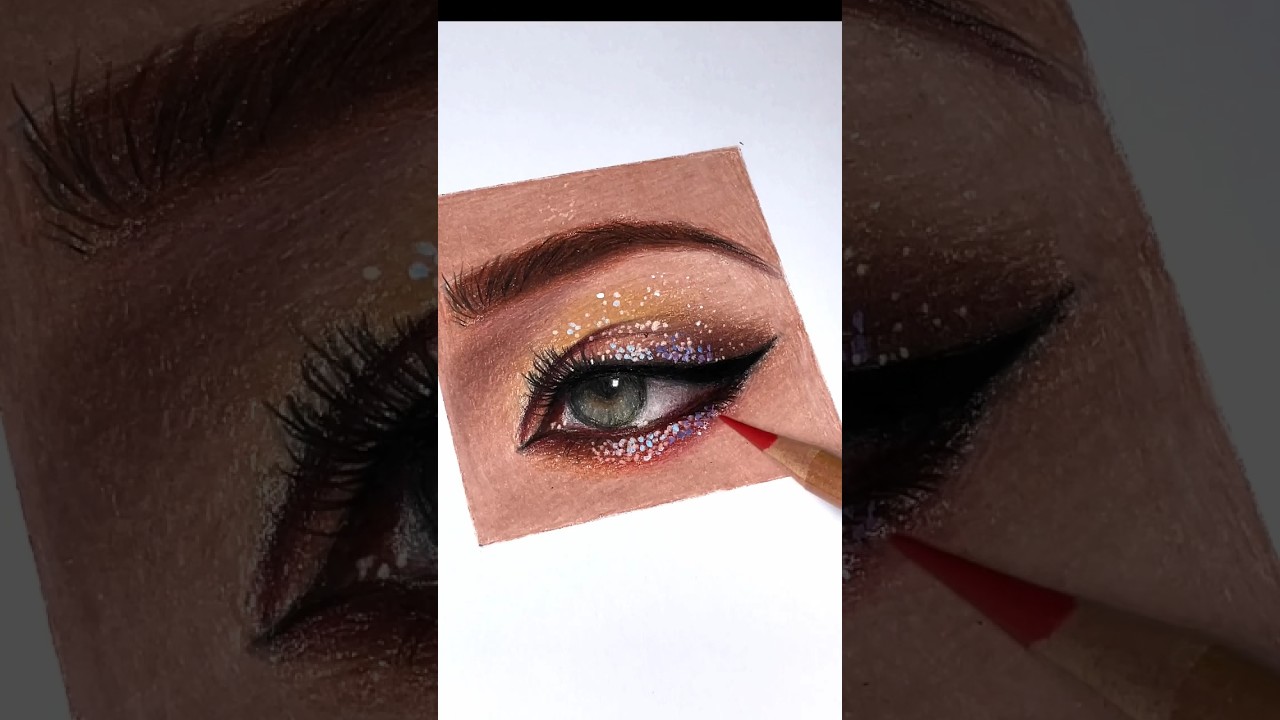
Looks like Digital artwork to me with a glow effect
stable thunder
night lava
Looks like Digital artwork to me with a glow effect
Don’t the eye lashes look like someone used fine point pen? With the way they start and end?
night lava
you can easily do that with digital brushes
You would need a drawing tablet with pressure sensitivity levels to replicate it and thats how its mostly done via digital
stable thunder
Oh
stable thunder
night lava
You would need a drawing tablet with pressure sensitivity levels to replicate it...
Well I saw this get drawn by hand over the course of many hours so it should be possible to imitate the above eyes if not exactly I would think you could get something similar.
 night lava
stable thunder
Don’t the eye lashes look like someone used fine point pen? With the way they st...
oh sorry I didnt mean you couldnt do it. It just looked more like a digital piece.
night lava
stable thunder
Well I saw this get drawn by hand over the course of many hours so it should be ...
This is beautiful. Looks like color pencil ?
stable thunder
night lava
This is beautiful. Looks like color pencil ?
I think it was some sort of pen idk
 stable thunder
I’m drawing a gray scale portrait of a dragon and I want to pick one area to highlight with color and make the eyes really stunning like this but I’m not sure what to use. The results I have been getting with colored pencil have been lacking
night lava
Should post the wip, might help for others to see how you can improve it
stable thunder
So you think they are using a filter to make them almost glow?
night lava
Thats what Ive seen used most common yea.
stable thunder
 night lava
Otherwise your best bet could be glow in the dark inks. Or drastic High lights with whites
stable thunder
 night lava
stable thunder
very cool


 stable thunder
What was done to make these appear to glow?
night lava
stable thunder
oh that one is diff a digital effect
stable thunder
You’re saying it’s definitely digital art?
night lava
stable thunder
this is one a traditional work but it has a digital effect on top of it after its been hand drawn. similar to the video I posted earler
stable thunder
Ok yeah I see that’s disappointing I was really stunned by that I had no idea how they managed the yellow sheen by hand but go figures it’s been modified online
stable thunder
night lava
very cool
Thank you it’s been a tough piece to tackle and get all the little details in
night lava
stable thunder
Ok yeah I see that’s disappointing I was really stunned by that I had no idea ho...
well Just for that one pic, Ever take a picture in the dark ? it comes out all dark. Hard to isolate just a part without editing some stuff
but here you could try stuff like this
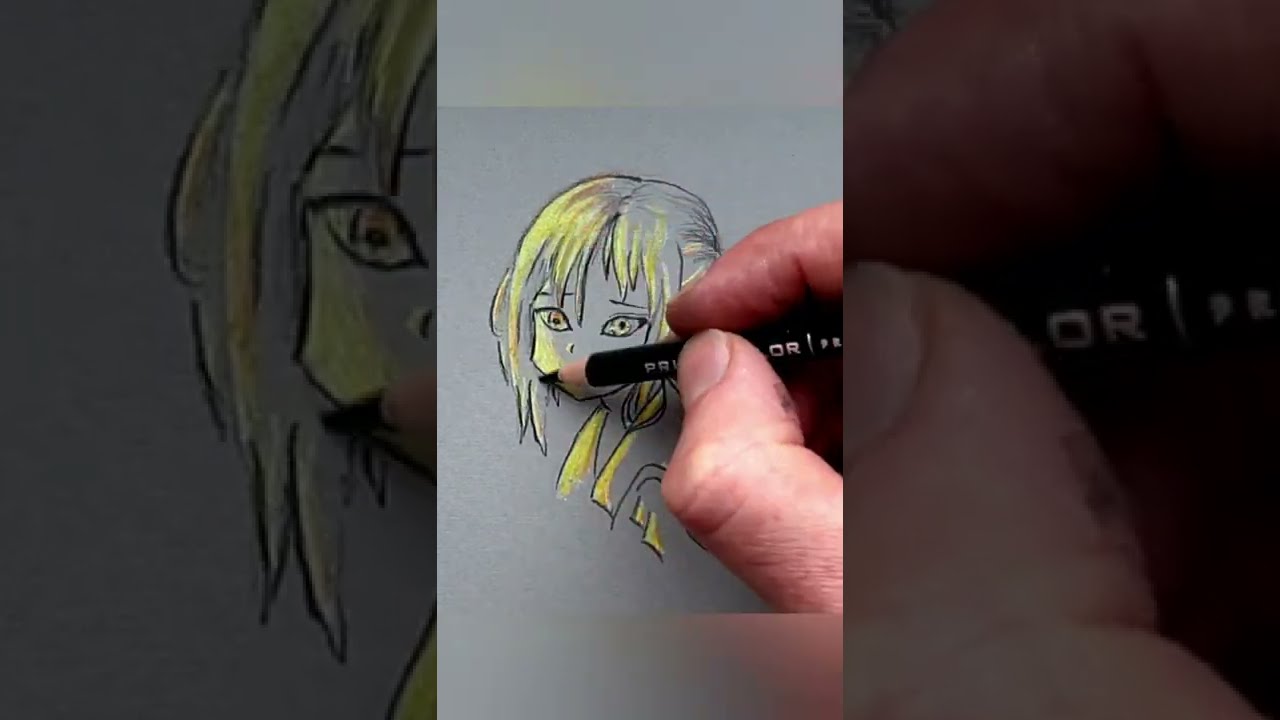
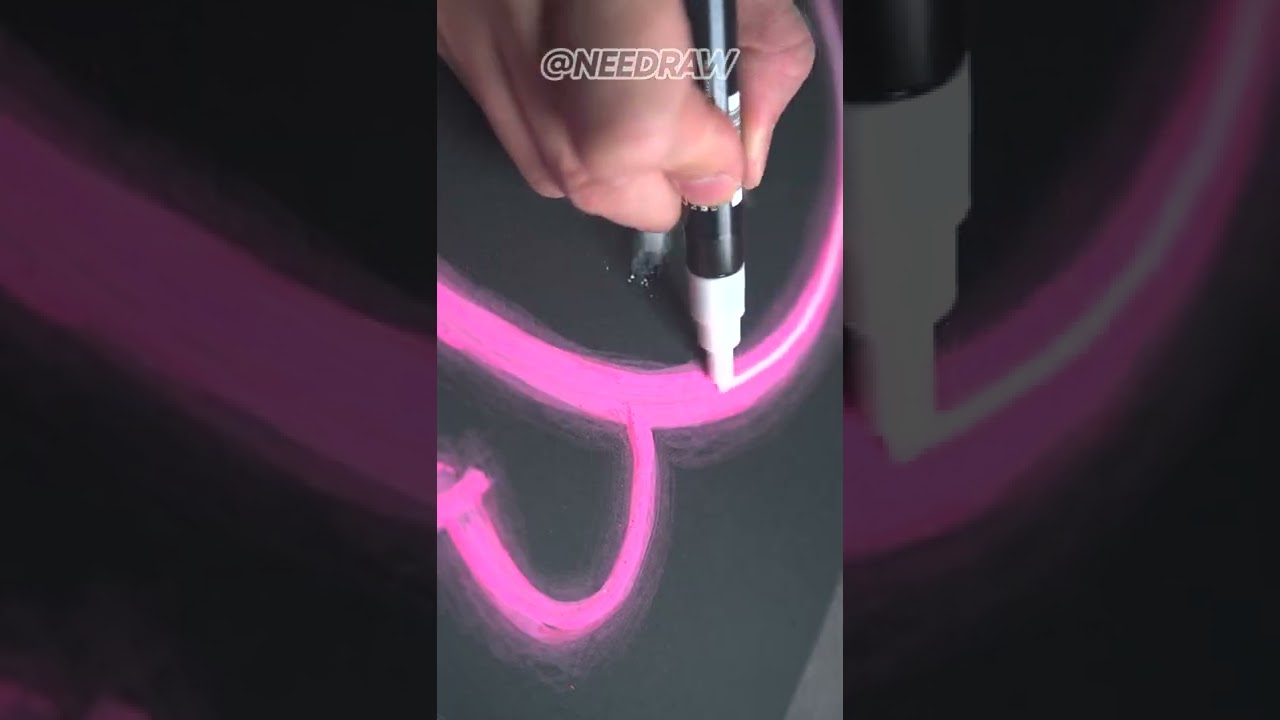
Drawing KAWS Supreme | LED Neon Sign Effect
#art #posca #drawing
Let's do some drawing!
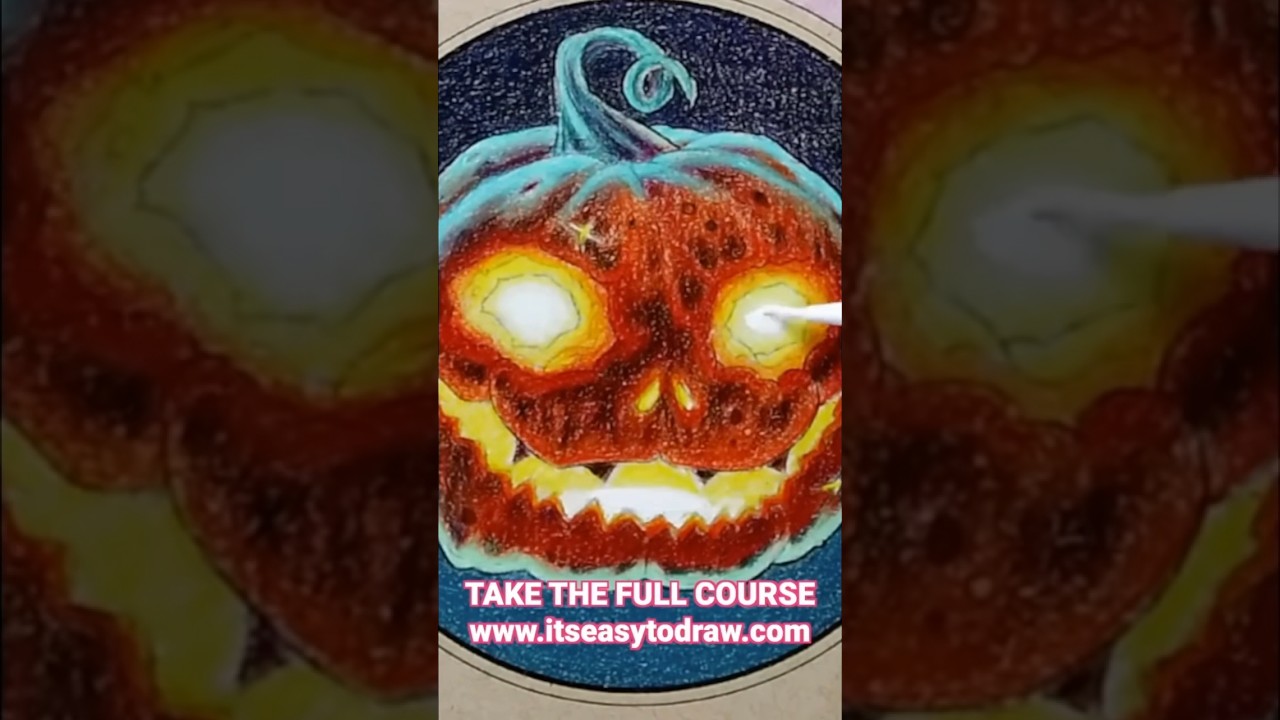
Join the full Glow Effects course in It's Easy To Draw academy: www.itseasytodraw.com
Its mostly playing with hard light and shading
stable thunder
I really just want a way to capture the stunning beauty of the dragons eyes

And I thought this would look absolutely amazing in contrast with the grayscale the rest of the piece was done with
 night lava
The videos I provided the techniques can be used for dragon eyes. Just gotta learn it
stable thunder
Yeah they do look promising
Will just be a lot of trail and error on some test pieces in order to find something that works
stable thunder
stable thunder
And I thought this would look absolutely amazing in contrast with the grayscale ...
Now that I’m looking for it these definitely are digitally made you can see they used a butterfly tool in order to mirror what was drawn because the eyes are identical
night lava
Yup yup
Best of luck. Traditional work is definitely more challenging imo then digital
I tried my hand but I fell flat.
 stable thunder
night lava
I tried my hand but I fell flat.
That’s funny I tried digital a little bit ago and as a test piece I tried making a cambells chicken noodle soup can I couldn’t make anything that looked very good couldn’t figure out the shading and it was a multi hour long fight to just get the tools to do what I needed for the poor result I got
night lava
It has a learning curve. And it also depends on the program you use, And drawing tablet as well. or the hardware.
But it has so many tools at hand and the ability to undo mistakes and just amazing on saving time. Not to mention the shortcuts like copy paste eyes lol
once you get the hang of it its just easier imo. Trad work is really hard because there is no undo button you really need to plan stuff out
night lava
stable thunder
That’s funny I tried digital a little bit ago and as a test piece I tried making...
what program did you use ?
stable thunder
night lava
what program did you use ?
Probably nothing very good let me think there were three that I tried
Ms paint
Paint.net
And Gimp
there might have been one other but nothing was well suited to doing anything even half as detailed as what I can do by hand
stable thunder
night lava
once you get the hang of it its just easier imo. Trad work is really hard becaus...
Yeah I’m very familiar with auto cad so I figured I sort of kind of would have an idea of how to used 3D drawing programs which was true there were some similarities. But since this dragon is my first drawing in years like over a decade I just couldn’t take learning not only the drawing methods and techniques/form required to make a shape while fighting with the tools online to even get the most basic of thing done. I just said fck it this is to much I’ll just stick with drawing by hand and pick it up in a year
 deft pagoda
I feel like you could probably achieve a "glow" effect if you use black or brown paper + one of those expensive color pencils that are super pigmented
Saw one girl in my class do it so I'm pretty sure it's possible
Just use a high saturation color and "airbrush" with the pencil around it and you're set
stable thunder
deft pagoda
I feel like you could probably achieve a "glow" effect if you use black or brown...
Well keeping in mind that I have access to an old 24lb pack of printer paper and some pretty nice mechanical pencils and colored pencils. What could be achieved? I’m willing to buy a set of gel pens or something for this as long as it’s not overly expensive and will get the look I’m going for. but I’ve never used air brushes or anything like that. My dad does have a 30+ year old airbrush set not sure if it’s functional or if all the o rings and hoses are cracked
Also I don’t speak fluent Art it’s more of a second language could to translate what you just said or if you have a reference pic/video
night lava
stable thunder
Ms paint
Paint.net
And Gimp
there might have been one other but nothing was we...
Ah okay you picked unfortunately some not so good ones for art.
I recommend SAI , CSP , KRITA, FIRE ALPACA, MEDIA BANG,
First two are paid stuff. But the rest are free. And are better suited to art. And support tablet pressure sensitivity.
deft pagoda
stable thunder
Well keeping in mind that I have access to an old 24lb pack of printer paper and...
Oh hec, good color pencils are expensive as hell so unless you wanna do it regularly I do not recommend but... If you press hard enough you should be able to achieve something similar with average color pencils it just takes a LOT of strength so I don't recommend large area. Also when I said airbrush it's just me not knowing the art lingo, basically gradient?? Around it??? Idk how to explain it exactly, just like mimic what an airbrush does. From my experiments the brown-grey recycled paper usually looks the best for these type of stuff (no idea what the paper is actually called)
I think markers may be able to work though I'm too broke to actually get markers so I wouldn't know.
The point is, solid high saturation color + darker background = glow
Also if you have a tablet or whatever and want to do digital I recommend ibis paint for beginners cause it's super easy to navigate and pretty straightforward despite not having a lot of the professional stuff
Sorry for the text wall
stable thunder
Couple tests I ended up using a more oily colored pencil and a more powdery colored pencil then I tried a bit of nail polish

 stable thunder
deft pagoda
Oh hec, good color pencils are expensive as hell so unless you wanna do it regul...
It’s a different look but what do you think?
 half blaze
Ion know if someone told you this. But imma just write it.
To make a glow effect. Use a dark value for whatever surrounds the secondary light source (glow)
Then use a light value for the core of the glow and the reflection of the light or how the forms react to light can be done using mid tones/ middle values
night lava
stable thunder
Couple tests I ended up using a more oily colored pencil and a more powdery colo...
pretty interesting, you should try if you can Acrylic Paint with Glazing
oh wait, I forgot glow in the dark nail polish exists that would be cool too