#Problem with Cloudflare Tunnel (TCP) to MariaDB on Synology NAS

44 messages · Page 1 of 1 (latest)

astral glade
#

Problem:

  • The cloudflared container connects to Cloudflare.
  • However, the connection to the database fails.
  • The container logs repeatedly show the error: ERR Server Tunnel Error Application error 0x0 (remote).
  • The logs show connection attempts using quic or http2, but we need to use tcp.
  • No logs are displayed in the Cloudflare Dashboard.

What I've already tried:

  1. I've double-checked the Cloudflare settings multiple times.
  2. I have completely disabled all firewalls for testing.
  3. I've restarted and re-created the cloudflared instance.
  4. I have deleted the Zero Trust App.
  5. I have created a new route in Cloudflare.
  6. I have tried different Docker commands.
  7. I have verified the problem with Telnet.

I'm not sure where the issue lies. Could someone please help me troubleshoot this problem? Isn't it possible to connect NAS<>Cloudflare with DSLite? I have also tested with phone-4G connection and it failed -- even when firewall for NAS & OS was deactivated. Is a NAS <> Cloudflare Tunnel connection a private network or connect an application?

Thanks in advance for your help!

Page [2/2]

cunning juniper
#

For TCP, your client also needs cloudflared installed.

astral glade
#

On my NAS I have installed Cloudflared.

cunning juniper
#

Is the cloudflared on your NAS running the tunnel that connects to the DB?

astral glade
# cunning juniper Is the cloudflared on your NAS running the tunnel that connects to the DB?

Yes, the cloudflared container on my NAS is indeed intended to run the tunnel that connects to the MariaDB database. It's configured to listen for TCP traffic on the internal IP of my NAS(192.168.xxx.xxx:3307)and route it through the Cloudflare Tunnel to api.mydomain.com. However, even with this setup, I get the error ERR Server Tunnel Error Application error 0x0 (remote) and the cloudflared container is trying to connect with quic or http2 instead of tcp. I'm using the Docker run command from the dashboard, without the config.yaml.

I have used the docker install and connector:

docker run cloudflare/cloudflared:latest tunnel --no-autoupdate run --token....XYZ

cunning juniper
#

You need to run something like cloudflared access tcp --hostname <DB hostname> --url localhost:9210 then have your DB client connect to localhost:9210

astral glade
cunning juniper
astral glade
# cunning juniper You need to run something like `cloudflared access tcp --hostname <DB hostname> ...

I'm missing something. Isn't config.yml enough for the access?`

https://www.youtube.com/watch?v=QfffjK1e9ps
I'm following this video guide and it avoids to create a credentials.json file but it is not explaining how to connect cloudflared to my database.

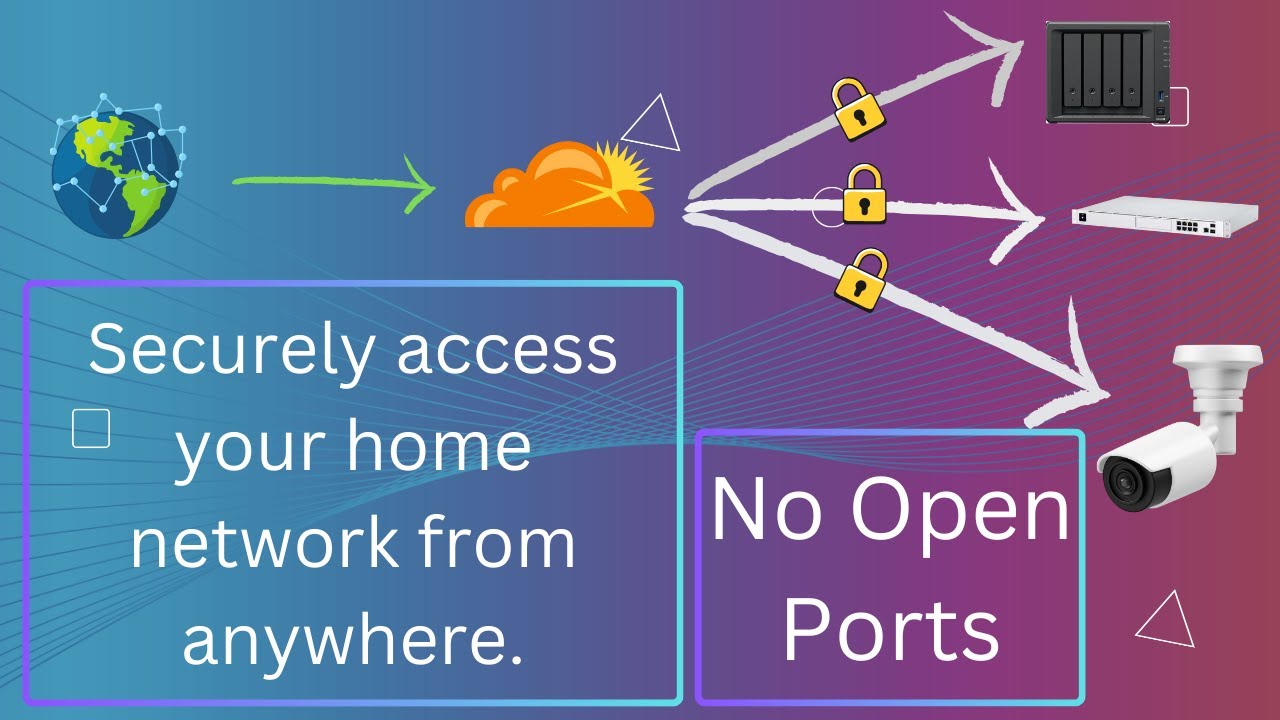
This video is detailed tutorial on how to use Cloudflare Tunnels to access home networks and services remotely from anywhere. We will be using synology NAS to install a cloudflare connector which will be used to authenticate and route traffic from cloudflare to our local area network.
Since we'll be using public host names to access our local re...

▶ Play video
cunning juniper
astral glade
astral glade
#

I have now installed https://developers.cloudflare.com/cloudflare-one/connections/connect-networks/downloads/ for windows client an running the cloudflared access tcp

But seem that telnet domain.x.y is still not connecting 🫠

I was able to connect with TCP with telnet localhost:3307. Shows me MariaDB version & a password and than "host connection is lost after ~ 5 sec or if I type something", I guess that is the part of the test. But the next test with Dbeaver failes. I still cannot connect.

Cloudflare Docs

Cloudflare Tunnel requires the installation of a lightweight server-side daemon, cloudflared, to connect your infrastructure to Cloudflare. If you are creating a tunnel through the dashboard, you can simply copy-paste the installation command shown in the dashboard.

astral glade
#

Update: I think I have found a potential problem source: Seems that my email is not verified and "Resend the link" is not available.

#

With the current experience im earning I would "never" pay something for cloudeflare 😄

astral glade
#

The cloudflare community looks big but is cloudflare still an active company?

#

Even support button isn't available -- its just asking me to ask the community. I didn't know that cloudflare is opensource and community-driven 😅

Anyway I have fixed the issue by using: https://developers.cloudflare.com/learning-paths/personal-website/concepts/verify-email-address/

Cloudflare Docs

For security reasons, Cloudflare attempts to verify the email address associated with your account. You cannot perform certain tasks within the Cloudflare dashboard -- for example, adding a new member or updating your communication preferences -- without verifying your email.

cunning juniper
#

Did you get it working?

astral glade
# cunning juniper Did you get it working?
Cloudflare Docs

Cloudflare Access provides a mechanism for end users to authenticate with their single sign-on (SSO) provider and connect to resources over arbitrary TCP without being on a virtual private network (VPN).

#

cloudflared tunnel --hostname tcp.site.com --url tcp://localhost:7870 by changing this to my domain I just get a quick tunnel. Is that maybe refferring to a Setup issue?

astral glade
#

Question:

  • Do I need to have the MariaDB docker on the same Network internally?
  • Cloudflared container is running with "Host - Network" and MariaDB is running into a customized network. I dont think this is an issue, or is it?
cunning juniper
#

Here is a quick diagram that I drew to show where the client is

#

Cloudflared container is running with "Host - Network" and MariaDB is running into a customized network. I dont think this is an issue, or is it?
This might be it because docker networks are weird. Have you checked the cloudflared logs of the server cloudflared

astral glade
#

Should also I add my MYSQL IP into "private networks routes" ? https://developers.cloudflare.com/cloudflare-one/tutorials/mysql-network-policy

Cloudflare Docs

Using Cloudflare Tunnel's private networks, users can connect to arbitrary non-browser based TCP/UDP applications, like databases. You can set up network policies that implement zero trust controls to define who and what can access those applications using the WARP client.

astral glade
cunning juniper
astral glade
#

How can I point from container to => MariaDB container? Do I need to add a config.yml ?

#

The docker is 100% connected, confirmed by "Healthy-status".

#

So the current problem is, that I cannot connect with the client => to my database, which could basiacally mean that I have no internal connection between container<>mariadb. Make that sense or im wrong?

cunning juniper
astral glade
#

If thats the case, than it must be a configuration problem which is created by myself...

cunning juniper
astral glade
#

In that case, should the subdomain and domain still nameX.namey [ex: api.my.hompage] or should I also add here IP addresses instead of characters?

cunning juniper
#

Yes the public hostname still needs to be a domain

astral glade
#

Okay.

  • i)
    I have now added: tcp://containerMariaDB-projectname:3307 into Public Hostname "Service".
    [which is the name of the container]

  • ii)
    I'm running with the client: cloudflared tunnel --hostname tcp.containerMariaDB-projectname --url tcp://localhost:3307

Next step: I will now deactivate firewall for test cases and will try to connect via DBeaver.

#

With web-socket listener + quck tunnel it is still not available to connect me with the Database via Dbeaver.

#

Do I need to connect with Dbeaver to domain name or tcp.? I think it need to be the domain name, with the tcp it fails instantly and with domain name api..... Dbeaver is trying to connect. Im at a point where I need to test "everything" 😄

astral glade
#

Key Findings:

  • Internal database connection works fine within Docker.
  • The Cloudflare tunnel is active, but external access to the database fails.
  • domain-tunnel container lacks debugging tools (ping, mysql, nc), limiting direct testing.
    but ping with windows cmd to domain works.

Next Steps:

  • Verify MariaDB's bind-address allows external connections.
  • Review Cloudflare tunnel logs for potential routing issues.
  • Ensure api.domain.name resolves correctly to the tunnel.
astral glade
#

Update:

Everything I did failed. bind is also on 0.0.0.0 and not on 127.0... etc so there is nothing I can do anymore. I thought that my internet provider could be the problem [its DS-LITE] and with this reason I will give up. I have spent now ~4 days and I don't want to invest more time to cloudflare and NAS services. I will switch to supabase & basic node.js route implementations.