#My Minecraft server shows "Unknown host".
62 messages · Page 1 of 1 (latest)
 prisma skiff
If you set up your domain some moments ago, please try again after 24~48 hours.
But now that issue was resolved.
Which DNS are you using in your machine?
I highly recommend to use 1.1.1.1 DNS at the moment. If you maintaining your domain in Cloudflare, 1.1.1.1 DNS will apply your changes firstly.
DNS server
wikiHow
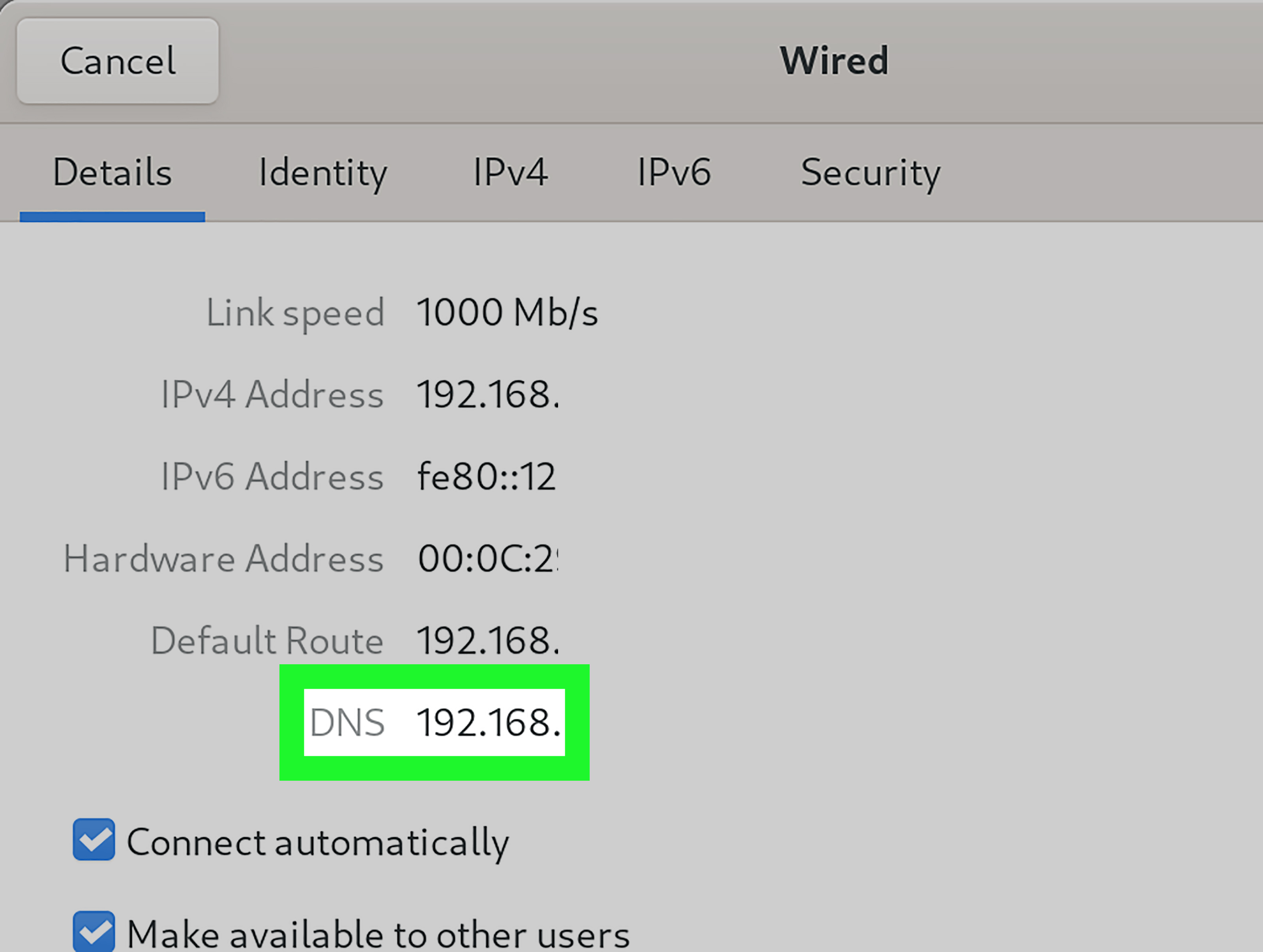
Checking the Domain Name System (DNS) settings on your computer can be helpful if you want to find out specific DNS information about your network such as the IP address for your domain or server. This wikiHow guide will help you do so....
Please check this document to check DNS settings in your machine.
But you said direct IP access works and error is unknown host
It means DNS issue, not your server issue.
When did you set up the domain?
Today?
Then try it tomorrow or change your DNS to 1.1.1.1.
See this document
Give me a sec, I will check this with 1.1.1.1 DNS now
Ok 1.1.1.1 DNS also said Unknown host.
Can I see your domain setting in Cloudflare Dashboard? @jade pagoda
yes
And you can access it with your IP right?
Then it will be issue with Cloudflare.
prisma skiff
prisma skiff
If you maintaining your domain in Cloudflare, please go to support page in Cloud...
Create ticket to Cloudflare
But you'll need paid plan for this. Are you using paid plan?
The free plan allows you to create tickets, but there may be a delay in receiving a response.
Yes

Did you set like this?
Then you can see your domains

and click it
then you can create ticket 🙂
Do not mention Minecraft
just say my domain is not accessible and nslookup shows me Unknown host
Wait
They don't gives you for Continue button?
Why I can left ticket to Cloudflare with Free plan
 rocky ferry
Um, do you have the server on play.taleshaven.net or just taleshaven.net?
Because it appears that your SRV record points to the play subdomain
Yeah, so then the SRV record should also point to the root
Set the name field in the SRV record to @
Oh wait
The target should be taleshaven.net
Let me screenshot
Should look something like this:

Isn't your target set to play.taleshaven.net?
If you don't have an A record for the play subdomain, then that won't work
And you want the SRV record to be on the root too, for everything to work(@ instead of play)
You shouldn't need to change that one as long as the IP is the one that works to connect to your server
Replace this with taleshaven.net

The A record shouldn't be proxied. Sorry, didn't catch that last time. Just flip the little orange toggle on the A record, then save both
It can take a day or two for DNS providers to get the message, but some are faster than others
 shell saffronBOT
DNS over Discord: A records
taleshaven.net A @1.1.1.1 +noall +answer +short
An unexpected server failure [2 - ServFail] occurred when looking up the domain
diggy diggy hole
·
rocky ferry
Changes can propagate within seconds if you are lucky. But, if you are using an ISP's DNS server, or any server that caches requests hard, it may take longer for the server to realize that something has changed
shell saffronBOT
DNS over Discord: NS records
taleshaven.net NS @1.1.1.1 +noall +answer +short
An unexpected server failure [2 - ServFail] occurred when looking up the domain
diggy diggy hole
·
rocky ferry
Am I spelling the domain name right?
Because that shouldn't be happening...
This may actually be a GoDaddy issue, as it appears that your Nameservers are resolving very sporadically...

Why is that screenshot so tall
Basically no matter what you do on Cloudflare, if GoDaddy doesn't serve Cloudflare's Nameservers for your domain, then nothing will work
Depending on how long ago you changed the Nameservers on GoDaddy, you might just have to wait it out
Yeah, that might be why. Nameserver propagation can be especially slow
That might be worse, since it appears most DNS providers have already removed GoDaddy's nameservers, so you will still have to wait for them to come back up
Yeah. If it still isn't fixed within a day or two, then try taking it up with GoDaddy support
Happy to help! You have a nice day!