#How to not run out of disk space
31 messages · Page 1 of 1 (latest)
 scenic moat
 frosty cloud
i do also record in higher quality than the stream
which is useful for stuff like the karaoke streams
scenic moat
no i mean kill video quality, then you can get un-©'d audio for the vod
frosty cloud
yeah I get what you're saying but I do like the better video quality
scenic moat
frosty cloud
yeah I get what you're saying but I do like the better video quality
oh you meant high quality video... hmm yeah i see the problem since compression hates fine details and noisy things...
In that case, I would just make sure all previous vods are moved off local storage so you can record there, or get a NAS or something.. not much you can do about wanting high quality
frosty cloud
yeah I upload them to youtube then delete them from my drive but I just havent caught up with it in a while
scenic moat
ah, in that case upload the uncut as private and then you can fix it later?
 turbid spindle
Well, better get that new GPU like Nvidia 30/40-series which have B-frames (not usable for livestreaming though, only local recordings) and record in HEVC/H265 if you don't already so you can lower the bitrate. Also works with 20-series, but a bit old today and not much better than 10-series in rasterized scenarios like games. If CUDA isn't a requirement, then Intel's new GPUs seems to be pretty good at encoding as well, but their drivers are a bit wonky still. AMD seems to be making some progress in that regard also with their encoders, but I have no good idea how far they've come atm.
Software encoding with X265 could be even better storage wise as it requires less bitrate for the same perceived quality, but extremely CPU heavy depending on which settings you choose and not something I've dabbled with myself as I always have used hardware encoders.
...Or just get more storage I guess... 😅
scenic moat
use AV1
turbid spindle
That as well
scenic moat
just grab an intel arc as a encoding/streaming gpu just for that lol
turbid spindle
Only problem I could see is editing with AV1 as it's rather cutting edge even today. You could convert into something like ProRes, CineForm etc (or lossy formats if slight losses in quality is acceptable) if storage isn't a problem before working on them. Could be a bit more sluggish to work with too, but if you're using proxies while editing it won't matter much. Depends on the editors and their workflows I guess 
- Probably possible to transcode it while editing, but that sounds sluggish too
 desert nexus
just get cool fans that record and upload it for you
turbid spindle
frosty cloud
yeah I get what you're saying but I do like the better video quality
Absolutely! Just Vedal being a bit picky 😏
 agile basin
just download more space 
 upper shore
scenic moat
use AV1
upper shore
scenic moat
use AV1
This actually is probably the best thing to do
i forgot did rtx 4000 series support av1?
turbid spindle
They should if they're apart of Lovelace like the RTX 40-series and the RTX 6000. Cheapest alternative for pure AV1 encoding is to get an Arc A380 as a secondary card or wait for Intels 14th gen with their new iGPUs which should also have AV1 encoding. AMD might include AV1 encoding in their lower tier RX 7000 cards in the future, but I have no idea if they're planning on it
But as I said before, AV1 is currently a bit of a pain to edit with if the editors workflows usually just import H264/H265 files and don't care about converting/transcoding, using proxies etc. It's good for archiving though
 ... Sooo depending on what Vedal's goal is, if he just want the uncut/unedited VODs in higher quality for archiving purposes then AV1 should be just fine, especially when YouTube do support AV1 as he mentioned before that he uploads his recordings onto there. YouTube automatically converts AV1 videos into H264 copies as fallback for those without AV1 decoding (not separate, still in the same upload, depends if the user is opted in on AV1 or not, selectable if using an external program like youtube-dl), so any editors could just download those if they want, unless they have a way of handling AV1 files of course
turbid spindle

 young crypt
I have a spare 4TB hard drive if you want me to post that
 frosty heart
vedal should justget rid of some of all the unholy stuff 
 turbid spindle
Damn, that reminded me to clean up some of my stuff too 

 dense wyvern
Remember to delete venvs in inactive python projects, it can easily take 10GB each

actually, maybe its time to use storage solutions https://www.youtube.com/watch?v=iK3RPCoAyRk
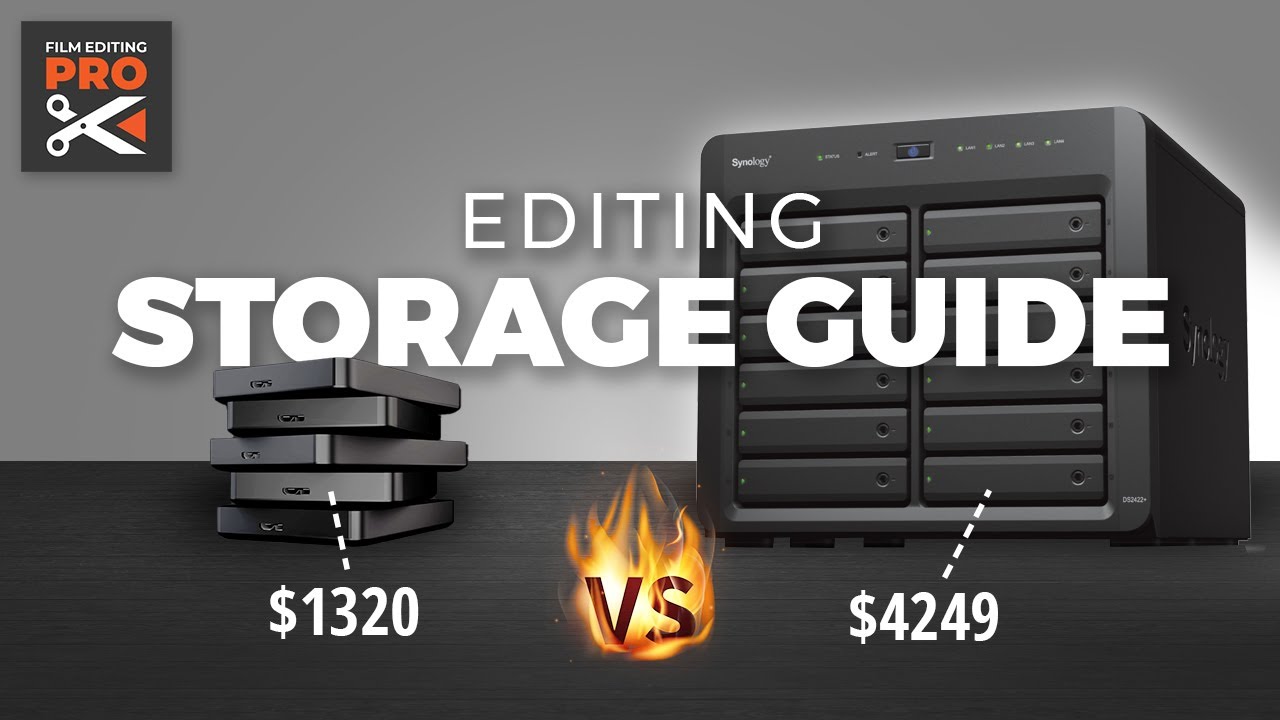
In this guide we'll help you choose the best editing storage solution for your workflow — and we'll let you know which one we use over here at FEP.
Learn more about Synology NAS solutions here: https://sy.to/chnl8
Get Film Editing Pro training courses here — https://www.filmeditingpro.com/freetraining
0:0...
scenic moat
dense wyvern
actually, maybe its time to use storage solutions https://www.youtube.com/watch?...
ew is that a commercial NAS? just make your own
dense wyvern
i use openas my self because of freenas driver woes. In my experience for such a price difference that gives you the hot swap compact form factor case and compatible hardware out of the box -- I find the solution appealing.
I guess there a lot of tech people here that can DIY dono a prebuilt box and Vedal can just add the hard disk? I mean its content IRL NAS building with Neuro, i bet she will give very helpful side comments. :3
a LinusTechTips collab maybe? they have the AMD tech upgrade episode that donates 5K. AMD upgrading an AI Vtuber's gear is giving me nerdgasm :3
scenic moat
vedal is unlikey to any irl streams ever
 ionic nest
scenic moat
vedal is unlikey to any irl streams ever
ionic nest
scenic moat
vedal is unlikey to any irl streams ever
linus has done stuff with dream before the face reveal
scenic moat
ionic nest
linus has done stuff with dream before the face reveal
dream is gross :)
i didn't watch that video
dense wyvern
but WHAT IF Vedal wear TMNT cosplay in IRL pc build? :3 https://www.ebay.co.uk/itm/334808863139?hash=item4df429d1a3:g:LnIAAOSwax5Ys0KZ
then just green screen neuro sitting behind the table!

eBay
Find many great new & used options and get the best deals for Teenage Mutant Ninja Turtles Roleplay MASK Light Up Eyes for costume cosplay at the best online prices at eBay! Free delivery for many products.