#Creative Mode for Craftoria?

65 messages · Page 1 of 1 (latest)

clear sinew
#

Is there any way to enable Creative Mode for Craftoria Multiplayer being hosted on a private server?

I currently have Craftoria 1.21.1 running in my server rack. I am the server owner, and its being run as a private server for me and a few friends. I have opped myself and enabled cheats in EMI but I still dont have the ability to add items to my inventory...? Am I missing a step somewhere?

Also tried /gamemode creative both in-world and in the server console and neither of them work..?

mystic zephyr
#

Need to enable cheat mode in EMI’s options.

clear sinew
#

"I have opped myself and enabled cheats in EMI "

mystic zephyr
#

Wait… yeah, no, that’s super weird.

#

You’ve done the right things.

#

Being op should be enough to enable change game modes

clear sinew
#

EMI says to add a single item I need to use cntrl + right click. When I search for brown wool and attempt to add one, it doesnt do anything when I use cntrl+ right click

#

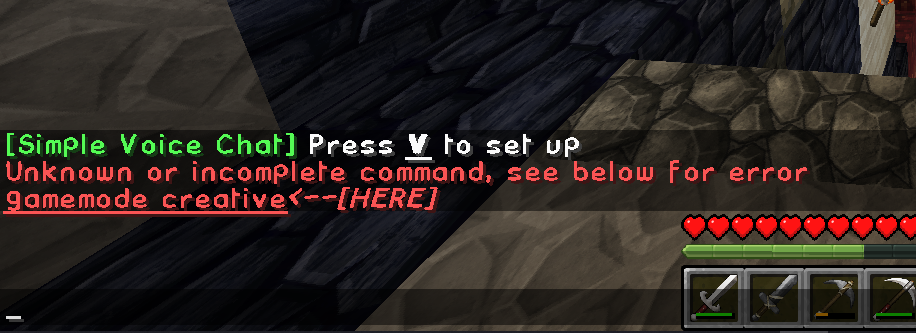
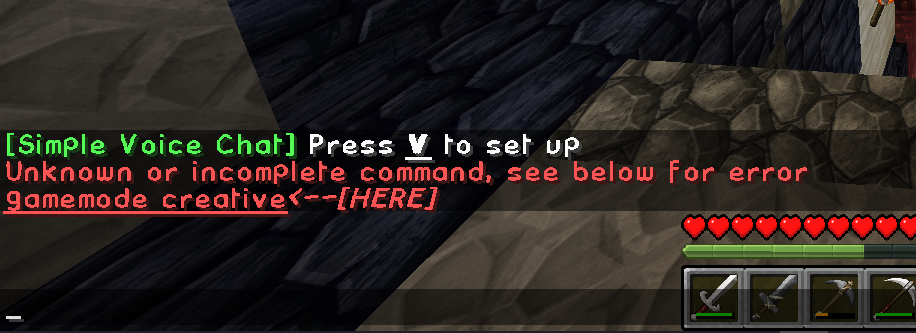
When I do /gamemode creative in-world, it tells me the commmand is unrecognized

mystic zephyr
#

Before EMI, I’m stuck on your gamemode command not working

clear sinew
#

im loading it up right now to test it more

mystic zephyr
#

Enable cheats?

clear sinew
#

It should be /gamemode creative .. yes?

mystic zephyr
#

Yes, and it should recognize the command and offer autocomplete

clear sinew
mystic zephyr
#

Did you not type the leading “/“?

clear sinew
#

I did

#

and I get this error

mystic zephyr
#

That’s normal

#

It is a player affecting command

clear sinew
#

Am I doing the command wrong in the server console?

mystic zephyr
#

You can’t in the console

clear sinew
#

Ahh ok

mystic zephyr
#

That’s the way the command works. It’s per player.

clear sinew
#

Its acting like the command doesnt exist

mystic zephyr
#

Ik. But why? That’s the mystery

clear sinew
#

Correct

mystic zephyr
#

Trust, it works with the pack as shipped. Always has.

Any modifications you’ve made?
Permissions configuration?

clear sinew
#

None. Literally download, install, run

mystic zephyr
#

Well you at least added comic sans. ^^

clear sinew
#

Oh I have a ResourcePack. I added that. Forgot about htat 😛

mystic zephyr
clear sinew
#

But its a grpahical pack. Shouldnt affect server commnads

mystic zephyr
#

Yes

#

Which pack version?

#

1.21.1 is the MC version.

clear sinew
#

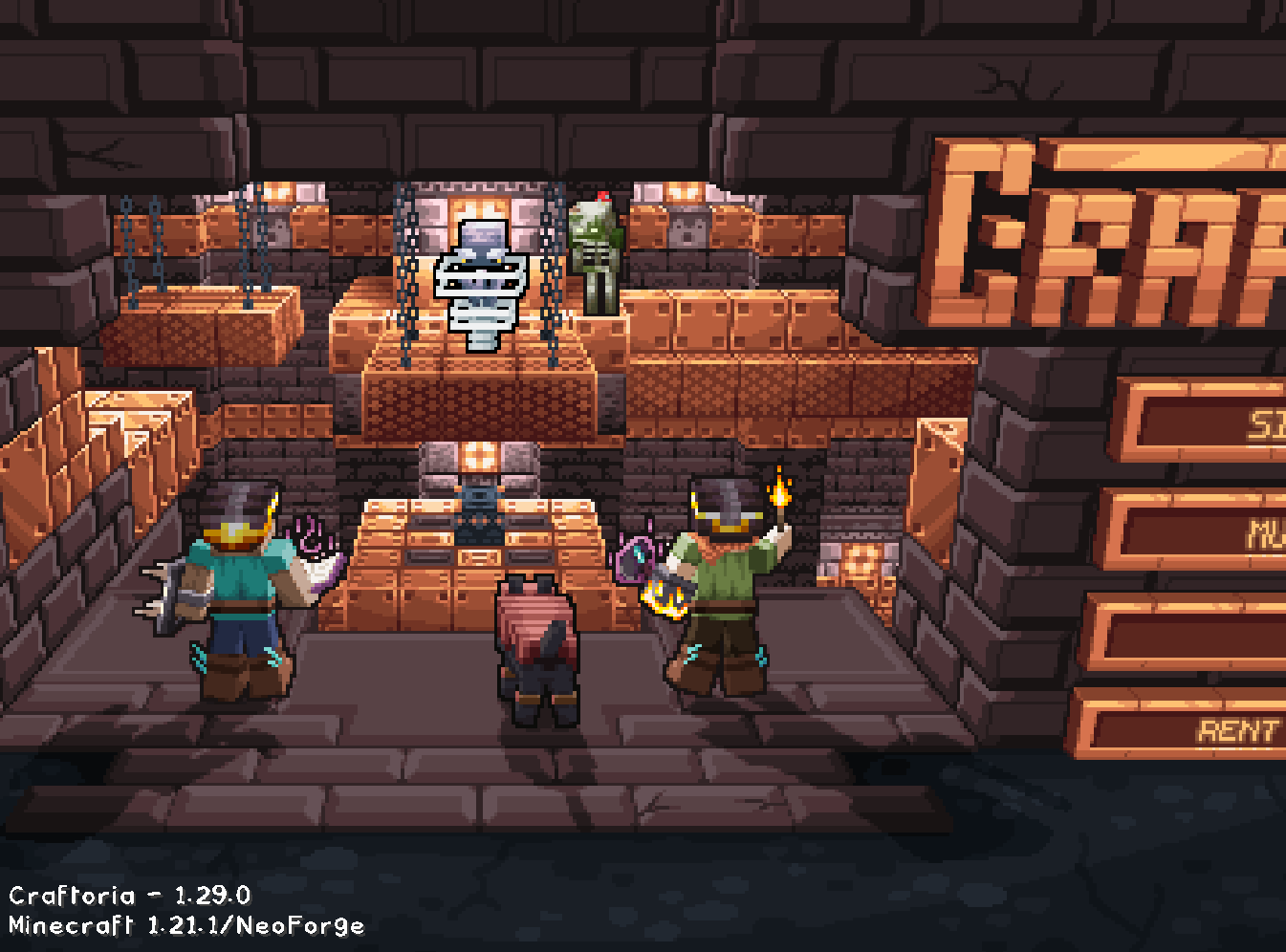
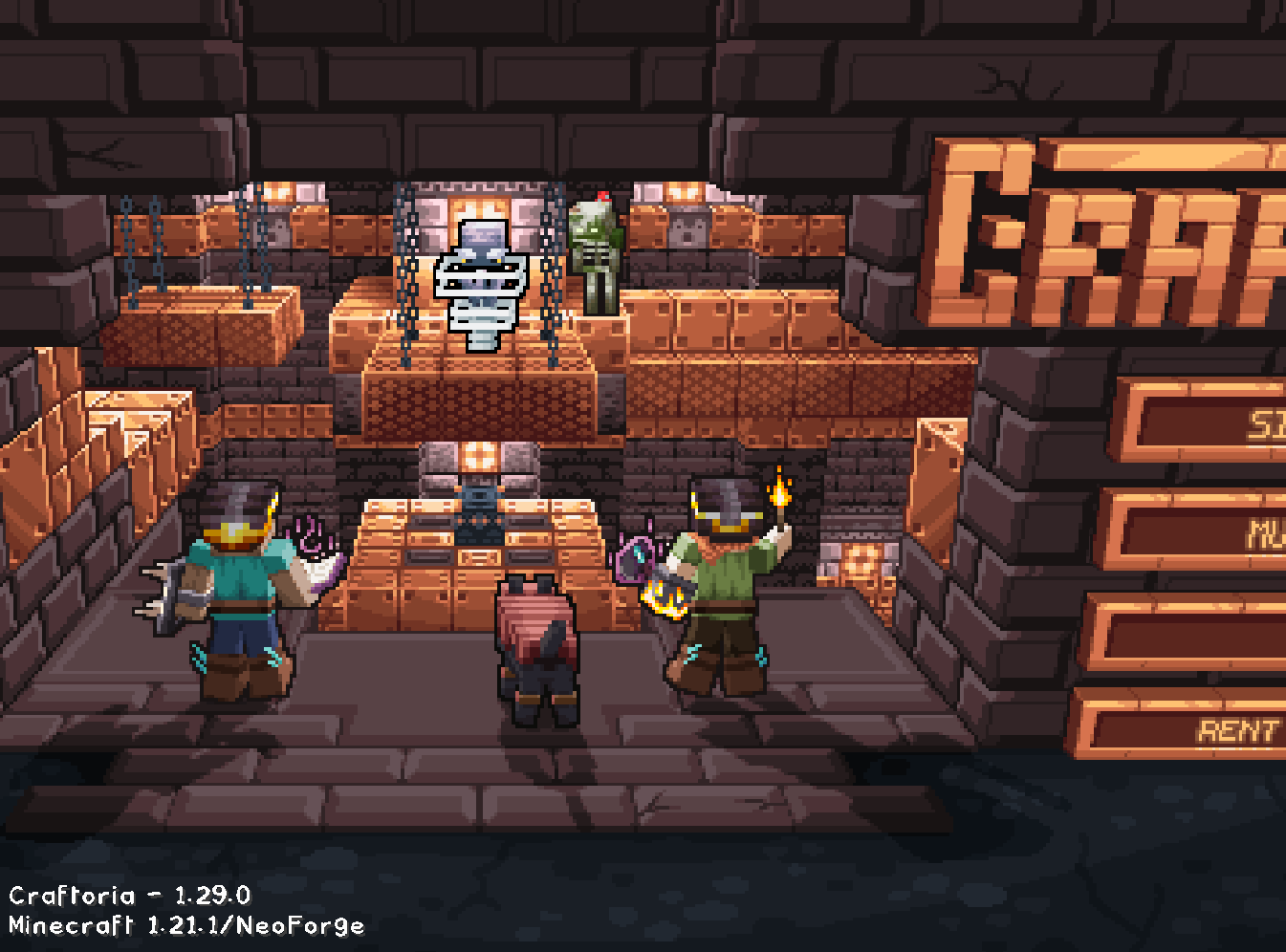
1.29.0

#

At least, thats what I see on the home page

mystic zephyr
#

Confirmed working on our servers.
I can verify a local install later today (not at home rn)

mystic zephyr
#

CurseForge, right?

mystic zephyr
#

¯_(ツ)_/¯

#

I literally don’t know how to disable OP from using that command even if I wanted to.

#

-# may be saying more about me

clear sinew
#

I AM running the server version in my server rack. Connecting to it with the client on my gaming machine. Not sure if thats any different from how most people use it.. ?

#

I wanted to set it up as a multiplayer world for me and a few friends

mystic zephyr
#

How exactly did you op yourself?

clear sinew
#

SErver console

#

op Gentlemander

#

it said it worked

mystic zephyr
clear sinew
#

Maybe my client didnt install correctly . .?

mystic zephyr
# clear sinew op Gentlemander

And server was in online mode then and you are too on your client?

The same account name is not the same between online and offline modes, as far as the server cares.

clear sinew
#

I believe so, yes

mystic zephyr
#

That was me just thinking of how to even get into this situation. xD

clear sinew
#

client says "Realms invites" and "server listings" Are both OFF

#

Not sure if that matters

#

I fixed it

#

oh my god. I found out what I did

hallow stump
#

what did you do

clear sinew
#

I spelled my account name wrong with I opped myself in the server console

hallow stump
#

oh, yep, missed an r

clear sinew
#

All is right with the world