#detour MsgC?
1 messages · Page 1 of 1 (latest)
 vivid cradle
_MsgC_old = _MsgC_old or MsgC

function MsgC(...)
    local args, wincol = {...}

    for i, arg in ipairs(args) do
        if IsColor(arg) then
            args[i] = WinColor(arg)
            wincol = true
        end
    end

    if wincol then
        _MsgC_old(unpack(args))
    else
        _MsgC_old(...)
    end
end
then you can just use MsgC as usual, it will also add compatibility with addons that use MsgC
MsgC(Color(255, 0, 0), "red text :)")
also afaik windows terminal supports colors by default, so you dont need to make changes to the registry - just use a good terminal
https://github.com/microsoft/terminal/releases
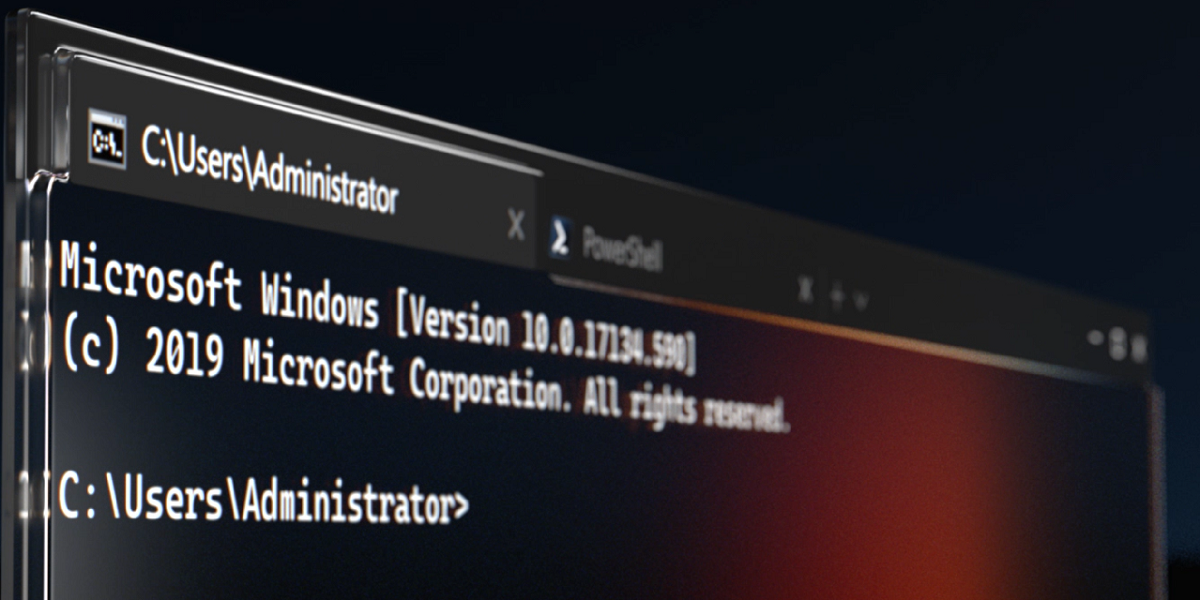
GitHub
The new Windows Terminal and the original Windows console host, all in the same place! - microsoft/terminal
but if you still want to use the ugly cmd.exe, then the configuration can be done with single command
REG ADD HKCU\CONSOLE /f /v VirtualTerminalLevel /t REG_DWORD /d 1
 hot wadi
vivid cradle
also afaik windows terminal supports colors by default, so you dont need to make...
hot wadi
vivid cradle
also afaik windows terminal supports colors by default, so you dont need to make...
ye but you cant use srcds on the new terminal, it just force opens the old cmd for some reason?

is there even any way to get it into the new terminal, here is my launch params from a standard batch file, you can see it opens the new terminal in the background, but opens the old ass console?
srcds.exe /B -maxplayers 8 -dev -console +gamemode sandbox +map gm_flatgrass -tickrate 66 +sv_lan 1 -allowlocalhttp +sv_cheats 0 +sv_allowcslua 0 +sv_password lantest +rcon_password lantest
vivid cradle
try to set windows terminal as default command promt app
vivid cradle
idk, i dont use srcds on windows
hot wadi
ive even tried powershell and it doesn't work, it just opens old cmd
vivid cradle
try this https://pureinfotech.com/set-windows-terminal-default-app-command-prompt-powershell/
perhaps it will work

You can now make the Windows Terminal experience the default application to open PowerShell and Command Prompt, and here's how on Windows 10.
hot wadi
already set to that 😦


doesnt look like its actually possible to stop it opening its own window
yeah idk
vivid cradle

 noble creek
Yeah, spent a couple of days attempting to do that, sadly CMD apps will open most likely in CMD, no idea what makes that decision more than legacy code, dunno have no idea what I'm even talking