#Thread
1 messages · Page 1 of 1 (latest)
 gaunt ferry
part of an addon that adds a laundry list of improvements to the tardis addon
BUT this feature won't make it in
it doesnt fucking work because projected textures don't update outside of the player's FOV
this video is faked by placing the exterior in front of the invisible interior in the skybox
to force the projected texture to update
 tulip yarrow
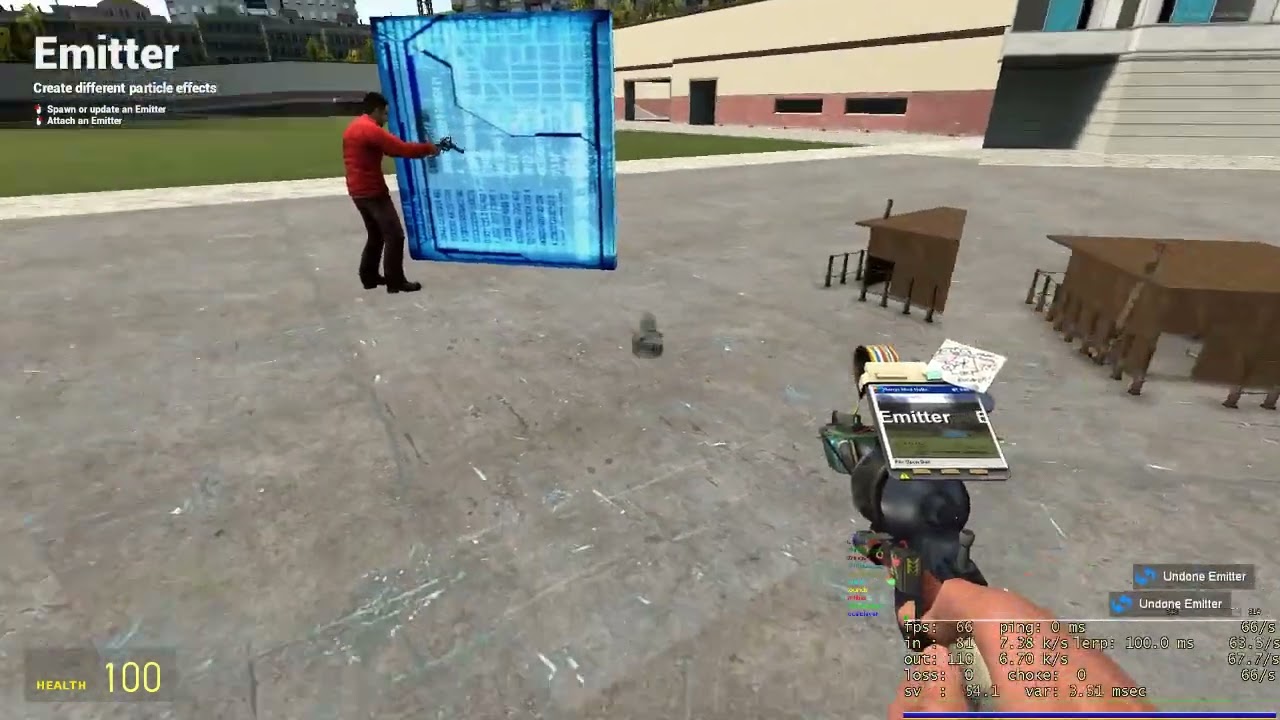
I think you're also running into a minor issue where the viewmodel sees the portal plane as solid
My portals mod is now out, Get it on steam now! :D
Link to mod: https://steamcommunity.com/sharedfiles/filedetails/?id=2773737445
Discord: https://discord.gg/vdsgHsFrx2
This portal mod has some kind of traceline detour that it uses to fix that
It might be helpful to you
gaunt ferry
uuuh what do you mean with solid?
or rather
what is the actual issue
i might be blind to it because i've been working with this for so many months straight

 fluid thunder
the sway messing up from your eye angles changing
tulip yarrow
Pretty sure there's a trace coming from the camera straight forward towards your crosshair and the distance of that trace is used to move the viewmodel to simulate moving the viewmodel out of the way of an obstacle
gaunt ferry
fluid thunder
the sway messing up from your eye angles changing
i'll note i am using the viewmodel lagger addon which produces the same issue with seamless portals aswell
fluid thunder
seamless portals breaks my weapon base's positioning and view bob >:(
fluid thunder
yes, but seamless portals doesn't call the weapon's CalcViewModelView in their hook
as sandbox/base gm does
gaunt ferry
im not sure if the tardis addon does but chances are it might
it's been around for like 10 years so every issue under the sun has been reported
 marble harness
gaunt ferry
it *doesnt fucking work* because projected textures don't update outside of the ...
marble harness
gaunt ferry
it *doesnt fucking work* because projected textures don't update outside of the ...
This is because you aren’t thinking about PVS, yet. Please check it out.
gaunt ferry
hnng i've tried pvs before... it doesn't seem to affect projected textures
like i place a pvs into the interior position using AddOriginToPVS or what the exact name was
and it doesn't fix the issue
gaunt ferry
tried it AGAIN for like the 5th time and still the same result @marble harness
i really think projected textures are not affected by PVS
marble harness
I wanna fix this! Ok, is the view point on the world level inside the booth? It seems to me that maybe the light is outside the map so to speak.
gaunt ferry
the interior entity is placed somewhere in the skybox, to minimize the chance of anyone colliding with it
that means 90% of the time it will be out of any player's field of view
marble harness
Gotcha, you might need a little more space to source the light.
The fragment shader won’t catch the same lamp twice in two locations. You need to make two.
Then, it should work but I know the light duplication will have to be made implying the PVS is at both the the EyePos and the skybox room.
gaunt ferry
i dont really get any of that... you mean i should make a copy of that projected texture and place it infront of the player?
marble harness
Outside the skybox room.
Exactly where the local to eye and eye to local type stuff.
It’s hard to explain but there needs to be two protected textures at the same time.
Shadows are casted the same way which is why it relies on depth buffering.
If you capture the portal normally, it wouldn’t capture the same depth inside its portal view.
It would look flat like a wall.
Best I can show you

Assuming it’s all parallel ya kno
gaunt ferry
i don't think i get it.. maybe i should make a doodle myself to show my setup
okay i think this shows my setup in a clear way

maybe you could add into it what you mean i should do
marble harness
That’s perfect
In theory that should 100% work
In this situation that is what I’d go with.
gaunt ferry
...and that's exactly my setup
in this video you can see how it doesnt update even with this exact setup
marble harness
Weird
tulip yarrow
New idea
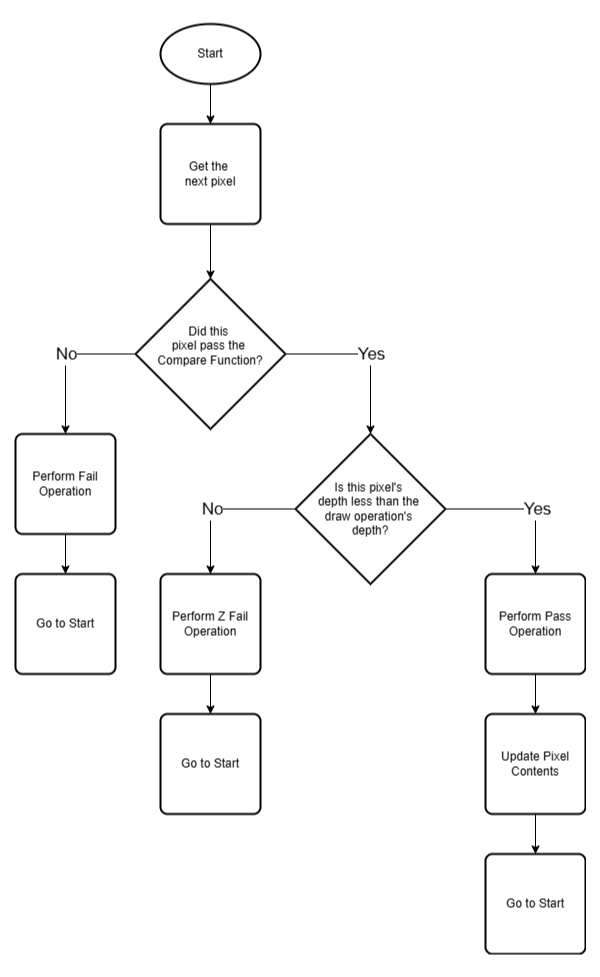
Garry's Mod Wiki
These pages seek to provide helpful insight into the groups of functions provided by the Render Library.
The major function groups are:
Beams
Minification and Magnification Texture Filters
Render Targets
Stencils
It's going to be very helpful to..
The last example on the page
Could you render the interior that way while the player is outside of it?
It would replace a Render Target portal, visually, from the exterior
From the interior, the exterior would still be a render target
If you fucked up the model matrix bad enough, you might be able to get it working both directions
gaunt ferry
tulip yarrow
It would replace a Render Target portal, visually, from the exterior
oh god i don't know if that'd work without rewriting the addon from scratch... that portal rendering code has been set in stone 10 years ago
gaunt ferry
oh and.. how exactly would this fix the issue of the lamp not rendering far up in the skybox?
unless from what i can gather.. the stencil would draw the interior space physically at the exterior instead of the skybox, until you walk in?
tulip yarrow
gaunt ferry
unless from what i can gather.. the stencil would draw the interior space physic...
Yep, this
You would be actually rendering it the way it looks. The interior would be physically in front of the player as they walk through the threshold
gaunt ferry
hmng im not sure if that is possible to implement.. the interior is made of a dozen entities that represent controls, props, lighting etc
moving all of that to the exterior and keeping it parented to that is probably a nightmare in the making
tulip yarrow
In theory you shouldn't need to move them, just alter where the rendering system considers the world origin to be
I would highly recommend doing a small proof-of-concept to prove the idea before moving ahead with it
But I've been able to get player flashlights working on "impossible geometry" like this
In my case the models were positioned where they appeared to be, but I don't think that's a requirement. I think they'll work just fine with a model matrix as well
 shy wagon
@gaunt ferry out of interest how do you "turn off" the map lighting inside the tardis?
tulip yarrow
shy wagon
<@555464741540200480> out of interest how do you "turn off" the map lighting ins...
Unrelatedly, is GWater 2 a binary module? I looked but didn’t immediately see an answer available
gaunt ferry
shy wagon
<@555464741540200480> out of interest how do you "turn off" the map lighting ins...
it runs the render.suppressenginelighting function on every entity of the interior, then runs render.resetmodellighting with the desired brightness to set the new lighting
shy wagon
ah. smart
gaunt ferry
shy wagon
ah. smart
coincidentally there has been a big development regarding exactly that feature
this takes full advantage of this method to set any custom lighting
shy wagon
gaunt ferry
coincidentally there has been a big development regarding exactly that feature
thats cool as hell
fluid thunder
@gaunt ferry question: do you use the viewmodel lagger addon?
 gaunt ferry
ya i've actually said that before in this thread i think