#i want to use the material models/props_lab/cornerunit_cloud but i cant
82 messages · Page 1 of 1 (latest)
 nocturne forum
 proven summit
nocturne forum
why
proven summit
nocturne forum
why
any reason why you cant?
nocturne forum
it doesnt show up in the selection screen
proven summit
nocturne forum
it doesnt show up in the selection screen
i think the reason is the material types
https://www.youtube.com/watch?v=TeFxqi9s-j8 should help you how to fix it

In this video I show how to make custom textures / materials for the hammer editor.
VTFEdit: https://web.archive.org/web/20170913055549/http://nemesis.thewavelength.net/index.php?c=238#p238
VDC Material Parameters: https://developer.valvesoftware.com/wiki/Category:List_of_Shader_Parameters
Normal Map Generator:
https://cpetry.github.io/Normal...
nocturne forum
proven summit
https://www.youtube.com/watch?v=TeFxqi9s-j8 should help you how to fix it
its a animated texture
proven summit
nocturne forum
its a animated texture
still
it's simple edit in VMT to make it work
nocturne forum
proven summit
it's simple edit in VMT to make it work
where can i find the vmt
i litreally dont know how to do that
there are 2 base textures
can you help me on how to?
proven summit
nocturne forum
where can i find the vmt
i've edited it for you and just put it into your material folder in gmod and it should pop up in materials
next time get GCFScape and open any dir.vpk on hl2 and find any vmts you need and edit the material type to LightmappedGeneric
nocturne forum
what should look up to find it?
proven summit
find what
nocturne forum
the material
proven summit
just like what materials of your liking...
nocturne forum
when i look cloud it doesnt show up
proven summit
did you reload your material list?
nocturne forum
yes
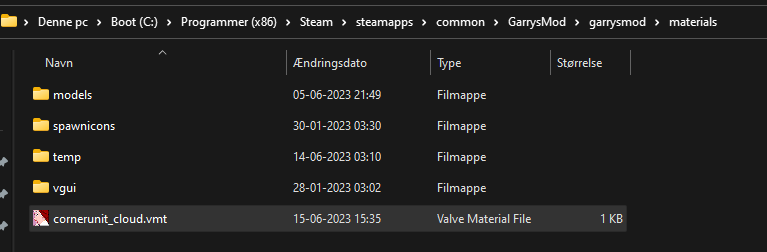
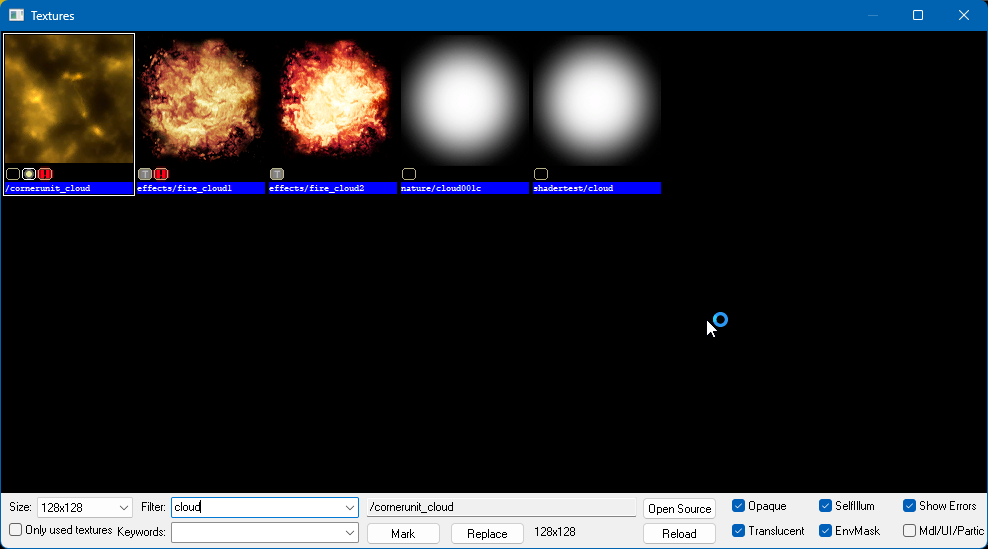 nocturne forum
i putted it into anouther folder inside materials
i am using hammer++
also doesnt that work with addons?
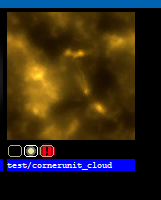 nocturne forum
why mine not work
proven summit
old hammer and hammer++ is not the same
nocturne forum
steamapps\common\GarrysMod\garrysmod\addons\VoidBase\materials
proven summit
i think you should put it in material folder itself
steamapps\common\GarrysMod\garrysmod\materials
nocturne forum
but then how would other people install t with no errors?
nocturne forum
no like
since its a techincly different texture wouldnt people installing it have erros?
the map
proven summit
well in that case you can just yoink vmt and vmf materials and make your own path
nocturne forum
but its a model texture and i want to use it on a brush
proven summit
no matter what reason of model/brush/effects it's same way
nocturne forum
why it not show up normaly then
proven summit
nocturne forum
why it not show up normaly then
because props and or model materials has material types called "VertexLitGeneric"
it doesnt work on brushes
the materials you see in Hammer has material types called "LightmappedGeneric"
proven summit
nocturne forum
but there is 2 base textures in that
if materials has // before any codes or anything it's commented out aka ignored
nocturne forum
what about texture2?
proven summit
"$basetexture" "models/props_lab/cornerunit_cloud"
"$texture2" "models/props_lab/cornerunit_cloud"
they're the same thing and the texture2 are only used for UnlitTwoTexture material types

 proven summit
if you're using VTFEdit then you should open vtf from the folder where you want to save and use tools>create VMT file
nocturne forum
i am using np++
proven summit
it wont work there
nocturne forum
can you sen me the VTFedit
proven summit
nocturne forum
the download


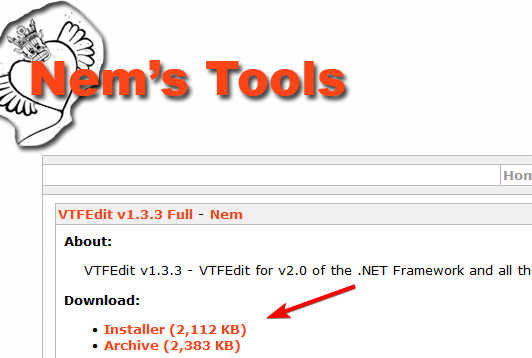 nocturne forum
found this on the wiki
 proven summit
whatever
nocturne forum
proven summit
if you're using VTFEdit then you should open vtf from the folder where you want ...
what flags should i select for the vtf
proven summit
nocturne forum
what flags should i select for the vtf
what flags?
nocturne forum
 proven summit
nothing just leave as it is
and if you still want animated texture just copy this and put it in VMT when you made the file
    "Proxies"
    {
        "TextureScroll"
        {
            "texturescrollvar" "$texture2transform"
            "texturescrollrate" .2
            "texturescrollangle" 0
        }

        "TextureScroll"
        {
            "texturescrollvar" "$basetexturetransform"
            "texturescrollrate" .1
            "texturescrollangle" 11
        }
}
?
 nocturne forum
?
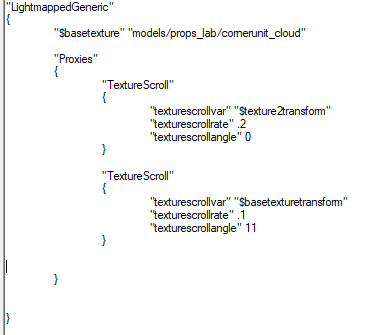


 nocturne forum
ctrl c it then ctrl v to me
proven summit
"LightmappedGeneric"
{
"$basetexture" "voidcloud/cornerunit_cloud"
"Proxies"
{
    "TextureScroll"
    {
        "texturescrollvar" "$texture2transform"
        "texturescrollrate" .2
        "texturescrollangle" 0
    }

    "TextureScroll"
    {
        "texturescrollvar" "$basetexturetransform"
        "texturescrollrate" .1
        "texturescrollangle" 11
    }

}
}
you're on your own now. i have enough of helping you.