
#Help with Intel Graphics Command Center
27 messages · Page 1 of 1 (latest)
 drifting bronze
 proud breach
use the "power plan" in windows instead
it has more options, just slightly scattered (thats why its called "windows" and not "window")
if you cant find it, tell me witch function you are after (its an changing maze)
drifting bronze
proud breach
use the "power plan" in windows instead
it has more options, just slightly scatt...
I want to turn off Display Power Saving option, is it in the power plan?
proud breach
yes, win search->power plan
then "advanced power plan" for almost all options including when display turn off
for simple options you need to click around powerplan a bit, turn off display? sleep mode? hibernation?
drifting bronze
proud breach
yes, win search->power plan
then "advanced power plan" for almost all options in...
yeah but i can't find display power saving option
proud breach
this?
 drifting bronze
proud breach
this?
drifting bronze
proud breach
this?
no, just like it says in the image

my laptop used to have that option
but after I reinstalled windows 11 it's gone
proud breach
this is about image quality, sounds like an graphics thing
the command center isnt saying what its doing, so i can only speculate

but intel doing power plan, and microsoft doing it also
im going to gues they decided the double function is unnecessary
i do not even have a "power" tab in intel command center
if you did an upgrade from win10, small chance functions got lost, but an even chance win11 just takes control over power management
your goal is to have max performance?
drifting bronze
proud breach
but intel doing power plan, and microsoft doing it also
im going to gues they de...
I used windows 11 and just reinstalled it though, by the way my laptop used to automatically lower the refresh rate as well as turn on battery saver when I unplugged but now it's not woking too.
proud breach
what is your laptop's model?
sometimes they have drivers with specific configuration
drifting bronze
proud breach
what is your laptop's model?
sometimes they have drivers with specific configura...
Gigabyte G5 MF, I've already installed its driver which is "Control Center" but I think I still missed something.
Here, however I can't find the option for it
 proud breach
this is not a driver, its "for fun" bloatware
https://www.gigabyte.com/Laptop/G5--2023/support#support-dl-driver-vga
i think if you instal the intel driver from here, it might have specific config for your model
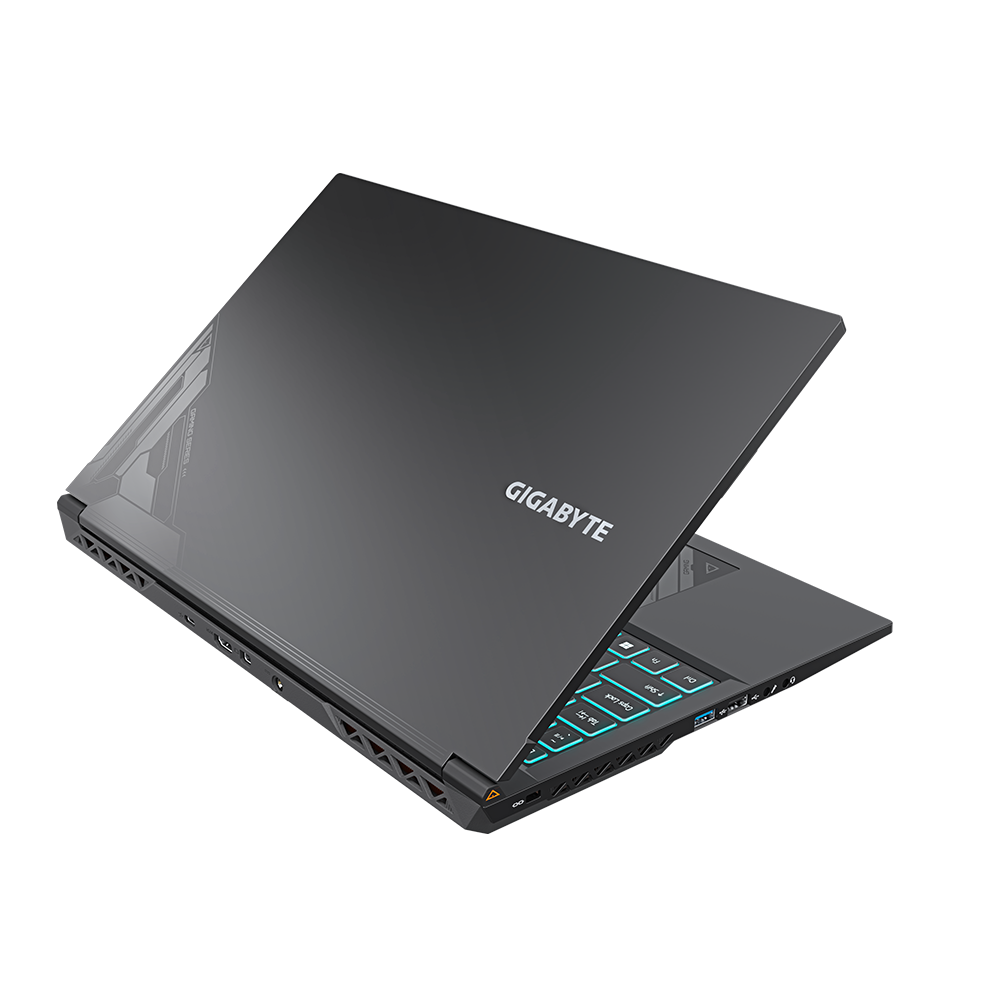
GIGABYTE
World’s leading brand of the best gaming laptops and creator laptops. Produce the thinnest, lightest, and high-performance laptops for gamers and creators.
drifting bronze
proud breach
https://www.gigabyte.com/Laptop/G5--2023/support#support-dl-driver-vga
i think ...
I've downloaded most drivers here after I reinstalled windows 11 though
Guess I'll have to reinstalled them again and see if that'll work
proud breach
its a maybe
i would collect them and keep them on a usb
then i instal windows, no internet at first startup
then i instal each driver one by one before i give internet and run updates
could also be the chipset: Intel Chipset Software
[10.1.36.7]
drifting bronze
proud breach
could also be the chipset: Intel Chipset Software
[10.1.36.7]
what about it?
proud breach
its an key item for your system
it often gets automaticly filled by windows update(maybe bad)
it can sometimes fix crazy issues if done correct
maybe try installing this also Intel "Dynamic Tuning Technology"
drifting bronze
proud breach
its an key item for your system
it often gets automaticly filled by windows upda...
so I should install the one on the website?
proud breach
yes, this website if specifically for your laptop model