
#How do i recretae this render style?
9 messages · Page 1 of 1 (latest)
 desert owl
 halcyon stirrup
It could be a filter, and it could be equally someone who have drawn lines with a tablet (or even on pen and paper and scnneed+cleaned)
I would vote for the latter. The lines are too clean for something like the poster edge filter etc
If you want to have a go, here is a tutorial, but your image is definitely drawn by hand.
https://www.youtube.com/watch?v=EKp3QPi37WI
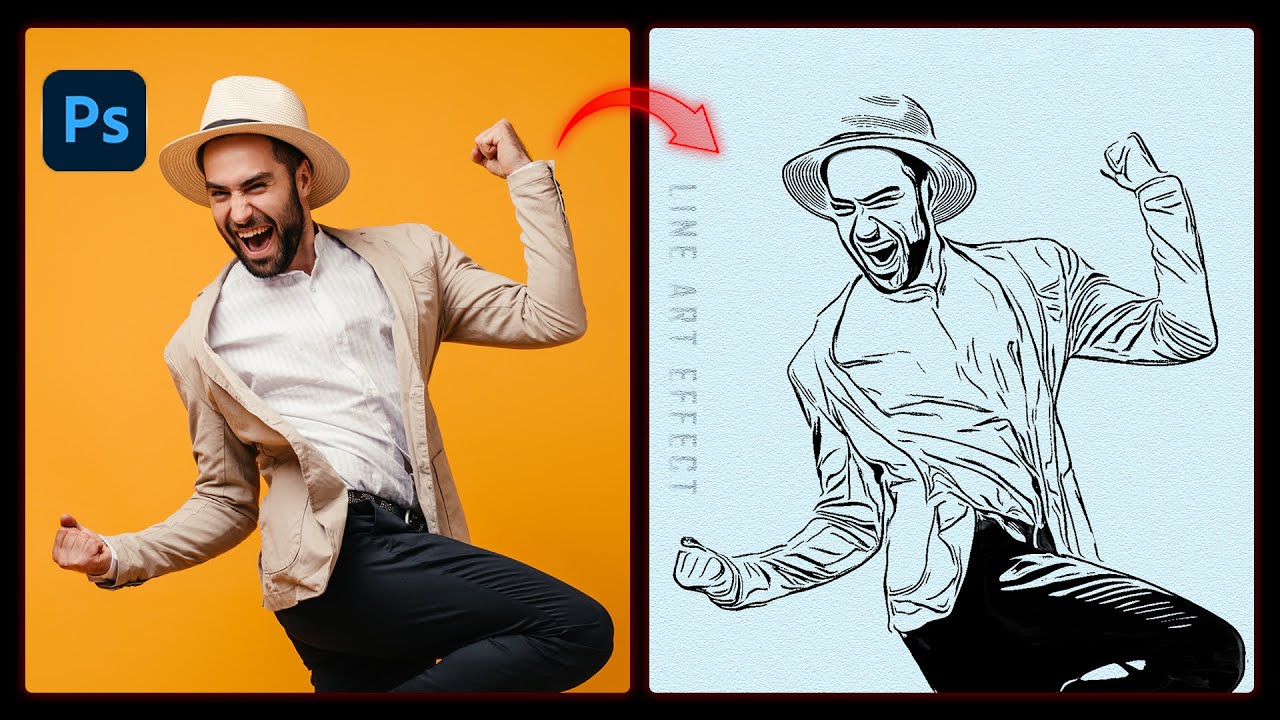
Hi everyone,
In this tutorial, I will teach you how to convert an Image to a Line Art Effect in Three Easy Steps I Photoshop Tutorial I Image to Line Art| Learn Creative.
Drop Shadow in Photoshop I Photoshop Tips I Drop Shadow
Watch the tutorial until the end. If you have any questions, ask me in the comment section.
If you like this tutori...
This is not the right server for illustrator, but there aren't any filters in Illustrator that would work like that as well
All what Illustrator could help with is to vectorise a scanned picture (or the result of a photoshop image, imported). Obviously you can draw it in Illustrator as well, but it will have to be by hand as well (That's why I recommended a tablet)
So that's for the drawing style. If you're talking about the dots on the ground, it could be a simple texture (something you place over your images, andmask out the areas you don't want covered)
Or you could use patterns, either one you've done yourself again, they can be masked.and apply a pattern adjustment layer.
In Illustrator (first screenshot, you can use patterns as well, there are even some dedicated to lines and dots.)
In photoshop, you can create your own (like I did here in the second screenshot)
If you have more questions about Illustrator, I suggest you ask in the Illustrator server too
https://www.discord.gg/adobeillustrator


 verbal oasis
halcyon stirrup
Or you could use patterns, either one you've done yourself again, they can be ma...
verbal oasis
halcyon stirrup
Or you could use patterns, either one you've done yourself again, they can be ma...
(Info: He already asked there yesterday.)
#1015661458266279936 message
halcyon stirrup
I see, Thanks @verbal oasis
 polar plankBOT
Gave +1 Creative Carma to @verbal oasis (current: #16 - 150)