#Vanishing Point tab problems
13 messages · Page 1 of 1 (latest)
 last bough
 willow ruin
Do you copy your PNG directly from a browser? (Chrome for example) or do you copy from another Photoshop file, or even from a PNG from your desktop?
I am asking as sometimes there are issues from PNGs dispayed in browsers as opposed to downloed and actively on your computer.
I always open the PNG in photoshop and copy from there personnaly (because that way I can check if the PNG is good before proceeding. I have seen instances where the PNG wasn't entirely transparent)
last bough
willow ruin
I always open the PNG in photoshop and copy from there personnaly (because that ...
alright, i'll try
it didn't work
in the Vanishing Point menu, i can't upload files the normal way
I have to Ctrl+C and Ctrl+V
willow ruin
last bough
I have to Ctrl+C and Ctrl+V
Yes, that's how it works, you need to copy and paste
But if you copy directly from an image on a browser it might not work. You need to download it first
And check it's indeed transparent (the best way is to open it in Photoshop)
See if that helps with the details
https://www.youtube.com/watch?v=w5aMceFycN4
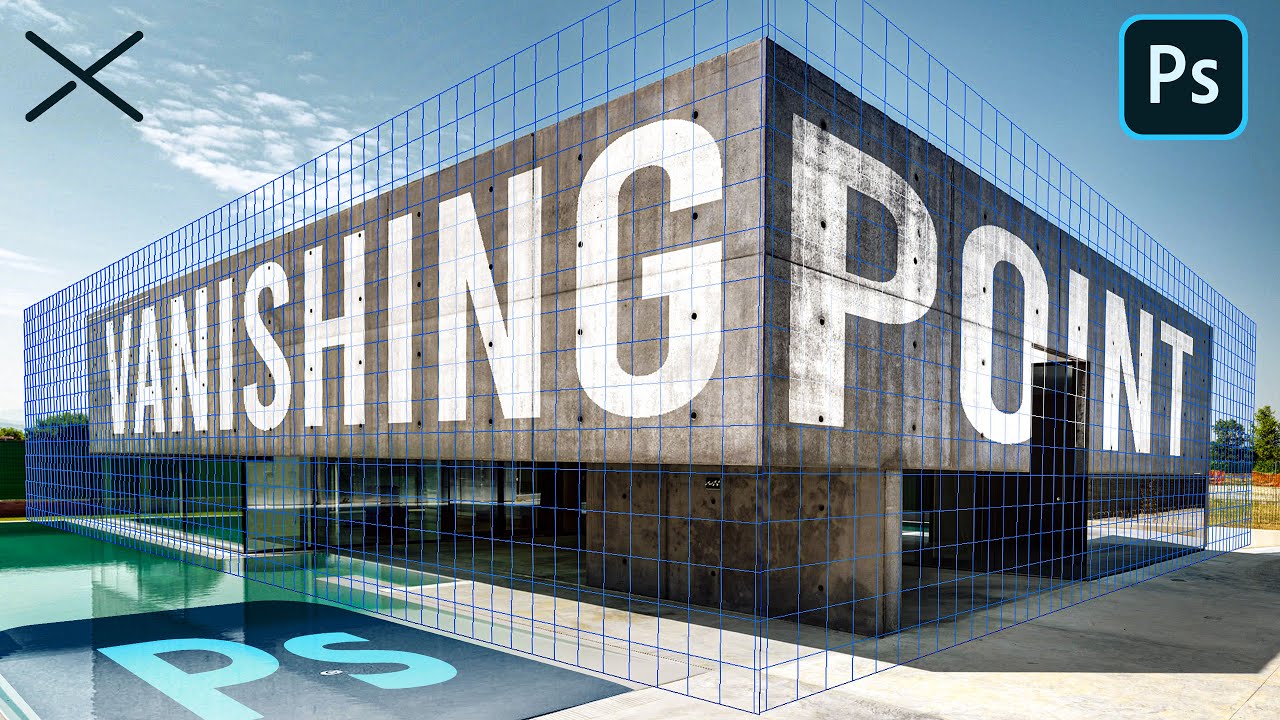
The Vanishing Point Filter and Perspective | Photoshop CC Tutorial | EASY
This Photoshop CC Tutorial discusses how to use the Vanishing Point Filter to add images, text and graphics to a photograph while maintaining proper perspective. This Photoshop tool allows us to create a simple grid and panels based on the perspective of your current image...
 warm hemlock
last bough
in the Vanishing Point menu, i can't upload files the normal way
warm hemlock
last bough
in the Vanishing Point menu, i can't upload files the normal way
Hi, do you mean via drag and drop?
last bough
warm hemlock
Hi, do you mean via drag and drop?
yeah