
4 messages · Page 1 of 1 (latest)
 humble hollow
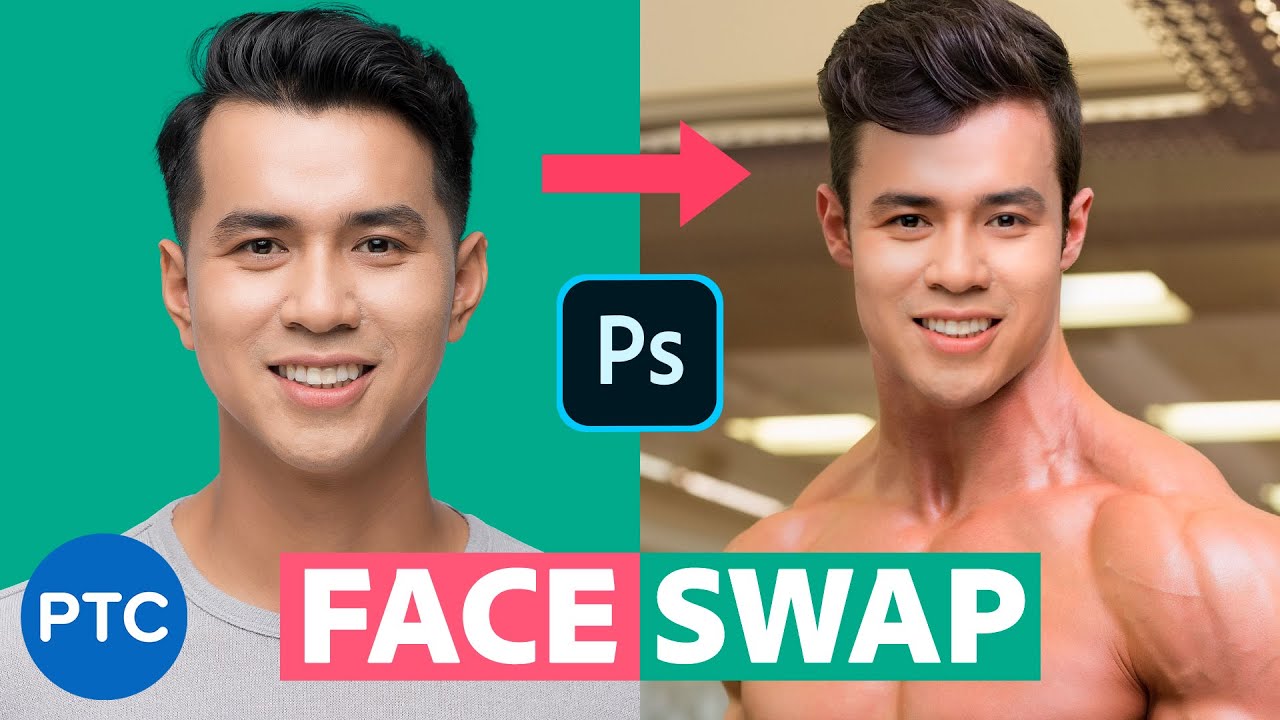
It's not a single click job, but here is a tutorial that might help
https://www.youtube.com/watch?v=gOQ25Kp6jPY
Word of caution, you need to be a little bit familiar with how Photoshop works (To do a proper job, you need to spend some time and effort on it)
If you're a beginner, and you haven't already, be sure to go to "help" (F1 for the shortcut) and go to the tutorials
There is even a section, called "hands on tutorials", where you can learn things while the instructions appear on screen, as you do the steps. It's one of the most clever way to learn the basics.
Just choose "beginner" (or whatever your level is) and go from there
FAST and EASY method for Swapping Faces in Photoshop! Automatically match brightness and skin tones.
In this tutorial, you will learn to Swap faces In Photoshop. Swapping faces or swapping heads is perhaps what Photoshop is most commonly used for. Almost every magazine cover or movie poster that you see has had a head or face replaced.
There a...
 sturdy ivy
humble hollow
It's not a single click job, but here is a tutorial that might help
https://www....
sturdy ivy
humble hollow
It's not a single click job, but here is a tutorial that might help
https://www....
I couldn’t figure it out
But I really need this photo done
sturdy ivy
humble hollow
It's not a single click job, but here is a tutorial that might help
https://www....
Anything else I can do?