

 X
X
1 messages · Page 1 of 1 (latest)
 mellow pier
Sphere Brush, Smear, both subtractive and additive with smooth, blend control can help us to quickly build shapes and refine them later! we have similar feature like in Dreams too! but Dreams uses Gyro Controllers like PS Move to do that! but we still can do it like Sphere Brush in 3DCoat! We even can control the spacing to create strands and cool patterns! or Sphere Brush can be any type of shape as you choose! like Cube, Custom made shapes...
Sphere Brush Explanation : https://www.youtube.com/watch?v=53bOgz9g2AM
Some Examples of Sphere Brush from one of my 3DCoat Buddies: https://www.youtube.com/watch?v=I9m5HS1uZ5s
Another SDF Developer using Sphere Brush for his app: https://x.com/miketuritzin/status/1907914761880351052
So I think it's possible to have one in Unbound too, it will help sculpting to be way faster and more enjoyable IMO.
 errant flower
we can add options to our draw tool, like repetitions and a quick way to draw without having to first create a spline.
mellow pier
errant flower
we can add options to our draw tool, like repetitions and a quick way to draw wi...
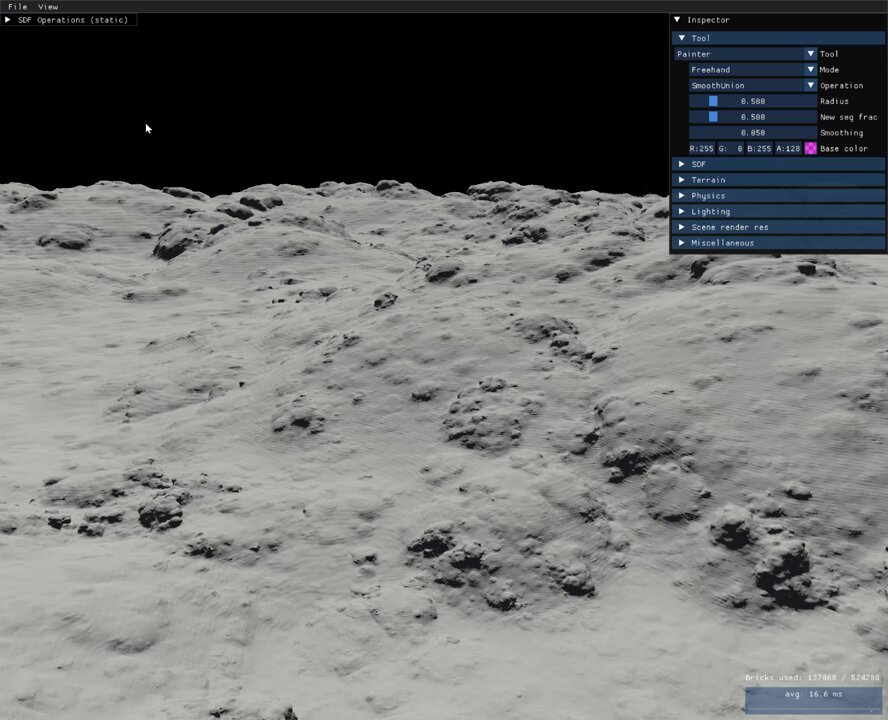
Hey Andrea, I appreciate the time you took to make this! even the colors are matching! How did you make the Terrain!! it feels little hard to make!
This is a neat feature we have indeed and it's close but it has some problems and it's not working as Smear Brush IMO.
1-It's not fast enough compared to Smear the most important one IMO, with Sphere Brush you can fly around any direction very fast but with spline it's slower.
2-it has that Blending problem I made a video about ATM normal shapes have a better advantage for blending and carving I think but it can be fixed in the future.
3-The Dragging can be problematic sometimes there are scale/snap problems for smaller shapes especially the space between each step as you drag can be more than what you want! I experienced this a lot myself.
4-We can control each step too like the spline! this one was cool I just wanted to share! https://x.com/miketuritzin/status/1907887710091829615
But still I'm glad we have this feature because we can maneuver with it like Smear but like 40%-60%
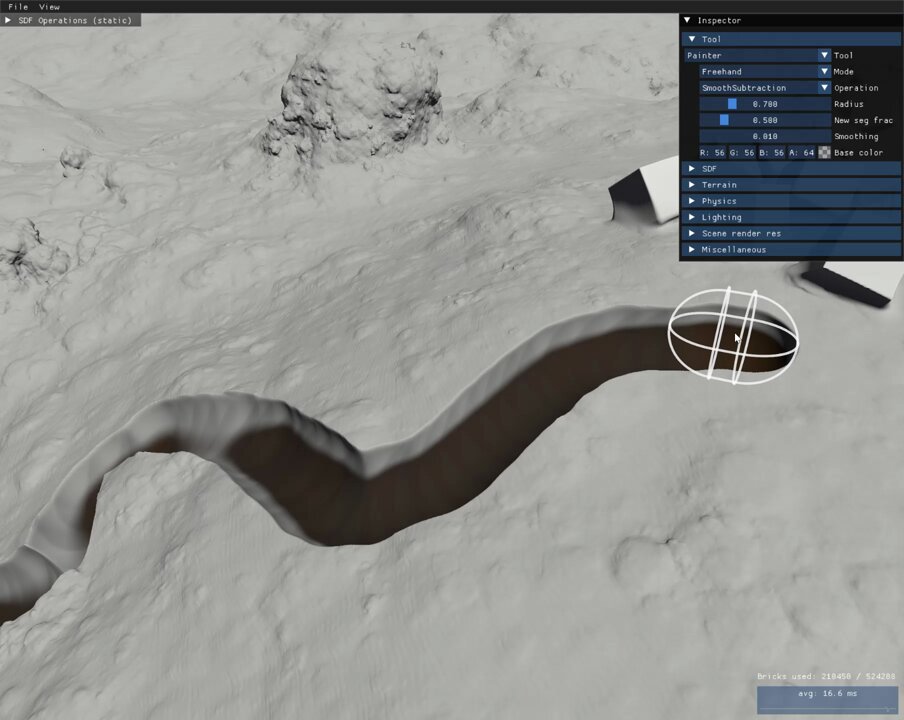
The implementation of this is pretty simple - just spawn a chain of capsule subtractions along the terrain.
 X
·
X
·
Oh one more thing I forgot to mention when you are with spline and want to smear for a new shape you have to copy and paste it and try to match it with the previous shape! but with Smear you just have to press one click to create a new shape on top of the previous shape! the ease of use and speed this way helps the artist to be more focused and creative but with spline you will be distracted and have to deal with technical and tedious steps.
errant flower
Making that terrain took 5 minutes just scattering some negative spheres around.
As for the curve tool, it sounds like you want the current tool improved in certain areas, you already asked multiple times and we already registered your wish, it's in the cue of things to do : )