#Air 65 setup
23 messages · Page 1 of 1 (latest)
 rancid meteor
is it a prebuilt? Check the board orientation in Betaflight
 burnt hound
how do i make sure the board orientation is right and yes it is prebuild
 thorny olive
rancid meteor
is it a prebuilt? Check the board orientation in Betaflight
thorny olive
rancid meteor
is it a prebuilt? Check the board orientation in Betaflight
I’m not letting you forget you asked if an air65 was a prebuilt
I never will
 robust raft
burnt hound
Setting up my first drone and when I arm it and throttle up it just yaws 180 deg...
robust raft
burnt hound
Setting up my first drone and when I arm it and throttle up it just yaws 180 deg...
Did you change anything in betaflight?
burnt hound
robust raft
Did you change anything in betaflight?
Yeah I’ve been messing with stuff to try and get it to fly. I’ve been having problems with different little things
I’ll take a screenshot of my betaflight later today
burnt hound

 somber olive
Select motor direction is reversed and try again
burnt hound
i tried that
 warm turtle
To check gyro orientation, go to the Setup tab in Betaflight and rotate the drone. Make sure the 3D model rotates the correct directions and that it's oriented correctly
If thah's all normal, run the two buttons in the Motor tab, reorder motors/motor direction. Make sure that's all normal. Did you take off the props at any point? Make sure the correct props are on the correct motors, they have a direction.
robust raft
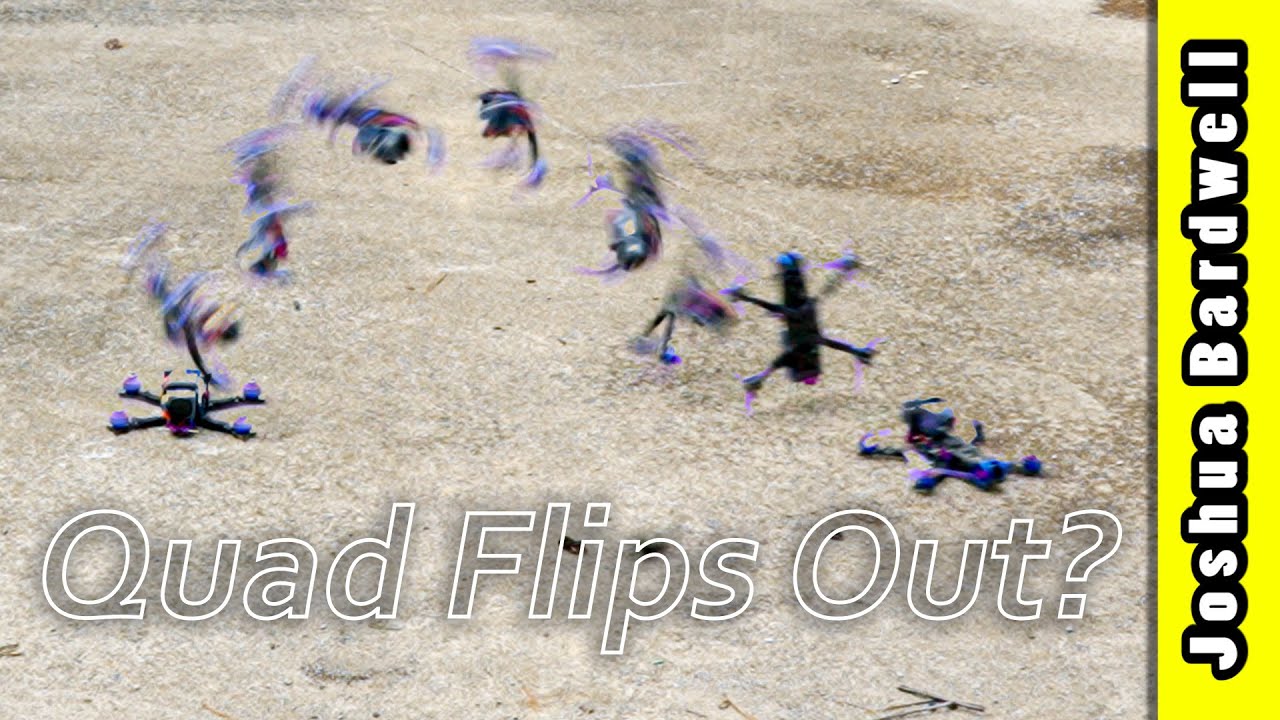
Uncertain about what to buy? Check out THE ULTIMATE FPV SHOPPING LIST: https://www.fpvknowitall.com/ultimate-fpv-shopping-list
SUPPORT ME ON PATREON at: http://bit.ly/2Ep5Sia
THIS IS MY FULL TIME JOB. Here are other ways that you can support me: https://www.fpvknowitall.com/support-me/
00:00:00 - The most common question in all of FPV
00...
somber olive
burnt hound
i tried that
It really looks like you have your props on in the “props out” direction and the props reversed switch is not on in your screenshot you sent
burnt hound
I’ll try that when I get home
burnt hound
somber olive
It really looks like you have your props on in the “props out” direction and the...
tried in reverse and it still just freeked out
somber olive
It’s possible that it needs the props out setting and something else as well. Like others have said, make sure the gyro orientation is correct, then check motor order, then motor direction, and also that all props are correct although they look like they are to me. But double check
Your issue is pretty much 100% one of the issues in the video Yaros shared
burnt hound
currently watching through that video rn
burnt hound
i got everything working and of course ive got a new problem
somber olive
Oh man what’s happening
burnt hound
i think i figured it out