

118 messages · Page 1 of 1 (latest)
 zenith marlin
Hello. I've tried replacing Sword Saint Isshin textures with custom model, and everything's works except the textures. The in-game model is white, and I can't manage the textures to work properly. I'm using the FLVER Editor, and with the 2.4 version I managed to textures to be previewed in the FLVER, but they aren't working in game. I would appreciate any kind of help.
 raw narwhal
Did you repack the texbnd?
zenith marlin
Yes, after being finished with FLVER Editor im repacking everything with Yabber, that's how it looks like
 raw narwhal
Why is it c5409 and not c5400
zenith marlin
I haven't found any tutorial on how to edit certain bosses on Sekiro, and from nexusmods i saw mods that replaced Isshin had these 2 files
So i've tried with these 2
raw narwhal
Should be 5400, unless you edit the npc param to match the textbnd
raw narwhal
What material are you using for the model?
zenith marlin
Standard pngs that I've later meshed in atlas in Blender by using the CATS add-on


And later to dds file with Photoshop
raw narwhal
I meant the material on flver when you import the mesh
Also you are adding to flver editor the dds right? Not the png
zenith marlin
Yes, the dds
 raw narwhal
zenith marlin
Yes, the dds
raw narwhal
zenith marlin
Yes, the dds
Does M ARSN really have that much for you to add textures?
I usually don't mod sekiro, but method are similar
zenith marlin
raw narwhal
Does M ARSN really have that much for you to add textures?
I think i don't understand the question
raw narwhal
Can you just share the flver and textures
raw narwhal
I see the problem
You didn't add the textures to the xml
on yabber tpf, if you open it, you will see that it list out the textures needed

If you don't add the lines to add them, then of course it won't get packed
zenith marlin
Oh, from tutorial i was watching the guy did it differently
raw narwhal
What did he do? and what was he using?
zenith marlin
https://www.youtube.com/watch?v=BoPoPzNhJyk&t=59s It's for Wolf, but i've tried to applied it to Isshin
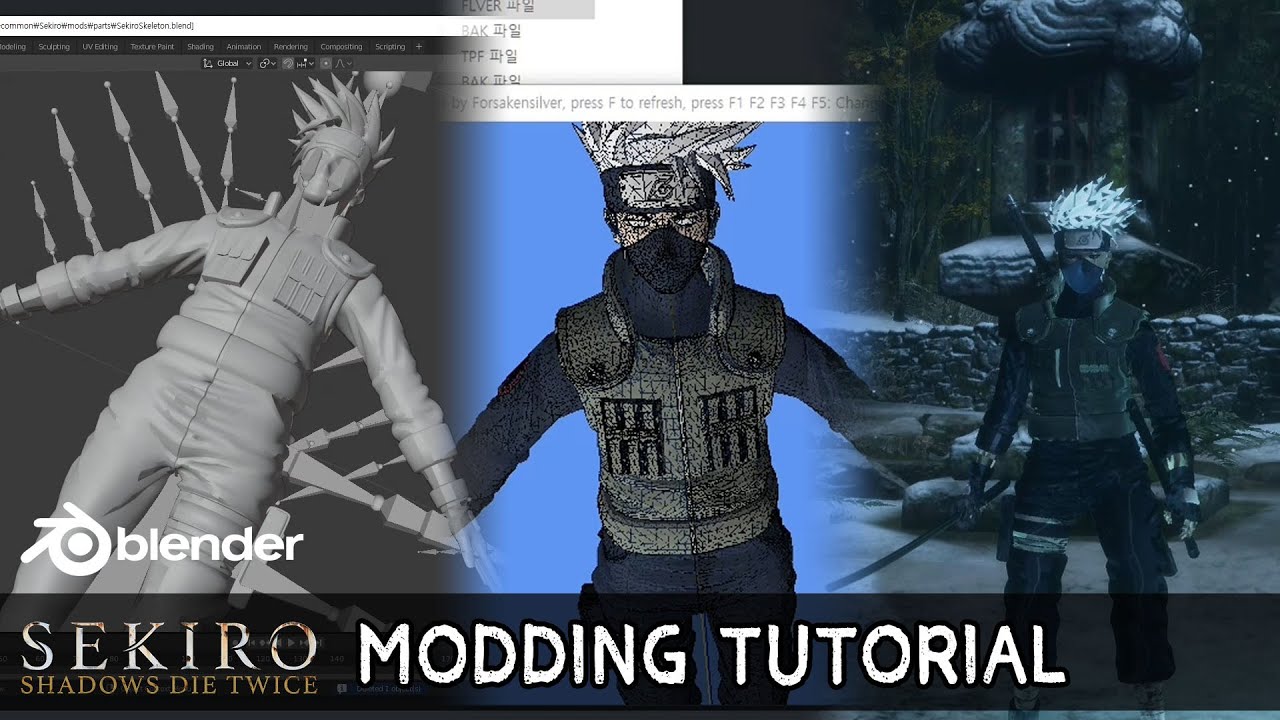
Sample File https://drive.google.com/open?id=1xxPchT9lxvTC1AV8uK3k-vSeGa5RNzkg
Blender https://www.blender.org/
DDS plugin https://software.intel.com/en-us/articles/intel-texture-works-plugin
Flver Editor https://github.com/asasasasasbc/F...
raw narwhal

He is renaming them with the names that are already registered
That's why he doesn't need to add them
zenith marlin
Oh
Sorry, i couldn't find any tutorial so i did it with method of trying and "maybe it will work this time"
raw narwhal
It's fine
Also you should be using WitchyBND, instead of yabber
Just open the xml and add your added textures to the list, like the other texture are registered
zenith marlin
Ok will try
zenith marlin
How i can open the xml file? Which program i should use?
zenith marlin
Did as u said, but unfortunately textures are still white

 raw narwhal
Can you give me the txtbnd and chrbnd and not the folders
zenith marlin
Original ones or the customized?
zenith marlin
Sorry 
raw narwhal
You are fine lol
zenith marlin
W8 i think this one should be repacked correctly
raw narwhal
Test this
zenith marlin
Same
 raw narwhal
What did you use to import fbx into flver?
Can I have the character's fbx?
Is it the KenFinalAnim?
zenith marlin
Yes, it's this one
W8 it's actually this
The other one is other method i've tried
zenith marlin
I used the mixamo site to add the bones, and adjust the model to fit with the Isshins
raw narwhal
And it still have those bones and weights

so it's not gonna work
You gave me the wrong fbx
zenith marlin
zenith marlin
W8 it's actually this
It shoud be this one
raw narwhal
Ye
zenith marlin
But without bones, the model isn't working in game, it's T-Posing
raw narwhal
That's the one I'm showing you
zenith marlin
It should be the correct one
 raw narwhal
It's not lol
It's even 600 kb
It may have the same name, but yea. When I import it to blender, it's using mixamo rig
How about you try importing it
zenith marlin
raw narwhal
And it still have those bones and weights
In Blender i had the same result as u here
Should i've done it other way?
zenith marlin
Im like 99% sure it is this one, in folder im naming them with progress i've done and there is only one "KenFinalBones"fbx that i have
raw narwhal
Well nothing I can help with then. I'm telling you that it's not lol
For it to be, it needs to have Isshin skeleton and Isshin weights
The fbx you shared with me doesn't have niether of those
zenith marlin
Oh, i've tried with the weight and without and the model was acting strange when i've tried it with weights
Like i've said i haven't found any tutorial how to help me, so im trying different methods
The one i've shared, yes they don't have Isshins weights, is that the issue?
zenith marlin
Well, it works as u see 💀
raw narwhal
Weights affect model
zenith marlin
The textures also?
zenith marlin
Isn't it automatically giving the Isshins weights to the model in FLVER?
raw narwhal
No
zenith marlin
I imported the KenFinalBones.fbx in to FLVER and exported it and in BLENDER it gives him Isshin weight

Was that not supposed happen?
raw narwhal
zenith marlin
https://www.youtube.com/watch?v=BoPoPzNhJyk&t=59s It's for Wolf, but i've tried ...
At minute 1:29 that what you have to do to transfer weights
You are telling me that you didn't do that?
zenith marlin
I've tried once, and the model was glitchy
But since it worked they way i did it i thought it's also correct
raw narwhal
Nah, that's not supposed to happen lol
zenith marlin
raw narwhal
Not sure why your stuff is working like that
zenith marlin
Well the beginners have the special abillity to impress even the blender pros lmao
I will try again with the weights
raw narwhal
The model is fine


