#Getting error at npm run dev
41 messages · Page 1 of 1 (latest)
 drifting pelican
 fierce olive
drifting pelican
<@713322685907861515> Would honestly just ignore it. Probably those files should...
fierce olive
drifting pelican
<@713322685907861515> Would honestly just ignore it. Probably those files should...
no they aren't there
drifting pelican
If they are missing for some reason, but you can add your own images and they work, then no biggy
They are just some default images
You could try adding a png/jpg/svg image to your public folder, and see if you can load it onto your site with an img / Image tag
Seems you have a favicon working, that's probably in that folder too
So it suggests that it is serving images OK
fierce olive
drifting pelican
They are just some default images
actually so far the code that have been done it should only show like this
 drifting pelican
This is the default view of a new Next app. So if you just installed and ran it, then this is correct
drifting pelican
fierce olive
actually so far the code that have been done it should only show like this
This looks like he deleted some starter code and added a few lines of his own
fierce olive
drifting pelican
This looks like he deleted some starter code and added a few lines of his own
yes he did and so did i and followed along
but in my case when i npm run dev it goes like this
drifting pelican
Your page says get started by editing app/page.tsx
His image doesn't have that file. He just has files in (root)
So either he's using a different version of Next, or you didn't follow along correctly, I think
fierce olive
idk i have checked thrice + from his repository too
drifting pelican
maybe he has an error in the video?
You could probably take his code and put in in app/page.tsx instead of app/(root)/whatever
and I expect it will work
I haven't used next in a couple of years, but I don't really understand that (root) folder, I thought the home page was /app/page.tsx, which seems to be the one that your site is showing
fierce olive
there are two page.tsx one in the app folder and other in app/ root/page.tsx
drifting pelican
Yeah
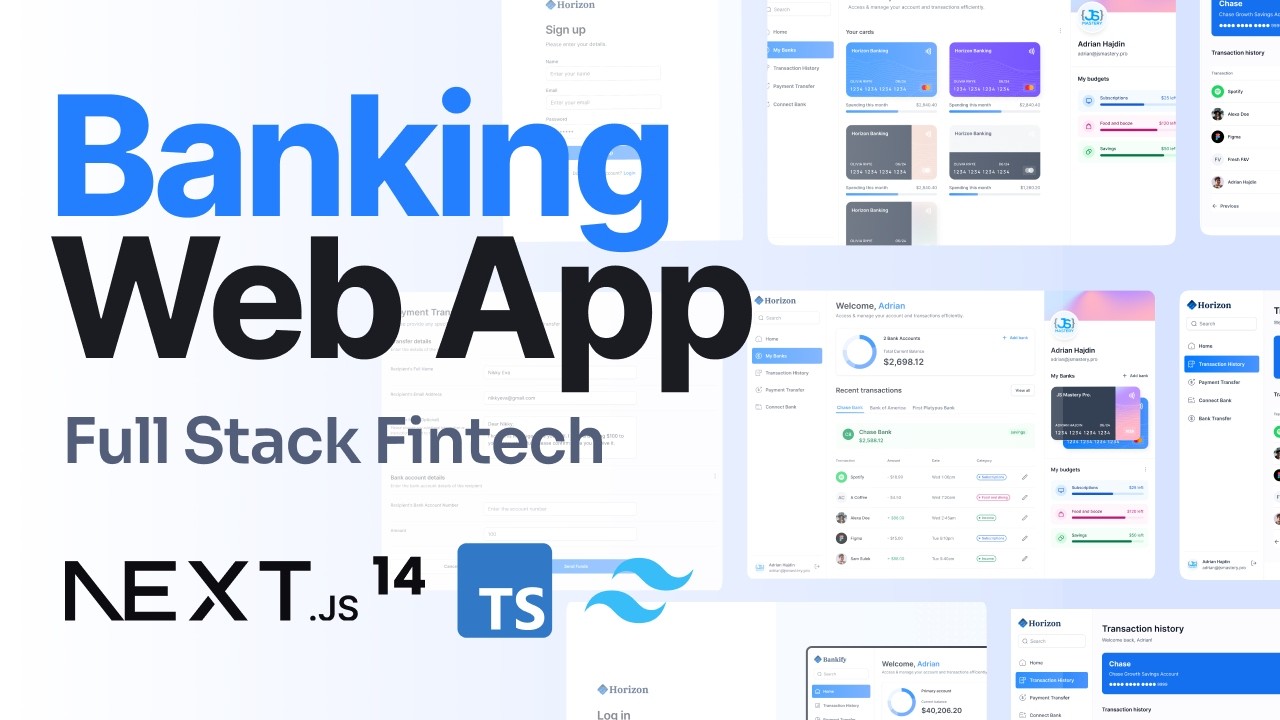
Learn how to build and deploy a banking app with a finance management dashboard that connects multiple bank accounts, displays real-time transactions, and allows you to transfer money to other users on the platform using Next.js 14.
⭐ Appwrite: https://apwr.dev/JavaScriptMastery
🌟 Sentry: https://bit.ly/4abT6PG
🎨 Horizon Design Figma File: htt...
LOL, I guess you need to pay more attention
fierce olive
drifting pelican
LOL, I guess you need to pay more attention
i did idk what am missing on
drifting pelican
Just after that time location he deleted app/page.tsx
Learn how to build and deploy a banking app with a finance management dashboard that connects multiple bank accounts, displays real-time transactions, and allows you to transfer money to other users on the platform using Next.js 14.
⭐ Appwrite: https://apwr.dev/JavaScriptMastery
🌟 Sentry: https://bit.ly/4abT6PG
🎨 Horizon Design Figma File: htt...
right here
t=1275s
fierce olive
drifting pelican
Just after that time location he deleted app/page.tsx
if u delete that file it would then lead to error 404 not found
drifting pelican
Well he deleted it : )
fierce olive
drifting pelican
Well he deleted it : )
yes
drifting pelican
So maybe the answer is in his video
fierce olive
so did i
fierce olive
drifting pelican
So maybe the answer is in his video
i again followed along no help
drifting pelican
Maybe try a different video, and just learn the principles
once you have principles you can build whatever you like
fierce olive
shall i send u the repo till this point if u could see ur getting error or not