#4:3 stretched not working anymore
6 messages · Page 1 of 1 (latest)
 wise scaffold
 haughty harness
if available, switch it on the GFN App > settings > gameplay > details > resolution
even if selected in 4:3, NVIDIA may force some games on borderless windowed or widescreen for compatibility reasons and to avoid crashes or overlapping with the UI
wise scaffold
haughty harness
if available, switch it on the GFN App > settings > gameplay > details > resolut...
im stuck on 4:3 black bars whenever I try to do 4:3 stretched
 haughty harness
you can try the 1280x960 which is stretched or try this tutorial
https://youtu.be/TuuzPFPEXpg?si=GU2s3TunRn8F_KkM
if none of them works, it may be for the reasons I gave you recently
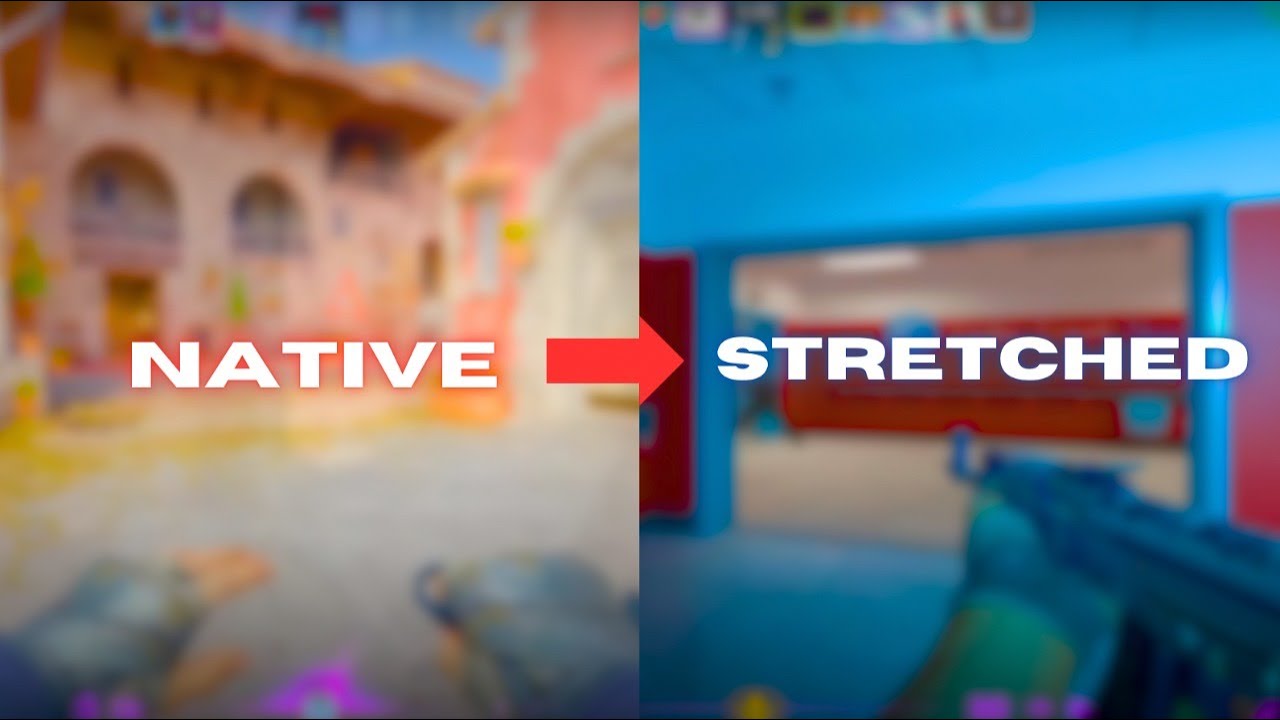
This video is a follow up to my previous video "The BEST RESOLUTION SETTINGS for CS2 in 2024". In that video I noted that I would make a follow up video on how to use stretched resolution very soon after that video went out. If you enjoyed this video make sure to like and subscribe and if you have any feedback or anything to say at all, make sur...
wise scaffold
haughty harness
you can try the 1280x960 which is stretched or try this tutorial
https://youtu.b...
the tutorial u gave needs me to access system settings to stretch to remove black bars. is that possible in geforceow?