#Object spinning around player on pick up
1 messages · Page 1 of 1 (latest)
 restive shell
 shut tide
as a Empty Game object
restive shell
Right, but what's the empty game object?
Is it your player? Or is it just some object in the world
shut tide
its a object attached to my player and its a bit infront of camera so tht when im holding it i can see it and its not all up in my face
restive shell
Ok, do this for me
shut tide
and i have TheDest connected to my camera so when i look up or down it also follows,cuz the thing im working on depends on alot of bugs to solve it,so i wanna use the bug of looking down and just repititly jumping up and up
shut tide
restive shell
Ok, do this for me
hm

 shut tide
mhhm
restive shell
What kind of collider is your player? Capsule, right?
shut tide
yup
shut tide
yup
restive shell
Ok, good
In gizmos, search "capsule" and make sure its ticked

This will show the capsule collider of your player in game (and the scene view too I believe)

also make sure boxcollider is enabled (I assume your box is a boxcollider)
restive shell
there are strange people here
shut tide
lol
restive shell
alright good
You have your IDE configured correctly, right?

should say assembly-csharp in the top left
(in VS)
shut tide
yup
restive shell
alright, attach VS to unity
shut tide
hehe wht is VS
restive shell
and we're gonna make a breakpoint in OnMouseUp()
restive shell
shut tide
hehe wht is VS
visual studio
shut tide
ok
restive shell

 restive shell
and we're gonna make a breakpoint in OnMouseUp()
restive shell
restive shell
and we're gonna make a breakpoint in OnMouseUp()
Right click on this.transform.parent = null and go to breakpoint -> insert breakpoint
Oh, you have your project in a dropbox folder
That will cause problems
Dropbox likes to try to 'sync' your project files which can can do some crazy stuff
shut tide
hm
restive shell
Shouldn't be related to this issue though
restive shell
restive shell
Right click on `this.transform.parent = null` and go to `breakpoint -> insert br...
Did you do this
restive shell
Alright, after you've done that, play the game and click to pick up
and the game should freeze once you let go of the mouse button
restive shell
Visual studio is attached to unity?
shut tide
shut tide
am i supposed to wait for something cuz i cant click OK
well idk cuz i cant click ok and idk wht tht means
restive shell
Are you clicking or going down the arrow

when you click on the arrow it should say these
shut tide
i was just clicking
not on the arrow
wht u want me to click once they all show up
attach and play?
shut tide
i never clicked tht but k

so u want me to click this or green arrow
cuz i tried both
restive shell
shut tide
Preferences -> External Tools -> Make sure visual studio is selected
Your firewall might also be blocking Unity, which I don't really know how to help with
shut tide
restive shell
Your firewall might also be blocking Unity, which I don't really know how to hel...
no
shut tide
restive shell
Preferences -> External Tools -> Make sure visual studio is selected
and am i expected to know whr prefrences r

 shut tide
\
 shut tide
¯_(ツ)_/¯
 shut tide
 restive shell
and thats the version of vs you're using?
shut tide
yup
restive shell
ok well if debugging isn't gonna work, we're just gonna do it the other way
shut tide
cuz i was modding for ktane and the latest version of the modkit is on tht version and i dont know how to switch but i dont feel like switching anyways
restive shell
Just start the game, click, and pause
restive shell
In your scene view, is your item's collider enabled and colliding with your player?
If so, you probably need to move your empty transform out further
shut tide
ok the empty game object thts wht ur talking about
it has no collider

and this is how far it is
restive shell
Does the box have a parent?
 restive shell
hold on
        this.transform.position = TheDest.position;
        this.transform.parent = GameObject.Find("destination").transform;
Is TheDest not the GameObject named "destination"?
If it is, whats the point GameObject.Find
restive shell
So your problem is the item starts spinning while you're holding it?
shut tide
yup
restive shell
In which way
shut tide
around the player
so for a couple seconds i see it
and then its behind me
and comes back
restive shell
so it orbits you
restive shell
how about you just set the item's rigidbody to kinematic
RigidBody.isKinematic = false
restive shell
yeah the reason its doing that is because the item is hitting the colliders on the floors/walls
you have gravity disabled but that just makes it float (and it orbits around you because physics)
using System.Collections;
using System.Collections.Generic;
using UnityEngine;

public class box : MonoBehaviour
{
    [SerializeField]
    private Transform destination;

    [SerializeField]
    private BoxCollider boxCollider;

    [SerializeField]
    private Rigidbody rb;

    // Start is called before the first frame update
    void OnMouseDown ()
    {
        boxCollider.enabled = false;
        rb.useGravity = false;
        rb.freezeRotation = true;
        rb.isKinematic = true;

        transform.position = destination.position;
        transform.parent = destination.transform;
    }

    void OnMouseUp ()
    {
        transform.parent = null;

        boxCollider.enabled = true;
        rb.freezeRotation = false;
        rb.useGravity = true;
        rb.isKinematic = false;
    }
}
@shut tide
shut tide
hoi
lol\
k ima try it
it works
its just tht
one thing is now missing
which was the hole point of why i made this
to be able to hold it beneath u and then keep jumping on it and then fly up,cuz the hole game is based on solving by using bugs
restive shell
this one?
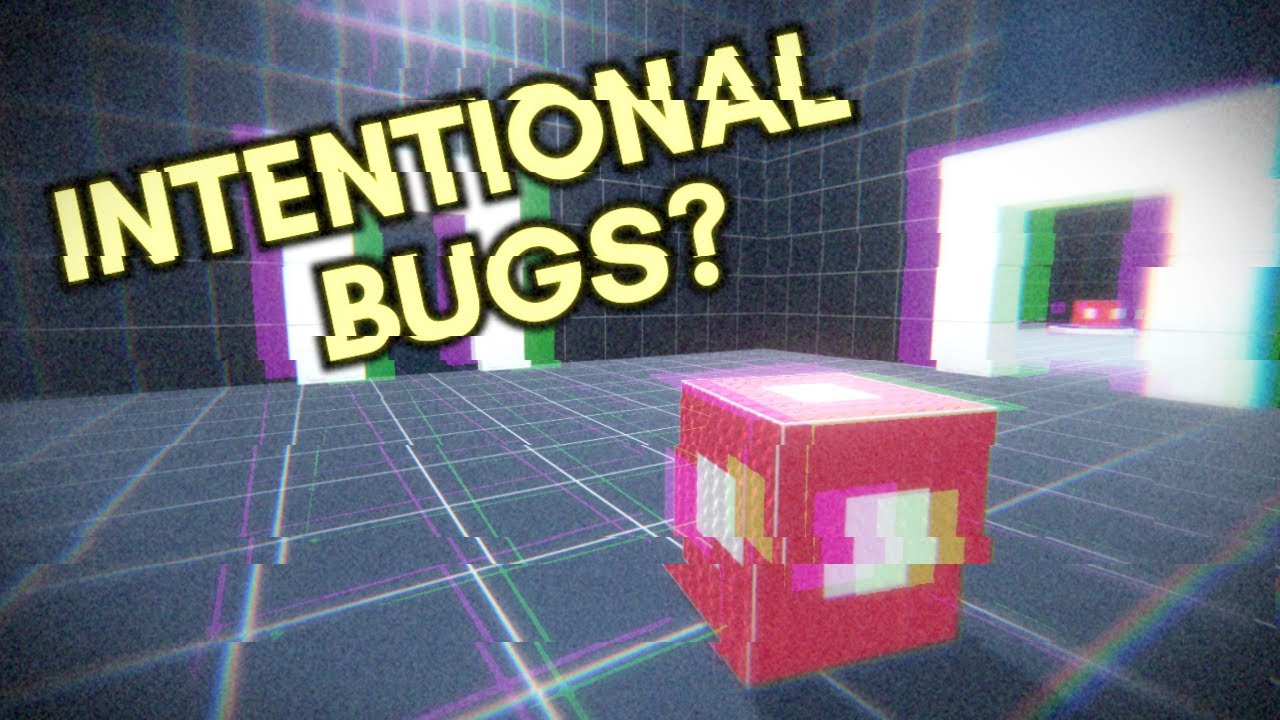
A game where the only way to progress is to exploit bugs?
→ Play Grey-Box Testing: https://trickshotlabs.itch.io/grey-box-testing
→ Discord? https://discord.gg/Gy7pW69
→ Follow my twitter: https://twitter.com/SamHGames
Results of the Wowie Jam 2.0: https://www.youtube.com/watch?v=j47JMlwEp_U
-----MUSIC------
→ "Beats Yo!" & "Hectic" by Antti ...
shut tide
yup
not like inspired more like bored and i saw it so i was like yea i bet i could do tht
and steal the entire idea
restive shell
stealing ideas is good for learning since you don't have to worry about coming up with original ideas and you can focus on just learning
restive shell
i mean thats kinda the whole point of bob ross
restive shell
but anyway, I'm not sure you're ready to do those kinds of physics things unless you have the specific code to do them
like, even I'm not sure exactly how he got the box floating in front of himself like that
shut tide
idk i just know it worked before
shut tide
then i made a script so when u fall off the platform it teleports u bakc and then BOOM it broke
shut tide
restive shell
well you disabled the collider
i did :/