#Glow effect not working for me
27 messages · Page 1 of 1 (latest)
 brave zodiac
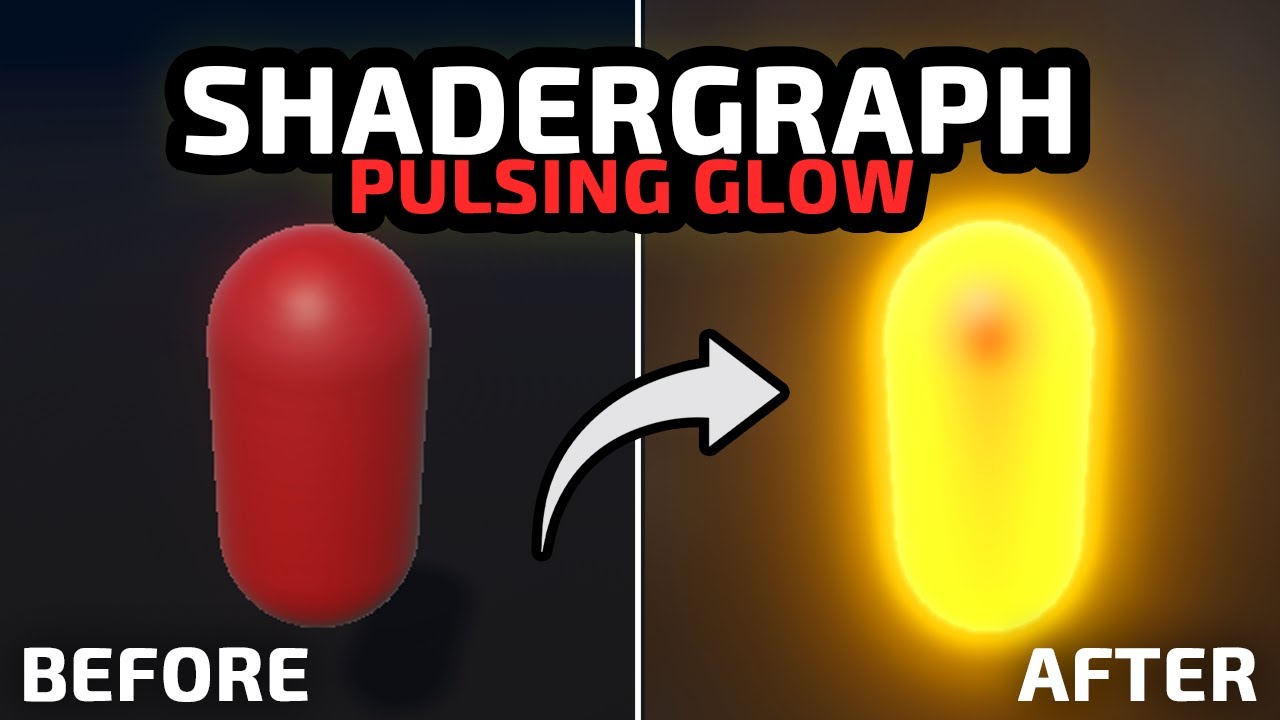
First, here is the glow effect I was hoping for (from the video):

Here is what mine looks like (top left cube has material + shader applied) and also shows the shader settings :

here is the shader :

Here is the material :

Last thing I can think to provide is the camera :

Any ideas...it all seemed very simple
 twin lintel
Bloom must be enabled in your post processing volume
And either bloom threshold must be decreased or HDR rendering must be enabled so high color intensities aren't capped in brightness
brave zodiac
Ok, just enabled and set the intensity and it worked great.
So...I haven't done much with volume manipulation. Everything I'm doing is via code...is it normal/ok to enable/disable bloom dynamically?
Or is better to swap precreated volumes? Or just leave bloom enabled all the time?
twin lintel
Should be fine to modify them from code, as long as you keep track of what data you're modifying
Because they exist as assets, modifying one typically either creates a temporary instance, or modifies the asset itself until the game is reset
I don't remember how it worked with volume profiles specifically
brave zodiac
Ok. Thanks so much. There is so much to know! It really helps to have someone to ask for these things...saves me tons of times. I really appreciate it!
twin lintel
brave zodiac
Ok. Thanks so much. There is so much to know! It really helps to have someone to...
And also afaik you should have a default volume, or otherwise a referenced volume that contains all the effects you might need
If they're unused by anything at build time I believe they can be stripped out completely so you can't turn them on from code
brave zodiac
I'm not sure what you mean by "they're". I have a GlobalVolume that is part of my Bootstrap scene which is attached to my main camera.
I was planning on just programmically enabling bloom temporarily on that.
I'm not 100% sure how much performance this stuff matters...like I have this glitch effect that jumped through hoops having it attached to a different camera/volume which I bring in via a scene and enable/disable. I don't know if I actually just made performance worse but I only use it every now and then so I figured it was better not to have it around when I didn't need it.
twin lintel
brave zodiac
I'm not sure what you mean by "they're". I have a GlobalVolume that is part of m...
If the editor doesn't find any volume using a particular post processing effect, it may strip the shader from the build
Does so with other graphical features in the render pipeline assets, and object materials too
brave zodiac
Ok..that makes sense
twin lintel
But I'm not 100% sure when and which features are affected by shader stripping so best look into that
brave zodiac
So maybe create a volume that uses bloom, or just enable it for everything and adjust the intensity
Any suggestions on how to learn about that stuff?
Happy to read etc...just not sure the best spot.
twin lintel
brave zodiac
Happy to read etc...just not sure the best spot.
I guess the ebook might be the best concentrated place of knowledge
https://unity.com/resources/introduction-to-urp-advanced-creators-unity-6

Unity
This guide can help experienced Unity developers and technical artists develop as efficiently as possible with the Universal Render Pipeline (URP) in Unity 6.