#Here is a screenshot of that. Made in
1 messages · Page 1 of 1 (latest)
 plain flax
Currently at 11% will prolly take a while. But thank you for helping me, I even looked at your other tutorial
https://www.youtube.com/watch?v=zO2l0Fy7yDw
Will definetly help me in the future
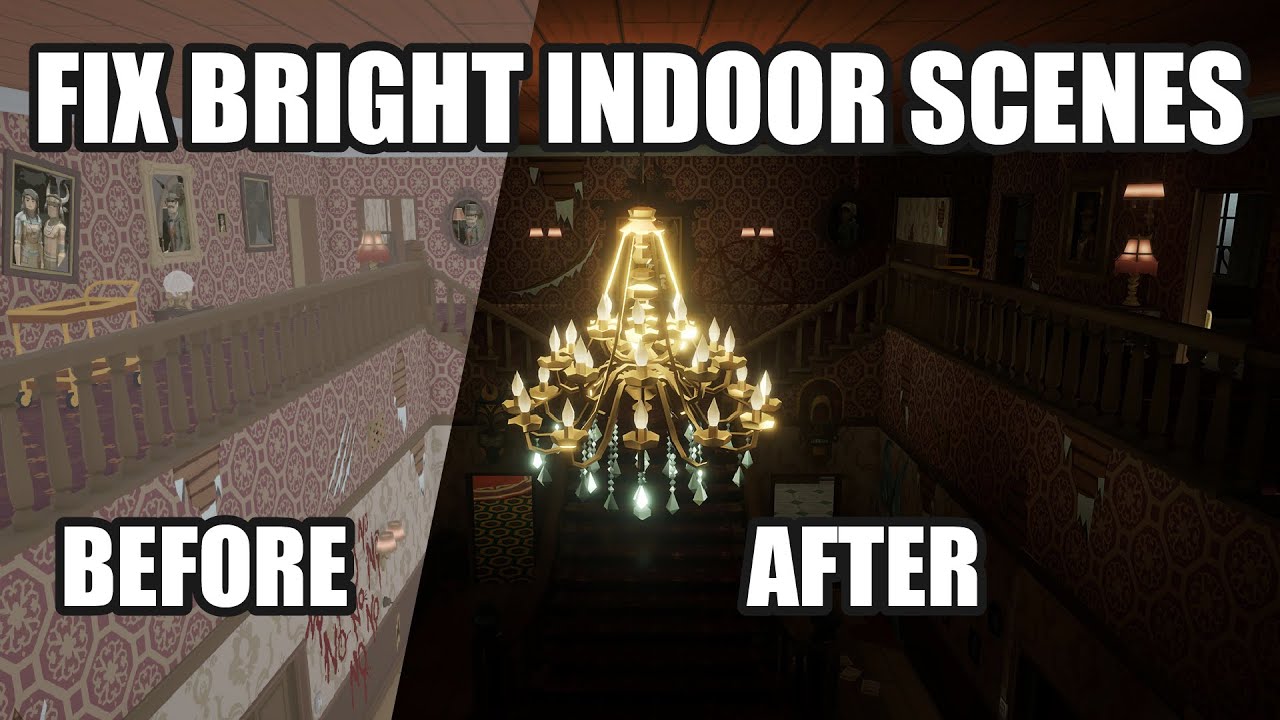
This video deals with the common problem of to bright indoor scenes people often face.
If you also have the problem that you cant get pitch black interior scenes for your horror game in Unity, this is the way to go!
Fixing the problem of too Bright Indoor Scenes for Horror Games in Unity.
If you are interested in game design and gamedev, we ar...
plain flax
btw is there a way to remove the fog from indoor areas?
or am I just stuck with using a custom shader and make a box with it?
 rose egret
plain flax
btw is there a way to remove the fog from indoor areas?
rose egret
plain flax
btw is there a way to remove the fog from indoor areas?
good question
i can imagine just changing the fog value by script when entering an indoor area 😄
plain flax
So like:
When enter a trigger reduce fog, when exit return to normal values
rose egret
possibly, but i guess the problem would be, that you would see that there is no fog outside when looking from inside
never done it
plain flax
I could circumvent that by using an airlock type system with no windows or curtains
rose egret
😄
seems that some advanced stuff
just found a few threads like this:
https://www.reddit.com/r/Unity3D/comments/1029fex/underwater_effect_with_no_fog_inside_rooms/
 plain flax
@rose egret Sorry for ping but its done

Just some werid artifacts


No light here but yeah

Gonna give built in another try
rose egret
How did you fix?
rose egret
plain flax
Gonna give built in another try
Yeah, I prefer built in over bakery. Bakery was much better years ago, but today I like built in better.
The debug view tools from Unity don’t work with baker for example
plain flax
It's importing the lightmaps now
from built in
gpu somehow worked
took like 4 minutes
rose egret
Ah, as I said it’s the error 😀
plain flax
Bakery just needs some proper uv mapping ig
Ok yeah, built-in worked. Just need to tweak
 rose egret

plain flax
Then to get light to work on moving objects I use the probe group right?
rose egret
plain flax
Then to get light to work on moving objects I use the probe group right?
yeah correct. For dynamic objects in baked lighting you use light probes
plain flax
Aight, thank you for all the help. I really appreciate it