#How to use VFX Graph Instancing
1 messages · Page 1 of 1 (latest)
 minor acorn
For the "Mortar" Projectile, we've been using VFXGraph and instancing. Testing instancing was also a goal of this demo... All the VFX (Sand Dust, Ennemies hit, Mortar Projectile ) all a have pool of instanced VFXGraphs.
Regarding the "Gatling VFX", there's no projectile...
Just two VFX Graphs one for each Arms. Projctiles were'not needed for this weapons... All the trails, Bullets are "fake" and are fired in the direction of the Hit if it make sense...
 velvet oriole
minor acorn
For the "Mortar" Projectile, we've been using VFXGraph and instancing. Testing i...
velvet oriole
minor acorn
For the "Mortar" Projectile, we've been using VFXGraph and instancing. Testing i...
That makes perfect sense. You see we fire a invisible spherecast in jobs that do the actual hitting and travel time. Im just wondering how the trails, bullets where made in the graph. Like what does the graph look like. What do the textures if there are any look like. Like I mentioned we are currently lacking a dedicated vfx artist and are struggling with some of the concepts 
minor acorn
Should be able to extract some of those VFX, next week 😉
velvet oriole
That would be more than awesome. I suppose Im the most interested in what you called the gatling gun 
minor acorn
Sorry @velvet oriole , was pretty busy and didn't find the time to extract the VFX earlier...
So here's an example with the Sand Ground Impact:

It's a Prefab with a Point Light and a VFXGraph .
It's for a the Gatling impact, so there's multiples "Sand dust poof" for each Instaned VFXG
velvet oriole
minor acorn
Sorry <@292371456862584833> , was pretty busy and didn't find the time to extrac...
Very nice. Dont worry at all anything you can give us is great 😄
minor acorn
A pool of Impact is Created each of them is being recycled to the hit location
A custom script that isn'( included is animating the light Fade-in and Out. The point light isn't casting Shadow for performance reason

The VFXG isn't too complicated:
Sparks, Sand Smoke (using the new 6-way lit shader) and Sprites Debris
 velvet oriole
wonderful, we already have a circle buffer pool , just have to wait for the instancing option to drop. Actually if it's in 2023.1 we can upgrade now
works on my end btw looking at the graph now 🙂
minor acorn
Yeah I should have noticed that it's has been done with 2023.2.Alpha on HDRP. But the VFX don't use new deature from 2023.2 and .1 should be fine
Now for the Muzzle:

Two VFXGraph are used. One for Each Arm of the Turret:


Event are linked to the Spawn and Stop Event Context. Those events are Triggers by Gameplay when the player is firing or not

It composed of 5 systems:
-Tracing Bullets
-Trails
-Muzzle
-Shell Cases
-Sparks
To have "Cheap lighting", It's done in Shader.
The Lighting on the Turret and a small motion is done in the Shader

Gamedesigner can control the Recoil Amplitude and Speed and it's control by Gameplay

the VertexShader to add some Recoil Motion.
Note that I'm also addingthis in the Velocity to have some MotionBlur base on the Vertex Displacement

Hope this will be helpfull
velvet oriole
this is all really cool, thank you so much
minor acorn
Dont' forget to share what you're working on when you're up to. Always curious to see what people are building 🙂
velvet oriole
oh I will, it's just in a too rough grayboxy state to share right now 🙂
Just a quick question. If we were to drive multiple bullets with the muzzle graph, do we use event attributes to set the velocity for each, spawn multiple graphs in one frame for each bullet or is there a way to set the velocities for multiple bullets within the graph, possible with a compute buffer
velvet oriole
Also how would you handle a hit effect that comes out of a wall hit rather than the ground, more like this reference https://www.youtube.com/watch?v=PWWE_QiFQv8&t=143s but obviously, since it's a fps the player will be looking straight at it
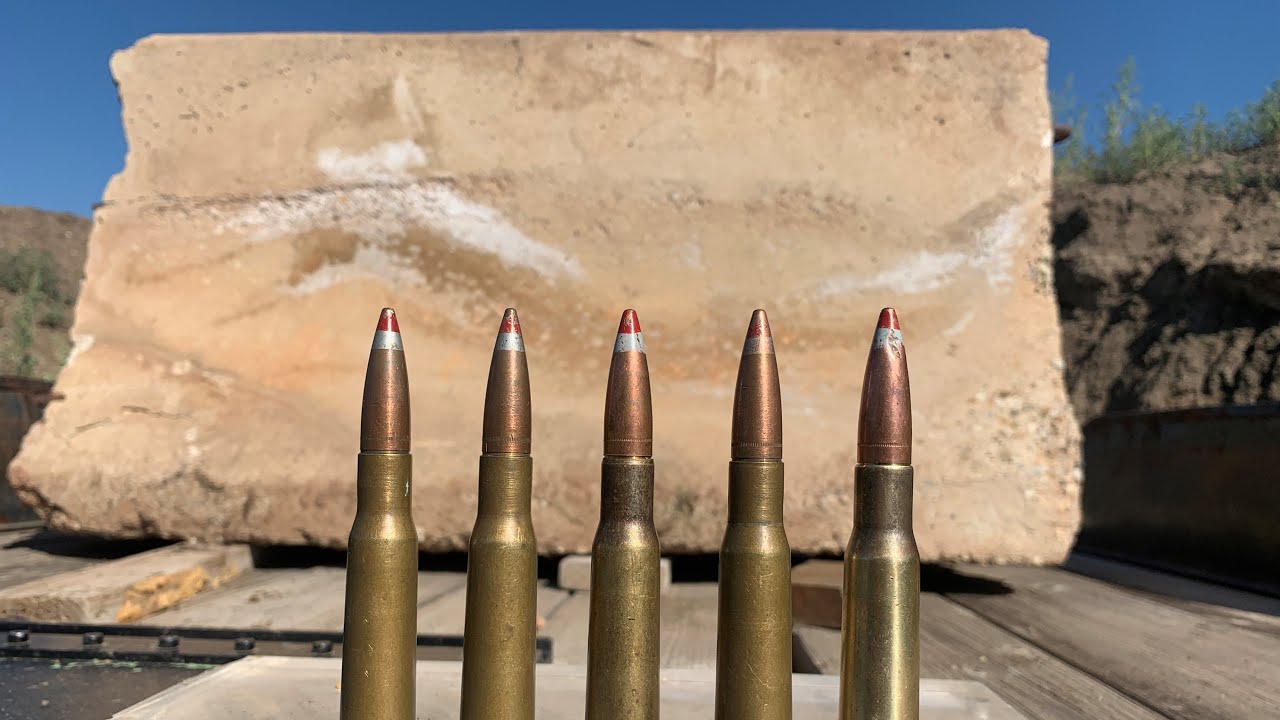
Safety First.. Always! You all know the drill.
OK we picked up a partial Concrete Jersey Barrier and wanted to see how many 50 BMG Armor Piercing Incendiary Tracer Rounds it would take to go through. The results will surprise some of you. I sure was.
***NOTE, I said WW2 rounds but they are Korean War rounds
Going Ballistic t-shirts here: htt...
minor acorn
velvet oriole
Just a quick question. If we were to drive multiple bullets with the muzzle grap...
In our case, when the Mousse Button is Pressed, and event "OnFire" is send to the Muzzle VFXG.
The VFXG has been designed to constanly Spawn (as it's a riffle/gatling). The velocity of the Bullet is drive by the "Local Forward axis" of the VFXG.
This way, as the player is moving the "Cursor/Sight", it's rotating/moving the gun and the VFX follow, so the Bullet velocity are aligned
When the Mousse Buttons is "Unpressed" a "Stop event" is send to the VFXG that make the spawn behavior Stop:

But this is for a Riffle
If you want to a Pistol, where the player control shot by shot, you'll do the same.
The difference would be in the "Loop Count"


For this "Pistol bahavior", I would also keep only One VFXGraph attach to the Pistol Barrel and Send a "Fire" event each time the Mouse is pressed
Does it make sense @velvet oriole ?
minor acorn
velvet oriole
Also how would you handle a hit effect that comes out of a wall hit rather than ...
On the Gameplay and Hierachy structure I would handle it the same way. But the VFXG would be slightly different as it can be seen from all angles (which one not the case in our Turret Mini-game..)
velvet oriole
The pistol behaviour is very clear thanks. Once we move to 2023 and move the vfx to our pool one per bullet wont be a problem
minor acorn
So You might need to add other Smoke/dust that are less directionall
 velvet oriole
On the wall hit what would you change about the graph? Do we bake a smoke from a different angle?
minor acorn
so that you can compose them together and get a volumetric feeling that can be seen from all angles
velvet oriole
My idea was to fire a guiding particle along the hit normal, and spawn circular smokes on its path
minor acorn
Looping Smoke with less directionnality are more versatile
I've created a bunch of Flipbook texture to be use with the 6-way lit shader and that are free to use if you're interested...
velvet oriole
The ones from the blog post?
minor acorn
yup
velvet oriole
We already have them, I believe there was one circular like that in there
Monday well figure out how to bake our own from blender with the vfx toolbox and try stuff as well
Do you think the guiding particle idea is okey?
minor acorn
Yup should be fine. ut you don't need a guiding particles . Cause I guess that you're gonna use Gpu event. While it's powerfull it has a cost and you don't really need it.
You "just " need to properly orient your impact VFXG thanks to the normal of the hit Surface
or send a Direction attribute to your VFXG with the Normal of the HitSurface
velvet oriole
Rotating the graph gameObject along the hit normal is no problem. What I dont get is a what the texture on the camera facing quad will look like
minor acorn
Normally with the Normal and or the Fire Direction you should be able to get a reflection vector and use that as initial velocity for your Smoek
you'll have bunch of them
with random speed
velvet oriole
Ah so burst like 20 50 circular smokes for example
minor acorn
depending on the size of your impact. but 5-15 shold be more than ebough
velvet oriole
By random speed you mean velocity or flipbook speed?
minor acorn
velocity
minor acorn
Flipbook is part of it, and timing and randomisation of your aprticles attributes
It's not a hit, but in this example the Smoke Stack is created with a bunch of particles (30-40)

They are drawn on top of each others and as you can see it's working quite nicely
velvet oriole
Wont this break if it faces the camera?
minor acorn
using the TX_Pyro_SteamBall_A
minor acorn
velvet oriole
Wont this break if it faces the camera?
All the PArticles Quad are allready facing the Camera
velvet oriole
Right

 velvet oriole
Ok, really appreciate you taking the time to enlighten me. We have a bunch of moving parts to put together now. Parallaxes occlusion decals, our procedural cluster demolition system, and the impact system you provided that was the missing piece
I think Im going to add the tendrils from your breakdown to give it that extra volumetric look
velvet oriole
@minor acorn I started doing some work on a more generic impact vfx using yours as a template. https://streamable.com/9gaknm this is my first trym but something is not quite right and I dont know how to improve it.
 velvet oriole
Also I'm trying to recreate the Tendrils graph from your twitter breakdown but the video quality is too low to see the details of the graph 😦
velvet oriole
https://streamable.com/4tqisf did a second pass
