#SO usage.
1 messages · Page 1 of 1 (latest)
 lament orchid
Here's how SO itself looks like which uses it
[CreateAssetMenu(menuName = "Custom/ShipModuleData", fileName = "ShipModuleData")]
public class ShipModulePreset : ScriptableObject {
    public ModuleName ModuleName;
    public string Name;
    [TextArea(3, 10)]
    public string Description;
    public Sprite InsideModuleSprite;
    public Sprite OutsideModuleSprite;
    public Sprite ImageUISprite;
    public Sprite TopLayerFeatureSprite;
    public ShipModule ShipModulePrefab;
    public List<Direction> Connections;
    public ShipProperties ShipProperties;
    public List<Ingredient> BuildMaterials;

    internal bool DirectionPresent(Direction direction) {
        foreach (Direction currectDirection in Connections) {
            if (currectDirection == direction) return true;
        }
        return false;
    }
}```And this part is getting instanced and passed to ShipModule Monobehaviour to be used as its data.
Instantiating SO is important because you want to pass the copy not the asset itself to not make changes to it from code in the editor.
 oak tangle
awesome thanks! Is there a youtube video or youtuber you would recommend to learn all about SOs?
lots of youtube tutorials I'm seeing...and what I've found from the past is only like 20% of videos are up to date or useful lol
lament orchid
So so sum up there are 3 parts here.
• Scene part which can sit on the scene, the object itself.
• SO which is its actual data copy to be used in the game.
• Savable object which can be created when you need to save SO data to Json.
oak tangle
I don't fully get how you are making a data copy to use so you aren't changing the object?
lament orchid
You instantiate it just like other Unity objects.
Instantiate<MyScriptableObjectType>(MyScriptableObjectAssetReference);
If you pass it without making a copy you will be passing asset itself and code can change it
oak tangle
ah you just Instantiate it into the scene? and have some sort of Don'tDestroyOnLoad script on it?
lament orchid
not into the scene, it's just in the memory
you reference it
MyScriptableObjectType myScriptableObjectTypeInstance = Instantiate<MyScriptableObjectType>(MyScriptableObjectAssetReference);
The thing it at runtime in a compiled app if you change anything in the SO asset data, it will be reset when you restart application. But in the editor this data will remain
If you remember to work only with copy of your SO you'll avoid problems
They are also useful to keep settings in the editor project because og that too, then you want to work with the asset directly
oak tangle
gotcha....
I think at this point I've got to go find a decent SO video and then come back and reread this convo 😭
this is all kind of just going over my head rn
I really appreciate all the help and everything though 🙂
lament orchid
This is a very popular source to get to know SOs. https://www.youtube.com/watch?v=raQ3iHhE_Kk

Scriptable Objects are an immensely powerful yet often underutilized feature of Unity. Learn how to get the most out of this versatile data structure and build more extensible systems and data patterns. In this talk, Schell Games shares specific examples of how they have used the Scriptable Object for everything from a hierarchical state machine...
Some more detailed stuff https://www.youtube.com/watch?v=6vmRwLYWNRo
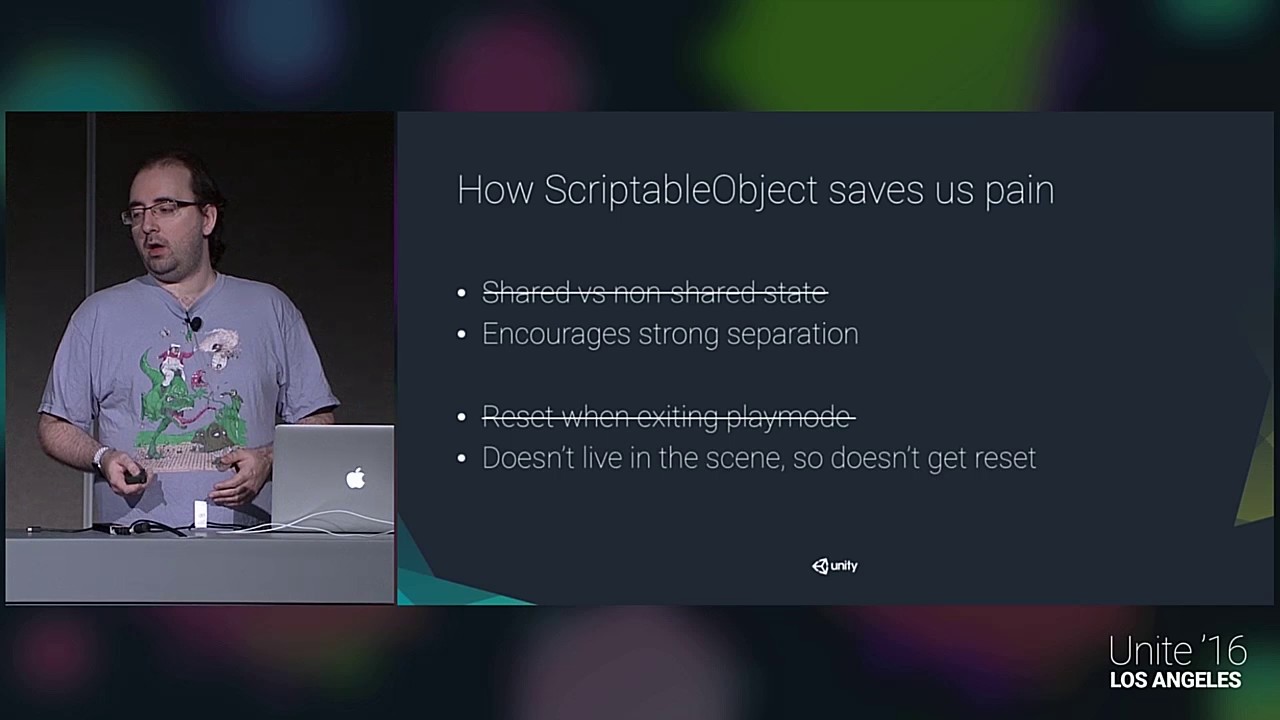
Get the assets here: https://github.com/richard-fine/scriptable-object-demo
This session goes over ScriptableObject class in detail, compares it to the MonoBehaviour class and works through many examples of how it might be applied in a project.
Richard Fine - Unity Technologies
00:00 Intro
1:34 The MonoBehaviour Tyranny
5:58 Uninstantiated pr...
And to throw in some other practical usage https://learn.unity.com/tutorial/pluggable-ai-with-scriptable-objects

Unity Learn
In this recorded live session, we create a finite state machine-based AI system which can be configured in Unity’s inspector using ScriptableObjects for states, actions and transitions between those states.
Just as an example
oak tangle
lament orchid
This is a very popular source to get to know SOs. https://www.youtube.com/watch?...
sweet thanks!
wasn't sure if much had changed since these videos were like 5 years old now
lament orchid
(first one) Video has an example project. Should be upgradable I think to modern version, nothing complex there. The only difference Ryan Hipple uses a trick in one of his examples to force reference scene object in an asset, this door was closed. It's not directly relevant to the examples though.
Yea, other than that concept of SOs didn't change