#Ok but the problem is that I can only
1 messages · Page 1 of 1 (latest)
 late compass
But what is a player operated gun if not simply a gun that could be operated :)
Create a method for spawning projectiles, then use either a coroutine, task, cooldown variable, or loop to run that method
Cooldown example:
[SerializeField] GameObject myPrefab;
[SerializeField] float spawnRate = 1f;

float nextBulletSpawnTime;

void SpawnMyPrefab()
{
  Instantiate(myPrefab);
}

// Spawns a prefab with a 1-second delay between each
void Update()
{
  if(Time.time >= nextBulletSpawnTime)
  {
    SpawnMyPrefab();
    nextBulletSpawnTime = Time.time + spawnRate;
  }
}
 frozen viper
Ok, thank you for your help. Im going through a player operated gun tutorial right now. My only question is, where would I put this? 😁
late compass
Put it on your turret :)
And if you are using code from a tutorial, replace SpawnMyPrefab() with the Shoot() function or whatever they have
frozen viper
Hey, sorry to bother you again, but I was wondering what tutorial/code I should use for a gun. I can't find any simple ones or stuff like that. Thanks.
late compass
No worries, but I gotta go to sleep after this lol
This guy https://www.youtube.com/watch?v=Nke5JKPiQTw shows one method of doing projectiles
However you might be better off just learning how to move GameObjects via script https://youtu.be/-thhMXmTM7Q (old video but I couldn't see any others)
Unless you need your bullet bills to be physics based, you could just move them forward every frame (by adding this script to your bullet prefab)
[SerializeField] float bulletSpeed = 20f;

void Update()
{
  transform.position += transform.forward * Time.deltaTime * bulletSpeed;
}
(P.S. Remember that you will need some logic to stop the bullet once it hits a target, moves a certain distance, or has been alive for a certain amount of time)

✅ Get the Project files and Utilities at https://unitycodemonkey.com/video.php?v=Nke5JKPiQTw
🌍 Get my Complete Courses! ✅ https://unitycodemonkey.com/courses
Let's check out 3 Ways of Shooting Projectiles and 3 Ways of doing Hit Detection. Transform, Physics and Raycast.
Learn Unity in 17 MINUTES!
https://www.youtube.com/watch?v=E6A4WvsDeLE
Le...
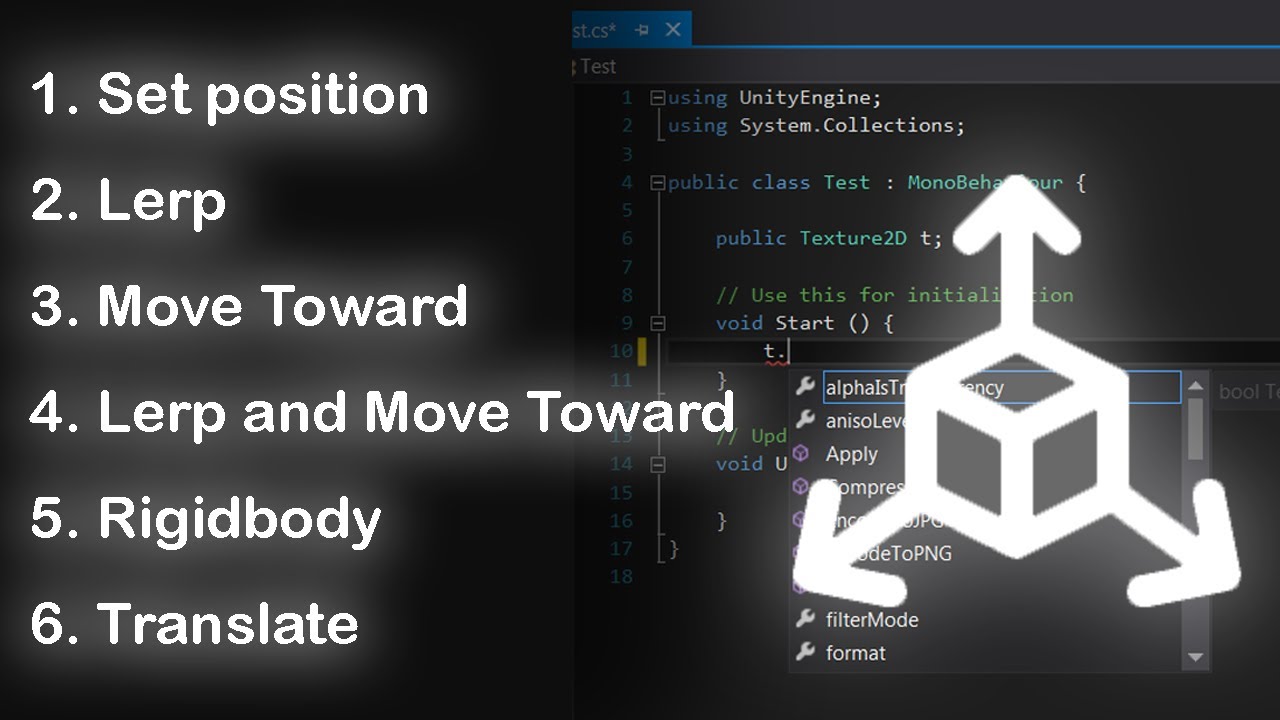
If you worked with unity, you should know how much moving objects is necessary for every game you make.
We introduce 6 ways to do that:
- Set position 2. Lerp
- Move Toward 4. Lerp and Move Toward
- Rigidbody 6. Translate
frozen viper
Ok, so I've gotten a basic cannonball launcher, but what code would I use to duplicate the ball from the position of the original? (Make the ball fire from the same spot every time)
late compass
frozen viper
Ok, so I've gotten a basic cannonball launcher, but what code would I use to dup...
Do you mean spawn it at the position of the launcher?
-If your launcher script is on the launcher object itself, you can simply instantiate the ball at transform.position
-If you want it to spawn at a specific position relative to the launcher (i.e. at the end of the launcher barrel), create an empty transform, make it a child of the launcher (drag it into the launcher in the hierarchy window), then add the line [SerializeField] transform bulletPosition; to your launcher code, as well as instantiate the ball at bulletPosition (remember to assign the empty transform to your launcher script in the inspector)
frozen viper
Ok, so this is the code I have for the cannonball. All of this is on the projectile, and I need help destroying the projectile when it gets to the Cannonball target. I've tried a few things, but none of them work. Also, I need to find out how to duplicate the projectile so it spawns at the smaller yellow dot. I'm not sure how to "as well as instantiate the ball at bulletPosition" I'm not trying to sound rude, I just don't now the code it needs and where to put it. Thank you for your help.
late compass
frozen viper
Ok, so this is the code I have for the cannonball. All of this is on the project...
No worries, apologies for not explaining things clearly :)
A few initial things - firstly, your bullet should not be creating other bullets - that task is for your launcher.
Secondly - typo, easily done - you appear to have typed OnTriggetEnter instead of OnTriggerEnter
I will put below an example of what the launcher script should look like, and what the cannonball should look like (typing it now)
late compass
This goes on your launcher:
using UnityEngine;

public class MyLauncher : MonoBehaviour
{
    [Header("References")]
    [SerializeField] private GameObject bulletPrefab;
    [SerializeField] private Transform barrel;
    [SerializeField] private Transform target;

    [Header("Settings")]
    [SerializeField] private float fireRate = 1f; // Fire rate is a delay between firing, in seconds
    [SerializeField] private float bulletSpeed = 1f;

    private float nextBulletFireTime = 0f;

    // Fires a new Bullet
    void FireBullet()
    {
        // Check if Bullet prefab is assigned (can't spawn a bullet that doesn't exist at a position that doesn't exist!)
        if (bulletPrefab != null && barrel != null)
        {
            // Instantiate (create a clone of) the Bullet prefab
            GameObject lastSpawnedBullet = Instantiate(bulletPrefab);

            // Set the Bullet's position to the barrel position
            lastSpawnedBullet.transform.position = barrel.position;

            // This is if you want the bullet to move towards a specific position instead of just in a straight line
            lastSpawnedBullet.GetComponent<MyBullet>().FireTowards(target, bulletSpeed);
        }
    }

    // Update is called once every frame
    private void Update()
    {
        // Check to see if enough time has passed to fire a new bullet (you don't want to shoot one every frame!)
        if (Time.time > nextBulletFireTime)
        {
            // Fire the bullet using our method
            FireBullet();

            // Set the cooldown time to the current time + our cooldown time so that we can wait to spawn a new bullet
            nextBulletFireTime = Time.time + fireRate;
        }
    }
}
And here's the one that goes on your bullet prefab:
using UnityEngine;

public class MyBullet : MonoBehaviour
{
    private Transform target;
    private float speed;
    private bool hasBeenFired;

    // This method is used for initialising the bullet
    // If you prefer you could keep the speed value on the bullet prefab itself,
    // I just put it on the launcher to keep all your settings in one place
    public void FireTowards(Transform _target, float _speed)
    {
        target = _target;
        speed = _speed;
        hasBeenFired = true;
    }

    // Update is called once per frame
    void Update()
    {
        // Check if the bullet has been fired
        if (hasBeenFired)
        {
            // Move towards a target at a certain speed
            transform.position = Vector3.MoveTowards(transform.position, target.position, speed * Time.deltaTime);
        }

        // If the bullet has reached the target position, we should probably destroy it
        if(transform.position == target.position)
        {
            DestroyBullet(null);
        }
    }

    private void OnTriggerEnter(Collider other)
    {
        if (other.CompareTag("CannonTarget"))
        {
            DestroyBullet(other.gameObject);
        }
    }

    void DestroyBullet(GameObject other)
    {
        // If we've hit a target, we can destroy it etc.
        if (other)
        {
            Destroy(other);
            // Play a sound?
        }

        // Finally, destroy this bullet
        // (or return it to an object pool if you get into performance issues)
        Destroy(gameObject);
    }
}
Hope that helps as an example, you can build upon it to your specific needs
frozen viper
DUDE. This is awesome! exactly what I needed. There's one more thing I need to ask. So when the code starts up, after a few seconds, projectiles start flying in out of nowhere. I've deleted all unesisarry scripts, and destroyed all unessisary objects, so I don't know what is happening. Do you have an answer?
Oh, I just got your bullet code
one sec, let me try that on
late compass
All ok? I have tested it but if there's anything weird let me know :)
frozen viper
For some reason the bullet isnt accepting the code. It says there are errors inside the code, but I'm not getting any errors back from the script
wait
I may have gotten it to work
So for some reason i can't assign the transform target or any other public floats/bools
late compass
hmm that's quite an odd thing to happen
frozen viper
Just so you know, I need to change the launcher scrip. I didn’t realize that you edited the message
I don’t know it that would effect the bullet prefabs script though
frozen viper
So I think I found the problem, just not sure what to do about it

 late compass
Ahh yes
Basically, unity is trying to associate the class named MyBullet with the file named ProjectileMovement
And the same with MyLauncher and Launcher
If you want to call it just Launcher, select where it says MyLauncher at the top of the class like in your screen shot, then press CTRL+R twice (should make a popup appear)
Then type in Launcher
Same with the bullet - highlight where it says MyBullet, CTRL+R twice, type Projectile Movement
That should solve the issue
(Alternatively, you can rename the files in Unity to the same as in the script editor)
frozen viper
Hey, might be silent for a bit, I’m in church. I’ll be back around 11:20, 11:30
Sorry
late compass
No worries mate
frozen viper
Alright, it works fine, other than I have the original prefab just kind of sitting there, and I can't change any of the targets, speed, and hasBeenFired (Although that may be because they are marked as private) What do I do with the original projectile prefab?