#🔀┃art-asset-workflow
1 messages · Page 49 of 1
 tidal cairn
 naive swallow
I've created a new material
naive swallow
yup
naive swallow
ah-ha!
 tawdry valley
magik
tawdry valley
u could try re-exporting the FBX
tidal cairn
we should probably look at the import settings
tawdry valley
from blender and see if it was just the packers fault
naive swallow
Yeah, okay. I will try that first.
I had a random suspicion that maybe there are multiple UV layers?
tawdry valley
then def the setttings
tidal cairn
I think its clearly unitys fault here- the import settings have material options we should probably have a look
imma have to boot up unity lol
tawdry valley
unity is such trash
naive swallow
naive swallow
I tried with and without "Swap UVs"
Oh, I didn't auto-generate the materials.
I just made my own
And applied the albedo to an unlit material
tidal cairn
Im not even sure what the swap UVs thing is until I get unity open myself and read the tooltip lol
naive swallow
I think I'll try re-exporting
tidal cairn
oh but- yeah you should press the extract materials thing when its available
tidal cairn
oh you dont wanna swap
tidal cairn
I mean you probably only have one UV channel anyway
tidal cairn
wrong texture?
tidal cairn
ah haa
naive swallow
🙏🏻 thanks for your time @tidal cairn
tidal cairn
👍
naive swallow
And hey, I learned something about Blender.
tidal cairn
glad its sorted
tidal cairn
😄
 tacit mesa
hey hey, any idea why my materials come out like this in the HDRP:
(exported as PNG from substance with the HDRP preset, converted to DDS)
and these are the original PNG's also wierd pixels but not complete shapes
2048x resolution
update, reducing the normals fixes it, but the DDS from the mask map seems to be broken and creates the shapes from the first picture
maybe wrong BC format? i used BC7
 sonic cloud
Hey guys!
Just made a set of low poly 3D car assets, looking forward to hear your feedbacks and comments!

 wary eagle
Well, those are nice. But that's an almost 1/1 copy of Imphenzia.
tacit mesa
depending on if you want to make it full geometry or fake it
otherwise it isnt that hard you could just think of the middle part to be thin cubes
 eager mist
I mean, those straight lines, it's just the shape I'm interested in, so an array of cubes might be good, I guess?
 limber plank
Hi everyone, hope you are having a great day. I need someone to make me low poly 3d model(character in free)
 vivid beacon

ArtStation
A microwave I made for a FPS game project I'm modeling for. Rendered with Blender Eevee. Hope you like it!
 pale spindle
Anyone here using progrids with probuilder? probuilder 3d objects wont snap with progrids, only with original 3d unity objects
vivid beacon

ArtStation
Screwdriver model made for an FPS game I'm modeling for. Rendered with Blender Eevee. Hope you like it!
 supple ibex
Why is there a disparity between Scene and Game view when making shaders with Vertex Displacement?
I've reimported my model to be exact with Unity's rotations. My shader says Object everywhere using Position, but... Still in Game View it's just borked. :/
vivid beacon

ArtStation
Hammer I made in Blender for an FPS game I'm modeling for! Hope you like it (:
sonic cloud
Hey guys!
Just made a couple of free 3D marine vehicle assets, looking forward to hear your feedbacks and comments!

 opal finch
Hey!
I´ve just gotten my 3D character model which was outsourced to someone smarter than me, it was made with Blender, Im having a few texture issues. Generally it just doesn't look as good in Unity as in blender. Im getting some weird seems and such.
I have no knowledge of Unity, or at the very least a bare minimum. Are there some general fixes you do when importing new .fbx models into your scene, to get everything looking great?
 analog shell
I need test platforms that actually have textures on theme cause iam not creative does someone know free good assets?
 frozen musk
https://cdn.discordapp.com/attachments/497872424281440267/730377357281591316/unknown.png
https://cdn.discordapp.com/attachments/497872424281440267/730377401640681492/unknown.png
im exporting with Z up and X forward but its like its on its side when in unity.


all i want it for it be that way round and 0 0 0, Why is is turning in -90 HOW does it know to do that and if it did know that was the way round it was WTF is it not just 0 at that orientation...
on that first pic i haven't change the rotation after dropping it in.
id really appreciate some help as this is the only thing stopping me from completing my demo for my game.
damn orientation...
analog shell
my player is falling way too slow does anyone know how to fix it? (sorry that theres no video but DC doesnt allow me to send such a long falling video because its over 8MB)

there you go
 small aurora
I'm very new to Unity and game development, so this question might sound a bit silly. My understanding is that if you want buildings, characters, or any other type of game asset, you'll need to either buy them from the store, find a free asset, or design the assets in Blender then import them into Unity.
Do you have to build the animations in Unity or would you create the animations in Blender? Think of a door opening and closing, a tree moving in the wind or a dog walking.
 dense summit
Depends
A door opening with unity would be easier
But a dog walking would be easier with blender
 errant plover
What chad said.
 viral cypress
I dont know if this is exactly were to ask this but, when it comes to updating games with unity (ie getting game onto steam then wanting to release a update) how would i go about that
 wide wasp
@opal finch making sure your texture imports are set up right, probably. Compression can cause seams, especially if there isn't much padding on the UVs.
 pliant sandal
in blender, i dont know why, but edit mode wont work correctly for me
im just trying to make the donut drip.
eager mist
I'm tryna figure out how to have transparent glass in HDRP with an imperfections roughness map. Could someone help?
sonic cloud
Hey guys!
Just made a couple of free 3D space ship assets, looking forward to hear your feedbacks and comments!

 woeful pecan
 sturdy scaffold
hi
 karmic lion
hey guys, i have some problems with transparency when i try to import blender 3d models in unity
how can i make my plane texture transparent?
 late thistle
Maybe ill get a better answer here. I'm looking for solutions to weld meshes without the use of metaballs and marching cubes. Any ideas?
@karmic lion What shader/material are you using?
karmic lion
@karmic lion What shader/material are you using?
I am using a texture with no background as a material. Sorry, but idk what is a shader, since i started using blender only 2 months ago
late thistle
Under the material options try switching from opaque to transparent
karmic lion
I will, thanks!
eager mist
i will do coin for my game
eager mist
Does auto smooth and marking edges as sharp in Blender transfer over to FBX and Unity?
eager mist
Modeling a desk. I gotta add hinges for the doors, and set the origins to those so they can swing perfectly in Unity.
Hoping to have Amnesia drawer opening physics
I try and go by a simple but effective style of modeling.
eager mist
how to take rendered picture
and if you have any info about how to improve it i will appreaciate it
 sly parcel
to render press f12 in blender
 lethal tangle
In Blender you can assign different materials to the same mesh, just by selecting different faces. How can I replicate this in Unity? I need a lot of control over the material so I don't want to import ones from Blender.
I have a dice tray, of which the bed and walls are supposed to be a different material. But currently I'm doing this with two meshes and it's invading how I code things (since the bed of the tray is a child).
errant plover
You assign where you want your materials in Blender. Bake all your textures, AO, whatever. Then you'll need to make the materials inside Unity. Then drag and drop them on to the appropriate locations of your model.
 proud mortar
yo! i've got the same problem
baked my textures, now my model has two elements, which i'm using Unity materials for now for textures and whatever else, it's working fine but i've got a question.
i'm using really low quality textures (128x128) so i can emulate like nasty ps1 graphics, but when i assign my materials to my model, they're all blurry and gross. i wanna see the pixels!!
here's what it looks like right now- not very pretty D:
is there a way to edit the material/texture so it stops trying to blur the texture?>
asset design is hard, man. all this is so confusing
errant plover
You need to disable Texture Filtering. I am not sure how to do that off hand.
Also, if you are going for that "authentic PS1 look" this video might help. https://www.youtube.com/watch?v=m3Wf-EegBgg
proud mortar
thank you! i'll try to figure that out ;O
how would one go about getting similar sized pixels? is it just eyeing it or are there specifics with material scaling or something like that?
errant plover
What do you mean?
lethal tangle
I think he means the resolution of the texture
The guy says at the start of the video, 128x128
@proud mortar If you're talking about what he said with "every element in your scene having similar sized textures", that's PPU (pixels-per-unit) in the texture's import settings.
if u set it to 1, each pixel will be a unit (1 meter) wide+tall.
proud mortar
ah, i’ll make sure to check that out tomorrow, thanks for the explanation! there’s so much i don’t know ahh
eager mist
@proud mortar You go to the image in your assets library in Unity, and switch it from bilinear to point. 👍
Speaking of which... low res textures and HDRP lighting mix really well visually. 🤔
eager mist
can someone help me if yea dm me please
 haughty bough
Is it okay to ask for help here? If so... My normal and ambient occlusion maps worked perfectly on everything except my top receiver on this and I can't figure out how to fix it?
As you can see... It's gray and the side at brown... It's like it thinks the side of that receiver is under the model?
3DS Max to Substance Painter btw, baked in Substance
haughty bough
Here is the ambient map too...
 inland gate
Any one got an answer to this?

Unity is the ultimate game development platform. Use Unity to build high-quality 3D and 2D games, deploy them across mobile, desktop, VR/AR, consoles or the Web, and connect with loyal and enthusiastic players and customers.
haughty bough
@inland gate There is an issue with floating point limitations, once you go over 5km so keep that in mind if you are using the chunk system, personally I prefer the divide and load segments but I work mostly in 2D so I've designed infinite world generations around that!
As for why you would use a chunk system instead of just using something like LOD is more CPU based than GPU, if you have things like lamps, npcs or anything that uses scripts or animations, they will still be quite impactful in the long run of an open world
You can have them all around and activate them when you get near but I personally like the chunk system because it pairs well with a good pooling system to save resources
I assume there are some GPU reasons but I am not too familiar with that
As for scene loading... Would that be an additive scene load? It's an interesting concept but that means no pooling which means you need to create resources rather than reusing them which imo might be handy but less efficient
Bigger chunks will hurt performance a lot more from a scene load than a chunk being populated from a pool
So to sum up.. Imo, divided chunks over scenes would be more efficient I believe and be my choice
eager mist
Why can't I find the option to make my Cube's material self-illuminated? As in, not requiring any light whatsoever
It doesn't need to make any light either
sonic cloud
Hey guys, just made my first "paid" asset set, I would love to hear your feedbacks, what should I've done better to make you guys buy it? <3

 last isle
eager mist
last isle
eager mist
I try importing a 3d avatar and it says I ran out of memory how do I fix this issue
pale spindle
Is it hard to change the texture of a character model that is fully rigged for unity?
 final granite
WIP machete 
 vital notch
@haughty bough Show me in private maybe I can help.
haughty bough
Oh sorry I asked in a couple places and forgot to update here that I fixed it, I am not sure how... I reset normals, separated and reattached the inside of it, changed my file format and a couple vert corrections and it's sorted now 🙂
Just some painting with stock textures to test it, doing the real texturing now 🙂
eager mist
can anyone recommend a good tutorial for absolute beginners to 3d who've never even imported a model or anything like that? im not looking to create my own 3d art at the moment, just use other assets online but even then i dont know what im doing. (sorry if this is not the right channel for this)
vital notch
@eager mist https://www.youtube.com/watch?v=TPrnSACiTJ4 one of them

Blender tutorial for beginners! The long awaited reboot of the popular donut tutorial, completely remade for Blender 2.8x. New videos will be uploaded every other day to this channel.
Get the shortcut pdf: https://mailchi.mp/ef5b15a32043/subscribe-to-the-newsletter
--------...
eager mist
thank you, ill check it out

This is part one of my free course to learning Blender 2.8. Create this fun scene and learn the interface, how to add objects, lighting, build objects, create atmosphere, render images and movies and lots more.
Part 1 https://youtu.be/7MRonzqYJgw
Part 2 https://youtu.be/L0AY6...
tawdry valley
start of a beautiful lincoln 🙂
im not the most advanced modeller.. what would be the simplest way to make doors to open?
Just cutting out a section with the bool operation?
 vestal kite
I’m sure people might prefer different methods, but if I was to use your model, I would probably add edge loops where I want a door to start and end, duplicate the model, then delete all other faces on the duplicate except the rough door shape.
At that point I would start shaping the door, filling in the holes on the sides of the door mesh, and eventually shift the pivot point over to where it can open and close
eager mist
Guys i am a programmer and i am searching for an artist any one can help
 agile sleet
Hello guys, in unity my enemy follows and looks at the player but because the enemy object is not turned correctly the enemy always looks at the player at an angle... anyone know how to solve that?
 maiden tangle
@agile sleet reset your enemy's object rotation
in both model and root
the blue arrow's direction (axis) on the root should be the same as the model
@sonic cloud feedback on the chests I would vary the shapes and sizes a bit more, from a distance they're very similar and when buying a pack at least for me I'm looking for it to be modular
they look nice though so maybe it's just seeming them side by side like that in a row
 steel orbit
agile sleet
steel orbit
agile sleet
@maiden tangle how do i reset the enemy object rotation in model
 long schooner
So im having troubles with my model
 junior stone
you've probably got inverted polygons
long schooner
there are some parts that are... transparent? I can see through the the layer facing the camera of the model
oh?
how do i fix that
junior stone
flip them
long schooner
OHHH i get it
its cause i copied the models from the other side
and flipped the model so it would be symmetrical
junior stone
im pretty sure thats the issue. just gotta make sure the normals face outwards
junior stone
no problem 🙂
tawdry valley
hello, im a new modeller and I made some bad loop cuts
now I have tris that are obvious
is there a simple way to get rid of them
tawdry valley
looks great from the correct angle tho 😛
tawdry valley
@hollow vigil thx
 hollow vigil
np
tawdry valley
got it looking a tad better
wary eagle
Finally here! https://www.artstation.com/artwork/B13ayr

ArtStation
French VAB made for a Squad mod "FFL".
About 50K tri, and 3 materials.
Enjoy!
eager mist
Am I able to modify a 3d model in unity?
Ive been using blender so I dont know if it can do what I want
tawdry valley
you can "probuilderize" it
inland gate
@haughty bough Thank you. The problem with pooling chunks from my research is that while it reduces work for the GPU, your memory still has to store inactive objects. When dividing the world into different scenes and loading the scene additivly will reduce memory load. So I think dividing your world into chunks and putting the cunks into different scenes is the way to go.
 dire ermine

 sweet ibex
https://www.cadtek.com/solidworks-file-formats/
Uhh so I still dont understand, any of these formats easily usable in Unity when imported?
I am told I will be provided SOLIDWORKS-made models, but I have no idea if they will work in Unity 🤔
sweet ibex
I know ;_;
inland gate
Tbh ngl
Even if one of those formats did work
The fact that we don't know about them on the top of our heads means its probably not to well supported
sweet ibex
dammit
inland gate
For example, FBX is pretty much the most used format rn
sweet ibex
Yeah I know
inland gate
It's highly supported and it has tons of features
I've never even heard of any of those besides STL, and idk if Unity supports that
maiden tangle
@agile sleet google "how to reset transform rotation unity"
that should be one of the first things you do before making a game, knowing the interface and basic features
haughty bough
@inland gate you have to calculate where you take the hit, cpu every now and then or memory. You wouldn't have that much of a ram hit because you don't pool the entire world though? You just move and repopulate from chunks unloading.. sure you'd have a little buffer of inactive objects but it would hardly affect ram.. unless you're pooling differently
I personally specialise in optimisation and it can be really affective but it takes some effort to get it down right. Unity is just terrible at handling memory / creating new objects
haughty bough
Well if you didn't make it.. what are we giving our opinion on exactly?
agile sleet
@maiden tangle no the rotation is reset in unity the object itself is turned 90 degrees
maiden tangle
@agile sleet take it into a 3d software and reset the rotation manually
 near lotus
looks like an asset you didn't make in a basic unity scene that you also didn't make
junior stone
@wary eagle is it just me or is that kinda plastic looking? 🤔
wary eagle
I don't see any plastic reflexion andI don't have any plastic roughness. 🤔
junior stone
@wary eagle I guess the model is filthy to the point no reflections are possible, but I still get that impression
wary eagle
Well I do have a lot of reflexion variation, I just don't want to abuse of that on my renders.
junior stone
maybe you could have bare metal shine on a curvature map? @wary eagle
im nitpicking rly hard tho
wary eagle
I don't want that, it's a painted vehicle, with multiple primers under that, there is no reason to have bare metal here
And I have to follow a texture workfow to fit the game we're working on.
junior stone
fair, its more of a preference thing either way. I thought that scraping against stuff would be a thing to happen with that kind of vehicle
wary eagle
hmm not rly 🙂 Just paint scratches, with visible primer under that!
At least, on my 500 refs hahaha!
junior stone
500? pff, rookie numbers
nah jk, looking awesome as usual (and kinda expected by now lol)
wary eagle
Thank you haha! 🙂
 violet pelican
eager mist
violet pelican
eager mist
The normals on some parts seem to be inverted. Flip 'em in Blender
 chilly oracle
So I have a question regarding 3D models.
I have a Rayman type looking character and I was thinking of importing the head, torso, one leg and one hand and then set up the model in unity. I don't know if this is the best way to do it, but the reason I wish to do this is because I am later in unity gonna add a lot of different skins to the original character and then have a bunch of equipment and so on that I attach to the original parts. But I am wondering how I should handle the models in an easy manner, with sprites it's kind of easy to just center a sprite over another because you have set sizes on the side, but how does it work with 3D models?
Would I have to position all the new hairstyles manually or can I somehow have like a position on the "hair model" that will always attach itself to a specific spot on the top of the head or something?
 stray stone
@chilly oracle You can use an empty as a slot to put the hair onto if you wish.
chilly oracle
yeah, but the problem I am having is that I am curious if I can choose where the "top of the head" in the model should be. So I can just set the standard placement of the hairstyle the same for all of them
eager mist
Wouldn't parenting it a bone and using animations to displace it's position work?
 floral pendant
hey guys,i imported my speedtree models into unity hdpr, but the wind isn't working even after adding wind zone.It'll be great if you guys could help
chilly oracle
@eager mist So does models have a native "center of the model" that I can use, or can I choose this myself on every single model? Since some models would have a long flowing locks while others would be spikes going up in the air, the center of each model would be different right?
eager mist
Not sure. I've never done parenting stuff in Unity yet since I started like a few days ago.
But that's how I'd do it in a 3D package at least.
pale spindle
Is probuilder meant to create a new object automatically?
It doesnt get "build" but its there in the hierchy and i always have to delete/disable it.
 cursive pawn
More zbrush shenanigans
 cyan portal
How do I make the textures repeat?
For example how the cubes repeat on that big platform
vestal kite
@cyan portal
If the object is uv unwrapped properly, you can simply change the scale of the texture in the properties of the material you are using.
Otherwise, you can try using triplanar mapping, but it’s not as efficient - especially if you plan to have normal maps, specular maps and etc
cyan portal
@vestal kite if I use the default unity 3D cube will it work?
vestal kite
It should work, yeah
You can also use the offset values to line up the texture a bit better if you need to
vestal kite
Give me a few minutes I’ll take some screenshots for you
cyan portal
Thanks
vestal kite
so first, I made a simple tiled texture (left item), and I applied it to a new material, in the Albedo slot
when I apply the material to the cube, it looks like this at first
vestal kite
ok haha
cyan portal
Thanks anyway
tawdry valley
 dawn hinge
eager mist
dawn hinge
eager mist
Not really a Unity question as such, but.. don't suppose anyone is familiar with Maya?
(More specifically, with constraints/deformers)
I basically need a way of scaling an object between its pivot and another transform (i.e. a locator)
eager mist
are there any good videos to watch to learn about importing 3d models and animations created by others? i have a character in my game that is just a box at the moment. preferably looking for something kind of succinct and not 15 20 minute videos, though i would like to learn more in depth later
 whole fog
just curious but is there anything that could perhaps be found on the asset stor that allows for closer replication of N64 shaders
vestal kite
@eager mist
Is there anything specific you’d like to know? For example, are you looking for a tutorial on mainly the import settings, or how to modify external models (like adding new materials), or how to apply animations from one source to models from another?
@eager mist I use Maya, not sure if I can help you with this one but I can try. Im not sure if I understood you question, but are you talking about scaling just a portion of the object in a specific location or range?
And is this something you want to be an animation or a static object?
eager mist
I guess anything that would be helpful to a beginner. I know there's a ton to learn but for now I just want to import some models and have animations that don't look so awkward terrible. I know that's kind of a vague request, but when I go looking for tutorials I'm seeing a lot of larger series that I'd eventually like to watch, but after I have some small base experience
 trail mica
Brackey's on youtube is good for beginners
floral pendant
hey guys,i imported my trees and ferns into unity hdrp,i added windzone but the trees nor the ferns are reacting to it.It would be great if you guys could help
 south ruin
hey fellas, got quick question with probably a long answer, when modeling a scene in blender, is it better to have many smaller objects, or condense them into less, larger objects?
eager mist
does anyone know how can I animate something like this?
https://upload.wikimedia.org/wikipedia/commons/a/a3/790106-0203_Voyager_58M_to_31M_reduced.gif
My guess is that it's some sort of particle/fluid simulation
 eager mist
@vestal kite basically, I need an object to scale relative to the distance of a locator from its pivot
i.e. so as the locator moves away from the object, the object scales up with that distance
eager mist
@eager mist depends if you're wanting to do it live or not - you could probably animate something like that in Phoenix or Houdini, and render it out
Not sure about doing it live though, that kinda fluid sim is very expensive in terms of system resources
@eager mist no, as a blender animation
not live, come on man, im not insane
 devout copper
why this happen when i rotate?
vestal kite
@rare heron you’ve got a skinned mesh, to modify it you need to either scale the root object, or the bones that it’s skinned to
 rare heron
how so?
vestal kite
So, if I’ve got a character for example that I want to make twice as big, instead of changing the scale on the mesh, I’ve got a game object above that the mesh is parented under. I can scale that game object.
Or, I can go to the root of the skeleton, so the topmost bone, and scale that game object
vestal kite
So do you want the scale of the object to be different from the beginning (when you import) or do you want it to change inside of your game/project?
Because you can also rescale the entire object in the import settings
vestal kite
Yeah
rare heron
uhhh
vestal kite
Keep in mind, if you’ve already made the object into a prefab, and it’s composed of multiple pieces - modifying the scale factor might offset those pieces, and you would need to bring it into the scene again
rare heron
wa
i just want to resize the model
i found a scaling thing here but its greyed out
there we go
i can just resize the pelvis
vestal kite
Yup pelvis is probably the root bone on your model, glad it worked 👍🏼
vestal kite
Those are not polygons, those are the icons showing where the light source and camera are in the scene
How many polygons are in the model itself?
agile sleet
my ground is static and i have everything set up but the navmesh wont bake the area for my navmesh agent... it will "bake" for an infinite amount until i click cancel
vestal kite
in unity it says 2147483637 but in blender its like less than 70k
@rare heron ohh my goodness haha
rare heron
hunt down the freeman models be like
vestal kite
So, when you press play, that’s the number of tris you are seeing in the stats bar right? Can you try to turn different objects on and off to see if there’s one that’s causing such a massive number? (Not including the camera and light)
I’m also wondering if maybe the way the model was exported could be the issue?
vestal kite
Oh when you press play you can see statistics for what is being rendered on screen, could help debug some issues
vestal kite
Click the Stats tab at the top right over the play window
vestal kite
Large, but fits close enough with the poly count in blender
rare heron
i plan to have 70k or less for vrchat
vestal kite
Something you have to keep in mind is that unity will always show a higher number than Blender or Maya
It doubles the vert count on hard edges and on edges of UV maps
rare heron
wait how do i stop the scene
vestal kite
Click the play button again
vestal kite
yeah, it's half of 2 to the 32nd. I don't know much about VRChat, is there a limit maybe on what you can import in?
ok just searched it up, so 70k is their actual limit, but since it's using the method of calculating that Unity uses and not Blender, yours is over the limit by quite a bit
so check the mesh in Blender for easy fixes first, like seeing if there are seams in between faces that should actually be connected in the uvmap. The problem with retopologizing or reducing poly count at this stage is that it will very likely mean you need to re-skin the model to the skeleton again when you are done
 magic musk
Help please (blender/unity/animation rigging)
I modelled a human in blender, uv'd, textured, rigged, exported him as an fbx, and I want to use him in an inverse kinematic rig using the animation rigging package from unity. My problem starts when I put a multi parent constraint on his head, this shoots his head up 2 meters above were it should be.
I thought it could be my model so I used robot kyle from the unity store and guess what, it works perfectly.
I thought it could be my software so I imported robot_kyle.fbx into blender and exported him as an fbx but in blender and not whatever they used(not saying the m word).
But guess what, kyle still worked perfectly. has anyone here used unity? should I switch to unreal? I'm basically asking what I should do to export my model besides making an armature skeleton, auto binding it to my mesh and shipping it as is.
tldr: if I want to use unity's animation rigging package how should I export my rig?
tawdry valley
finally doors!~
 icy whale
Anybody know why my emissive materials (blue) aren't emitting light? I'd like them to glow a little, as they are supposed to be computer screens
vestal kite
@icy whale if you want there to be a visible glow, you would need to add bloom as a post processing effect
icy whale
How could I do that?
tawdry valley
post processing stack
vestal kite
I’d recommend going to the post processing channel they can probably better explain how to set it up
eager mist
should I go for a realistic or futuristic gun?
cursive pawn
spent more time in zbrush today
junior stone
@eager mist is that just a model with an AO map? it looks very cool in that style but I cant exactly say what it is
eager mist
@junior stone Its just a Blender model that I made with "Cavity" enabled. What's an AO Map? :o
I've been trying to replicate that for texturing
But I cant figure out how
junior stone
ambient occlusion, basically a shadow map thats baked from the mesh and applies shadows
eager mist
I NEED to figure that out
junior stone
try googling around for "blender ao render" you ll probably find it
junior stone
you gotta bake it tho, I think that link only explains the runtime variant
unless you go PBR, than you barely need AO
eager mist
Oooooo PBR
@junior stone Do you know the game INSIDE?
that's the type of lighting that im trying to replicate
And style
How'd they do that?
 keen kettle
Hi all! I was wondering if anyone has had any experience with converting UMA generated characters into avatars for platforms like VRChat?
 rare zodiac
I have a question to materials (I am a complete beginner). When I make a material and select for instance a bright red, the screen shows a depressing dark red. Also I want my floor to be white, but it shows a kind of brown. Does anyone know how to solve this?
 sly zephyr
Boys
i have a question
how can i change a player model without having to delete it
i have a capsule as a player model and i want to change it
eager mist
Guys no idea about 3D but
Lets say i want a house model
Can i just create tons of cubes and splash them together to a house
or should i actually do it in Blender?
and then import it into unity
does it have any effect?
sly zephyr
blender
eager mist
Thanks
Could you explain why? If thats possible?
Im a total 3D noob
Not programming technically but with Models & Optimization
rare zodiac
I don't know much about Unity, but in blender it's much more convenient and I think Importing it in one shape is better for the performance then just smashing cubes together.
 heady void
It really depends what you're doing. If this is just for whiteboxing/general prototyping then just smashing some cubes together inside the Unity editor or pro-builder would be quicker and more efficient for you to get gameplay down and is the general practice. If this is for an actual house that you're intending to have in the final game then using an actual 3D editor is a must so you can give it detail, optimise, unwrap and texture it.
vestal kite
Im pretty sure you have some UV editting tools in pro builder, although I havent used them myself. Pro builder might be a good starting point to make something like a house if you don't have much 3d modelling experience because there arent nearly as many buttons and options to get lost in
and if you wanted to start in pro builder but then shift to blender or maya, you can use the fbx exporter in unity to export the pro builder model you create, and use that as a reference
@rare zodiac depending on the shader you material uses, it will take into account roughness, metallic, and other properties. The colors will also depend on the light (and color of the light) in your scene, ambient color, post processing effects, and so on.
if you want a red color without any shadows or hghlights on the object for example, you can go to your material, and set the shader to Unlit
 thorny wasp
Anyone know where i can find some good debris 3D model? free
vestal kite
@thorny wasp Check the free section of Quixel megascans, they usually have debris, rock and plant models, materials and textures available
thorny wasp
Ooo never heard of that website! checking now
vestal kite
most of their stuff you have to purchase, but the quality is amazing
vestal kite
So odd, they're usually available in multiple formats! Which one was it?
thorny wasp
oh not on that website, but i couldnt find any for free for what i was wanting
vestal kite
ohh I see
rare zodiac
@vestal kite Thank you
thorny wasp
Anyone know where i can find some good debris 3D model? free
@thorny wasp
thorny wasp
Anyone? 😅
 eager mist
Free Debris 3D models for download, files in 3ds, max, c4d, maya, blend, obj, fbx with low poly, animated, rigged, game, and VR options.
eager mist
@thorny wasp Considered making your own?
Depends what kinda debris you're going for, but... you can make some pretty decent stuff with a couple of textures and some very simple modelling, depending on how close up you're gonna see it
thorny wasp
yes, thats why im asking
eager mist
90% of that back wall is just planes with pretty simple low-res cuts for the overall shape
the rest is just extrusion and a few cubes to break up the shape
all done with two textures, UV'ing each face to different bricks on the texture to give it some variation
then the ground debris is just two (might even just be the one) photoscanned debris model
just with the scale/rotation randomised
think the ground debris was quixel photoscans cause I was running short on time, but
photoscanning is definitely something worth getting into
you can get some absolutely amazing looking assets out of it in a comparatively short timeframe next to modelling/sculpting by hand
thorny wasp
modelling is one of the things i cant do at all, it angers me too much, cant do it
thorny wasp
im only looking for piles of brick and wood for a dark scene :p
jsut to fill out pretty empty rooms
eager mist
Just to demonstrate how low-res it really needs to be
I mean, this was mostly seen from a distance in VR, so didn't have to be super detailed, but
you can infer a lot with really simple geometry and careful texturing
with debris, you can actually get away with a hell of a lot
 dark tulip
does the top 2 rope/rings look better than the bottom 3 larger ones?
trail mica
opinion: no @dark tulip
eager mist
Low Poly Submarine
 rigid mango
Does anyone have any info on how to bake shader information into textures with shader graph or hlsl?
 late surge
Quick question; Is there any huge problems caused by using Blender for making 3D Character Models for a Unity game, instead of Maya?
Does Blender limit your abilities in any substantial way?
(I'm specifically thinking of the Rigging process)
 vale spoke
Does anyone know how to convert a 2D image into something like a cardboard cutout? Basically I want something that has the same width and height ratio as my image and a very shallow depth. I can use my image as the texture on a cube with the right proportions, but then it is surrounded by black instead of transparency. The image is very low resolution, it's pixel art, so if there's a way to convert 2D images into a voxel model with a depth of 1 that would work, or if there is a way in unity to slice a primative using a color on a material?
 livid lichen
You can try using probuilder in Unity
 oak pulsar
Hey I have a question why are models in blender so dark in unity and how to fix it
I don’t wanna change the color of the material cuz like I want the original colors
I’m exporting in FBX
With no settings
 frosty moss
Please somebody help me with Substance painter. My glossiness is just black...
This is bug?
 pearl bane
I'm trying to make an incandescent light, but when I export my model from blender some parts are missing
The wires are invisible
Each wire is a cylinder with only 3 faces
 jade kettle
so I forgot to set the camera's Y axis to the camera and not the player and got this
it does not help that my sensitivity was like 100 (using transform.rotate, getaxis, float, and deltatime)
errant plover
@pearl bane Recalculate the faces so that are facing outward or use a two-sided material.
@oak pulsar Check your Unity build settings, make sure you arent building for WebGL. And lets see a screenshot of how dark it is, comparing the two.
@vale spoke I would recommend doing it in Blender. Import the image as a reference image. Create a vertex. Move the vertex to the edge of the image you imported. Press E to extrude and keep extruding vertices around the image. Once that is done, select the final vert and beginning vert and press J to join them. Select all verts, F to fill, E to extrude the thickness you want. Add a triangulate modifier. Switch to UV editor. Go back to the front view. Unwrap UV > Project from view. Add the image you wanted, as a texture. Select the side faces of your model and move them to a black part of the texture.
vale spoke
I do have Blender but I ended up finding a script on Github (filetovox) that converts .png to .vox which is nice because I can write a batching script for it and then I just import into MagicaVoxel and export as .obj. It's pretty fast to do this.
 sage coral
Been having an issue with Mixamo. Every time I try to import a character I modeled and rigged in Blender in FBX format, the rig appears backwards. I've tried meddling with the forward axis in the export settings and making sure all the transforms are applied, but nothing seems to work. What might be causing this issue?
 low flax
I'm using probuilder and progrids and can't figure out how to disable snapping. Even when I disable the progrid it still snaps to the defined increments - any ideas? Please do tag 🙂
 outer sorrel
Which file format is friendly to Source Control? Is there any? Like 3d models instead of being in a binary file having more easy to read format.
I asked this yesterday but went under the sea of comments
oak pulsar
@errant plover Sorry I was sleeping, just realized it’s exporting in the rendering viewport shader so is there a way not to do that
late surge
How do I know what 1 Unity Unit is in Blender Units?
Our team's 3D Modeler is resizing a square of water to fit our needs, making it a square. This is a picture of the water mesh next to a 1x1x1 Unity cube. I want the water square to have nice units like the square, so it is 1x1 in the XZ plane.
However, I am not sure how to communicate what the Unity Units are; Is there a conversion from Unity Units to Blender Units, so our team's 3D Modeler can size the water square to be exactly 1x1 Unity Units in the XZ plane?
 tepid willow
 lethal slate
I've got a question to those that have played fire emblem,
Whats the best way to replicate their cinematic battle scenes?
Do I load a new scene every time a unit fights?
 vast zephyr
help pls, when i scaling my object in unity (this object was created in Blender + Bevels), it changing bevels kinda weird and i want to leave offset of the bevels as they was created
errant plover
I have no idea what you just said @vast zephyr can you share an image of what you mean?
 tacit cloud

This is prettymuch happening to everything beyond my character
Is that my camera script?
Or something else that anyone might know of.
Thanks!
maiden tangle
@tacit cloud it's almost definitely your camera script
maiden tangle
anyone know of a way I can get a viewoport render preview in blender?
I don't mean an image of a previous render as the render tab does
and I'm aware the animation tab has a little box preview but not what I'm after (I've also broken this 5 seconds after trying to use it so)
mainly for my fog, it's tricky to get it right and I can't stand waiting 15 seconds for every minute adjustment I make
sage coral
@maiden tangle can’t you change the 3d view settings to rendered mode? Press z and mouse over “rendered” and it should change when you release z
maiden tangle
yea but the issue is I'm not getting the perspective I need for the render
maybe you know of a way I can enable that? @sage coral
sage coral
I think numpad 0 aligns the view with the current camera if that’s what you’re looking for
maiden tangle
that's the one!! thanks doozy, coffee on me
sage coral
Lol no problem
maiden tangle
What do you guys think of collaborative render projects? there are plenty of game development teams collaborating with eachother but what about just a render?
is there some kind of cg forum for this topic?
 compact thistle
what does this error mean
maiden tangle
@compact thistle go to your project folder outside of unity, find the "Packages" folder, delete manifest
package manager thing, not sure the exact reason I guess it depends but most cases you don't have the built in assets, in this case something to do with the UI
deleting the manifest will import what you need, if you still get errors you need to Include the UI in your script
using UnityEngine.UI;
So it turns out Unity is also flipping the rig around the wrong way. Any idea what causes this?
sage coral
for reference, this is only when i configure the humanoid avatar and click "muscles & settings"
compact thistle
@maiden tangle thank you so much what you said worked
cursive pawn
work in progress. "Samurai Vegeta" based on a concept by Guillem Dauden

ArtStation
The pattern on the pants is made of space pods
https://www.instagram.com/kenji_893/
 trim vapor
hey maybe i find help here: i want to upload this prefab into maxiamo to rigg and animate it, bow how can i export as correct .fbx ?
 vital verge
Hi! I wanted to ask: how do you create your own model?
cursive pawn
Well, first thing you need is a 3D modelling program
trim vapor
i created with a asset from store, i can show you screenshot 🙂
vital verge
i created with a asset from store, i can show you screenshot 🙂
@trim vapor Yes please
trim vapor
@vital verge https://alexlenk.com/advanced-people-pack-2/ i used this 🙂

Want to populate the game world with unique peoples?Then this asset is for you. Key Features• Fully customizable people.• Body and Face customizer.• Integrated mesh combiner.• Prefab customizer for easy create unique people in editor.• Support HDRP, URP v.7.3.1.• Modular body ...
but i really dont know, how i can save this as .fbx (or any other working) to animate and rigg with mixamo 😦
vital verge
but i really dont know, how i can save this as .fbx (or any other working) to animate and rigg with mixamo 😦
@trim vapor oki, thank you anyway
cursive pawn
Download Blender from blender.org -- and then go on youtube and learn how to use it -- you'll get more out of it in the long run than premade assets
trim vapor
by the way big probs to @crisp socket for this it helps me alot already 😄
@cursive pawn i already have blender, but i cant open this in blender 😦
 crisp socket
😄
cursive pawn
sigh I'm saying if you learn to use Blender you wouldn't need to use that because you could make your own stuff
crisp socket
you don't need to export anything, import mixamo animation and set humanoid rig @trim vapor
vital verge
Download Blender from blender.org -- and then go on youtube and learn how to use it -- you'll get more out of it in the long run than premade assets
@cursive pawn Ok, thank you so much!
trim vapor
@crisp socket but i cant upload the character to mixamo thats my problem its the wrong file or something 😦
vital verge
Sorry for the stupid question, but can you use VRStudio too?
crisp socket
@trim vapor you can download animation without import fbx, just download with default character
trim vapor
oh really? .. sounds to easy but okay i will try 😄 thanks a lot
crisp socket
👍
trim vapor
omg it fckn works finally !! big thanks ♥ now i stop be annoying 🙂
crisp socket
😊
eager mist
hey there i am trying to export my model from blender to unity, but the materials in unity are empty then
Unity:
Blender:
maiden tangle
@eager mist unity dosint know where to pull the texture images from
you have to import them manually
maiden tangle
blender and unity share little to nothing, so yes
maiden tangle
I don't know the correct shader term for it, but I believe you can layer the metallic and roughness and use that
not sure if that would work with shader default tho, might have to google around
maybe I'm off but, using a specular setup you can put the roughness there
maiden tangle
getting somewhere slowly
might have to drag it into unity for some live effects, rain specifically
 rapid echo
Completed a small artwork for a Sketchfab food street contest. My theme was fruit cart. Keeping it simple, lowpoly colorful. Thanks for viewing :)
.
https://twitter.com/FarrukhAbdur/status/1285462980138852352?s=20


Completed the fruit cart for the @Sketchfab @rosiejarvisart food street challenge. :) 🍈🍎🍐
✅ Sketchfab: https://t.co/iCSP29PxK2
#b3d #blender #gamedev #indiedev #polycount #lowpoly #blender3d #substancepainter https://t.co/DgK5C25huU
 Twitter
haughty bough
Twitter
haughty bough
In some games I see guns that are animated? Like there might be a strips that change colour like a pulse or just a digital looking moving camo? How do you even achieve that?
 glacial vector
Those examples would be achieved with an animated material. A simple panning effect would give you the pulse, for example
you can do a lot of stuff in shaders, but aside from that there is also nothing stopping you from having several layers of animation on a firearm, so you could animate stuff by hand as well
 vague lynx
help pls 👀
did someone had similar problem?
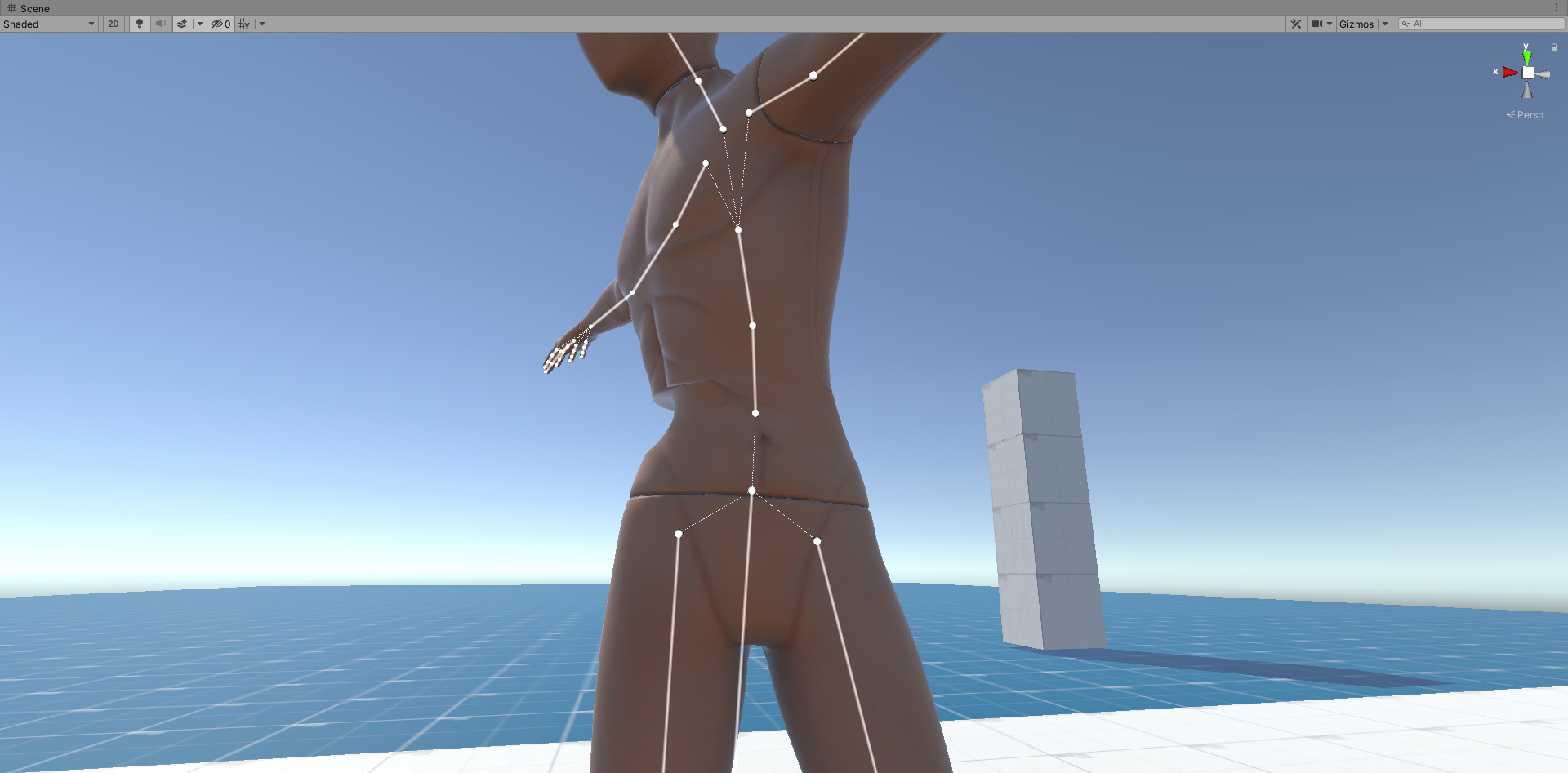
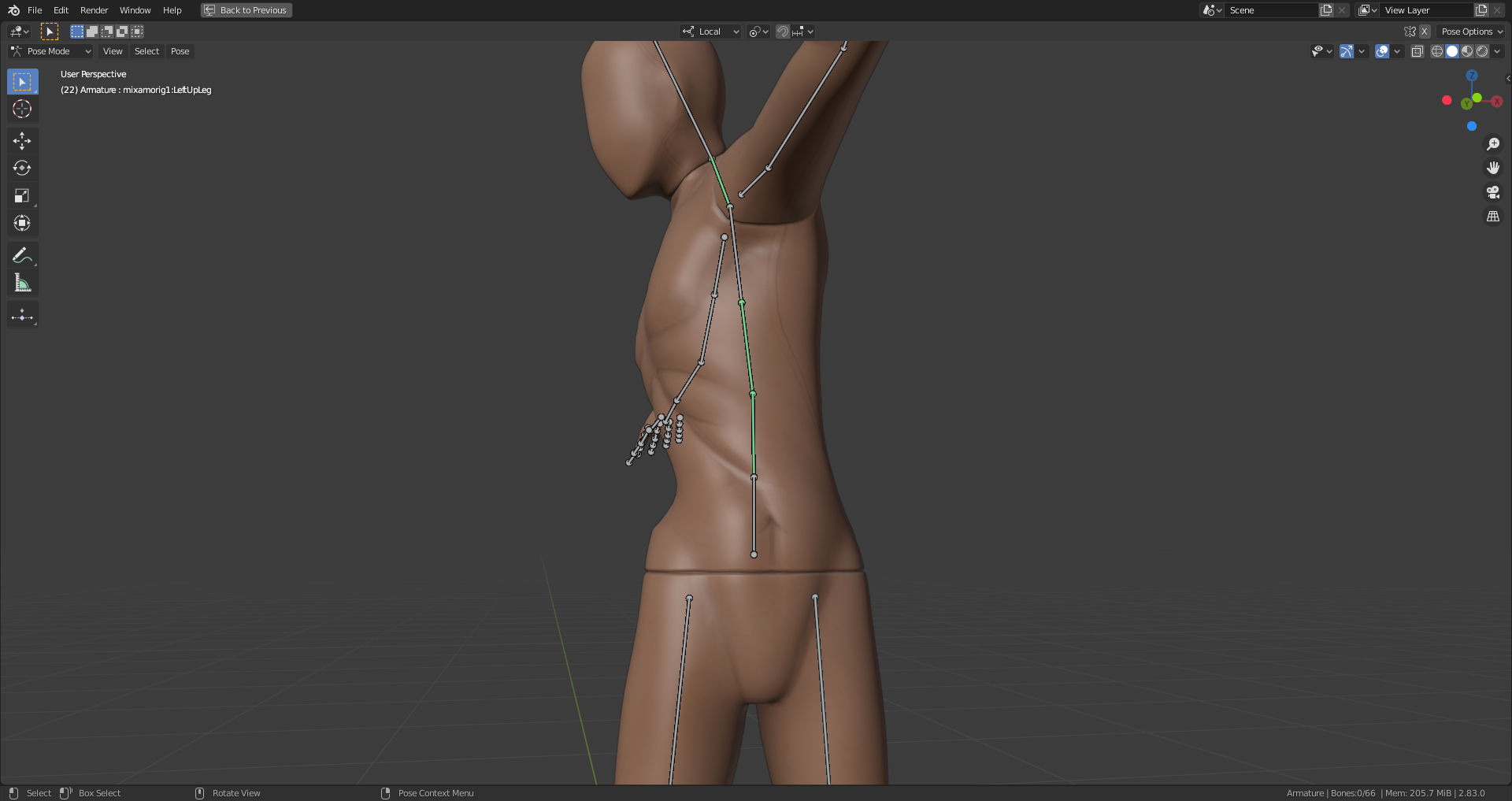
my mesh looks good in blender, but in unity there is a almost sharp edge
 verbal dagger
@vague lynx
Try checking the quality level in the import settings, if it is ok (4 bones or so, depending on your mesh) then check the settings in the Skinned Mesh Renderer component.
eager mist
Hello. I'm fairly new to Unity, and I just had a couple questions.. 1. Is it possible to cut out shapes from 3D objects? Say I take a rectangle, and I want to cut a wavy curve into it, can I do something like that or do I have to create the whole shape out of multiple smaller shapes? 2. Is it possible to separate material properties, so that I can set different tiling settings of the same materal, but for different objects it's applied to? Thanks in advance :)
 sinful bloom
Hello guys, I made this helm, what could I add to make it a bit cooler, any ideas? I was thinking... horns?
vague lynx
ah, some medieval bling in form of ornaments
maiden tangle
@sinful bloom can't go wrong with horns, looks great.
unless purposely done so I would also change the yellow to something less modern looking, tinged orange or something but that's just my preference, darker color can seem more like it's seen combat without having to do a grime pass
 normal birch
Horns for sure, and maybe the yellow can be a gray
dark tulip
my main character so far, hopefully looking more like a treasure hunter by the end of it
maiden tangle
hair looks great!
maiden tangle
uhh anyone on the latest blend know where the merge vertex went?
 glossy basin
@maiden tangle Mesh -> Merge or press M in edit mode
eager mist
When I hit "Build & Test", my custom materials/textures all turn pink. Can't find any info on this online. Also I deleted the back of the "vrc chair" model and I can't get it back, how can I reset a prefab? Someone help please?
 mental island
Anyone here use substance plugin? I'm trying to make a simple material with just albedo, roughness and metallic. I'm not sure how to set this up in substance? As I understand it, substance plugin expects you to put your roughness in the alpha of the metallic? So here I have 2 outputs only, albedo and metallic.
 winter fiber
Hey has anyone here had issues with child objects skewing? I basically created a leg and when rotating certain bits it goes crazy. I've tried googling for a while now, but I still can't fix it and I don't know what I'm doing wrong. The worst part is that some of the parts work correctly and then the foot and the knee don't, whereas the shin rotates correctly for example. https://i.gyazo.com/5a4881a108c05a2d28b2d851c0e1182a.mp4
 tender wigeon
For some reason my camera sees only pixels when looking at 3D objects... Any fix for that? (Fixed)
tender wigeon
I accidently had my scale up to 2.23x for some reason... I didn't even touch it
glacial vector
This is how the transform hierarchy works @winter fiber, if you have a parent with a non-uniform scale, then this will when you rotate its children. You'd need to keep the scale uniform and have any scaled meshes as siblings
winter fiber
yes i've finally got stuff to work
maiden tangle
best bet
eager mist
ok
maiden tangle
demo's can be buggy 😬
eager mist
I just opened it instantly,probably why
vale spoke
I'm trying to make an object a child of an empty gameobject so I can use the empty game object as a pivot for rotation but when I transform the child's transform the parent's transform seems to follow it, how do I reposition the child's transform in respect to the parent's local space rather than having both move in respect to the world space?
maiden tangle
hemm do you have experience with C# @vale spoke ?
vale spoke
Yeah, but this is the editor that I'm trying to do it in.
maiden tangle
a parents rotation should work for the child
vale spoke
It does yes
maiden tangle
parent rotation shouldn't follow the child as you've described though
vale spoke
But I need to get it to a different position to work as a pivot
It only doesn't work for this empty game object
Works for other things like spheres and cubes
But I don't want a real object
maiden tangle
try using a cube then delete the mesh filter
not exactly sure what's going on without being in the project, but that'd be the first thing I do
if cubes and spheres work, is to use them
vale spoke
Nevermind, I figured out the problem. It's just a visual thing with the editor.
The numbers on the transform stay the same but the pivot seemed to move because I had "center" selected for transform display rather than "pivot"
Which seems to show the transform as in the center of all visible objects rather than the actual point where the transform exists in space.
Which is confusing but now I changed it to pivot and it works like expected.
I'm still unfamiliar with all the quirks and toggles of the Unity editor.
glacial vector
Make sure to note the difference between local and global gizmo axes as well. They tie into the same
eager mist
Man this channel is useless.. nobody helps anyone lol
errant plover
@eager mist I take offense to that. As for your issue, check that you are using the same rendering engine that the materials were made for. I dont know what assets you were playing with, but unless you went directly into the prefab and deleted something from there. Then saved it. You can just bring out another copy of the prefab. Or re-import if your prefab was changed.
eager mist
@cursive pawn It says first thing in the channel description, "ask questions". There is no support channel. Don't be rude.
 shell sinew
ohhhhh this is not a chanel for parts
cause i make things like this and not 3d characters
 shrewd mortar
Hi, i am developing a 3d mobile game. I have a battle scene which has 149k tris and verts without the characters. Assuming it is a pvp game, 5 characters vs 5 characters. how much is the MAX polygons/tris for a single character should be?
glacial vector
Depends on the hardware you wanna require, but usually I aim to end up below 400,000
 pale hearth
Hey, guys.
I'm having a bit of an issue with my 3D import from Blender.
The outer faces are transparent, only leaving the inside faces to be seen.
It's really quite unusual.
I used the mirror tool in Blender, if that would make this difference.
glacial vector
The normals are inverted. You only need to recalculate them
 hollow hornet
That's superb
Hello everyone I'm new here...and im kinda noob to unity3d and i want to make a comat fighter jet game .... Any advice would be helpfull.
- Thanks.
 fluid oak
@eager mist "don't be rude" after insulting everyone in the channel.
eager mist
"channel is useless" as nobody offers support or answers your questions = I'm rude. Okay lol.
eager mist
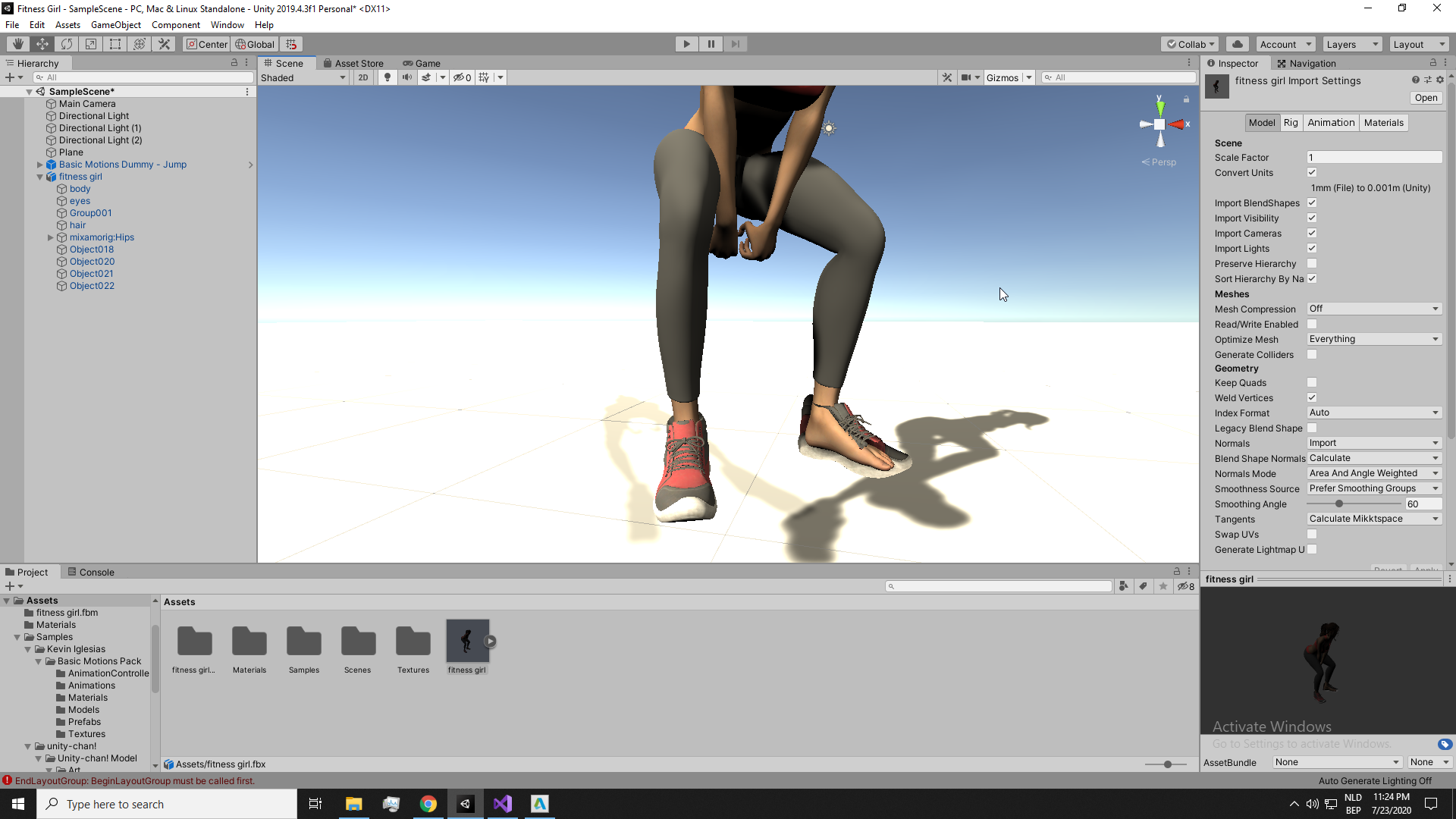
Anyone know why my imported FBX doesn't show properly? One eye seems to be missing and foot shows through shoe
 errant plover
Shoe needs its normals recalculated. Make sure you apply all your modifiers, position and scale data before export.
compact thistle
sorry
icy whale
I have spent ages trying to figure out how to bake textures in blender and send them to unity. So far, I have managed to bake a diffuse map of a cockpit model here:
The problem is, the blue bits in the texture do not appear on the model in unity, they just appear white, like this:
I don't know why this is happening, could someone help me? Maybe I'm not baking the proper maps?
 plush umbra
Hey!!! Does anyone uses blender for export them on unity? because i'm using a color palette png to the UV but it only creates one material and I want only one of the colors have post processing, is there any way to do this?
verbal dagger
@plush umbra you should export the texture as a separate file, then import it to Unity and use as needed.
errant plover
@icy whale you don't need to bake anything. Assign the texture to the material in blender. Unwrap and paint. Save texture. Export model. Load both into unity.
 remote path
@dark tulip I like brown
 native gust
idk if this is the right channel for this, but
for some reason, trying to increase vertex height in polybrush on a custom plane mesh turns the entire mesh completely black- no material textures, etc.
what might be causing this issue?
maiden tangle
@plush umbra I don't know of a way to apply post processing to a texture without filtering in the model the texture is relating to first
so for example you want your eyes to have a bloom post proc, you make the eyes separate models from the body and filter the layer to eyes or something, make the bloom camera use only the eyes layer
maybe that's wrong, but it works for me and my situation
 mystic robin
Its not very impressive but in proud of it 😁
remote path
Nice
plush umbra
@maiden tangle @verbal dagger Thank's a lot, I did it
errant plover
@native gust You will need to texture paint any new geometry you make.
native gust
I actually do have it texture painted
 opaque star
Hi folks. I'm relatively new. Followed a few tutorials and udemy courses so far. I duplicated a sphere that is a child of a cube. Scale is 0.1, 0.1, 0.1 but it's longer than high/wide. Matches the shape of the parent cube. What am I doing wrong?
Apologies if this is too general for 3D art.
I find I can make a new object outside the parent and drag it in.
errant plover
What is it you are trying to do?
opaque star
Make a joystick. I got it working. I just don't under stand why my shape can be a perfect sphere but my scale isn't symetrical
errant plover
@native gust Oh, the entire mesh, weird. Disable scene light in the viewport and see if its a lighting issue. And check for updates from the package manager.
opaque star
errant plover
Children inherit the scale of their parents.
opaque star
That makes sense. Thanks. So don't build children off odd scaled parents.
native gust
righto
native gust
thanks for the response btw
doesn't seem to be a lighting issue though, I'll check for updates
seems to be up to date
 brave bloom
@native gust can you post a pic how it looks in the scene view of it being black?
eager mist
Shoe needs its normals recalculated. Make sure you apply all your modifiers, position and scale data before export.
@errant plover This needs to be done within a modeling application right?
It is a model my employer paid for
errant plover
Yea, its a simple mistake. Happens all the time.
rapid echo
Work in progress. Making a plant room. Made in Blender :)
.
https://twitter.com/FarrukhAbdur/status/1286587276567486464?s=20

Some new work in progress for the plant room. 🌿
#b3d #blender #gamedev #indiedev #blender3d #polycount https://t.co/kRMZenz1JS
Twitter
eager mist
Is there a recommended modelling software for beginners? I'm a bit lost with Blender.
dark tulip
i would stick with blender and just keep learning
eager mist
Is it the best pick so far?
dark tulip
i believe so, i converted over from using Lightwave for years and it's much, much better than lightwave
being free is a massive bonus too
eager mist
A'ight, thanks. I'm struggling to figure a few basic stuff, gonna watch some tutorials on it. I try to avoid and figure on my own bits by bits the best I can but I'm really not going far on this one.
dark tulip
i find tutorials are good because they will teach you the small (though important) things that would take a long time to discover by yourself
native gust
@brave bloom sorry for the wait
just discovered that every subsequent vertex height raise after the first, it leaves a transparent section in the mesh
also errors pop up when the transparent areas are present
wary eagle

ArtStation
An interesting gun I found, It's my first one done on Maya, it's just a training piece so.
I've also tried a little different texture approach to my workflow.
About 14K tri.
glacial vector
Solid texturing work 👌
wary eagle
Thanks!
remote path
I wish I could texture
 red fiber
this is what my model looks like in blender
https://cdn.discordapp.com/attachments/497872424281440267/736322123559337984/unknown.png
and this is what it looks like in unity
how do i fix this https://cdn.discordapp.com/attachments/497872424281440267/736322132749058118/unknown.png

 errant plover
Looks good to me
 sage herald
real noob question: how do you merge a texture to a material? I've been at it for 2 days but can't find how to do it lol
 pallid fractal
"merge"?
sage herald
uh
I wanna make an image into a material
and put it on a model
But, the way I do it, it's all messed up and over the place
pallid fractal
that's what UV mapping is for
UV mapping is the process of specifying how a flat image is applied to a 3d model
you can't do that inside baseline Unity (although there may be something on the asset store for it)
where did you get the model from @sage herald ?
sage herald
uh just a unity package
I really just wanted to modify a model for a game by myself, never really used Unity
so I'm a total noob lol
for UV Mapping I guess I need another program? Like blender?
sage herald
uh that's the weird thing
there's a material with a texture
which is, completely black
but the texture isn't present LMAO
pallid fractal
model should be showing as pink if the texture is missing
sage herald
it's like, a humanoid model ok? so the material I wanted to modify is the shirt's one. I can change the colour, but that's that
pallid fractal
sure the material's not just setting the diffuse color?
sage herald
I know, that's why I'm weirded out
uh
what?
diffuse color?
as in?
like, how do I check?
pallid fractal
JaS
sage herald
😅 I told you I've been using this for barely 2 days lol
well tl;dr I need to go on blender to do this with UV mapping
thanks for the head up, I'll go do it
sage herald
@pallid fractal yeah I know, again, if I select the texture it's just all over the place
pallid fractal
Well, if the unity package came with the model in an FBX you can just import that into Blender and edit the UV map there
 delicate inlet
I'm trying to find a way to show video on screen from a .mp4 file in webgl since webgl removes any video attached to the main camera if you build the game.
I tried putting the video within the canvas (as in the screenshot) but the video just forces itself on top of the gameplay. Is there a way to make it the canvas video overlay behind the gameplay? I tried messing with the layers but haven't found a solution yet.
 frail nest
With the standard shader, why how do I get my secondary maps properly use UV1 instead of Unity's generated lightmap UV (which should be UV2)?
frail nest
Seriously, though, it seems like I can't use detail UVs and lightmap UVs at the same time. The lightmapper appears to use UV1, forcing either secondary maps to use the generated lightmap UVs or the lightmap to use the secondary map's manual UVs.
pale hearth
@red fiber I think this might be more for a Blender discord, but I think I had the same issues as you before. First you need to make sure you only export the object/s to FBX, that means without the light and camera. You might also need to reset the normals so the faces face outwafds.
I had this issue where only my inner faces were visible.
 limber quest
I design weapons for games and if you want to use these models in their games, I will deliver them to you for free. You can send a message from discord for communication.
the design of the gun is mine only textures quote
eager mist
Any 3d artist want to team up with me and make a multiplayer game for Brackeys game jam?
limber quest
@eager mist what kind of game?
eager mist
@limber quest Any kind of game except a puzzle/visual novel or something. It will have a theme that will be announced at the start of the jam it's 7 days

itch.io
A game jam from 2020-08-01 to 2020-08-22 hosted by Yilian, hucota7, Duxez, CodeMyst, AquaXV & TheDutchMagikarp. Welcome to the fourth official Brackeys Game Jam! Can't believe we're already on the fourth one! This is a week long event about making a complete gam
limber quest
So what do I have when I become a partner
you want me to do
eager mist
@limber quest work with me to create the game I'll do the programming you do the art 🙂
limber quest
I'm good at design, I'm bad at coding
eager mist
I'd need you to do level design, props, characters/enemies, animation, etc
 visual grove
does anyone know how to not play a particle system when pressing ctrl
i need help..
errant plover
Probably better to ask in #💻┃code-beginner
This might help ya get started if no one else responds. @visual grove
sage herald
I have a question regarding UV Mapping
I'm trying to map a model (humanoid) so that I can put an image on a shirt, both on front and back, and I want the rest of the shirt black. When I create the image, do I have to create something proper (like, a rectangular picture with the drawing that I want in two spots with a black background) or just take the drawing I want and keep mapping?
errant plover
Make the texture however you want. When you unwrap, you can choose where the faces of the t-shirt will end up on the texture. Since there is little detail in a single colour (black), use most of the texture space for your image.
Also, if the back of the t-shirt is the same as the front. You only need to make the picture once. You can drag the back of the shirt UVs to the same place the front UVs are.
 crisp meadow
So Physics2D.Raycast() returns a RaycastHit2D object with plenty of info about the thing the ray hit, that you can use to affect the object hit by the raycast. The 3D version, Physics.Raycast(), does not return the RaycastHit object, instead simply returning a boolean. How on Earth is this not a massive oversight? I appear to be unable to interact with objects in 3D by clicking.
eager mist
What do I need to google to learn how to seperate a model into two seperate parts?
I have this models and want to add materials to different parts of it. but need to edit it, I remember a method to do it but totally forgot how too and not sure what to google
frail nest
With the standard shader, why how do I get my secondary maps properly use UV1 instead of Unity's generated lightmap UV (which should be UV2)?
Seriously, though, it seems like I can't use detail UVs and lightmap UVs at the same time. The lightmapper appears to use UV1, forcing either secondary maps to use the generated lightmap UVs or the lightmap to use the secondary map's manual UVs.
 rough hull
um just wondering do i need to add photon first in order to play and online video ingame or can i do it without it?
errant plover
@rough hull depends on how you wrote the game.
@eager mist Just go into edit mode. Select the faces you wish to separate. Press P and select Separate by Selection. That will two separate parts. If you want to add more materials. Add a new material in the Material tab. Select the material. Select all the faces you want on the new material. Click Assign.
Make sure you actually need a new material. I saw some crazy shit today. A bunch of models had 10-20+ materials. For no reason at all.
 dusky siren
I'm having an issue with rigging my character in blender. When I press symmetrize, it doesn't automatically put the bones on the other side of the mesh and I don't know why. Can anyone please help me?
Am I allowed to ask that here?
errant plover
Did you do the l. Or r. Names? They will need to look something like this: Elbow.R > Forearm.R > Hand.R @dusky siren
 craggy rover
i have a prefab in scene which has a box collider. My player is controlled with nav mesh agent, when i baked and clicked on play my player could through the prefab instead go up on it, i dnt want the prefab to be a obstacle as i want my player to step up on it. Do i need to add another component so that my player could step up on it?
 half rock
Does anyone know why i cant change the shaders of a material?
final granite
I think this turned out great 
limber plank
hi, guys I am making a multiplayer game with parkour and guns and I need someone that good on multiplayer to join(for free). we are working with unity, about the networking: photon 2 and playfab
final granite
Try in different section, this is more focused on 3d :D
wary eagle
Just started texturing this bad boy this weekend! :p
 jaunty pawn
Hey guys Im wondering if any one can help me Im trying to achieve 8 directional sprite billboarding for my project. I couldnt find any tutorials on it so I bought this package from HealthBarGames which does it for you. Problem is my game started from a 2d base to achieve the 2.5d effect and with his package the sprites show up sideways with no way to rotate them. I tried contacting the guy who made it but i have a feeling he is no longer active
I would post the script but since it is from a bought asset package i dont think i can do that
 acoustic river
can someone help me with animation/rig in unity? I am trying to have my custom animation work in unity from maya
 lament oracle
How do I make a texture repeat in a material? I'm trying to make a mini-golf course grass-like texture, but it's just stretching(also does anyone have any good materials for that?)
maiden tangle
@wary eagle I don't know how you do it man. so jealous of your speed and maintaining consistent quality lol. Any tips you care to share for your workflow?
I feel like some people can handle taking up multiple pieces and dabbling between them, others just power through a single piece one after the other
I usually try stay with only one at a time but then I usually get bored when I need to be taking careful attention, labor of love I guess
@lament oracle some apps like photoshop have a tiling feature that tiles the texture so you can see the repeating seams and fix them.
one thing I've seen is to start your texture with noise, so it's repeating and then working in your colors etc
@acoustic river check #🏃┃animation
@jaunty pawn have you tried rotating the sprite gameObject ?
jaunty pawn
@maiden tangle yes i have it does nothing just changes the frame of animation
maiden tangle
I've usually just used this, works fine
https://assetstore.unity.com/packages/tools/sprite-management/spriteman-3d-free-62572
jaunty pawn
man wish i knew about this one before purchasing EDSS
I doubt i can get a refund now :c
I also tried messing with the script by fliping the actor by the x axis but it just breaks the script
maiden tangle
ohh definitely not.. they're pretty nasty with refunds even with the refund confirmation badge "we've got you covered" 🙄
been there tho
jaunty pawn
yup well let me try this one see if it makes any difference
 spark vigil
hey anyone got some kind of tut for making this kind

[Spanish] Valla que fue divertido este estilo de diseño ;). Use Blender 2.82, manteniendo igual que las chicas anteriores el estilo retro como pixelart para la textura y de bajos polígonos.
No es un fan art de un personaje de anime conocido ni nada por el estilo, así que es un...
maiden tangle
found out I bought the wrong asset like minutes into it, contacted the dev gave me some bs spiel about the user agreement, when in fact it's totally up to him (I met the refund requirements)
close to $100, oh well
jaunty pawn
damn
maiden tangle
way she goes'
jaunty pawn
makes my $20 purchase look like nothing
maiden tangle
haha, maybe you find it useful in the future never know
anyway hope the free one works out, gl
jaunty pawn
yea im definetly going to give this type of project another try
i just needed something quick for my gamedev class
thanks for the help btw 😄
maiden tangle
no worries 👍
 south sundial
Hi! I am having problems importing my mesh. I dont know why it is different of what the mesh actually is!
maiden tangle
sounds like it's something on the 3d software's end
unity just imports whatever you send it
normals could be inverted, a hidden object could be rendering, it could be anything
maiden tangle
Found some time to continue this scene
wary eagle
@wary eagle I don't know how you do it man. so jealous of your speed and maintaining consistent quality lol. Any tips you care to share for your workflow?
@maiden tangle My key is just to work too many hours per day hahaha, don't do that!
maiden tangle
Haha yeah figured, I need to dedicate more time on the weekends. 🍴
dark tulip
my main player is almost done 😄 her neck is looking a little bare, i think maybe a necklace or something could go well
 winged vapor
Hello, I'm wondering if anyone could help me with a game I want to make. I have no experience, so it would be kind of like a tutoring thing. Anyone interested in making a game like SCP: Secret Laboratory?
 bronze karma
----------------------------------------
Project Name: R.O.Z Rise of Zombies (like WWZ Game)
Wanted:Level Designer (Unity 5.6 )```What do you mean level designer?
Like someone who makes them, or someone who comes up with the ideas for the levels?
 ivory tulip
i presume he means the architechture of the level AND the implementation into the game
just a level creator/designer
native gust
I'm looking for some tips on constructing lowpoly environments. atm I'm trying to construct several base landscape meshes for the entire map, and using polybrush for tweaking and texturing.
Each area counts as a chunk, and will be disabled by distance
I'm thinking I might need to make a fair few more subdivisions to allow more in-depth texturing though
errant plover
Subdivisions have nothing to do with texturing. That messy floor on the left side can be cleaned up to about 10 faces probably.
My tip: Polybrush is trash. Try to do everything in Blender. But do what you feel more comfortable with.
 magic summit
Hello guys, I am new to unity and objecs/fbx/prefab in here, but my question is how can I automatically update a prefab when I update a FBX which was exported from blender with the "export fbx". My prefab has box colliders and mesh renderer which I need to manually add when I was creating the prefab. Thanks in advance
errant plover
So make a Prefabs folder and Models folder. Then when you export/save your models. Save them to the models folder. The prefab will remember which model was used and update it self.
magic summit
yeah, I though the procedure was that, but when I update the model, and when I run the game, the texture or "object is none, I will show you
Updated model
What I was expecting 🙂
my procedure here was:
- put fbx on scene
- add box collider and material
- unpack prefab
- put it on Prefabs folder
5.update script to get the new prefab
magic summit
humm, shouldn't I??
oh ok, when I make the modifications I can't put the object from the scene without this message:
should I do prefab variant?
errant plover
So bring your model into your scene. Add the material and texture and scale and all how you want it looking. Then when you are happy, you can drag that gameObject from the hierarchy into a Prefabs folder. Then when you want to edit the prefab settings that youd see in the inspector, you can double click on the prefab and go into a prefab editor. If you want to change the model it self, youll need to do that in Blender/etc and then save over your original import in the Models folder.
Does that help? I would just delete the prefabs and start fresh.
I would click Original. If you do Variant, youll have two versions and that might confuse things for you.
native gust
@errant plover in polybrush, subdivisions do. more vertices = more points to blend textures
work in progress. forest looks decent, landscape itself- not so much
blank radar ecks dee
errant plover
I assume that is a limitation of Polybrush. In a standard 3D modeling engine, we dont have that limitation.
Looks good. Going for an n64/PlayStation look?
native gust
yeah, the look is intended to be a bit more towards n64/early PS2 than ps1; I commissioned the model shown, and other character meshes that are currently being made, from a friend of mine who specializes in that kind of style.
on the topic of texturing the landscape, I'm mainly using polybrush for texturing because it's fast (just a lot of clicking around at vertices); texturing in blender is still an option, but that will take a bit more time.
eager mist
I want to get into 3D modeling because I want to be able to make my own maps and characters etc
could you guys PM me some tutorial videos that helped you in the past?
or anything to get me started
native gust
I'd just say pick any tutorial up and start. it all depends on what you're interested in first- characters, or maps?
dark tulip
hmm to keep the necklace or not?
 sullen plank
@frigid silo Don't cross-post, please.
 frigid silo
@sullen plank ok...can u solve my query?
sullen plank
Post in a proper channel someone will answer when they have time
final granite
@dark tulip def keep the necklace
 limpid bison
final granite
limpid bison
final granite
If you're looking on some beginner doing some basic props or any kind of modelling really, DM me, looking for inspiration on what I could do. I really need to stop dropping cloth on my abomination
https://steamuserimages-a.akamaihd.net/ugc/1460807257590625383/44564CB177568B549D0C23901CC441B075213158/

 tawny holly
Is using an animated character made in blender good for unity?
 warm elbow
 split plover
Need help ) dunno how to add water in unity 2019. Cant find any prefabs in asset store
eager mist
@split plover theres a bunch of tutorials on how to simulate water in blender
Maybe that'll help
split plover
@eager mist thanks !)
eager mist
;)
tacit cloud
Little off topic. Where would I go to look for people looking for 3D modeling work? Is there a unity page with artists looking for work or something? I'm talking about paying not just begging haha.
If this is not allowed to ask feel free to delete, thanks!
tacit cloud
Like the website or is there a specific community discord/reddit or osmething
eager mist
looks good
@tacit cloud its a website
here are 2 communities you could hire people from.
https://gamejolt.com/f/collab/active
https://gamejolt.com/f/jobs/active
you could find a wide range of people from people who are working for free and people or are working for money
tacit cloud
@eager mist Awesome, thank you!!!
eager mist
always 🙂
dark tulip
@final granite thanks bud i'll keep it
tawny holly
Do someone know why my textures wont transfer from fbx(blender) to unity?
final granite
procedural textures or UV unwrapped?
maiden tangle
@dark tulip keep it change the color to green or blue, that pink is super harsh
also just reminds me of unity's shader error color so theres that lol.
dark tulip
what's unitys shader error?
errant plover
@tawny holly you need to import the textures into Unity or Extract them on the Materials tab of the FBX.
maiden tangle
@dark tulip
surprised you haven't encountered it, at least in the form of missing textures lol
dark tulip
Ah ok ya the missing texture one, didn't think it was a shader error :-P
maiden tangle
works both ways 🙂
dark tulip
They do look similar.... You don't see the necklace in game since I'll be rendering to 2d pixel art but I might change it to blue
maiden tangle
oh interesting lol, good luck with that
dark tulip
Thanks bud
maiden tangle
I've tried rendering models to sprites in the past never looked too good, it's a cool idea though mixes things up.
dark tulip
It can look very good if done well I reckon, ultima online did that, dead cells done it and looks fantastic
I'm mainly doing it for rendering out smooth animations and saving time
maiden tangle
yep totally, 2d was never my thing can work great like you say
I was actually trying to find this one guy who did it on twitter, making low res look good is tricky
for a project called something hallow ? who knows. Anyway rendered his 3d models to a plane with some post and it ended up preserving pixels even in 3d space, really cool.
usually what you would get in the more basic methods is downscaling which is incredibly ugly, and is too messy to work well imo in a 3d environment
 wide imp
hello ! I back here after the conversation in the general here: https://discordapp.com/channels/489222168727519232/497872424281440267/737798098289557587
I imported a Unity model and I have that:
https://cdn.discordapp.com/attachments/497872424281440267/737756647770030090/unknown.png

I want modify this fbx character in blender but, the "name material" isn't the same as "unity name material" :
https://cdn.discordapp.com/attachments/497872424281440267/737804660999585842/unknown.png

so, I looking for the link/menu/think who connect unity material (Ears, Steel,Hair,Cystal...) to fbx material
 sinful breach
wide imp
sinful breach
wide imp
wrong channel... #💻┃code-beginner
native gust
just two landscape meshes and I already feel exhausted.
will probably stop for the night, but here they are from above
tiny arrow is the player
the area doesn't feel as massive when you're actually playing, but it will probably flesh out as I add more to interact with (npcs in the beginning village to talk to, light foreboding elements, decor, etc...)
 round gale
Should I texture my object in blender then import it to unity, or make just the object in blender import it and texture it in unity?
 stiff mulch
Can someone help me out with lip sync pro
glacial vector
Hey I'm doing that right now
stiff mulch
@glacial vector If you could help me that would be incredible.
You have no idea how much I'd appreciate it
glacial vector
Depends what the issue is, it's a while since I set it up. But shoot me a DM is you're ok with it so we don't fill the channel
stiff mulch
Sounds good
 placid breach
I need help
final granite
frail nest
With the standard shader, how do I get my secondary maps properly use UV1 instead of Unity's generated lightmap UV (which should be UV2)?
It seems like I can't use detail UVs and lightmap UVs at the same time. The lightmapper appears to use UV1, forcing either secondary maps to use the generated lightmap UVs or the lightmap to use the secondary map's manual UVs.
eager mist
hello, I was wondering how to check in unity if my model has a uv unwrapping? How would I do that?
 quaint geyser
w
 vivid pike
is it posible to import map with multiple assets from blender to unity?
errant plover
Yup. You can select all the objects you want to export or you could even just save the .blend file to your project folder.
tawny holly
if i transfer my FBX file to unity, the shaders and textures don't load or are gone what can i do to still have my textures
glacial vector
You'll need to import your textures into unity separately
tawny holly
@glacial vector how?
errant plover
@tawny holly I answered this question for you the other day. Go to materials tab and click extract or import the textures into your project folder and create new materials
errant plover
Im confused.
tawny holly
Me too
errant plover
Lets start from the beginning. When you import your fbx into Unity. Go to the Materials Tab in the Inspector. You can click Extract and save your materials to a folder within your Project.
tawny holly
When i select cycles my computer transforms to an helicopter
errant plover
Lol
final granite
eevee is important for you in this case
no need to bother with cycles if you're doing a game prop
 fallow python
Is there any reason in Unity to make sure your meshes are complete boxes as opposed to planes and other open shapes?
final granite
you mean that they're air tight?
fallow python
Yeah, I guess that's what I mean.
final granite
I know a way to do it in blender, not sure about unity.
fallow python
I mean I'm just wondering if it would be best practice to keep meshes air tight, or if it would be more correct to use whatever geometry is most suitable, and save on vertices etc. by making things less... air tight, as you say.
I guess it doesn't really matter.
errant plover
Whatever looks good and performs well.
I got caught up in the air-tight model thing, years ago. There's really no point to worry about it
 warm hinge
does unity have a job section on there forums or on the unity discord
 brave slate
Hey guys!
I want to color my hex tiles based on the height value, in the photo is my blender setup, is something like this possible in unity's shadergraph? (please tag me if you respond)
stiff mulch
Anyone good with lip sync pro?
 misty cairn
can someone help with my Game in unity
 wide umbra
 craggy flume
Hey all. I'm a total noob at art and models in Unity. I'm trying to prototype something that requires a Llama / Alpaca model with walking animations and stuff, but I can't find one on the asset store. What are my best options for this?
eager mist
There are tons of sites where you can fine assets
Though I am afraid that none can offer animations unless you hire one
 small moss
Where can i find a simple 3d triangle model? I cant find one on the websites
 last dirge
@small moss If you can't find any models, make one! I use blender, and I'm pretty sure that there is a primitive for a triangle/pyramid. If not, then there is a plug-in for extra primitives.
eager mist
It's a triangle man. No one will make those. It's the basics of learning 3d modeling @small moss
errant plover
@small moss
last dirge
try this
 sudden hare
How do I SUMMON AN object on click of a button
 rose belfry





 eager mist
So im using 3d shapes to make a 2d game (not really a game more a test), and I was wondering if I could change the pivot of a shape so I can make a door
 halcyon kite
Starting to learn Blender and just setting up my own model as practice. Thoughts so far?
 untold gull
Does anyone know if static batching works when objects have more than one material applied to them?