#Hitbox and hurtbox detection
66 messages · Page 1 of 1 (latest)
 candid lagoon
Or a godot alternative
You might need to use onTriggerEnter instead actually
Or the godot alternative
 hushed sky
yeah but i have one that already detects for an area which respawns the enemy, i need to know how i can link two specific areas and detect when they enter
candid lagoon
body_entered might work
 blazing abyss
basically, make a hitbox component (area2d) underneath your player
there's a fancy way of faking ecs in godot that will really help with making your code a lot more modular
i'll link the video here
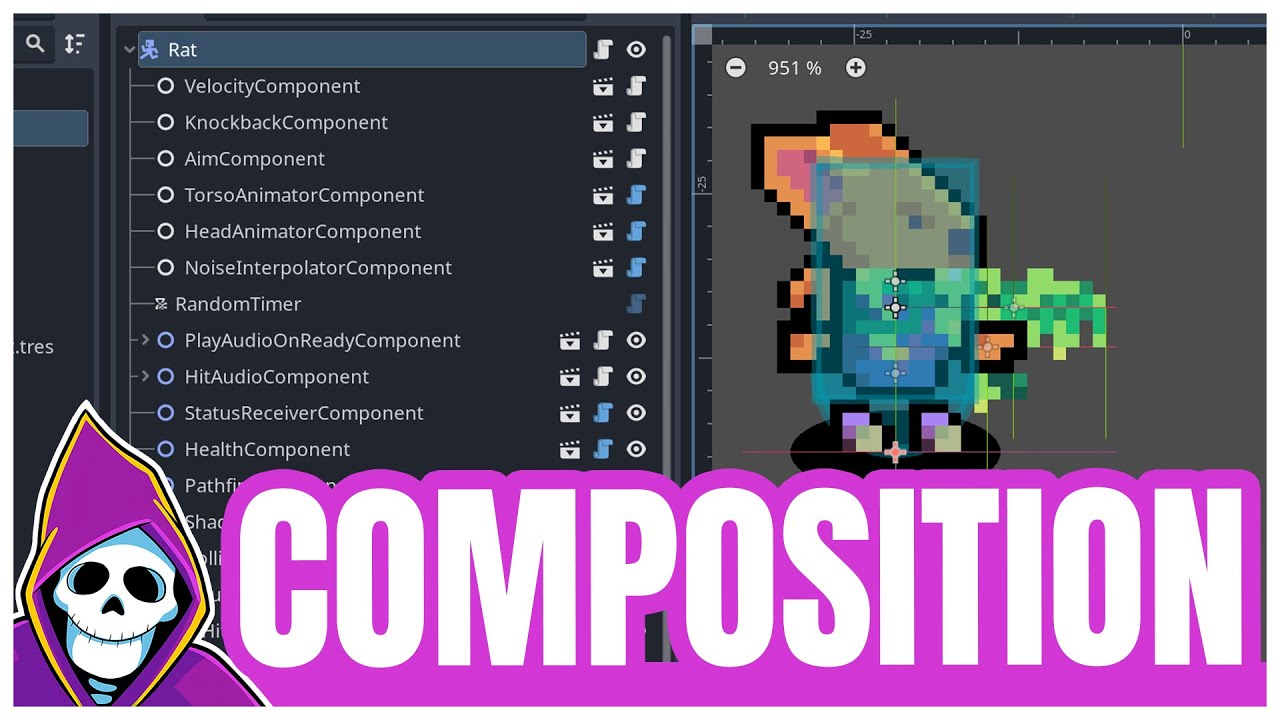
Ever heard the phrase "prefer composition over inheritance" but don't know what it means with respect to Godot? In this video, I cover how I use composition in my game to create content in an efficient and robust way.
📰 Sign up for my newsletter: https://firebelley.com
📖 Learn Godot with my Udemy course: https://www.udemy.com/course/create-a-c...
you don't have to separate a bunch of things into nodes like this person does with velocity and health, but for hitboxes that should be enough
hushed sky
Alright I’ll watch this, also thank you @candid lagoon I just realized that body_entered would be just enough
blazing abyss
wait nvm i think i misunderstood your question
you can have the same set up for your enemy when a hurtbox enters their hitbox and respawn them
hushed sky
I just watched that and another video on composition and I kind of get it but still a little confused
I actually used composition for an area to detect if the player touches something like a spike or my enemy so that the player dies but I didn’t realize that was composition
Still gonna do more research on it
hushed sky
hushed sky
Alright I’ll watch this, also thank you <@459336820040138753> I just realized th...
This actually doesn’t work because the player already detects if it enters an area so it detects the enemy hit box and respawns the player, @blazing abyss can you explain how composition can work in this situation?
blazing abyss
can you show how your scenes look?
you can have another area2d underneath your player which detects enemies only
hushed sky

 hushed sky
blazing abyss
you can have another area2d underneath your player which detects enemies only
hushed sky
blazing abyss
you can have another area2d underneath your player which detects enemies only
how would i make it to do that though
blazing abyss
i'm still not sure what you are trying to do
blazing abyss
hushed sky
how would i make it to do that though
you can either use a script on an area2d or use collision masks
hushed sky
oh shoot i didn't think of collision masks
blazing abyss
btw use raycasts if you are trying to make it so you can jump on enemies, because if a hitbox is small then your hurtbox will pass right through it
hushed sky
oh so i would have to use raycasts, yeah i'm trying to make it to where the enemy despawns when the player jumps on it
hushed sky
so would i need to have that extra area 2d on top of the enemy or is the one on the enemy fine
blazing abyss
you're probably fine with 1 since you're detecting the enemy
hushed sky
Okay sorry for so many questions but i'm really trying to understand this. I put the raycast on my player, but i don't know how to detect if the raycast collided with the enemy
i tried to put a signal but i couldn't find out how to use a signal to detect a raycast
wait actually i think i figured something out
i can set the argument of the signal as a raycast right?
blazing abyss
make the raycast target_position equal the player's velocity * delta + 0.1, and force the raycast update
hushed sky
like this?
ray_cast_2d.target_position = get_parent().velocity * delta + 0.1
blazing abyss
(delta + 0.1)
hushed sky
but what about detecting when it collides with the enemy?
blazing abyss
ray_cast_2d.force_raycast_update()
if ray_cast_2d.is_colliding():
   ...
"func _on_hitbox_body_entered(raycast2D):" would this be able to work as well?
blazing abyss
no, the raycast should handle the collision
hushed sky
but how would i be able to destroy the enemy from the player script?
blazing abyss
by getting what the raycast collided with and calling .respawn() or something on it
hushed sky
I'm not following. So i can get what the raycast collided with, is there a way that i can reference the enemy inside the player script to check?
hushed sky
but that would be everything that it collides with, i only want something to happen if it collides with the enemy
hushed sky
so can i declare a variable that is equal to the enemy scene and check if it's colliding with it? or can i do what you just sent and check for the scene name
blazing abyss
at the top of your enemy script, you might have:
extends Node2D
after that line, add:
class_name Enemy
and then you should be able to do collided_with is Enemy
ray_cast_2d.force_raycast_update()
var collided_with = ray_cast_2d.get_collider()
if collided_with is Enemy:
  collided_with.respawn()
my final question was gonna be how i can use "queue_free()" on the enemy through the player script but you just showed me lmao, thank you so much, gonna implement this and it should work
sorry that it took a while for me to understand
hushed sky
So i tried this and tried debugging but couldn't figure out the problem
func detect_when_attack_enemy(delta):
    var collided_with = ray_cast_2d.get_collider()
    ray_cast_2d.target_position = velocity * (delta + 0.1)
    ray_cast_2d.force_raycast_update()

    if collided_with is Enemy:
collided_with.queue_free()```what problem do you have?
hushed sky
whenever i jump on the enemy it doesn't get destroyed and instead the player respawns because it collides with the enemy
blazing abyss
are you detecting the enemy before moving?
hushed sky
yeah it's the first function in my process function
blazing abyss
hide the enemy because queue_free can take a little bit of time
hushed sky
still doesn't work
blazing abyss
i can't do much because i don't know how you made your game
you can add invincibility for a short period of time
hushed sky
i think i'll just leave it for tonight and see what i can do tomorrow, thank you