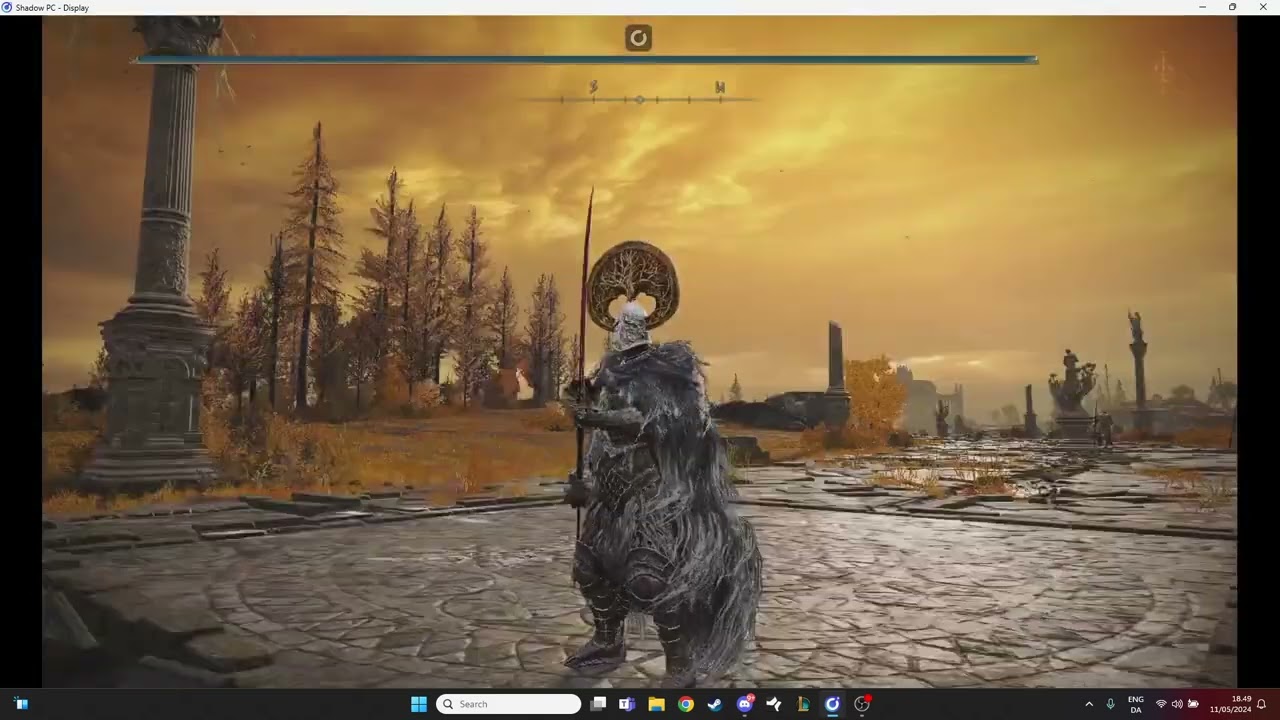
#Massive lag in Elden Ring on low settings 1080p

1 messages · Page 1 of 1 (latest)

tulip pawn
#

Hi everyone. I decided to try out Elden Ring through my shadow PC (boost package) and it's a complete mess. The lag is so bad that the game is completely unplayable.

My internet connection is stable, but the shadow PC itself seems a bit laggy even when I'm just browsing through steam and opening folders. I've tried turning it on and off, change graphics settings, check task manager but I can't seem to find the issue.

My laptop is running windows 11, and a fast+stable 5GHz wifi connection.

Here's a link to a video I recorded so you can see for yourselves. The link is private: https://www.youtube.com/watch?v=KA_sTpOlHDA

Thanks in advance!

#

Also, the game randomly crashes after having been open for 2-5 min.

ivory chasm
#

if it's private we can't see it, try using ethernet, post screenshot of your quickmenu stats filtered on 10 minutes

tulip pawn
#

does this work better?

tulip pawn
ivory chasm
#

Quickmenu stats please

tulip pawn
ivory chasm
#

8ms from local dévice to router is just bad anyway

#

Spiking at 40-80

#

Anyway it doesn't seem to be main issue

#

It's like you are not even using GPU here, so make sure a GPU is detected, shutdown, start and upgrade nvidia driver and try again

#

Also avoid using full low, it's just worst thing to do on shadow

#

And make sure your local cpu/gpu is not overloaded

tulip pawn
#

ill give it a go! thanks!

#

when i said full low i meant full low settings on elden ring itself btw

tulip pawn
#

@ivory chasm @bleak token alright i tried updating my drivers and then do everything I could to improve performance and it helped a bit+it doesn't crash anymore, but it's just sitting around 20+fps and just feels terrible overall

#

I didn't see any overload on either the GPU or CPU

#

I tried every resolution down to 800x450 or something and even at that it was still 20-30 fps