
#Pc stuck on motherboard screen
28 messages · Page 1 of 1 (latest)

 lime gorge
 granite halo
Please help me anyone
granite halo
Please help me anyone
Spam F11 on startup and send a pic of your boot menu
granite halo
lime gorge
Spam F11 on startup and send a pic of your boot menu
I left it unplugged fully powered off for 30 minutes and it looks like it fixed itself thank you for the help though!
 solemn questBOT
 :tada: Congrats @granite halo, you levelled up to 1! :tada:
granite halo
lime gorge
Spam F11 on startup and send a pic of your boot menu
Hey it did it again

These are my options when I click f11
lime gorge
granite halo
Is that 2TB your main drive that has Windows installed on?
Could potentially be a corrupt windows could need reinstalling
granite halo
lime gorge
Is that 2TB your main drive that has Windows installed on?
I think so my pc was prebuilt and came with windows so
lime gorge
Do you have any files that you don't want to lose?
granite halo
no
lime gorge
Ok good, honestly best option really here is to reinstall windows I'd say
granite halo
Thank you but I have no idea how to do that to be honest
I don’t know much about pcs
solemn questBOT
 Windows 11 Installation
If you are upgrading from Windows 10, you may need to enable TPM and Secure Boot in order to proceed with the Windows 11 installation - please follow the TPM & Secure Boot guide below first.
:warning: When reinstalling Windows, you will lose any files which are not backed up to the cloud or an external drive - please ensure any files you would like to keep are backed up before continuing.
:one: Click the button below and download the 'Create Windows 11 Installation Media' tool.
:two: Follow through the installation tool, and choose 'USB flash drive' when prompted. Your USB flash drive must be 8GB or greater.
:three: Once the tool has finished, shut down the PC you're installing Windows on and insert the USB drive.
:four: Next, repeatedly press the following key while your PC is turning on, depending on your motherboard:
 ASUS/ROG: F8
 Aorus/Gigabyte: F12


 MSI/ASRock/Cyberpower: F11
Then choose your USB drive from the list to boot from it.
:five: Follow through the installation tool. When it asks for your product key, click Skip - your PC will automatically reactivate. Make sure to select the same Windows version as you ordered with your PC, then choose a Custom installation.
:six: Select the drive in which you would like to install Windows on (you will want to install Windows on your SSD, this is typically a smaller drive), delete any partitions which already exist and then select Drive # Unallocated Space, and click Next.
:seven: Once your PC restarts, you will be taken to the first-time setup screen, where you can setup your user account and preferences.
 CyberPowerPC UK 🔸 0333 323 7776 🔸 https://www.cyberpowersystem.co.uk
lime gorge
CyberPowerPC UK 🔸 0333 323 7776 🔸 https://www.cyberpowersystem.co.uk
lime gorge
Here's a tutorial
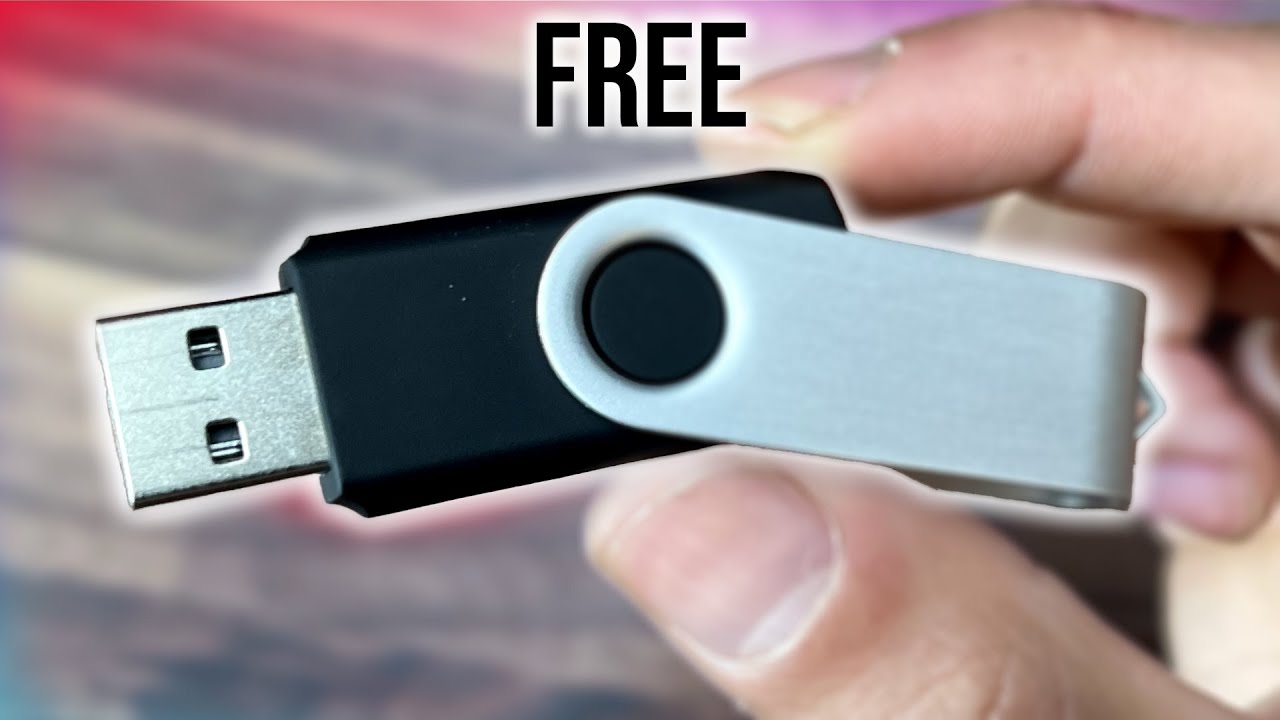
How to Download and Install Windows 11 from a USB Flash Drive for Free.
Easy step by step Tutorial Full Guide for desktops and a laptop.
Download Windows 11 for free here. (from Microsoft's website)
https://www.microsoft.com/software-download/windows11
How to Install Windows 11 from a USB Flash Drive for Free!
You'll need a USB stick and a spare device like a laptop so you can download Windows 11 onto the USB stick
granite halo
lime gorge
You'll need a USB stick and a spare device like a laptop so you can download Win...
How much storage would I need on the usb
solemn questBOT
:tada: Congrats @granite halo, you levelled up to 2! :tada:
lime gorge
granite halo
How much storage would I need on the usb
Only 8GB but maybe get 16 to be on the safe side
granite halo
lime gorge
Only 8GB but maybe get 16 to be on the safe side
Do you think resetting from the system settings would fix it?
if I do the same thing I did before that fixes it for a while
should I just reset this pc and redownload windows but lose all my apps
since I don’t have a flahsdrive