
#why does cutscene isn't working???
78 messages · Page 1 of 1 (latest)
 pine crypt
 opaque topaz
do you expect us to read your mind or smth
pine crypt
oh i forgot lol
script
local tweenService = game:GetService("TweenService")

local player = game.Players.LocalPlayer
local controls = require(player.PlayerScripts.PlayerModule):GetControls()
local camera = game.Workspace.CurrentCamera

local camFolder = game.Workspace.camF
local cam1 = camFolder:WaitForChild("cam_1")
local cam2 = camFolder:WaitForChild("cam_2")
local cam3 = camFolder:WaitForChild("cam_3")
local cam4 = camFolder:WaitForChild("cam_4")
local cam5 = camFolder:WaitForChild("cam_5")

local touchPart = game.Workspace:WaitForChild("touchPart")

local Character = game.Workspace.DisplayScene:WaitForChild("Melandgrela")


local idelAnim = "rbxassetid://109107328060815"
local idelAnim = "rbxassetid://130252125015345"
local idelAnim = "rbxassetid://135633510925237"
local idelAnim = "rbxassetid://130985981150889"
local idelAnim = "rbxassetid://119117953623965"


local humanoid = Character:FindFirstChild("Humanoid")
local animation = Instance.new("Animation")
local idleAnimation = humanoid:LoadAnimation(animation)


local humanoid = Character:FindFirstChild("Humanoid")
local animation = Instance.new("Animation")
local greetAnimation = humanoid:LoadAnimation(animation)

idleAnimation:Play()


local tweenInfo = TweenInfo.new(
    3,
    Enum.EasingStyle.Quad,
    Enum.EasingDirection.Out
)


local cutScene = tweenService:Create(camera,tweenInfo,{CFrame = cam2.CFrame})
local isTouched = false

touchPart.Touched:Connect(function(hit)
    if isTouched == false and hit.Parent.Name == player.Name then
        isTouched = true

        camera.CameraType = Enum.CameraType.Scriptable
        camera.CFrame = cam1.CFrame
        controls:Disable()
        cutScene:Play()

        cutScene.Completed:Wait(1)
        idleAnimation:Stop()
        greetAnimation:Play()
        greetAnimation.Stopped:Wait()
        controls:Enable()

        camera.CameraType = Enum.CameraType.Custom

        task.wait(6)
        isTouched = false

    end
end)```i used 5 animation bc i have 5 characters i want to animate when cutscene
its idle
@opaque topaz
 wispy pivot
Are you able to like clip it so we can see what is exactly happening?
 molten sequoia
also, you are setting the same variable to different things:
local idelAnim = "rbxassetid://109107328060815"
local idelAnim = "rbxassetid://130252125015345"
local idelAnim = "rbxassetid://135633510925237"
local idelAnim = "rbxassetid://130985981150889"
local idelAnim = "rbxassetid://119117953623965"
pine crypt
wispy pivot
Are you able to like clip it so we can see what is exactly happening?
Nothing is happening
I step on touchpart
But nothing
molten sequoia
why you set same variable to different animations, just makes it so the last one only works
pine crypt
molten sequoia
also, you are setting the same variable to different things:
local idelAnim = "r...
If i change it to like idelAnim1,idelanim2… will it give characters animation?
molten sequoia
possibly did not look at the full code, and if you did that, you would have to change every instance that you want the one animation to idelAnim1-5 or whatever.
 forest sirenBOT
 ** You are now Level 6! **
pine crypt
molten sequoia
possibly did not look at the full code, and if you did that, you would have to c...
Main problem is that cutscene isn’t even starting
molten sequoia
well posibly your playing the wrong animation because you are setting it to different things constantly
wispy pivot
Yea and also if you didn't you also need to do load animation for every character
molten sequoia
true
pine crypt
But main problem is that cutscene isn’t even starting
wispy pivot
Hm
pine crypt
Forget about animations for now
molten sequoia
well what is the last animation doing
local idelAnim = "rbxassetid://119117953623965"
because that is going to be the one that most likely plays
wispy pivot
And also u did some of the load animation or only one idk didn't look at it fully but you did loadanimstion way before .Touched
pine crypt
i exported every animation and put ID under script in Animation object
molten sequoia
@wispy pivot are you referencing this peice or smthn?
local humanoid = Character:FindFirstChild("Humanoid")
local animation = Instance.new("Animation")
local greetAnimation = humanoid:LoadAnimation(animation)

idleAnimation:Play()
wait
molten sequoia
why the heck is it idleanimation and not greetanimation there if it loads that animation first?
wispy pivot
On the start of the game
wispy pivot
molten sequoia
why the heck is it idleanimation and not greetanimation there if it loads that a...
Idk
pine crypt
its like this when i run the game
molten sequoia
it looks like the animations are playing?
pine crypt
yes
wispy pivot
And what did you mean by the cutscene not working?
Does it like not position the camera?
pine crypt
let me tell u what i want in more details:
i made teleporting system where players get it and teleport, then they get on other server where cutscene auto starts when they joined. 1 dummy=1 player. as i watched YT video he put blocks and called them cam_1,cam_2... i put those blocks as i wanted cutscene to be, he wrote script in StarterPlayerScripts, and in comments he said to put in StarterPacks, it was different script and i only put script that was in StarterPack
i want cutscene to be like this
https://youtu.be/N4oWy5Jq6SI?si=ENLM7dRvToe4x_b4 here is the video i used
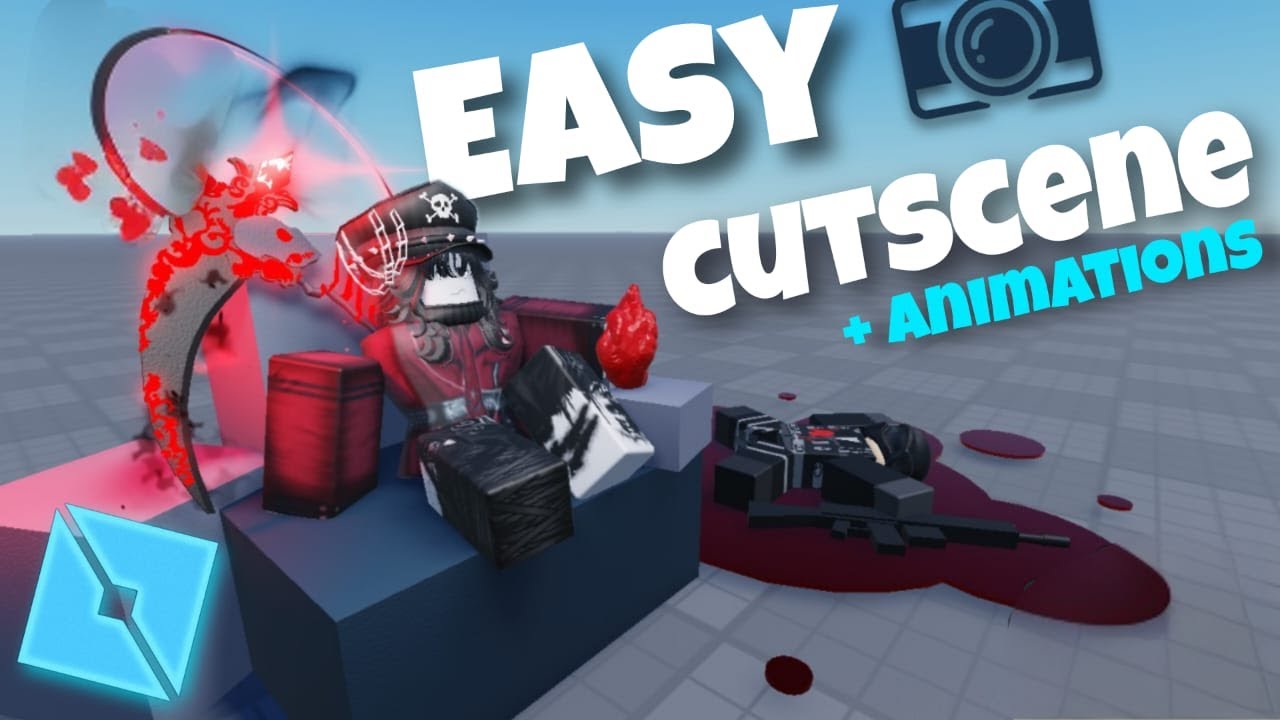
Wanna make a cool cutscene with animations?
This video will teach you exactly how to make a simple cutscene with animations in Roblox Studio.
Note: Make sure your idle animation is set to repeat and priority set to idle. The other anim priority to action
( *after most people saying to put code so finally code is in the comments section pi...
pine crypt
molten sequoia
why the heck is it idleanimation and not greetanimation there if it loads that a...
in the script it had greetanimation but it said that it wasnt official so i deleted it
wispy pivot
@pine crypt You want the animations to play after you touch the part right?
pine crypt
wispy pivot
<@1176232024516870244> You want the animations to play after you touch the part ...
i want cutscene to happen, if u dont know what cutscene is let me show u real quick
wispy pivot
I know what a cutscene is
pine crypt
oh
wispy pivot
But you want the animations to play when the cutscene started?
pine crypt
ty ❤️
wispy pivot
Np
pine crypt
btw i want moving cutscene if u can do that.
if its more easier to u, want me to add u in Roblox Studio for u to edit it, if its easier for u
wispy pivot
I'm really busy, but like what moving cutscene?
Like the dummy moving or?
The player.
? *
Also I'll answer after showering
pine crypt
wispy pivot
I'm really busy, but like what moving cutscene?
Okay
pine crypt
wispy pivot
I'm really busy, but like what moving cutscene?
What do u mean
I put block and cutscene is following those blocks
wispy pivot
Watch a tutorial vid
pine crypt
@molten sequoia @wispy pivot so u guys here? i made cutscene from plugin and it generated script. it doesnt work when part touched, do u know why?

 crude drift
do you have the plugin allowed to add scripts?
pine crypt
crude drift
do you have the plugin allowed to add scripts?
What?
I generated script from plugin
Snd it auto got addrd
crude drift
did it acually generate?