#How to make player perfectly orbit target with lock on
14 messages · Page 1 of 1 (latest)
 rotund sandal
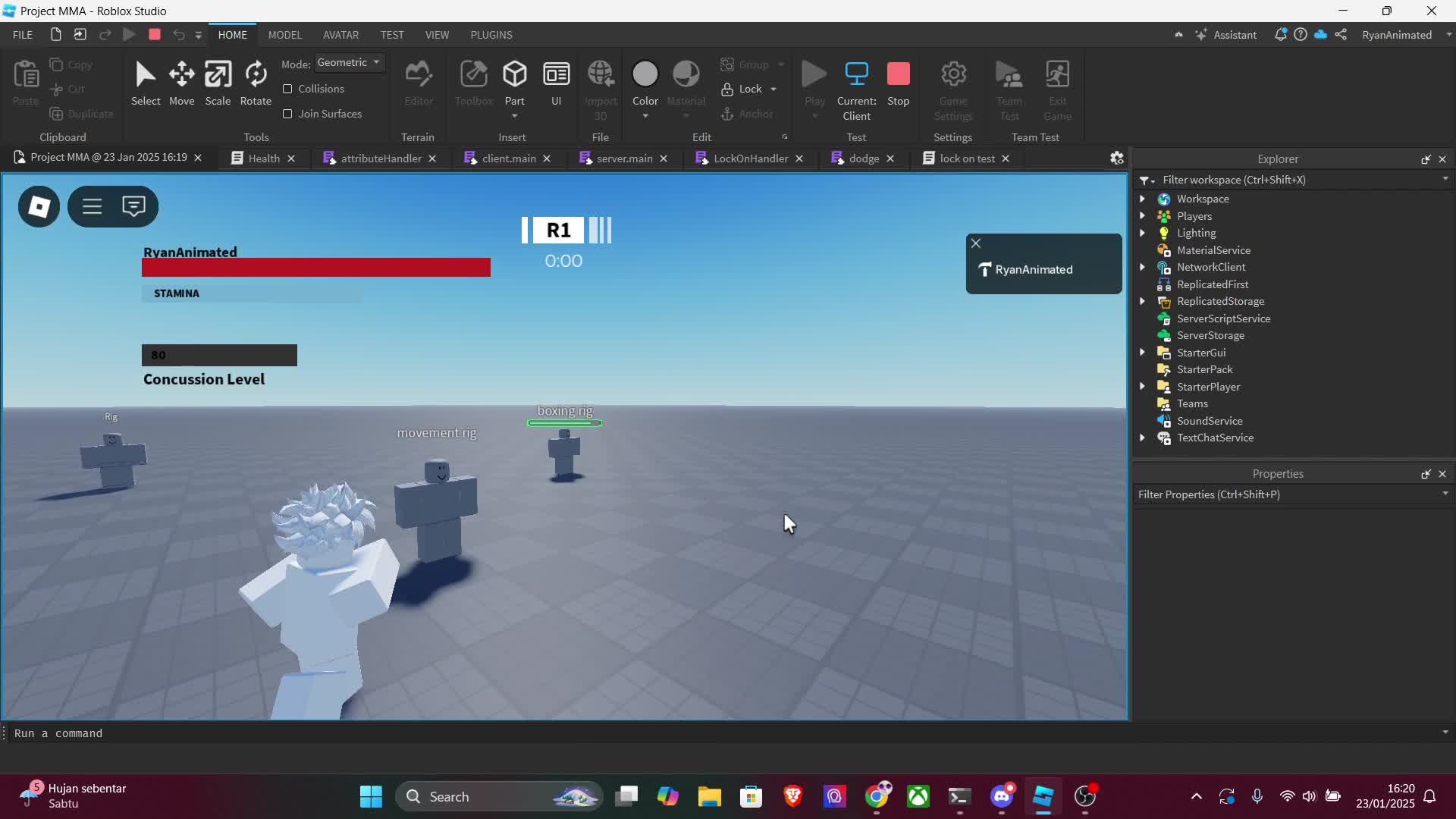
Footage: https://streamable.com/m1a6wt
Code
local heightOffset = 5
local distanceOffset = 10
local angleOffset = math.rad(45)

local camera = workspace.CurrentCamera

local playerPosition = rootpart.Position
local targetPosition = targetRootpart.Position

local direction = (targetPosition - playerPosition).unit

local rotatedDirection = Vector3.new(
        direction.X * math.cos(angleOffset) - direction.Z * math.sin(angleOffset),
        0,
        direction.X * math.sin(angleOffset) + direction.Z * math.cos(angleOffset)
)

local cameraPosition = playerPosition + rotatedDirection * distanceOffset -rootpart.CFrame.LookVector * 15
cameraPosition = Vector3.new(cameraPosition.X, playerPosition.Y + heightOffset,        cameraPosition.Z)

camera.CFrame = CFrame.new(cameraPosition, targetPosition)
gyro.CFrame = CFrame.lookAt(playerPosition, targetPosition)
 vital ember
rotund sandal
Code
```lua
local heightOffset = 5
local distanceOffset = 10
local angleOffset ...
vital ember
rotund sandal
Code
```lua
local heightOffset = 5
local distanceOffset = 10
local angleOffset ...
use the player's right vector for the offset instead of a fixed angle
local heightOffset = 5
local distanceOffset = 10

local camera = workspace.CurrentCamera

local playerPosition = rootpart.Position
local targetPosition = targetRootpart.Position

local rightOffset = rootpart.CFrame.RightVector * distanceOffset

local cameraPosition = playerPosition + rightOffset
cameraPosition = Vector3.new(cameraPosition.X, playerPosition.Y + heightOffset, cameraPosition.Z)

camera.CFrame = CFrame.new(cameraPosition, targetPosition)
gyro.CFrame = CFrame.lookAt(playerPosition, targetPosition)
same thing unfortunately
if camera is slightly to the right of a character then whenever the character moves to the right it'll get closer to the target and gets further away when it moves to the left
you must equalize the target position or something, but I don't know I'm not good at math
vital ember
rotund sandal
if camera is slightly to the right of a character then whenever the character mo...
local heightOffset = 5
local orbitRadius = 15

local camera = workspace.CurrentCamera
local playerPosition = rootpart.Position
local targetPosition = targetRootpart.Position

local toPlayer = (playerPosition - targetPosition)
toPlayer = Vector3.new(toPlayer.X, 0, toPlayer.Z).Unit

local cameraDirection = Vector3.new(
  -toPlayer.Z,
  0,
  toPlayer.X
)

local cameraPosition = targetPosition + (cameraDirection * orbitRadius)
cameraPosition = Vector3.new(cameraPosition.X, targetPosition.Y + heightOffset, cameraPosition.Z)

camera.CFrame = CFrame.new(cameraPosition, targetPosition)
gyro.CFrame = CFrame.lookAt(playerPosition, targetPosition)
the camera is constantly on the target now, and you have to press a nd d to move forwards back and and w s to move left and right
vital ember
ok I give up
rotund sandal
I respect it
 chilly magnet
you may need to make your own thing that controls movedirection