#Help with script
36 messages · Page 1 of 1 (latest)
 ornate axle
i recommend making a folder for all your buttons so you can do this
local mybuttons = game.Workspace.Buttons:GetChildren() -- make a folder called Buttons and put all
-- your buttons in there
for i, buttons in pairs(mybuttons) do
buttons.ClickDetector.MouseClick:Connect(function()
if buttons.Activated.Value == false then -- add a boolvalue in your button called Activated
buttons.Activated.Value = true
local activiate = game.Workspace.Activatedparts:FindFirstChild(button.Name):GetChildren()
-- for the part above make a folder called Activatedparts and inside that folder make another folder
-- that is named after your button and put the parts you want activated in there (its what i would do)
for i, parts in pairs(activiate) do
parts.Transparency = 0
button.BrickColor = BrickColor.new("Really Red")
parts.CanCollide = false
buttons.Pop:Play() -- put the pop sound in your button
end
click = false
end)
end
-- btw this might not be the best code to use but it should work correctly
i fixed it btw
make sure to add a boolvalue
tell me if this works btw
oh btw
uh
lemme make a new script rq
urs isnt for all buttons
just that one
script.Parent.ClickDetector.MouseClick:Connect(function()
if buttons.Activated.Value == false then -- add a boolvalue in your button called Activated
buttons.Activated.Value = true
local activiate = game.Workspace.Activatedparts:FindFirstChild(button.Name):GetChildren()
-- for the part above make a folder called Activatedparts and inside that folder make another folder
-- that is named after your button and put the parts you want activated in there (its what i would do)
for i, parts in pairs(activiate) do
parts.Transparency = 0
button.BrickColor = BrickColor.new("Really Red")
parts.CanCollide = false
buttons.Pop:Play() -- put the pop sound in your button
end
click = false
end)
bam
 willow helm
sorry i just got back rn from dinner lemme try doing that rq ^^
ornate axle
willow helm
sorry i just got back rn from dinner lemme try doing that rq ^^
use the newest one i made
it does require some new things tho
(just to help when you add more buttons tho)
ornate axle
willow helm
sorry i just got back rn from dinner lemme try doing that rq ^^
tell me if there is an error btw i can help
 mental irisBOT
 ** You are now Level 2! **
willow helm
ornate axle
it does require some new things tho
i changed some stuff in it and it worked tysm !! ^
ornate axle
np
ornate axle
willow helm
i changed some stuff in it and it worked tysm !! ^
btw you can do this for all buttons now!!
willow helm
mhm !
ornate axle
just name a button button2 and name the thing you want activated the same and it should work
ornate axle
willow helm
mhm !
btw if you want a way to destoy objects when a button is pressed tell me
ornate axle
willow helm
tysm though ^
np
willow helm
ornate axle
np
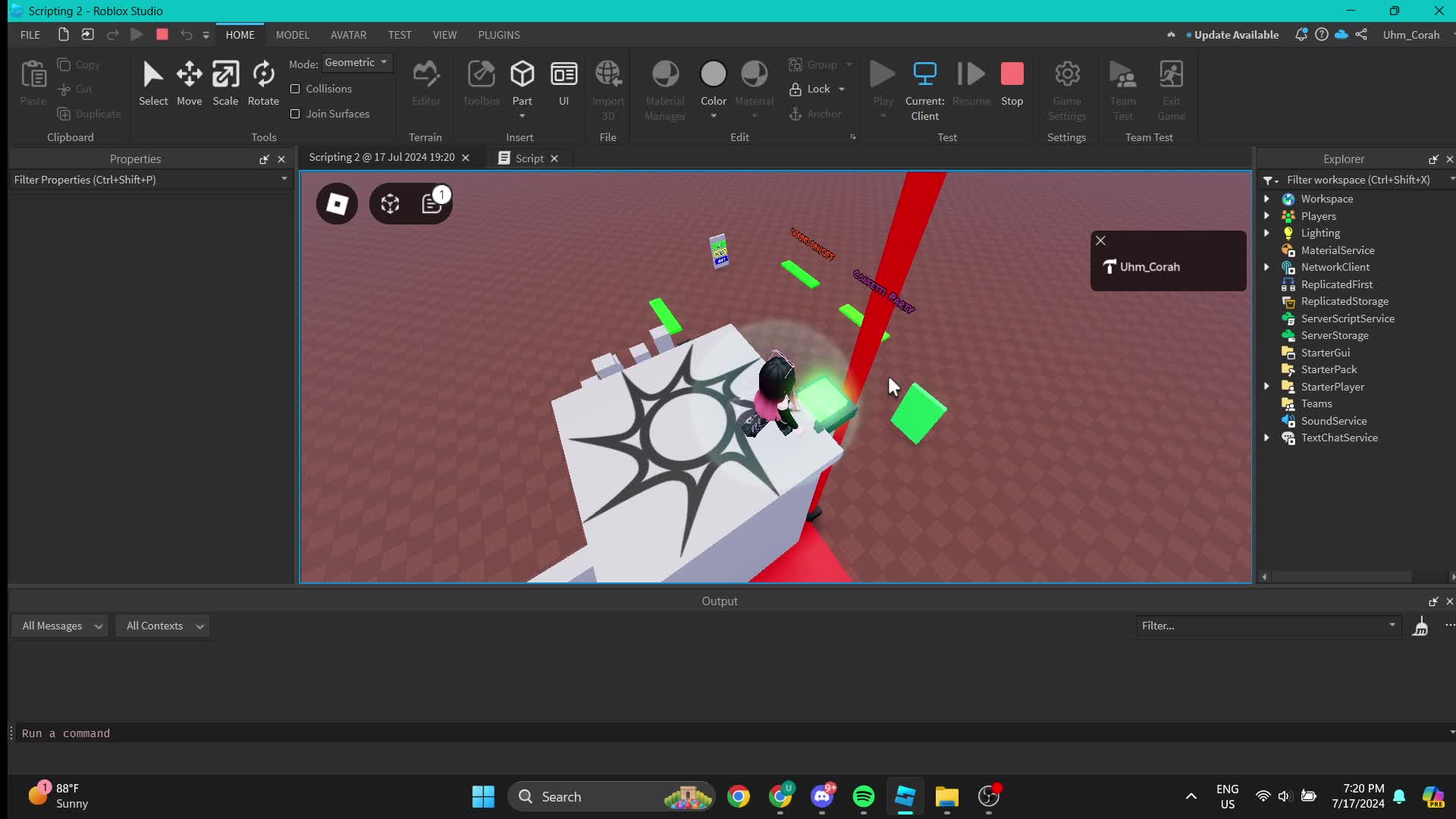
wait really quick everything else works but for some reason the button is not turning red after i click on it https://streamable.com/0vppk0

 ornate axle
willow helm
wait really quick everything else works but for some reason the button is not tu...
ornate axle
willow helm
wait really quick everything else works but for some reason the button is not tu...
who
oh
oops
its not
what
ok
ornate axle
willow helm
wait really quick everything else works but for some reason the button is not tu...
"Really red" dont uppercase the Red