#Basic Fix? (I hope)
158 messages · Page 1 of 1 (latest)
 distant talon
 rigid lark
so do i move the script to serverscriptstorage
distant talon
rigid lark
so do i move the script to serverscriptstorage
why bro
rigid lark
idk
distant talon
you can just put it inside the part
rigid lark
the whole script?
distant talon
its eligible for workspace yes
rigid lark
alr ima try it
 tulip geyser
i think i know what your trying to do, i'll come back when im done fixing your problem
rigid lark
thank you man
distant talon
rigid lark
thank you man
remove the function and entirely do this
land.Touched:Connect(function(hit)
local plrmodel = hit: FindFirstAncestorWhichIsA("Model")
if hit:FindFirstAncestorWhichIsA("Model") then
local humanoid = hit:FindFirstChildWhichIsA("Humanoid")
humanoid.WalkSpeed = 50
end
end)
rigid lark
`local player = game.Players.LocalPlayer
local walkspeed = game.StarterPlayer.CharacterWalkSpeed
local land = game.Workspace.Block
land.Touched:Connect(function(hit)
local plrmodel = hit: FindFirstAncestorWhichIsA("Model")
if hit:FindFirstAncestorWhichIsA("Model") then
local humanoid = hit.Parent:FindFirstChildWhichIsA("Humanoid")
humanoid.WalkSpeed = 50
end
end)`
So this is what the script should be?
distant talon
delete the local player and walkspeed
rigid lark
and i put the LocalScript inside the Block?
tulip geyser
rigid lark
thank you man
local player = game.Players.LocalPlayer
local walkspeed = game.StarterPlayer.CharacterWalkSpeed
local land = game.Workspace.Block
local Once = true

function WalkSpeed()
    walkspeed = 50
end

land.Touched:Connect(function(hit)
    if Once == true then
        Once = false
        WalkSpeed()
    end
end)
hope this helps!
distant talon
land.TouchEnded:Connect(function(hit)
local plrmodel = hit: FindFirstAncestorWhichIsA("Model")
if hit:FindFirstAncestorWhichIsA("Model") then
local humanoid = hit:FindFirstChildWhichIsA("Humanoid")
humanoid.WalkSpeed = 16
end
end)
this is when its ended
rigid lark
ima try both
tulip geyser
rigid lark
ima try both
if an error happens, then copy and paste it to me
rigid lark
Ok
tulip geyser
i'll try to figure it out
distant talon
tulip geyser
```lua
local player = game.Players.LocalPlayer
local walkspeed = game.StarterPla...
I don't think LocalScripts work in Workspace
Engine ignores LocalScripts in Workspace typically
tulip geyser
How?
rigid lark
distant talon
I don't think LocalScripts work in **Workspace**
do i put your script in the block? or the starterplayer then starterplayerscripts
 rich spindleBOT
 ** You are now Level 2! **
tulip geyser
rigid lark
do i put your script in the block? or the starterplayer then starterplayerscript...
yeah you could do that
just put the script in the block ig
rigid lark
Im probably doing something wrong but none worked
distant talon
Tbh take a look at this Server vs Local (Those are trying to change something off Workspace)
distant talon
rigid lark
Im probably doing something wrong but none worked
Show your script then
Output
Too
distant talon
rigid lark
ok
distant talon
rigid lark
oh
My script is just for Server - actually properly shows on Server most obbies use that but anyways
rigid lark
distant talon
My script is just for Server - actually properly shows on Server most obbies use...
I tried making another block that slows you back down and it worked, but when I turned it into multiple it didnt work, it says it says the "Touched" doesent apply
Its because the model needs to be shrinked down but I want to make the whole model fit
Heres a Picture
 distant talon
rigid lark
distant talon
rigid lark
cause model does not have a touched event
rigid lark
 distant talon
Baseparts have that
rigid lark
So do i have to ungroup the model?
distant talon
just set a primarypart
rigid lark
Or could I work around it.
rigid lark
distant talon
just set a primarypart
whats that
rigid lark
ok
distant talon
or maybe just put a triggerpart on the model which is invisible
rigid lark
distant talon
or maybe just put a triggerpart on the model which is invisible
ill do that
i need to make a little hole in the middle for the part that makes you fast

Thats why I even had to make the model
rigid lark
distant talon
or maybe just put a triggerpart on the model which is invisible
I dont know what to do to cut the hole
tulip geyser
rigid lark
I dont know what to do to cut the hole
- make these lines of code inside a regular script object.
- put the SCRIPT INSIDE THE BLOCK
- edit it however you want
local Block = script.Parent
local Cooldown = false -- forever

Block.Touched:Connect(function(hit)
    if hit.Parent:FindFirstChild("Humanoid") then
        if Cooldown == false then
            Cooldown = true
            local player = game.Players:GetPlayerFromCharacter(hit.Parent)
            local character = player.Character
            local humanoid = character:WaitForChild("Humanoid")
            if humanoid then
                humanoid.WalkSpeed = 30
                print("Speed Changed.")
            end
        end
    end
end)
you can also put the script inside the parts
duplicate + put it in each part
tulip geyser
tulip geyser
1. make these lines of code inside a regular script object.
2. put the SCRIPT IN...
@rigid lark if this script doesnt work then i dont know WHAT will
i tested it in R6 and R15
and it works
so it better be.
distant talon
tulip geyser
1. make these lines of code inside a regular script object.
2. put the SCRIPT IN...
alternative way to use it here btw idk why you putting a cooldown value which probably he didn't ask
tulip geyser
distant talon
alternative way to use it here btw idk why you putting a cooldown value which pr...
its to not spam the script over and over again like a million times
i think it one time crashed my pc
rigid lark
Switch of plans
I want it to only affect whoever stands and walks on the block, but turn off when it isnt
turn off anf on means higher and lower speed
tulip geyser
distant talon
alternative way to use it here btw idk why you putting a cooldown value which pr...
local Block = script.Parent

Block.Touched:Connect(function(hit)
    if hit.Parent:FindFirstChild("Humanoid") then
        local player = game.Players:GetPlayerFromCharacter(hit.Parent)
        local character = player.Character
        local humanoid = character:WaitForChild("Humanoid")
        if humanoid then
            humanoid.WalkSpeed = 30
            print("Speed Changed.")
        end
    end
end)
you asked for it, a version with no cooldown
distant talon
rigid lark
I want it to only affect whoever stands and walks on the block, but turn off whe...
GetTouchingParts()
rigid lark
it speeds up doesent speed down/reset the speed
distant talon
rigid lark
it speeds up doesent speed down/reset the speed
Use my touchended function that I made but with this guy's code in it
distant talon
rigid lark
it speeds up doesent speed down/reset the speed
And change the walkspeed to 16
 mint oriole
tulip geyser
```lua
local Block = script.Parent
Block.Touched:Connect(function(hit)
if h...
mint oriole
tulip geyser
```lua
local Block = script.Parent
Block.Touched:Connect(function(hit)
if h...
uhh this wont work for everything
tulip geyser
rigid lark
I want it to only affect whoever stands and walks on the block, but turn off whe...
easy, theres an event called "TouchedEnded"
local Block = script.Parent

Block.Touched:Connect(function(hit)
    if hit.Parent:FindFirstChild("Humanoid") then
        local player = game.Players:GetPlayerFromCharacter(hit.Parent)
        local character = player.Character
        local humanoid = character:WaitForChild("Humanoid")
        if humanoid then
            humanoid.WalkSpeed = 30
            print("Speed Changed.")
        end
    end
end)

Block.TouchEnded:Connect(function(hit)
    if hit.Parent:FindFirstChild("Humanoid") then
        local player = game.Players:GetPlayerFromCharacter(hit.Parent)
        local character = player.Character
        local humanoid = character:WaitForChild("Humanoid")
        if humanoid then
            humanoid.WalkSpeed = 16
            print("Speed Reverted.")
        end
    end
end)```u should do hit.Parent find first child humanoid or hit.Parent.parent find first child humanoid
idk
tulip geyser
mint oriole
u should do hit.Parent find first child humanoid or hit.Parent.parent find first...
I TESTED IT.
it worked
mint oriole
well yes
tulip geyser
test me all you want
mint oriole
but if a player has
distant talon
mint oriole
u should do hit.Parent find first child humanoid or hit.Parent.parent find first...
Doesn't matter
mint oriole
well ok then
tulip geyser
im going insane.
mint oriole
tulip geyser
it worked
well ofc it would work, but if a avatar item from the shop got touched instead
rigid lark
tulip geyser
easy, theres an event called "TouchedEnded"
```lua
local Block = script.Parent
...
When i stand on it it changes speed up then reverts it
mint oriole
like sunglasses
it would do
sunglasses.parent find first child humanoid
so that wouldnt work
not a big deal but its still not 100%
tulip geyser
rigid lark
When i stand on it it changes speed up then reverts it
thats because you stopped touching the part
rigid lark

Watch idk and millions of other Roblox Studio videos on Medal, the largest Game Clip Platform.
rich spindleBOT
** You are now Level 3! **
tulip geyser
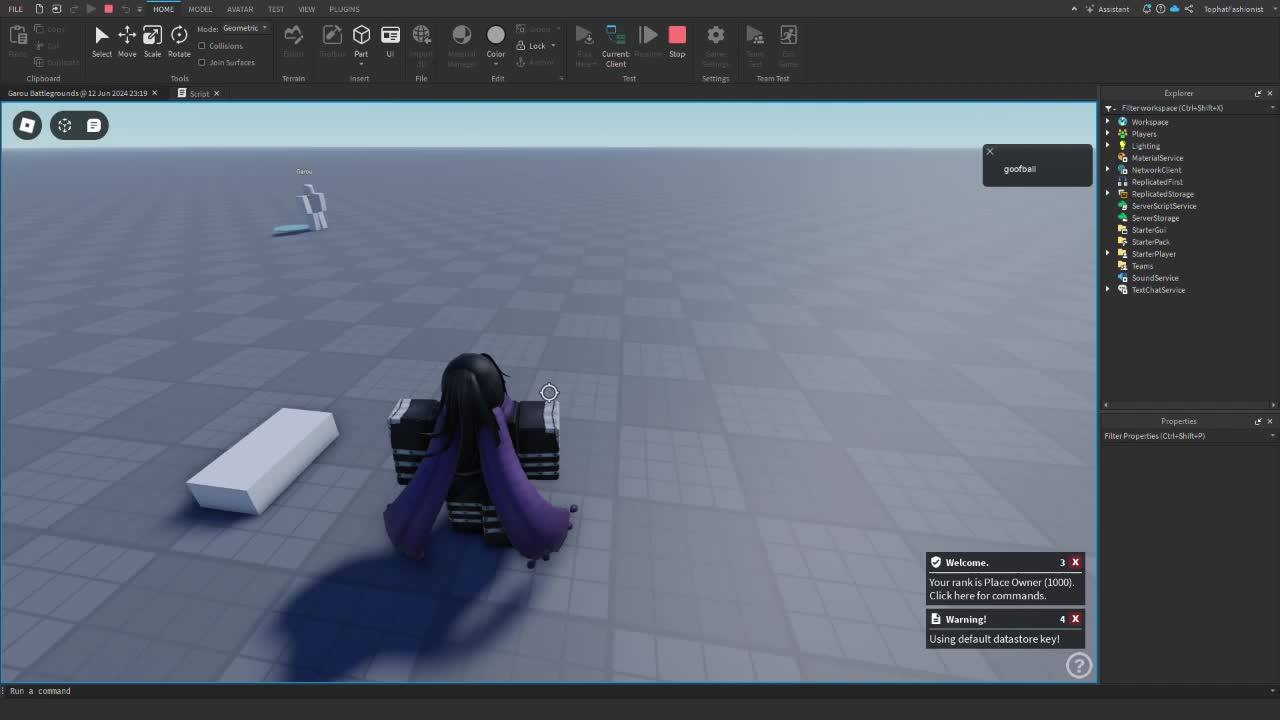
Watch Untitled and millions of other Roblox Studio videos on Medal, the largest Game Clip Platform.
rich spindleBOT
** You are now Level 6! **
rigid lark
ohhh
tulip geyser
you can see the character being speed up for a moment
tulip geyser
rigid lark
https://medal.tv/games/roblox-studio/clips/i3wWYTQKhhFv28fTp/d133702Vt4bc?invite...
wait what?
what is the block's hitbox?
rigid lark
as big as the block
rigid lark
ok
tulip geyser
oh
i see
i know what is happening
while the walking animation is playing, when your legs get mid-air, the touching event stops
tulip geyser
rigid lark
ok
all you have to do, is duplicate the block, make it bigger where the character walks into, set its collision off, and make it invisible
i'll do this and send a video of it rq
tulip geyser
rigid lark
and then change the script to affect that invsible block
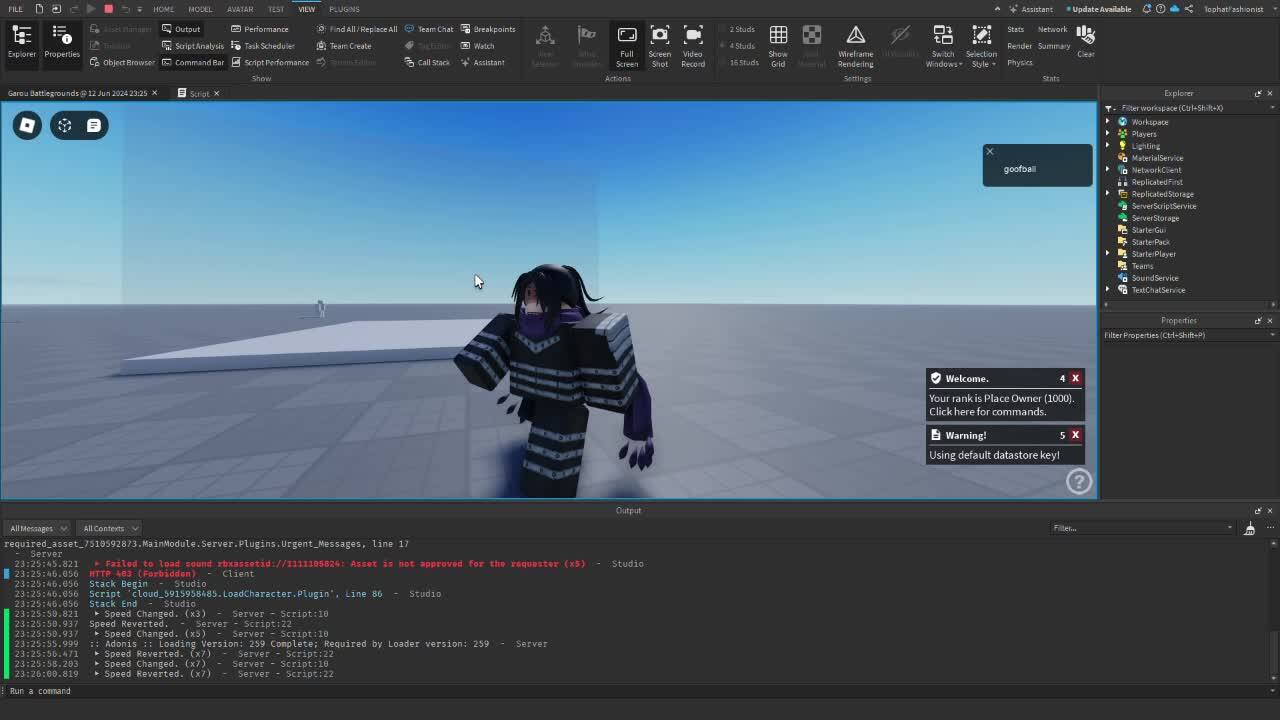
Watch Untitled and millions of other Roblox Studio videos on Medal, the largest Game Clip Platform.
watch
the real part is the bigger and transparent one
@rigid lark do you get it?
tulip geyser
sure
rigid lark
how would i do this in a octagon shape
im making a game where u chase coins around with different events and rounds
and maps
tulip geyser
i suggest learning scripts before making giant stuff
tulip geyser
rigid lark
how would i do this in a octagon shape
but to answer your question
you can do the same with meshparts
 tulip geyser
one last thing
if the meshparts doesnt work
then re-create a octagon and union the parts
rigid lark
ok
tulip geyser

its basically like grouping parts, but instead of it being multiple parts inside a group, its forming the parts together into a single part/union
:D
rigid lark
thanks
rigid lark
tulip geyser
:D
ik i shouldve asked u earlier but could u explain your code to me because I've been just looking at free models and trying to understand code but cannot understand them, so I wanna see ur code and your meanings.
rigid lark
rigid lark
ik i shouldve asked u earlier but could u explain your code to me because I've b...
@tulip geyser