#How do I add animations to a starter Character?
86 messages · Page 1 of 1 (latest)
 rigid eagle
rigid eagle
rigid eagle
alr i gotchu\
 worn hornet
rigid eagle
I'm trying to get a R6 StarterCharacter to have a walk animation i made myself ...
worn hornet
rigid eagle
I'm trying to get a R6 StarterCharacter to have a walk animation i made myself ...
You gotta load the animation and then play it
Personally,I use the animation controller that is in the rig
I believe in the humanoid
rigid eagle
Lemme show you my local script
 worn hornet
Do you run scripts or play test?
rigid eagle
Play test
worn hornet
Ok I can't get in studio rn so I can't just send you a screenshot of what I used
But try finding the animation controller thing that is in the rigs humanoid
If you define it and use it to load the animation it should work
rigid eagle
I defined it but now im lost
worn hornet
rigid eagle
Lemme show you my local script
Are you trying to replace the animations of the local player?
worn hornet
Because it looks like you are trying to replace the animations of the player to your own
rigid eagle
I think that is what i am doing
 obtuse cometBOT
 ** You are now Level 1! **
worn hornet
What are you using this for?
rigid eagle
Like wdym?
worn hornet
The script, what are you trying to do with it
rigid eagle
Well at first i just followed a tutorial because i failed the first time
But all i am trying to do is get these animations to load
worn hornet
Ok well since it is a local script you can do game.players instead of get service
worn hornet
If ur super new I recommend tackling smaller tasks after this one
rigid eagle
Yeah
worn hornet
Idk the structure of a player so I can try to look at it when I can get in studio
rigid eagle
Ok
worn hornet
rigid eagle
Lemme show you my local script
What tutorial did you follow to get here?
rigid eagle
Lemme try to find it
This was a little while ago
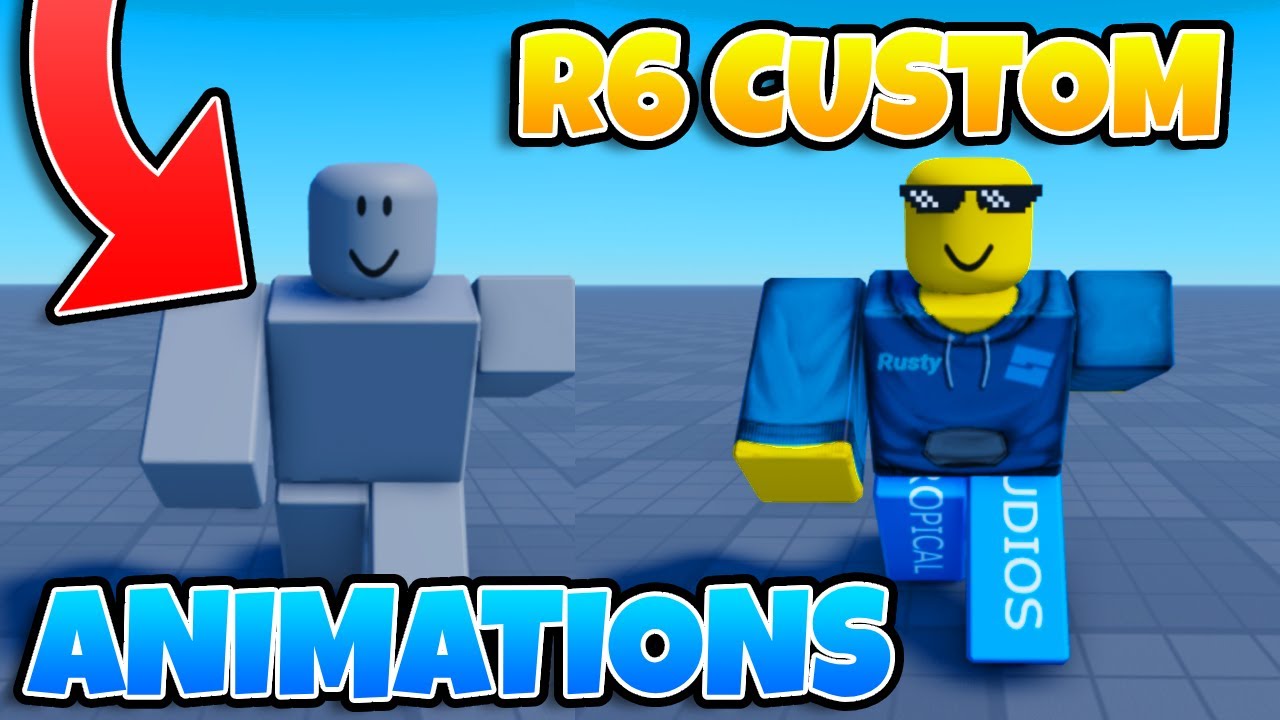
🛠This is How to CREATE Custom R6 Animations IN Roblox Studio. Whether you are looking how to create a custom R6 idle animation in Roblox Studio, to a custom R6 running animation in Roblox Studio. This tutorial is for you. Thanks so much for watching, hope you guys have a great day! Subscribe 😎🛠
More Tycoon videos coming soon!
😎Subscribe: https...
It wasn’t really For a custom starter character
So i didn’t know if it would work
worn hornet
Is the custom starter character r6?
rigid eagle
Yes
obtuse cometBOT
** You are now Level 2! **
 worn hornet
ok so I got my studio open and I can help you better now
worn hornet
well I followed the tutorial and everything should work
rigid eagle
Huh
worn hornet
how did you make the starter character?
like does it have everything a rig should have?
rigid eagle
I just imported the rig with the rig builder
And added those ears
But those are just welded
 worn hornet
yea
huh
ok I think instead of loading the animation onto the player it should be on the character
gimmie a sec ima modify the script
do want this to only be for the player?
I could try changing it to just be for local player
ok so It seems that instead of using it in server script service you may need to use it in starter player scripts or starter character scripts. Additional or different code will be needed
worn hornet
OOOOOH
I got it
I did a little digging and so the way starter character scripts works is that the script in starter character scripts is moved into the starter character
so heres what I did
I moved the animate to the folder like so

then in the script, I modified the ids of the animations that I wanted to use

I only modified the walk animation but you can apply this for all of your animations
@rigid eagle here ya go
lmk if you need any other explanation
rigid eagle
I didn’t work
Or im just too stupid
I think ima go nightie night cuz i got school
And thanks for the help 👍
worn hornet
yw but could you show me how your character is set up so I could try to help?
 ivory tulip
hit play then go to your charecter copy animate script
the get animation id and copy it in code and copy animation id inside]
 rose vector
worn hornet
then in the script, I modified the ids of the animations that I wanted to use
rose vector
worn hornet
then in the script, I modified the ids of the animations that I wanted to use
that’s just the walk
I believe it’s run you would want to use too
along with changing the animation ids below those int values parented to the script
 lucid sparrow
You should replace the current animate script in starter character