


91 messages · Page 1 of 1 (latest)
 wet wharf
Working on a script for a part that deals damage to player if player possesses attribute "WaterDamage" I'm having the script print 'CurrentValue' when part is touched, but it's outputting CurrentValue = nil everytime, even though Humanoids WaterDamage Attribute is set to 1. I'll also paste the code in here
Part.Touched:Connect(function(TouchedPart)

    local Humanoid = TouchedPart.Parent:FindFirstChildWhichIsA("Humanoid")
    local CurrentValue = Humanoid:GetAttribute("WaterDamage")
    print(CurrentValue)
    if Humanoid and Humanoid:GetAttribute("WaterDamage") == 1 then

        Humanoid.Health -= 5

    end
end)
 sterile glen
wet wharf
```local Part = script.Parent
Part.Touched:Connect(function(TouchedPart)
...
sterile glen
wet wharf
```local Part = script.Parent
Part.Touched:Connect(function(TouchedPart)
...
@wet wharf are you sure "WaterDamage" attribute is in the humanoid? i think you mean to find the attribute inside the part not the humanoid
oh wait
i read wrong
wet wharf
WaterDamage is set to 1 for Humanoid
The part script checks PlayerWhoTouched for "WaterDamage"
sterile glen
and if you dont mind me asking, how did you set the attribute to the humanoid? was it from a startercharacter? or a script
wet wharf
I know it works because in playtest I'm able to observe the attribute being added to humanoid
Yeah from a local script
sterile glen
thats why
wet wharf
Oh. Hm, I'm new to scripting. Can you explain why that's relevant?
In my mind even though the attribute is set by a local script, the humanoid is still gaining the attribute the same way a server script would SetAttribute
sterile glen
because a local script is client sided. and a normal script is for the entire server.
basically. local scripts are used when changing things for ui or something that you only want the player to see. a normal script is when you want the whole server to see it
wet wharf
Understood. So in that case, do such things as "Local Attributes" and "Server Attributes" exist?
Just that it cannot be observed
And I can't simply copy and paste my local script into a server script, correct? There's more nuance to it
sterile glen
paste your script here please
wet wharf
Sure
 whole berryBOT
 ** You are now Level 3! **
wet wharf
local Tool = ClickDetector.Parent
local Players = game:GetService("Players")
local LocalPlayer = Players.LocalPlayer
local Humanoid = LocalPlayer.Character.Humanoid


local function onClicked()
    print("Click event triggered")
    LocalPlayer:SetAttribute("PlaceHolder", true)
    LocalPlayer:SetAttribute("PlaceHolder", true)
    Humanoid:SetAttribute("MeraUser", 1)
    Humanoid:SetAttribute("WaterDamage", 1)
    Tool:Destroy()
end


Tool.Activated:Connect(onClicked)
print("Script is running")
as you see this is a local script setting the attribute to the humanoid. everything looks fine. but it still prints nil


because its client sided
wet wharf
That makes a lot of sense
But it's not as simple as copy and pasting my local script into a server script, right? I'd have to change some things.
sterile glen
you're not wrong
you cannot get the player by simply doing local player on a server script (normal script)
gimme a min i'll fix it and show you
wet wharf
Thanks a ton, I appreciate all the help I can get
I'm trying hard to learn as I go, so any explanation is highly appreciated
sterile glen
oh and why do you have the script parented to a click detector? and no worries
wet wharf
Will do
sterile glen
but in the script you will have to also remove the click detector reference
wet wharf
Fixed
sterile glen
okay so i will fix the code and then i will explain it to you
wet wharf
That's awesome. Take your time.
sterile glen
local Tool = script.Parent

local function onClicked()
    print("Click event triggered")
    local Character = Tool.Parent
    local Player = Players:GetPlayerFromCharacter(Character)
    local Humanoid = Character:WaitForChild("Humanoid")

    if Character then
        print("Yo")
        Player:SetAttribute("PlaceHolder", true)
        Player:SetAttribute("PlaceHolder", true)
        Humanoid:SetAttribute("MeraUser", 1)
        Humanoid:SetAttribute("WaterDamage", 1)
    end
    Tool:Destroy()
end


Tool.Activated:Connect(onClicked)
print("Script is running")```

this would be a better way of doing the script. also see how the code is more structured and readable? you want to keep all your scripts like that. this will make debugging way more simple

and i recommend that you define your services like the game:getservice("Players") first because you might need them for a lot more things. and try to avoid using dots to get to a child of an object. try to use either "WaitForChild" or "FindFirstChild". this is called yieldingwaitforchild and find first child are similar but have different use cases
wait for child is when you know something should be the parent of another object but you are waiting for the object to load to avoid any errors in your code. and find first child is mainly used when checking if an object exists
as you see everything works
 wet wharf
That's really interesting. Occasionally, when play testing my script. Upon first reviving and clicking tool, I would get an error. That error would be resolved upon second attempt of restarting character, and this time, waiting a second before clicking on tool. That's probably because I wasn't using WaitForChild?
sterile glen
you are absolutely correct
its so useful because some it does exactly what its called
and it continues the code if it has found it or not
wet wharf
Great information thank you. I'll try this now
wet wharf
I do have another small quick question
Sometimes I have trouble defining character in any given script. It helps to know what character is a parent of
But tools in a characters inventory ARE children of Character?
And Humanoid IS a child of Character, but roughly Humanoid and Character are synonymous? Like could I use them interchangably?
sterile glen
yes so if you take a look at your explorer. you'll realise that every object exists just as you script it. for example:
you see when i have the tool equipped it parent to the character.
 sterile glen
wet wharf
And Humanoid IS a child of Character, but roughly Humanoid and Character are syn...
sterile glen
wet wharf
And Humanoid IS a child of Character, but roughly Humanoid and Character are syn...
no the humanoid you can think of it as the "controller" or basically the life of the character. it contains all the information such as health, jumppower, walkspeed etc
wet wharf
Gotcha, but what if I have for example; tool in StarterPack. In that case, what would its parent be?
sterile glen
the character is a model object which eveything like the bodyparts, humanoid, shirt pants are consited within the character
sterile glen
wet wharf
Gotcha, but what if I have for example; tool in StarterPack. In that case, what ...
it would be parented to the players backpack

you see now i have the tool unequipped
also. you see the other stuff there?
wet wharf
Right
sterile glen
playergui is basically the gui that you initially placed inside of startergui
playerscripts are script that you put in starterplayerscripts
and of course startercharacterscripts' scripts are parented to the character
wet wharf
OKaay, this is helping me immensely. Thank you.
sterile glen
these are all the services of the game. so when you do "game.players" or "game:getservice("")", thats bascially calling these services of the game

all of these services are parented to the game, hence why you do game."whatever"
sterile glen
well with services you can use either but its just with objects that require to be rendered such as 3d objects
and with ui, i think that you can use the "." and not waitforchild, because its client sided
sterile glen
sterile glen
all of these services are parented to the game, hence why you do game."whatever"
and btw there are other hidden services such as tweenservice and more but they can be found on roblox's forums
wet wharf
Okay cool, I'm kind of discovering things as I run into them, so I'm sure when I get to the point where I need more services I'll dive into that.
whole berryBOT
** You are now Level 4! **
wet wharf
I'm excited to try everything you've shown me, thank you again.
sterile glen
no problem!
there was a really useful video that i saw and it explained when to use "." or when to use waitforchild.
i'll try find it
wet wharf
Yeah send it here if you find it 👍
sterile glen
@wet wharf
https://www.youtube.com/watch?v=HJy_vF_E2jw
i found it. that took forever lol
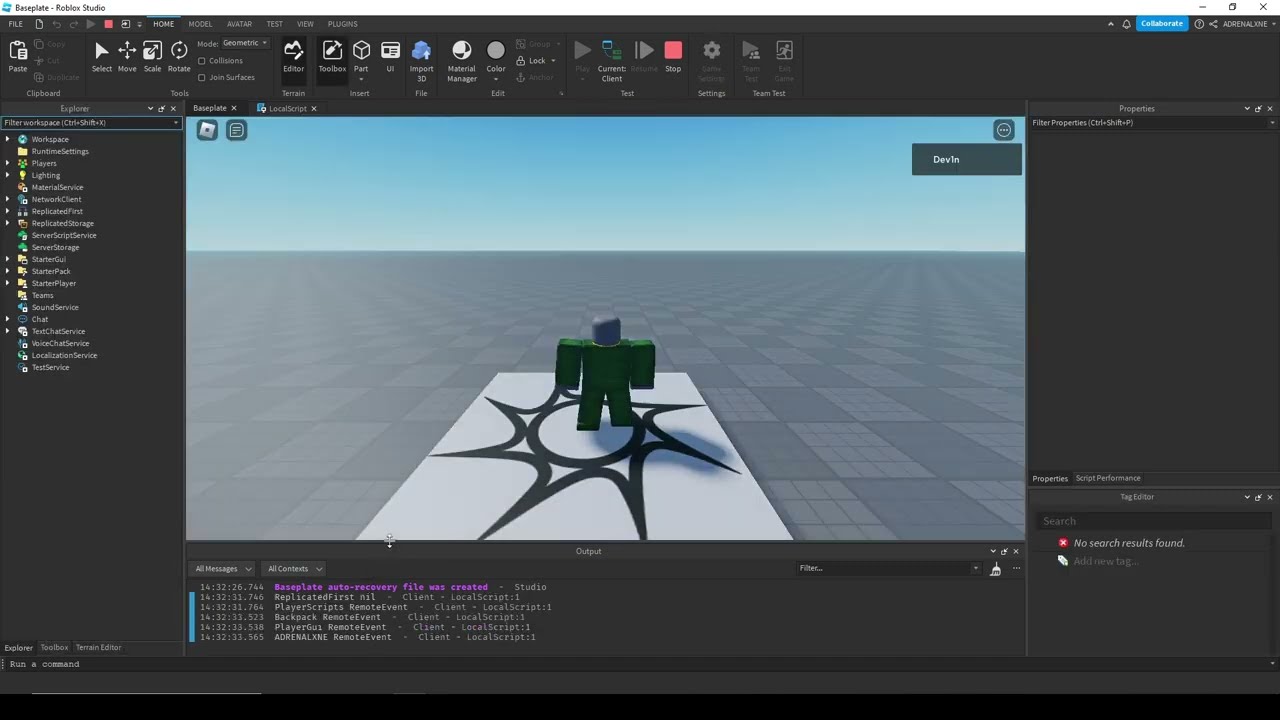
This is a video explaining the order in which instances are replicated to the client. Make sure you understand this concept, as you can find workarounds in your games to fix certain issues popping up in relation to timing.
Want to know more? https://devforum.roblox.com/t/when-to-wait-for-replication-to-the-client/135283
I hope you enjoy the vi...
wet wharf
Thanks, I'll watch it now :))
The code works perfectly by the way, thank you.
Are attributes lost on character death?
sterile glen
wet wharf
Are attributes lost on character death?
oh yes they are
since the characters model resets everytime it dies. theyre being activated by a tool so you need a tool each time to add attributes
if you want to always have an attribute, you can add a script in starter character scripts and add the attribute to the humanoid that way