#adding movement to animations
47 messages · Page 1 of 1 (latest)
 vagrant current
using the move tool
alternatively u could just do
plr.Character.HumanoidRootPart.CFrame = plr.Character.HumanoidRootPart.CFrame * CFrame.new(0,0,-1)
the -1 will move ur character forward 1 stuf
stud
change it to whatever u want
vagrant current
vagrant current
plr.Character.HumanoidRootPart.CFrame = plr.Character.HumanoidRootPart.CFrame * ...
i would use this actually cuz
after the animation finishes if u use the animation editor method
it will pull u back
anchoring the hrp is a bad idea in general
especially in a combat system
im assuming u have a server script that handles the swinging and stuff
just put it whenever the remote or something is fired
a much better alternative to anchoring is just setting walkspeed to 0 btw
can u send the script
i can update it
yeah lol
yeah thats good so
the raycast is the hitbox right
so just put it inside the swing if statement
remote.OnServerEvent:Connect(function(player,arg)
    --[[for i = -0.576,0.578,.1 do
        local attachment = Instance.new("Attachment",Tool.Handle)
        attachment.Name = "DmgPoint"
        attachment.Position = Vector3.new(i,1.6,0)
    end
    local caster = clientcast.new(Tool.Handle,RaycastParams.new())


    caster.Collided:Connect(function(result)
        local hit = result.Instance
    end)--]]


    local char = player.Character
    local hrp = char:WaitForChild("HumanoidRootPart")
    local humanoid = char:WaitForChild("Humanoid")
    if arg == "Swing" then
        player.Character.HumanoidRootPart.CFrame = player.Character.HumanoidRootPart.CFrame
* CFrame.new(0,0,-1)

        local params = RaycastParams.new()
        params.FilterType = Enum.RaycastFilterType.Exclude
        params.FilterDescendantsInstances = {char}
        params.IgnoreWater = true
        local ray = workspace:Raycast(hrp.Position,hrp.CFrame.LookVector * 100 + Vector3.new(0,0,-7),params)
        if ray then
            if ray.Instance.Parent:FindFirstChild("Humanoid") and not ray.Instance.Parent:FindFirstChild("db") then
                print(ray.Instance)
                local hum = ray.Instance.Parent:FindFirstChild("Humanoid")
                local x = Instance.new("BoolValue",ray.Instance.Parent)
                x.Name = "db"
                game:GetService("Debris"):AddItem(x,0.5)

                hum:TakeDamage(20)
            end
        end
    end
end)
that will move it forward 1 stud

make sure the last number is negative btw or it will move u backwards
are u doing like a
1,2,3,4,5 combo
oh yeah nice
hold on lemme apply what i just used on urs to my combat system
so i can show how it works
if ur requiring it on a local script then its buggy yeah
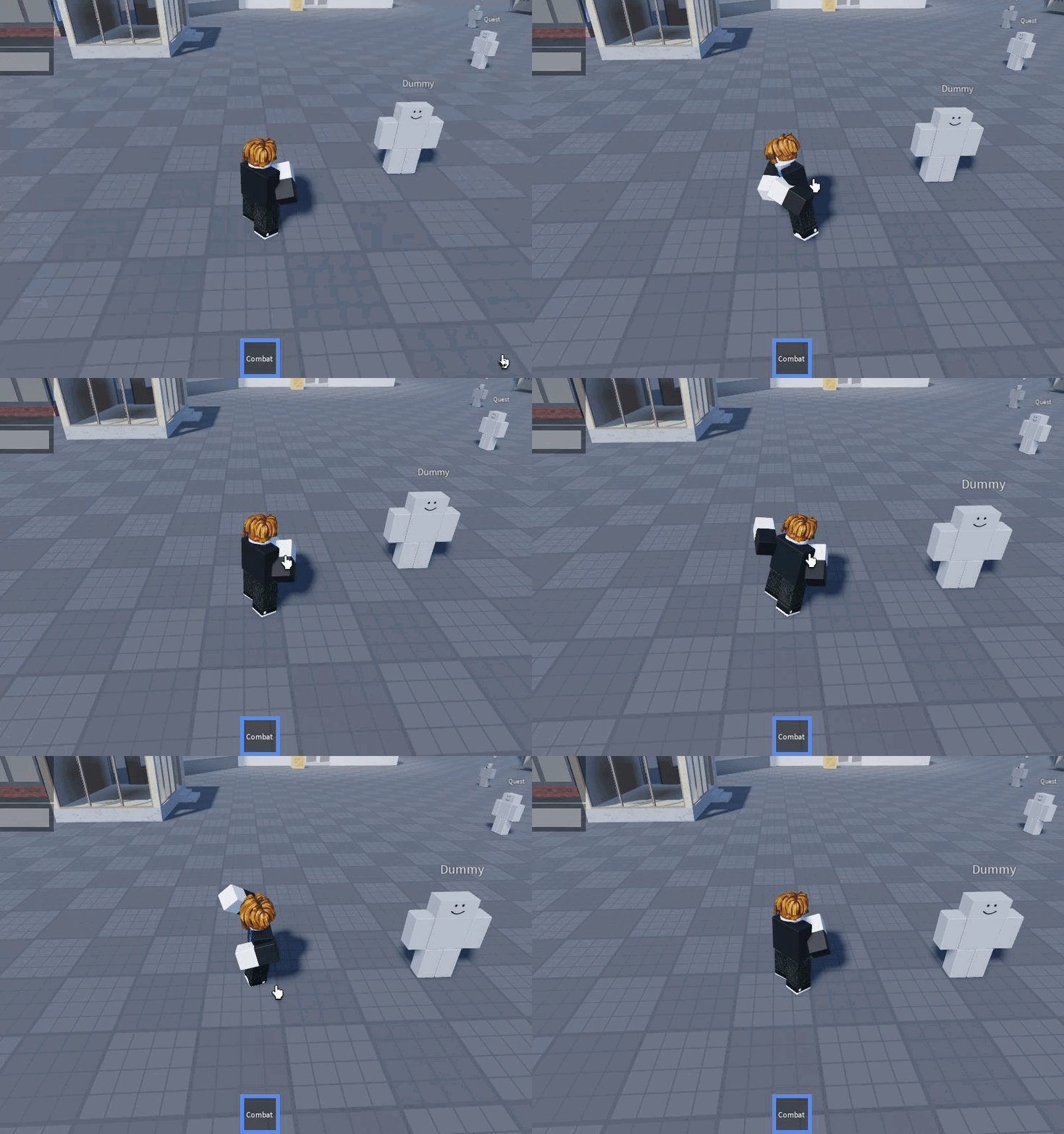
from an old fighting game i made like a year ago
i just applied it now
u can make them go further by changing -1 to like -2 etc
maybe if the cframe thing is buggy try body velocities
yeah tip for animating
use every body part u can to add dramatic effect
like twist the legs a bit make them come back slightly
oh yeah
the thing that really settles a hitting animation tho is the curl in after
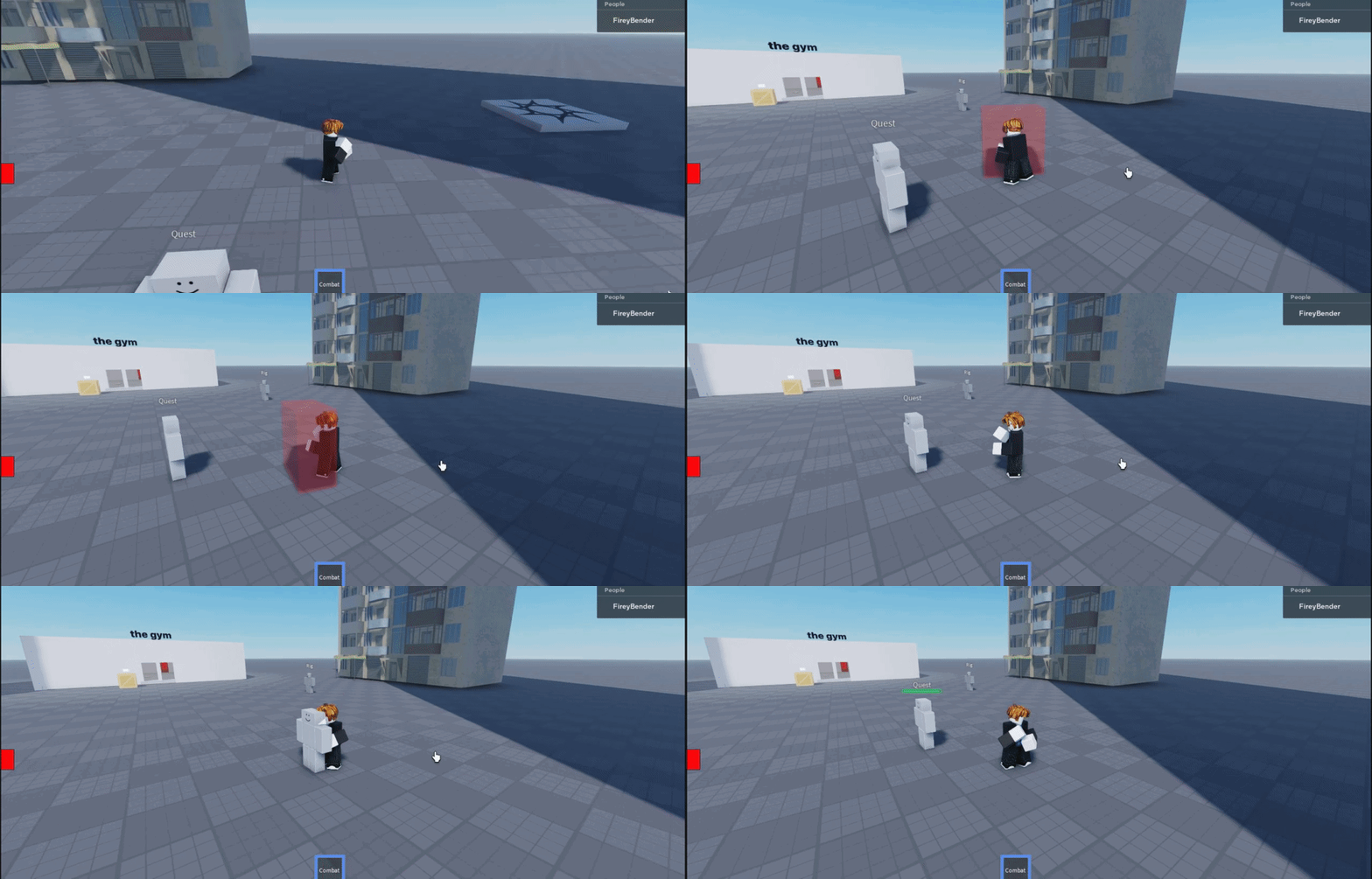
i just use a hitbox in this fashion
never liked raycasting for punches ngl
thats unfortunately what these systems rely on
lots of checks and lots of values lol
but gl np