#[please help me ive posted this twice already] issues with positioning in the world with BodyPos
75 messages · Page 1 of 1 (latest)
 junior terrace
 fickle holly
Try animating it I guess
fickle holly
Try animating it I guess
wdym
junior terrace
that makes no sense for what im doing
basically
im trying to make the player go up and slightly forwards using a body position relative to the player's position
but the direction it brings them in is always the same relative to the world
so if i spawn in and use it facing the direction i spawned, it works fine and looks good
but if i rotate my character 90 degrees and use it, the player will get moved in the same direction it did when it was facing forwards
idk if that makes sense
fickle holly
It probably does but it's deep night for me and I am highly regarded and in different dimension so I still can't come up what is wrong.
Wait
I see
Just take current position of player
And add numbers to it
fickle holly
First I would say to store position of player. Once that done I would do that it would add certain number let's say +4 to Y axis
junior terrace
why would i need to store the position of the player when i can just get it right there
and thats literally exactly what i did by doing + vector3.new
fickle holly
Vector3.new(storedposition.X, storedposition.Y + 4, storedposition.Z)
junior terrace
thats what "+ vector3.new" does
fickle holly
That's correct
junior terrace
AKA exactly what ive been doing
ur just adding more steps to what i did originally
the same outcome would happen
fickle holly
That's weird.
Try printing if it saves your position correctly
And also try saving rotation
junior terrace
rotation doesnt matter
i dont need to rotate the character at all
and i already know its saving the position correctly because it wouldnt be working in the one direction if it wasnt
sir do you know what you are talking about
fickle holly
I am but I am worried we don't understand eachother
junior terrace
the bodyposition is moving the character relative to the world and not the player
that should be enough to understand whats going on
did you watch the videos i sent?
fickle holly
Yes I did
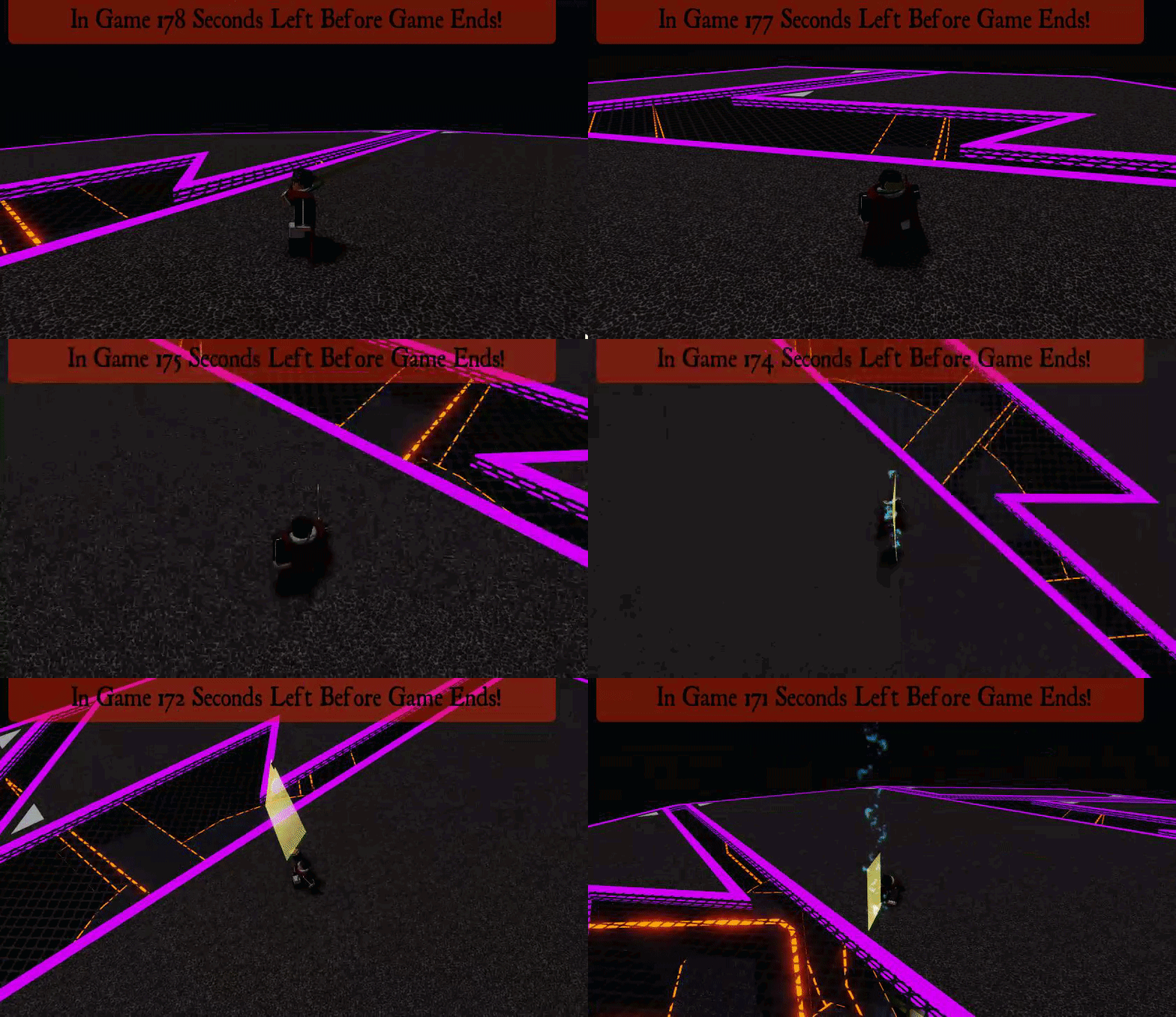
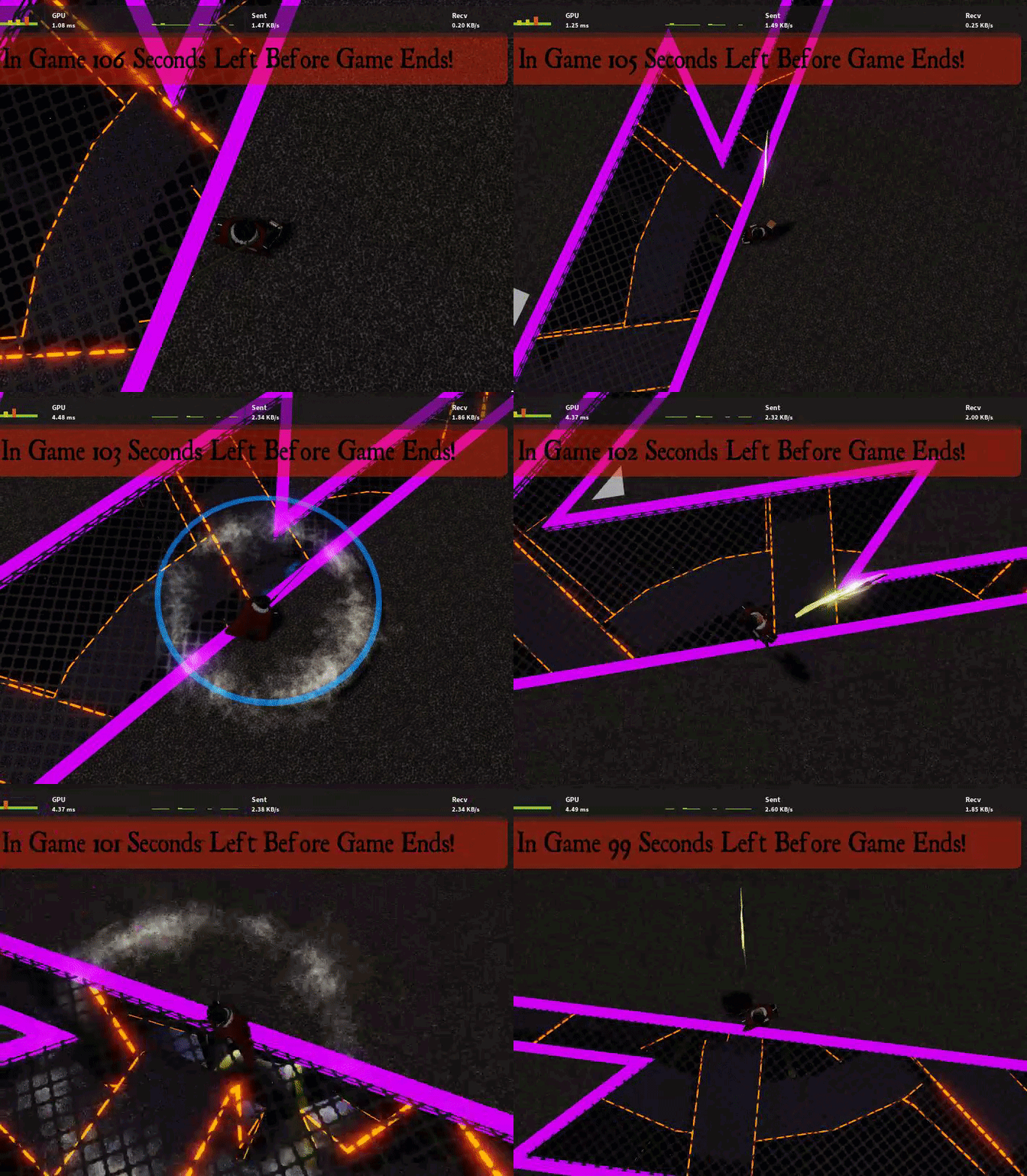 junior terrace
ill make another one showing what i did in between takes
fickle holly
I can't see the difference really
junior terrace
there is a VERY big difference
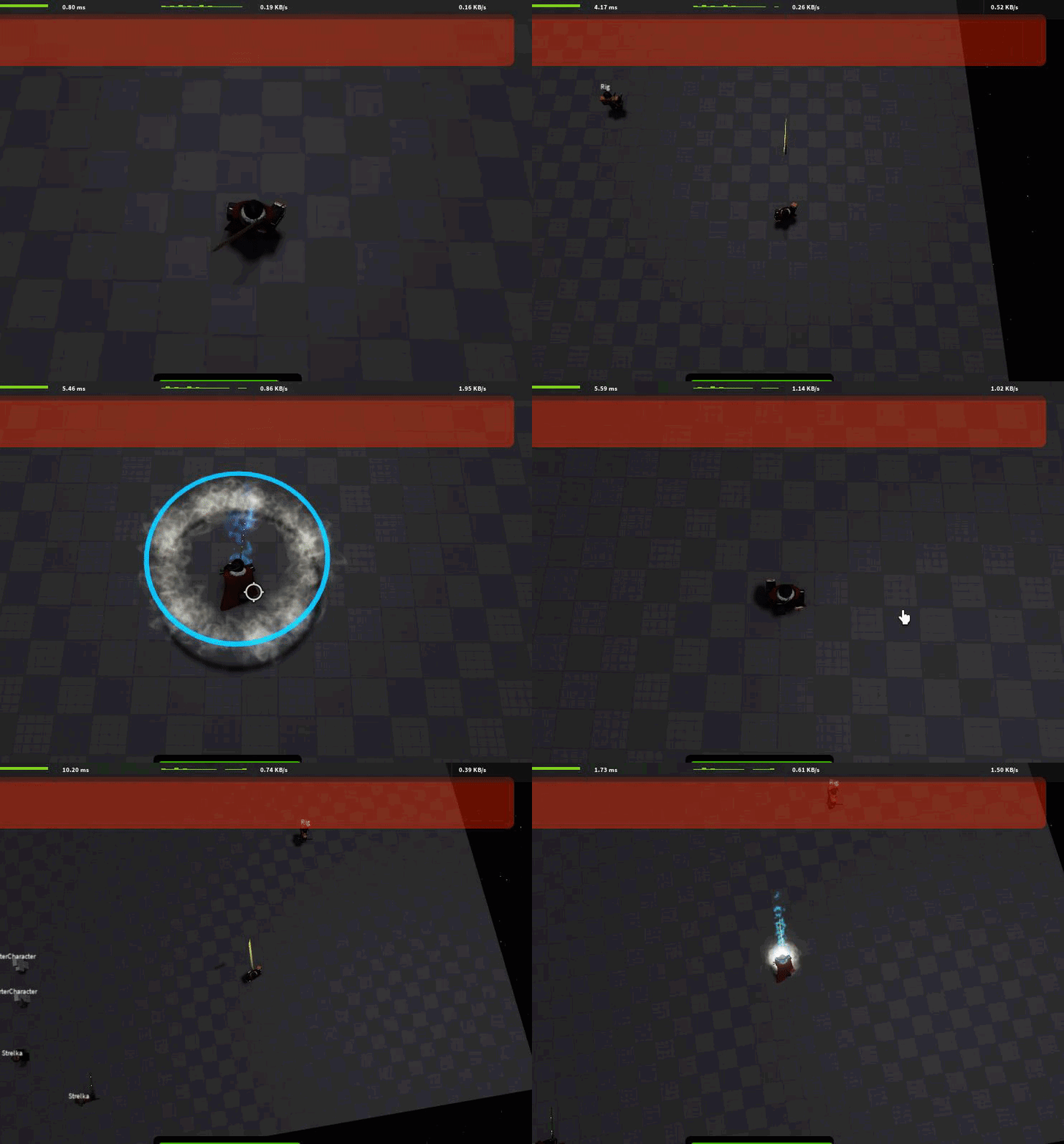
notice how when i rotate my character 90 degrees i go in the same direction as the first one
thats the issue
fickle holly
NOW I SEE
junior terrace
its moving relative to the world's xyz axis and not mine
fickle holly
Never had this in Roblox studio. Only experienced it in Unity
junior terrace
so you dont use studio?
junior terrace
oh lol
fickle holly
junior terrace
oh lol
Actually
I got an idea
Try using CFrame property instead of Position
junior terrace
you cant, bodyposition is position only
fickle holly
junior terrace
you cant, bodyposition is position only
wait(0.2)
sound2:Play()
sound1:Play()
wait(0.2)
twirlywhirly.Parent = greatsword
twirlywhirly:Play()
local hrp = game.Players.LocalPlayer.Character.HumanoidRootPart
local bvel = Instance.new("BodyPosition", hrp)
bvel.CFrame = CFrame.new(Vector3.new(0, 17, -5)) * hrp.CFrame:WorldToLocal(hrp.CFrame)
bvel.D = 20
bvel.MaxForce = Vector3.new(math.huge, math.huge, math.huge)
bvel.P = 100
game.Debris:AddItem(bvel, 0.9)

wait(0.6)
fakesword:Destroy()
greatsword.Transparency = 0
greatsword.Trail.Enabled = true

local bvel2 = Instance.new("BodyPosition", hrp)
bvel2.CFrame = CFrame.new(Vector3.new(0, -17, 0)) * hrp.CFrame:WorldToLocal(hrp.CFrame)
bvel2.D = 10
bvel2.MaxForce = Vector3.new(math.huge, math.huge, math.huge)
bvel2.P = 100
game.Debris:AddItem(bvel2, 0.4)
there is no such thing as cframe in bodyposition
"bodyposition.CFrame" is not a thing
fickle holly
Ye idk why i put CFrame
Sorry I am very stupid today
But
You can still use the function I suggested
junior terrace
nope, doesnt work
fickle holly
WorldToLocal()
fickle holly
wait(0.2)
sound2:Play()
sound1:Play()
wait(0.2)
twirlywhirly.Parent = greatsword
twirlywhirly:Play()
local hrp = game.Players.LocalPlayer.Character.HumanoidRootPart
local offset = Vector3.new(0, 17, -5)
local position = hrp.Position + hrp.CFrame:WorldToLocal(offset)
local bvel = Instance.new("BodyPosition", hrp)
bvel.Position = position
bvel.D = 20
bvel.MaxForce = Vector3.new(math.huge, math.huge, math.huge)
bvel.P = 100
game.Debris:AddItem(bvel, 0.9)
wait(0.6)
fakesword:Destroy()
greatsword.Transparency = 0
greatsword.Trail.Enabled = true
offset = Vector3.new(0, -17, 0)
position = hrp.Position + hrp.CFrame:WorldToLocal(offset)
local bvel2 = Instance.new("BodyPosition", hrp)
bvel2.Position = position
bvel2.D = 10
bvel2.MaxForce = Vector3.new(math.huge, math.huge, math.huge)
bvel2.P = 100
game.Debris:AddItem(bvel2, 0.4)
fickle holly
junior terrace
valid member rather
What about this
Wait that's CFrame
Shi I forgot that